Flight Simulation Screenshots displaying your Flight Simulation Experience. MSFS, FSX, Prepar3D, XPlane and other Flight Simulators. Focus is your Flight Simulator Experience. Please upload to Simviation (Button at top right)
 by ATI_7500 » Wed Aug 10, 2005 3:59 am
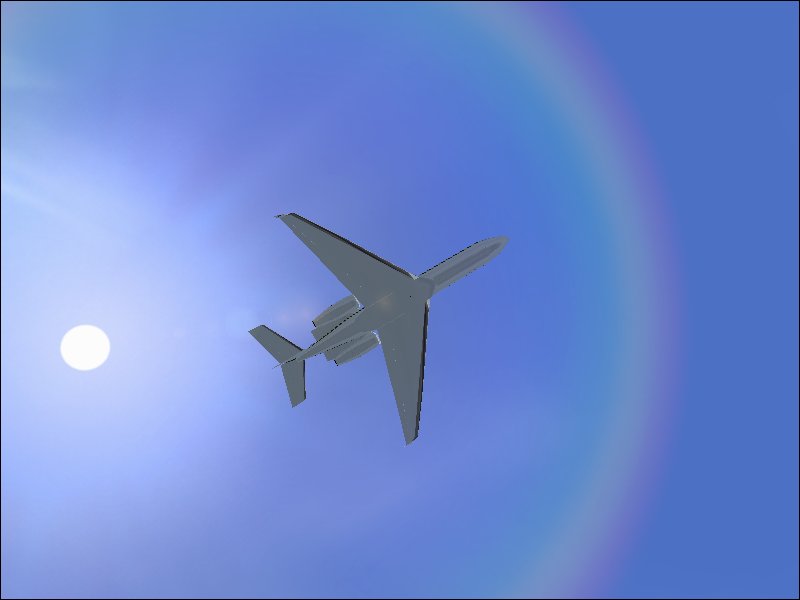
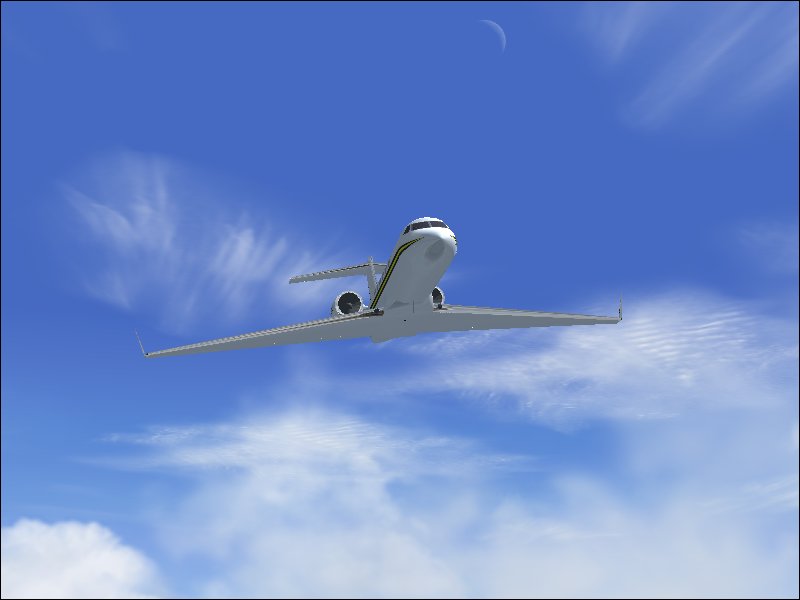
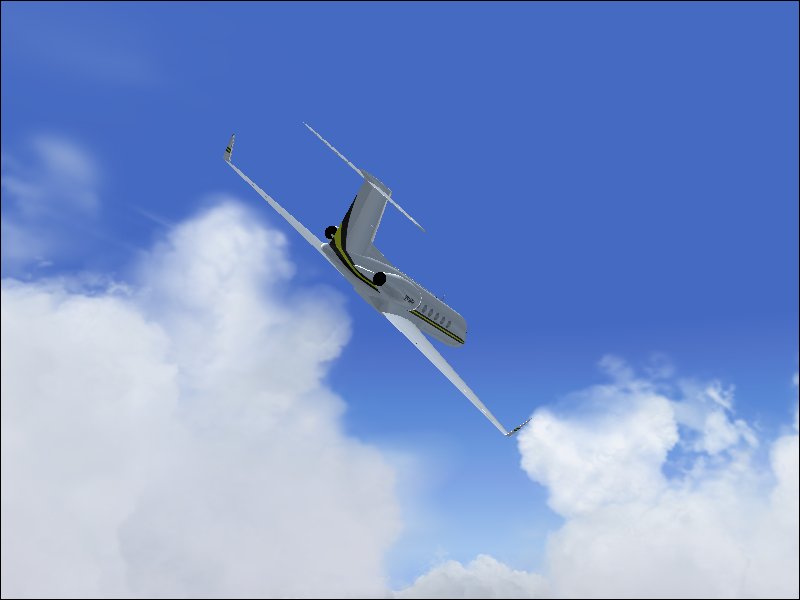
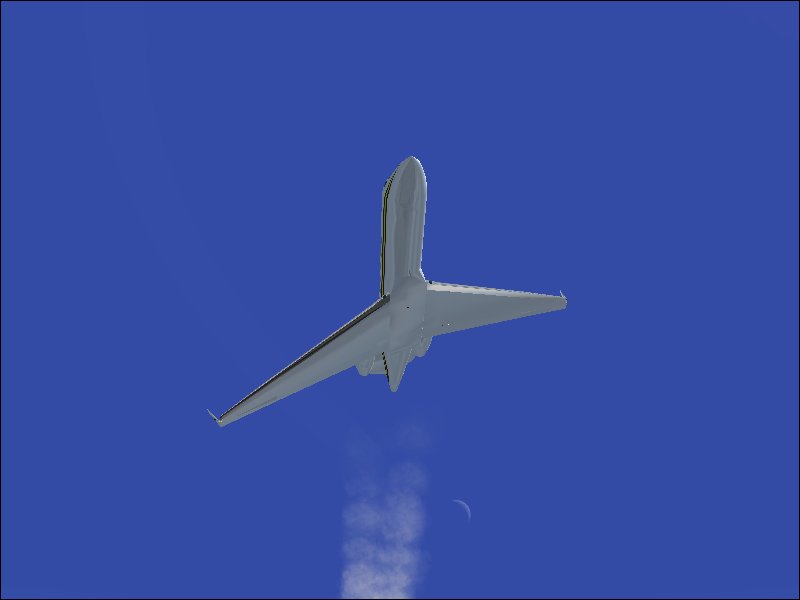
Those pics could use a bit of Anti-Aliasing, methinks.
Neat angles 'though.
-
ATI_7500
-
by Hai Perso Coyone? » Wed Aug 10, 2005 4:29 am
Those pics could use a bit of Anti-Aliasing, methinks.
+1 and beautiful angles!!
-

Hai Perso Coyone?
- Ground hog

-
- Posts: 0
- Joined: Fri Jan 12, 2007 7:31 pm
- Location: Rome, Italy
by SkyNoz » Wed Aug 10, 2005 10:51 am
How do you take anti-allising off by the way

, Cool shot's Rimshot.

Last edited by
SkyNoz on Wed Aug 10, 2005 10:52 am, edited 1 time in total.
Project Kfir!
 My Gmax page
Aircraft modeler/Aircarft painter
Aye the key!
[GeneralEngineData]
//0=Piston, 1=Jet, 2=N
-
SkyNoz
- Major

-
- Posts: 1703
- Joined: Sat Aug 06, 2005 11:02 am
by flyboy 28 » Wed Aug 10, 2005 12:11 pm
Go to settings/display settings/hardware and there should be a little check box.
-

flyboy 28
- Colonel

-
- Posts: 10266
- Joined: Thu Jun 12, 2003 4:01 pm
- Location: Jacksonville, FL
by SkyNoz » Wed Aug 10, 2005 2:00 pm
Project Kfir!
My Gmax pageAircraft modeler/Aircarft painter
Aye the key!
[GeneralEngineData]
//0=Piston, 1=Jet, 2=N
-
SkyNoz
- Major
-
- Posts: 1703
- Joined: Sat Aug 06, 2005 11:02 am
by ATI_7500 » Wed Aug 10, 2005 2:25 pm
Richt Click on Windows Desktop -> Properties -> Tab 'Settings' -> 'Advanced'
And then look for the Anti-Aliasing settings of your vid card.
-
ATI_7500
-
by Clipper » Wed Aug 10, 2005 8:05 pm
Rimshot, I've never seen a rainbow like the one in the first pic. Opens up a whole new set of possibilities. Did you do anything in particular to create it?
-

Clipper
- Global Moderator

-
- Posts: 8420
- Joined: Tue Aug 23, 2005 5:40 am
by Clipper » Wed Aug 10, 2005 8:07 pm
Rimshot, I've never seen a rainbow like the one in the first pic. Opens up a whole new set of possibilities. Did you do anything in particular to create it?
-
Clipper
- Global Moderator
-
- Posts: 8420
- Joined: Tue Aug 23, 2005 5:40 am
by ATI_7500 » Thu Aug 11, 2005 5:34 am
Rimshot, I've never seen a rainbow like the one in the first pic. Opens up a whole new set of possibilities. Did you do anything in particular to create it?
Seems to be a lens flare.
-
ATI_7500
-
by flyboy 28 » Thu Aug 11, 2005 9:10 am
I picked it up over at Avsim. Search for "rainbow" and it should come up.
You need to have "Lens Flare" checked in the display settings for it to work though.
-
flyboy 28
- Colonel
-
- Posts: 10266
- Joined: Thu Jun 12, 2003 4:01 pm
- Location: Jacksonville, FL
Return to Simulation Screenshots Showcase
Who is online
Users browsing this forum: No registered users and 264 guests