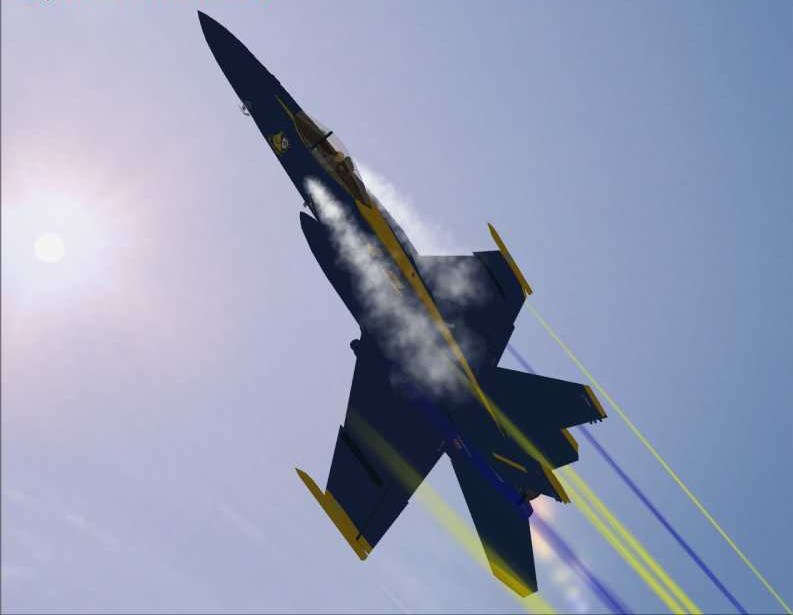
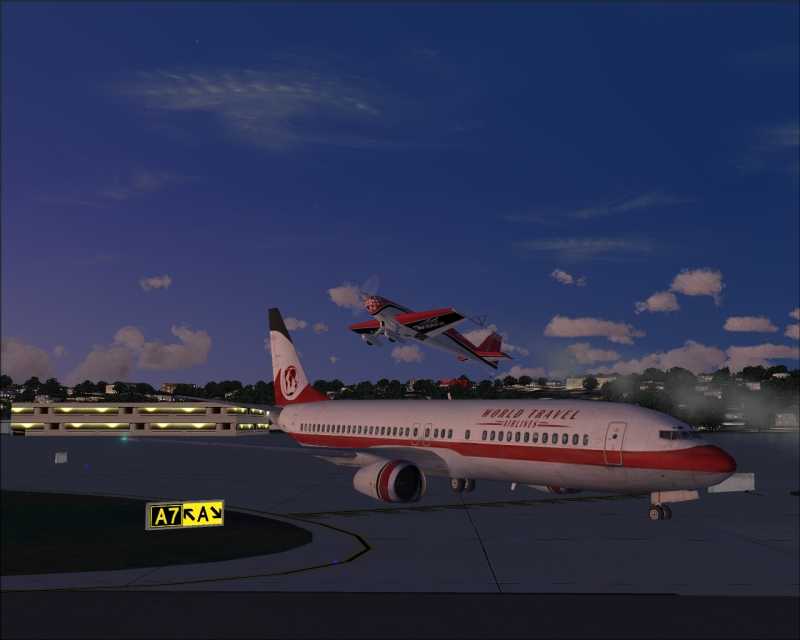
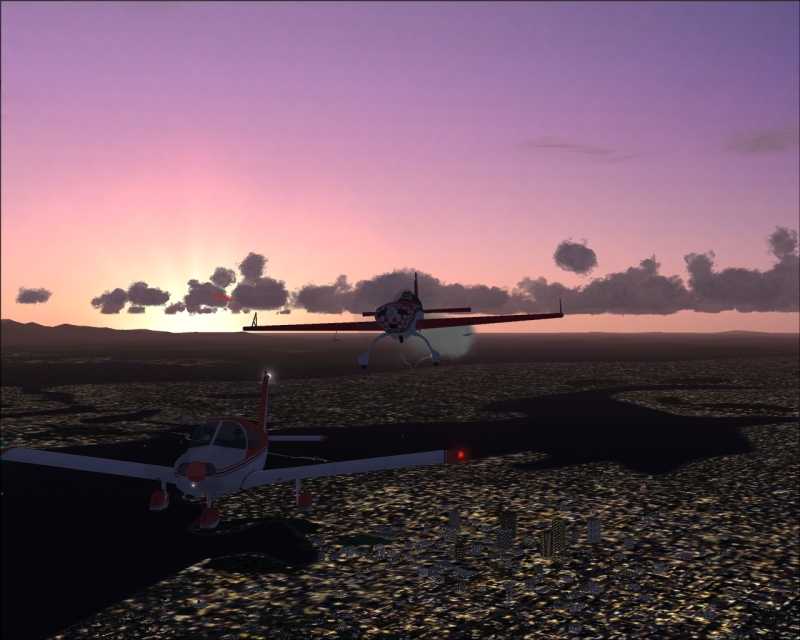
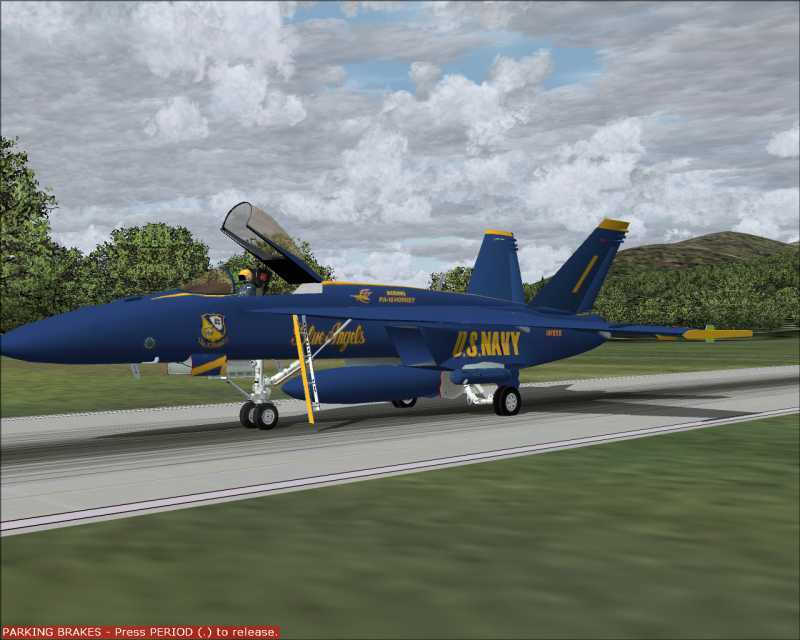
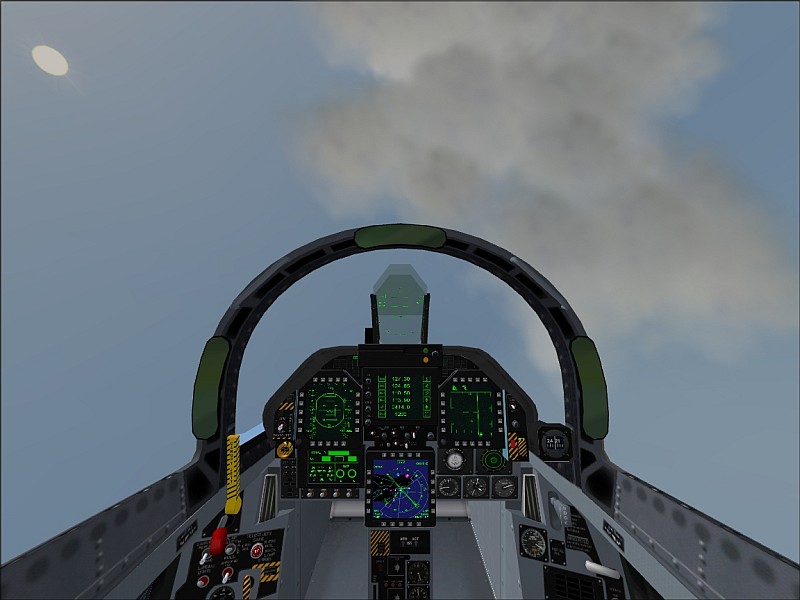
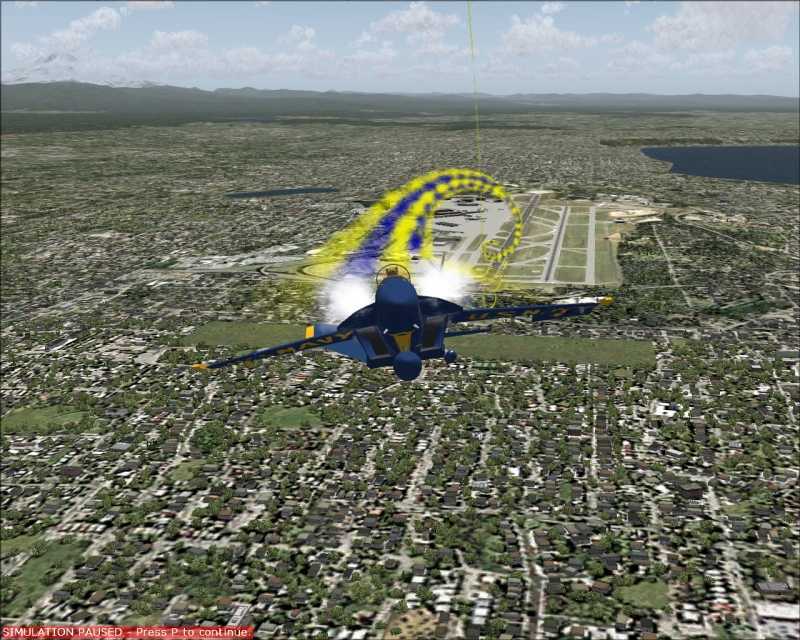
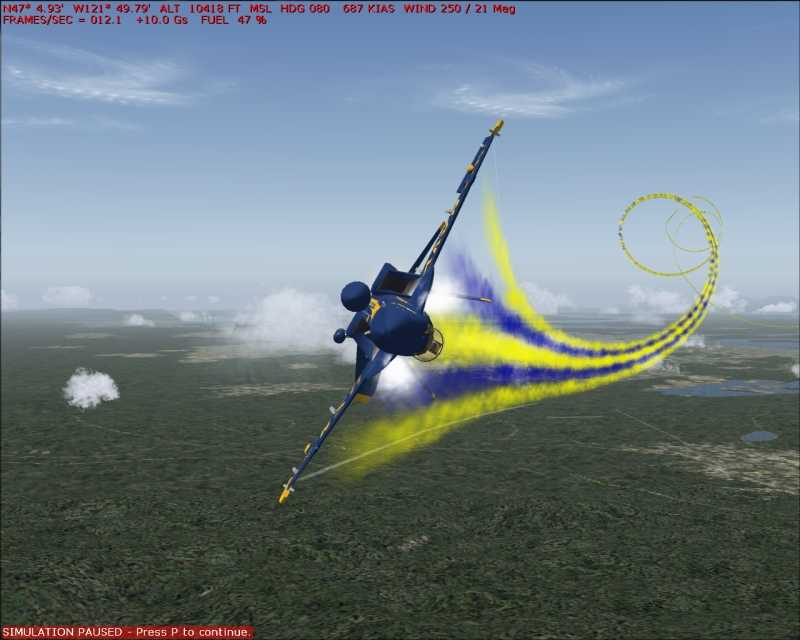
Zitin, these shots kick Butt!! Great stuff. To eliminate the unwanted text in the shots, open the shot in Irfanview, frame it with your mouse (hold down your left mouse side while the cursor is on the pic) and scroll. This will create a box around the picture. Set up the box so you exclude the red type at the top and bottom of your pic. Then let go of the mouse left side. Now click on edit at the top of the pic, then click on "crop selection". This will give you the pic with only what you framed. Then save it as a new pic. Your shots are vastly improved. Way to go Man!

Here's what I mean for cropping..