Spotting at a busy CDG.

Flight Simulation Screenshots displaying your Flight Simulation Experience. MSFS, FSX, Prepar3D, XPlane and other Flight Simulators. Focus is your Flight Simulator Experience. Please upload to Simviation (Button at top right)

Spotting at a busy CDG.

Postby Triple_7 » Thu Jun 09, 2005 7:27 pm

With some spare time I decided to go spotting while im here at CDG.

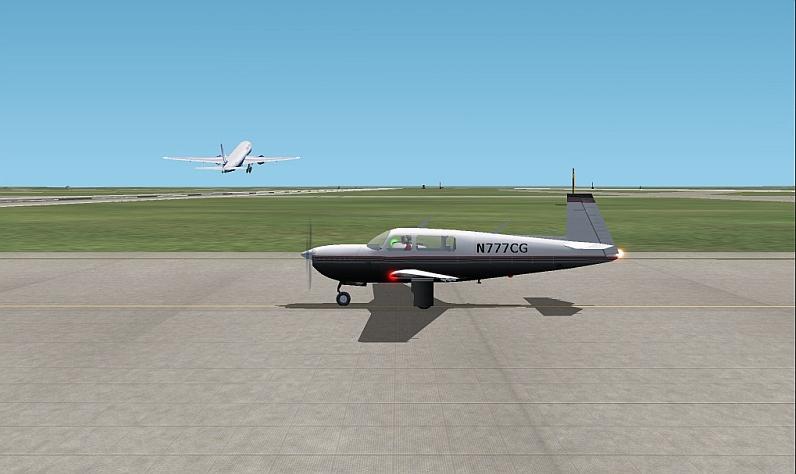
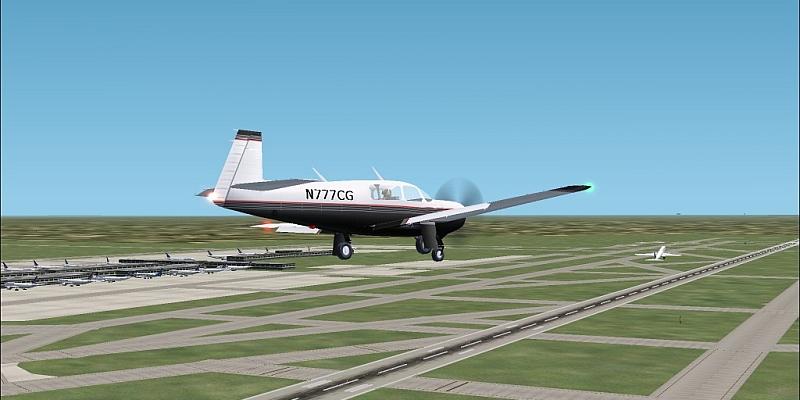
Continental 777-200 bound for Houston.  That terminal is busy at the moment.  Lots of flights soon to depart.
Image
United 777-200 off to Washington.
Image
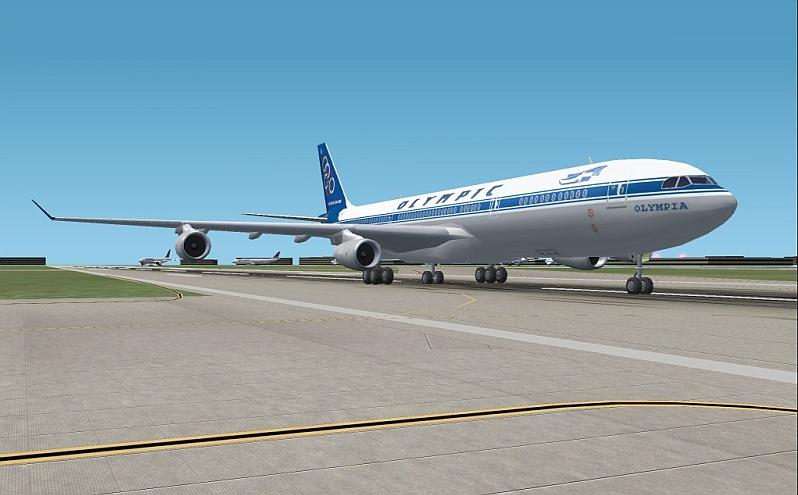
Rush hour...At 13:15 many flights pushed back for departure.  This shot was taken somewhere towards the middle of the group.  This ones off to Athens.  Terminal may be a little more open now but over on 9R there is several flights landing.  Would not want to be up in the tower during this time :o
Image
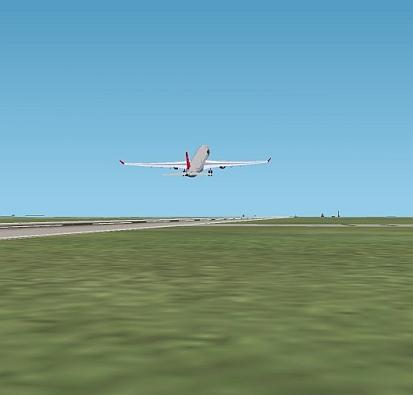
Finally things begin to slow some.  Northwest A330-300 to Detroit.
Image
And last but not least Lufthansa 737-300 to Frankfurt.  Many more shots were taken but dont want to post them all ;)
Image

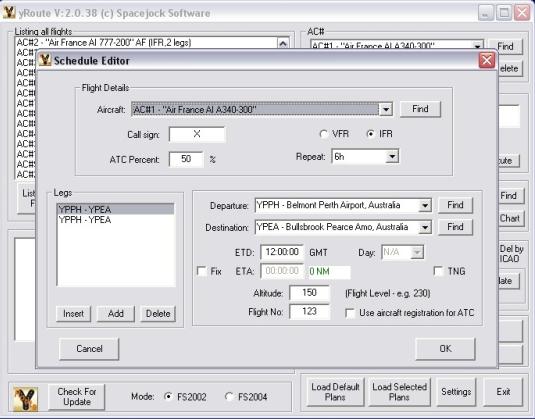
Over the past week I have collected all the flight times and such for most daily heavy flights.  All flights are on real time.  Each route was programed in seperately using Yroute.  Will be adding many more...including all of the smaller jets and such to the list.  But untill i get a different computer this is all that is going to be programed.  Major fps killer at the moment.  Nice to see it busy though ;)
Triple_7
 

Re: Spotting at a busy CDG.

Postby jrpilot » Fri Jun 10, 2005 8:00 am

Nice shots.  What is YROUTE?  Is it realworld flightplans for AI?
jrpilot
Major
Major
 
Posts: 2178
Joined: Fri Sep 26, 2003 3:04 pm

Re: Spotting at a busy CDG.

Postby Triple_7 » Fri Jun 10, 2005 2:40 pm

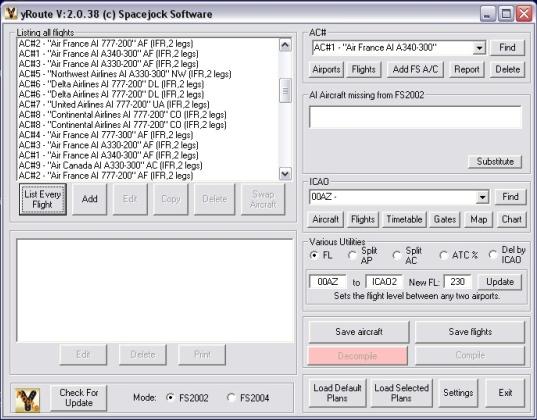
Yroute is a program that basicaly lets you take the AI programing into your hands.  Its time consuming and takes awhile to figure out how it all works.  I could sit here and explain it for days.  But experimenting is what works best.

I cleared all flightplans and started from scratch.  CDG is the first airport im working on sence I'm wth VA Air France.  I used www.eskyguide.com/search to find all of my schedule times.  Routes you will want to know before going there.  Wrote them all down with flight #s, times, and aircraft... Then edited the Aircraft file for all the aircraft needed.  Opened Yroute and went to work.  Checked the aircraft, set the flight times/#s and all.  

Will warn you, ALL PROGRAMING IS IN GMT TIME!!!  You need to go into fs and convert times for EVERY airport you use.  After you save the flights and everything.  Compile using TTools and open FS.  Make sure your AI% setting is the same as you had in Yroute.  Left mine the default 50% .  All flights still show up sence they are programed for that %.  Open FS and enjoy  ;)  Seems like a lot of work but really its not that bad.  

My CDG is still missing plenty of flights and eventualy i will add the smaller jets to it.  But FPS is low enough at the moment :'(  But every flight that is there is arriving and departing as they are right now in real life.  So CDG atc must have a lot of fun around 13:00 to 14:00 :P  

Yroute can be found at www.spacejock.com

Basic layout.
Image
Flight programing.
Image
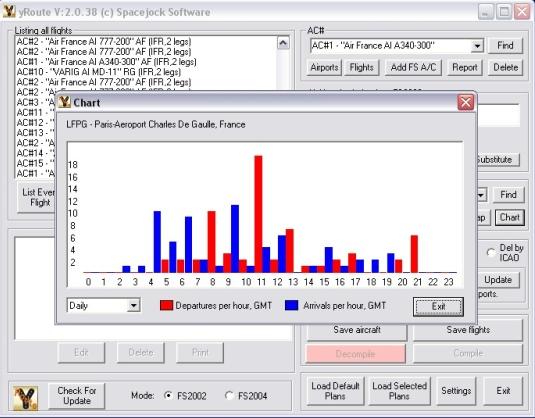
You can bring up charts of the arrivals and departures.  (mind you this is in GMT time...move the chart ahead 2 hours and it will show the real times.
Image

All aircraft i used are FS Painters ;)
Triple_7


Return to Simulation Screenshots Showcase

Who is online

Users browsing this forum: No registered users and 387 guests