
Thought I would try out this kite around LAX
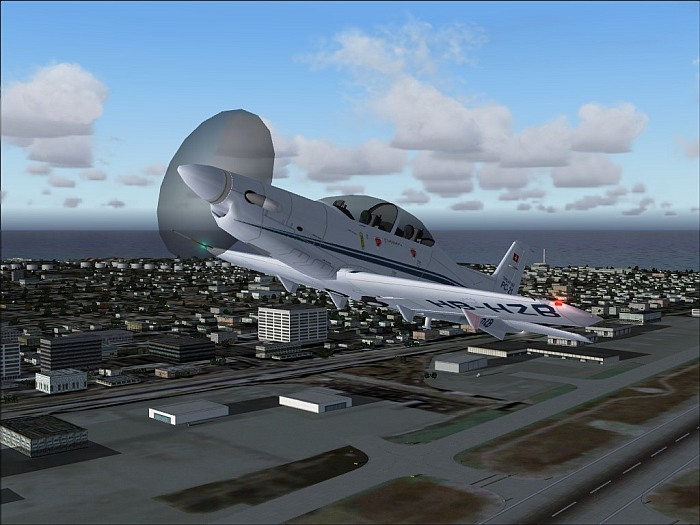
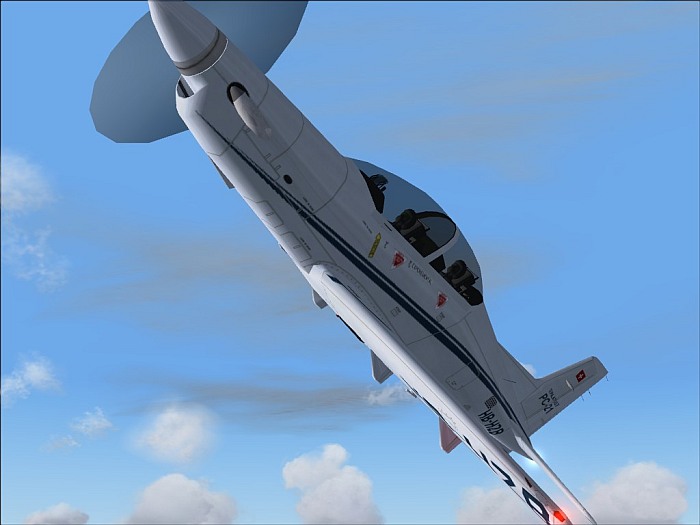
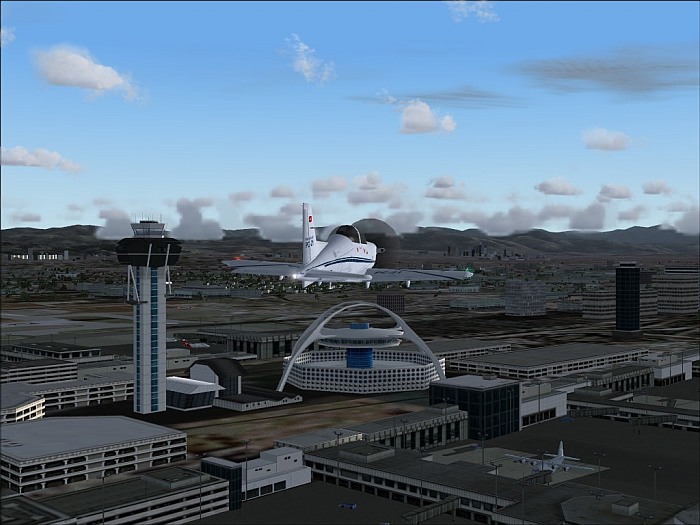
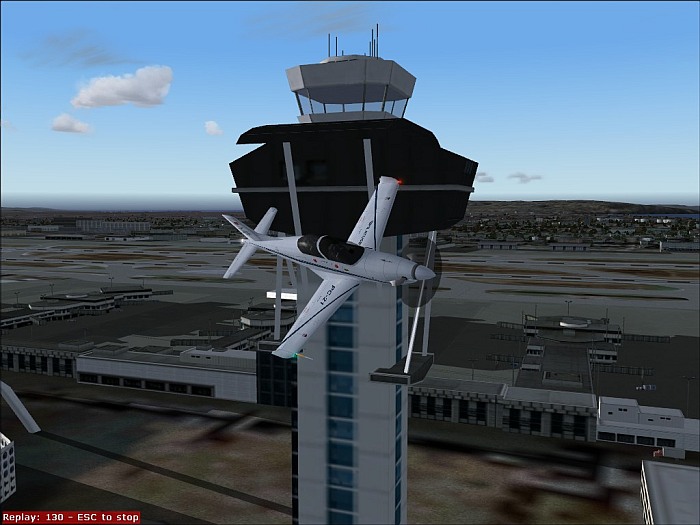
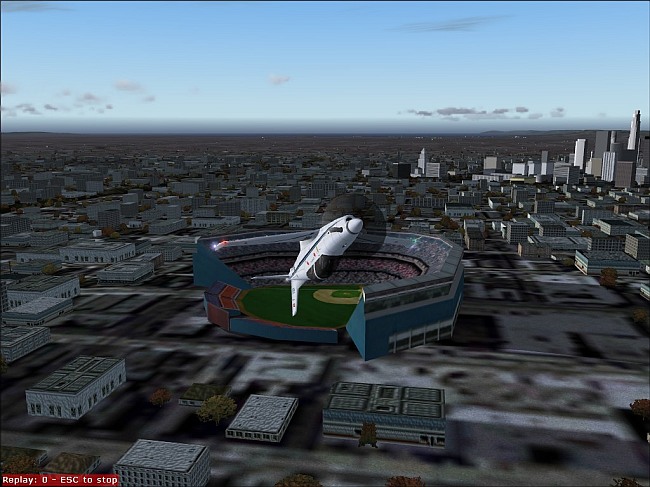
Guess this is not gonna look good on my application for Fozzer's EGFC.

Cheers
Splash

Flight Simulator and other chat
 by Splash » Sun Sep 19, 2004 9:02 pm
by ATI_7500 » Mon Sep 20, 2004 9:15 am
by jordonj » Mon Sep 20, 2004 7:14 pm



by Fighting_Falcon » Tue Sep 21, 2004 12:19 pm


by jordonj » Wed Sep 22, 2004 9:15 am
by JW49 » Wed Sep 22, 2004 9:47 am


by jordonj » Sat Sep 25, 2004 10:43 am

Return to Simulation Screenshots Showcase
Users browsing this forum: No registered users and 375 guests
