Okay, take the link that appears after you get to the page that reads
upload successful (I am assuming you got that far). Cut and paste the link that appears:
http://www.simviation.com/yabbuploads/alt+tab over to the window where you're trying to post the image, then type {img}{/img}.
Paste the
http://www.simviation.com/yabbuploads/ between the {img}{/img} tags (I have to substitute the [] brackets with {} or you won't be able to see the code, defeating the purpose of this post...
Example (with {} substituted for [])
{img}http://www.simviation.com/yabbuploads/{img}
Now all that's missing is the name of your file...I use explorer, and copy the name by hitting F2 over the highlighted file and then hit ctrl+c. I also pick complicated names so that they are less likely to be overwritten by subsequent uploads...
For example lets say I wanted to show a picture called
5ThrwOffYksjj.jpgI would paste it
here...
{img}http://www.simviation.com/yabbuploads/
5ThrwOffYksjj.jpg{img}
Annd changing the {} to [] (removing the bold tags as well) we get:
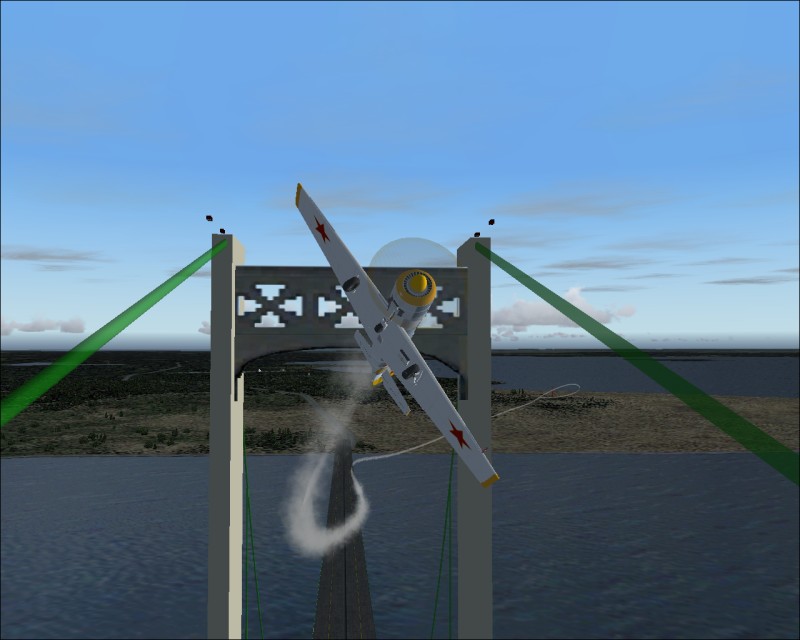
Remeber that the name has to be
exactly the same as it is on your hard drive (it's case-sensitive too).
You can also look at the code by hitting the quote tag in the forum, that will also show you the correct code syntax...
Happy posting

My first flight in a 172 on August 20, 2004

Doing the right thing is more important than doing the thing right. (P. Drucker)
When all think alike, then no one i

 by jordonj » Mon Sep 06, 2004 11:21 pm





 :)
:)
