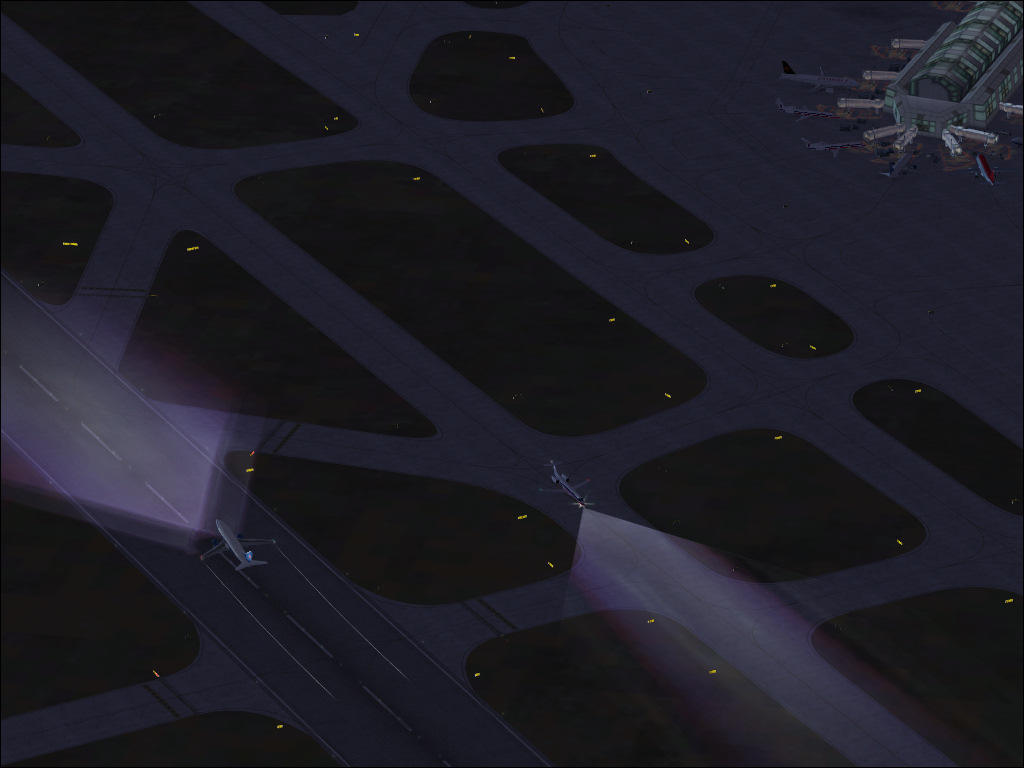
Thanks for looking.


Flight Simulator and other chat
 by ShaneG_old » Wed Sep 24, 2008 5:00 am

by Daube » Wed Sep 24, 2008 7:33 am

by ShaneG_old » Wed Sep 24, 2008 7:52 am


by jime59 » Wed Sep 24, 2008 5:02 pm


by Wii » Wed Sep 24, 2008 5:30 pm
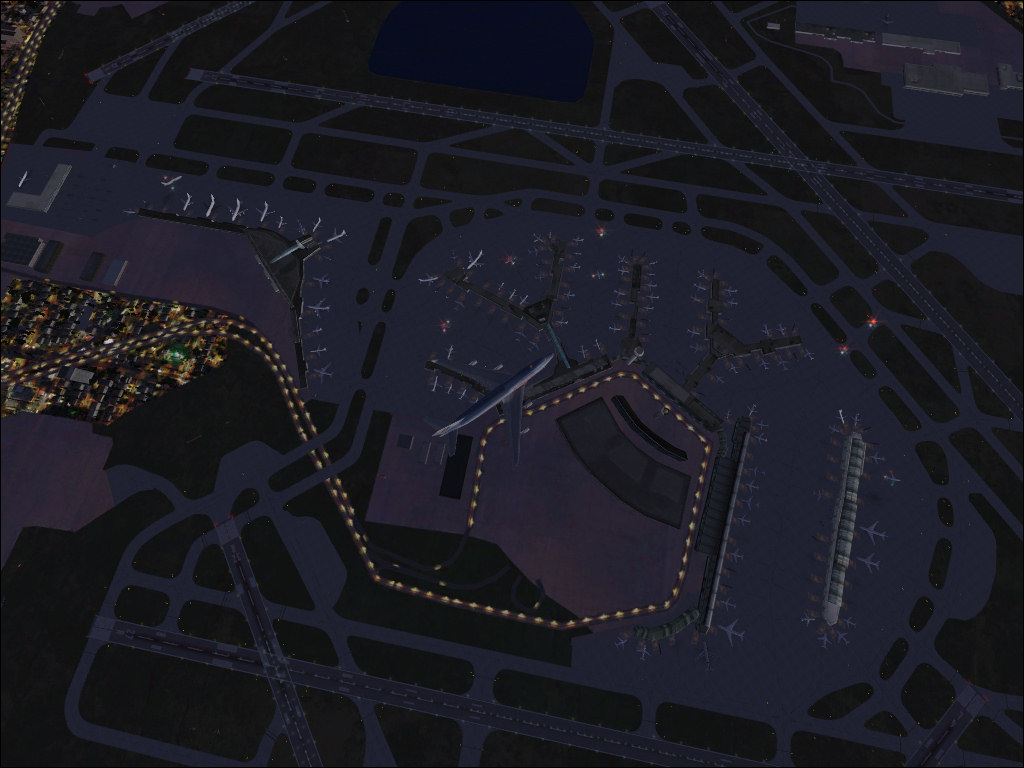
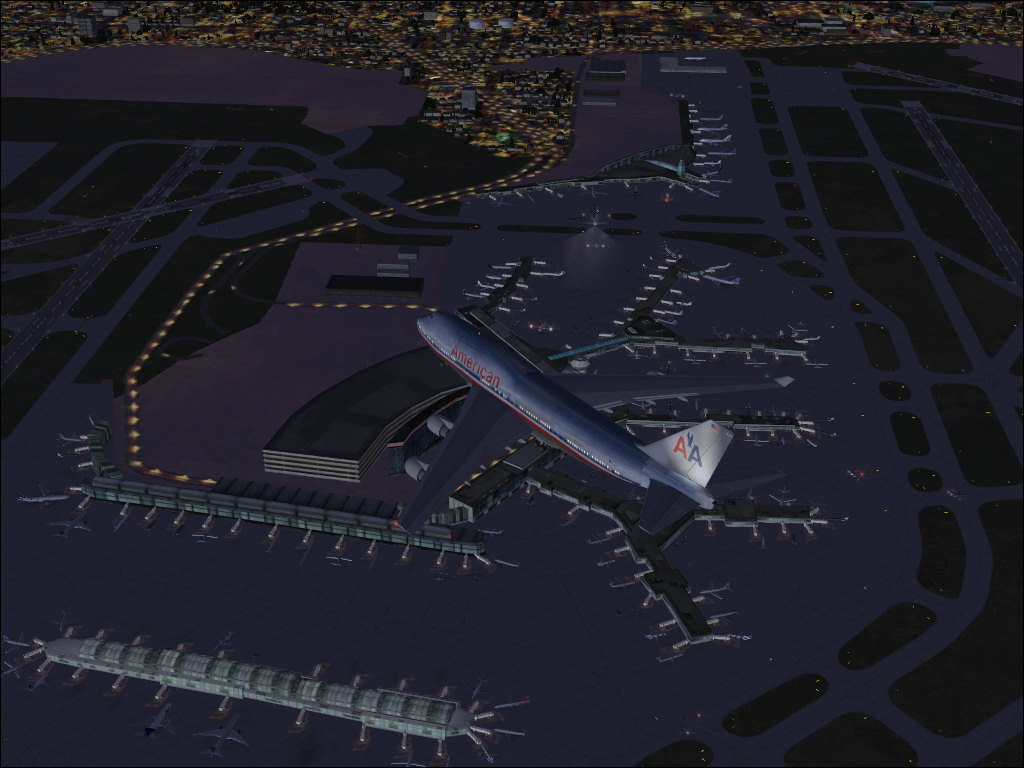
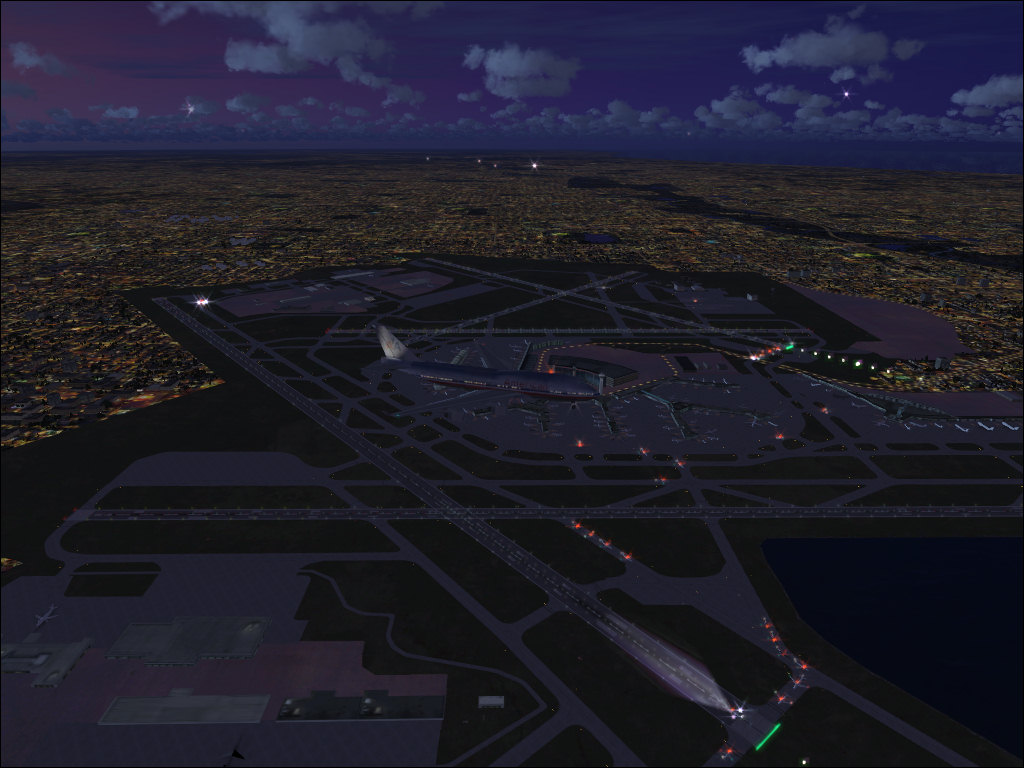
This is with the AI slider at 100, I usaually can't get above 10-15fps.
When I back it down to 50 or less I can keep it at 20fps.
Great for watching AI or taking screenshots, but kinda pointless for enjoyable flying.


by EchoLdrWolf » Wed Sep 24, 2008 6:07 pm

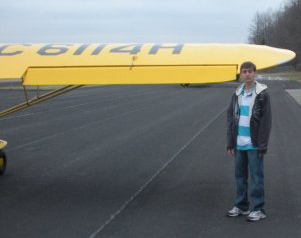

by ShaneG_old » Wed Sep 24, 2008 6:32 pm
Though 3rd party AI has less of a hit, 75 packages will hit you no matter what
I downloaded just under 300 packages from PAI (21 pages worth, skipping the default traffic for '02 and '04!) and all 220 MAIW packages. I took some advice from the FSX forum and made a special AI folder in Simobjects, and for those that are hard drive sensitive, it's 10Gb total just for the aircraft!:o Thankfully AIFPC works with multiple .bgls at once! by EchoLdrWolf » Wed Sep 24, 2008 6:34 pm
Though 3rd party AI has less of a hit, 75 packages will hit you no matter what
I wish it was only 75


by ShaneG_old » Wed Sep 24, 2008 6:47 pm
by firemonte007 » Wed Sep 24, 2008 7:43 pm
so most of my airports are full also 8-)

by TRflyman01 » Wed Sep 24, 2008 7:51 pm
TRflyman01 made an EXCELLENT post about setting up the AI: http://www.simviation.com/cgi-bin/yabb2 ... 1221955733
HUGE thanks to him, I was so lost on how to get it all right for FSX until I read his post.

Return to Simulation Screenshots Showcase
Users browsing this forum: No registered users and 394 guests