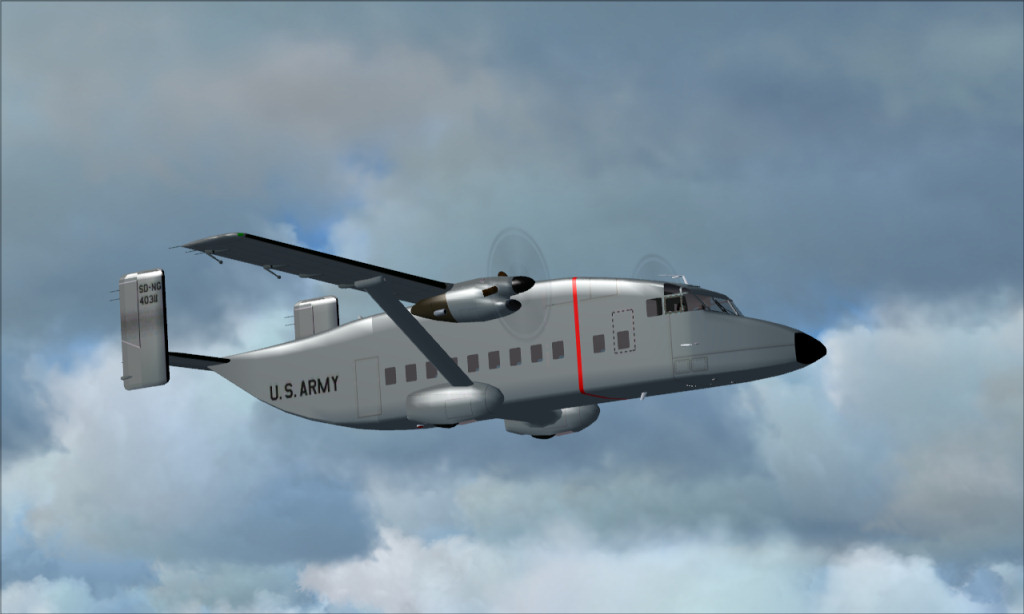
ok, here is an updated one with the compression turned way down
Sean
At 80.7 Kb it still comes out at way below the forum limit of 150 Kb. Which software are you using to save your shots?
Nice shot. BTW

Flight Simulator and other chat
 by Hagar » Wed Jul 08, 2009 1:45 am
ok, here is an updated one with the compression turned way down
Sean



by Daube » Wed Jul 08, 2009 8:04 am


by jack_ryan » Wed Jul 08, 2009 9:11 am



by Hagar » Wed Jul 08, 2009 5:38 pm
by U4EA » Tue Jul 14, 2009 11:39 am

Return to Simulation Screenshots Showcase
Users browsing this forum: No registered users and 284 guests