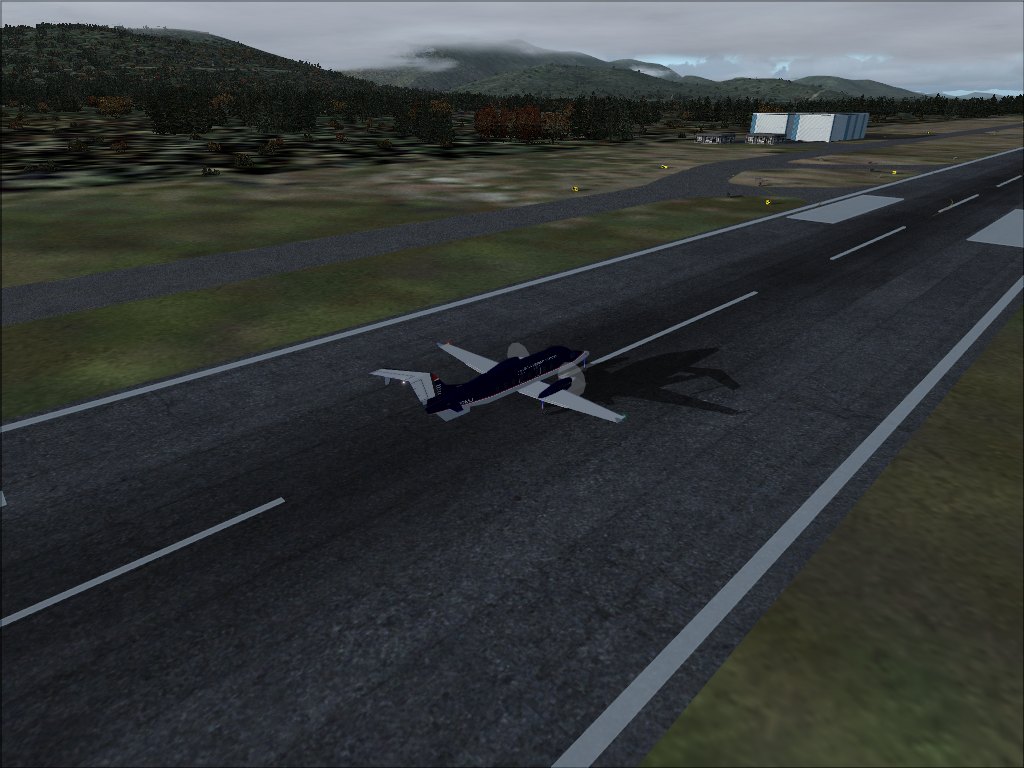
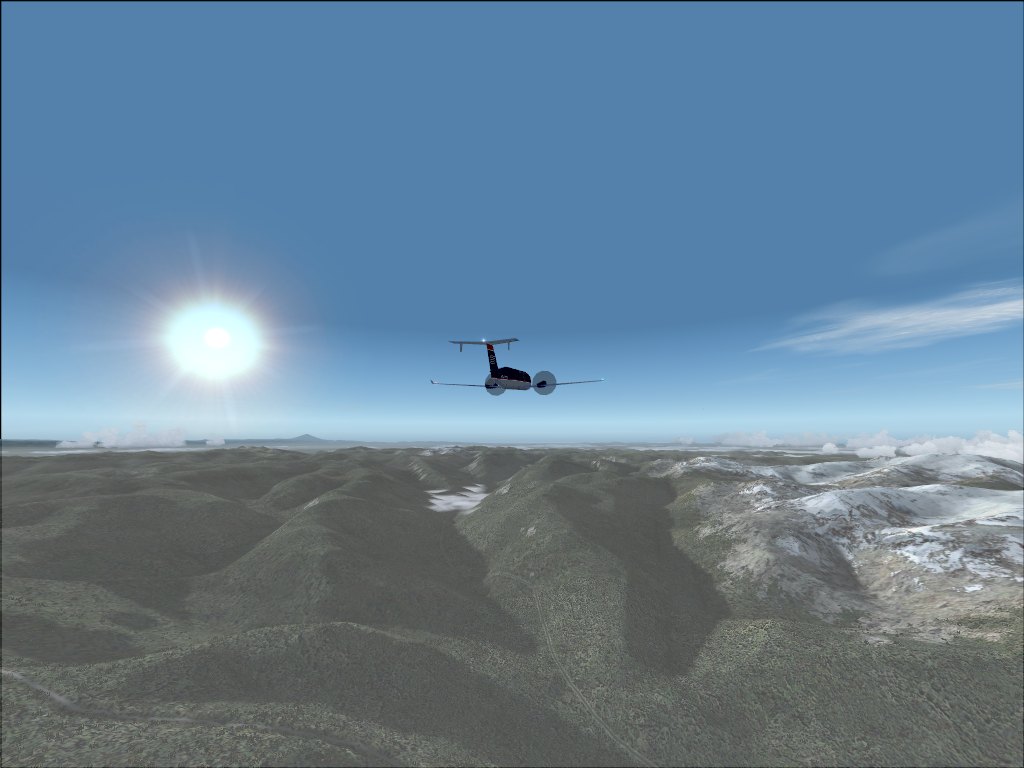
Thanks.

Flight Simulator and other chat
 by gtirob01 » Sat Jan 10, 2009 3:17 pm



by haroldkip » Sun Jan 11, 2009 4:58 pm


by Daube » Sun Jan 11, 2009 5:25 pm



by todayshorse » Sun Jan 11, 2009 5:30 pm


by haroldkip » Sun Jan 11, 2009 5:49 pm
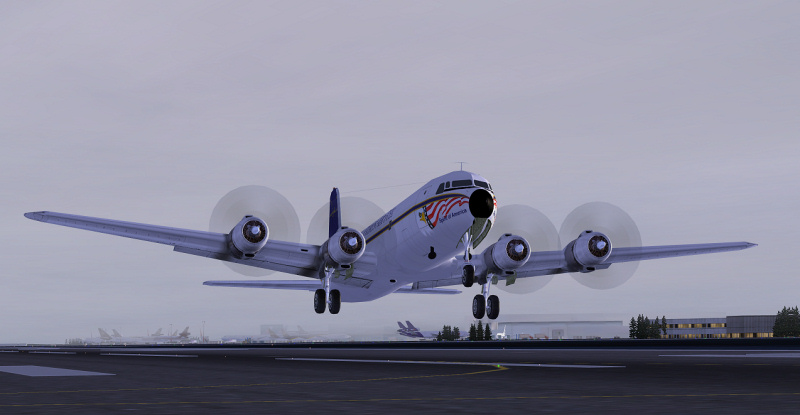
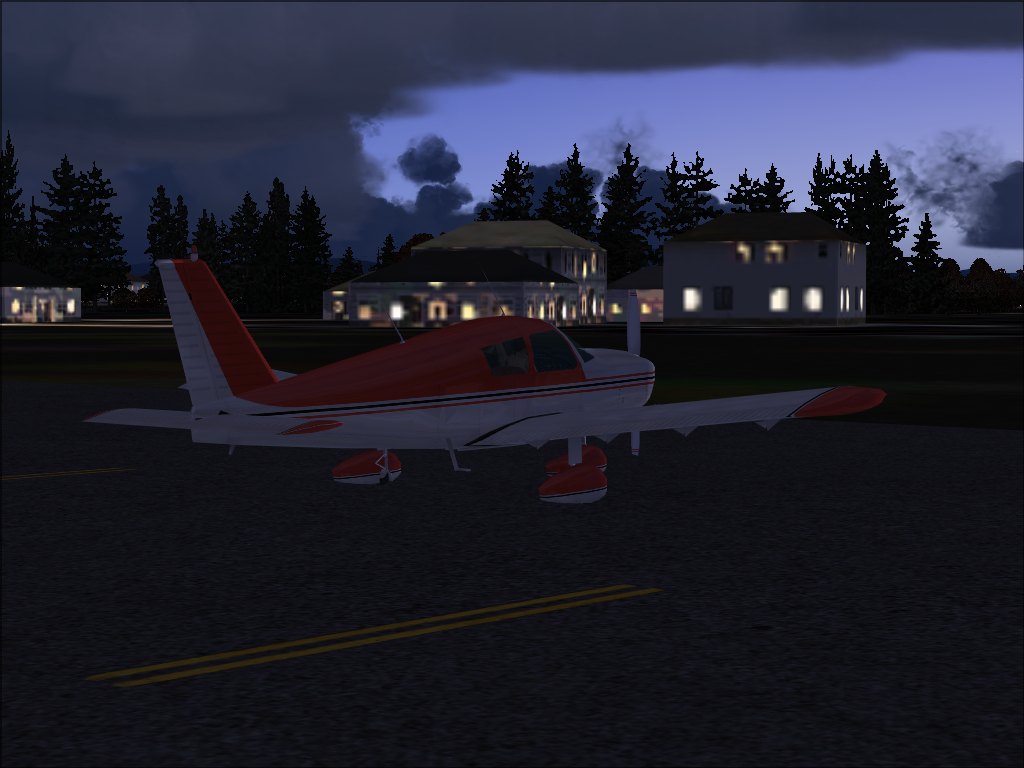
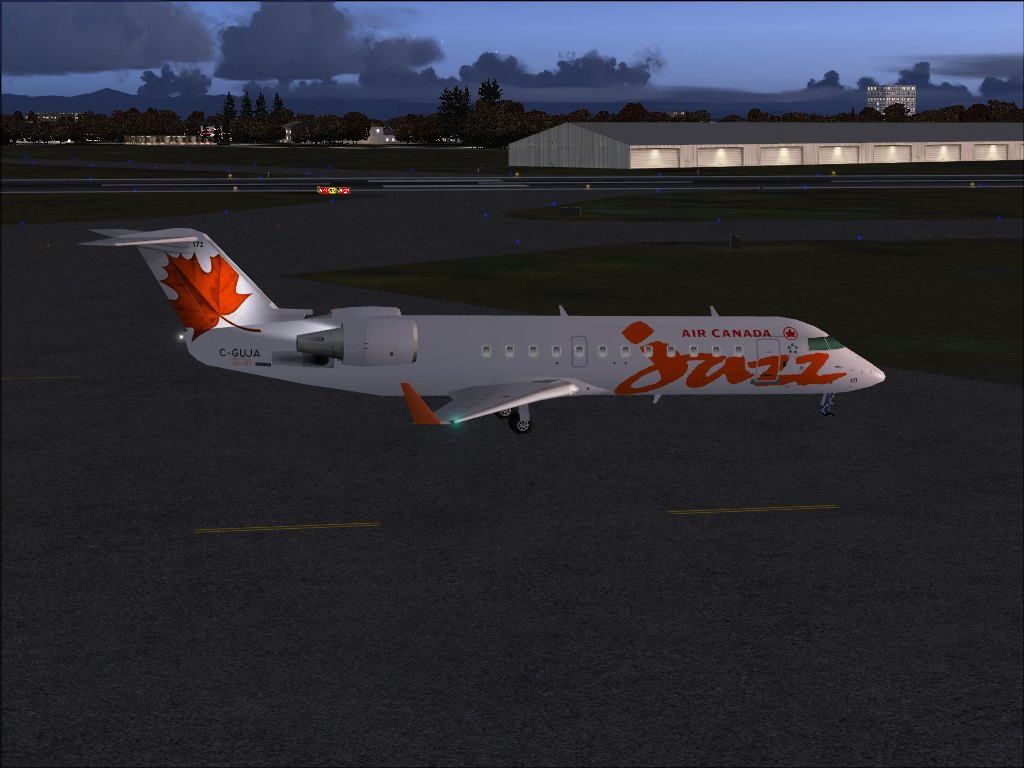
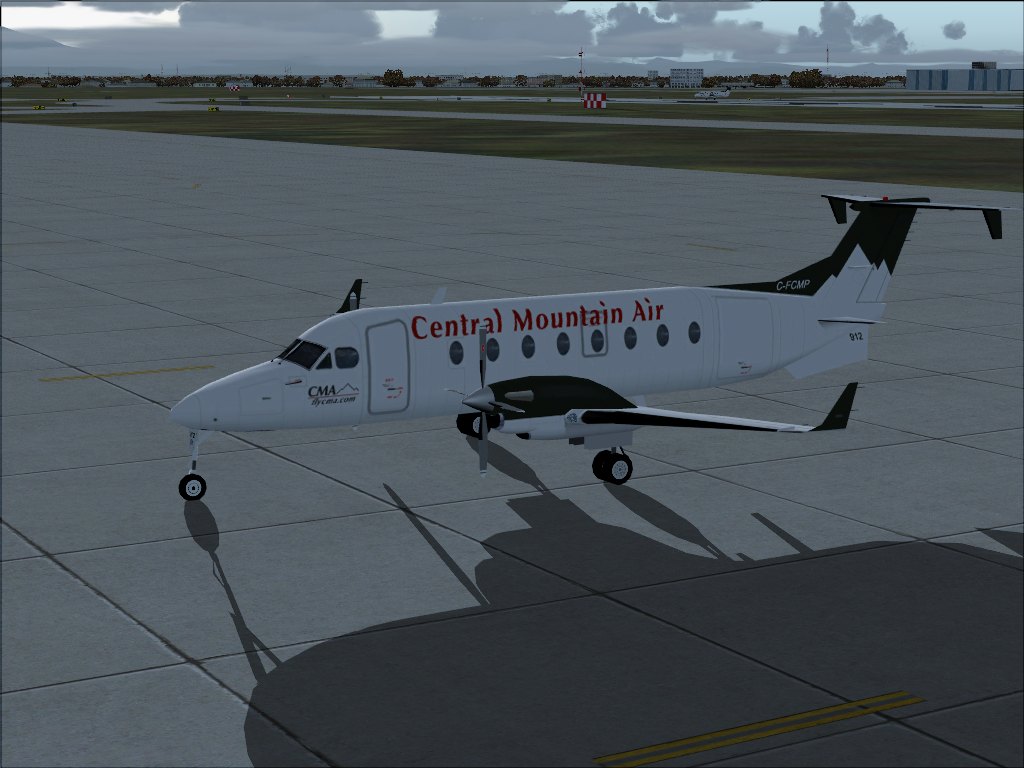
cropping is a good idea, you might have seen several members here have been using this technique to make the shots look more original. But to me, cropping is a little bit like cheating (it's kind of editing the shot), and I prefer the technique suggested by Harold: find a better angle of view, trying to hide the imperfections of the surrounding scenery, and showing the nice stuff as much as possible.
by scalper_old » Sun Jan 11, 2009 6:52 pm
by Brando14100 » Sun Jan 11, 2009 9:49 pm
Thanks for the Advise just have to figure out on how to crop.
by scalper_old » Sun Jan 11, 2009 9:54 pm
Return to Simulation Screenshots Showcase
Users browsing this forum: No registered users and 298 guests