
Simviation Forums
Flight Simulator and other chat
Flight Simulator and other chat
 by AdamG » Wed Sep 09, 2009 1:02 pm

by pete » Thu Sep 10, 2009 12:56 am


by pete » Thu Sep 10, 2009 12:59 am
by Daube » Thu Sep 10, 2009 4:24 am


by AdamG » Fri Sep 11, 2009 12:38 pm
by PJ » Fri Oct 02, 2009 6:10 pm
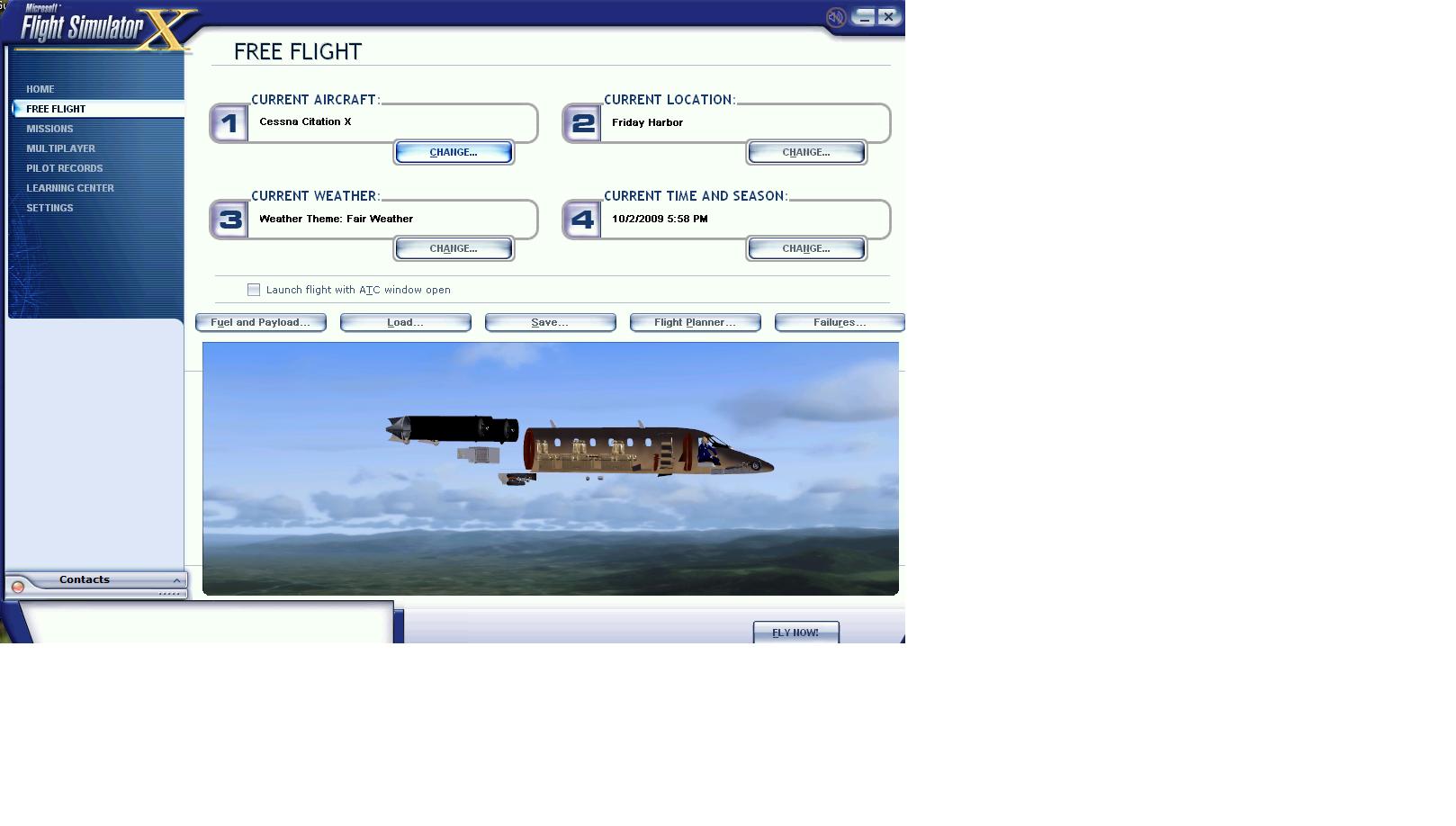
by skoker » Fri Oct 02, 2009 6:15 pm



by PJ » Fri Oct 02, 2009 6:16 pm
by ASRattrapp » Thu Mar 04, 2010 9:20 am
by Boikat » Thu Mar 04, 2010 11:16 am
no i did not.


by Alejandro Rhodes » Thu Mar 04, 2010 11:28 am
by sniper2481 » Sun Nov 14, 2010 6:24 pm

by BrandonF » Sun Nov 14, 2010 8:03 pm
hello everyone. i need know if someone can help me .i download the folder TOM_330 when i try to save the texture in notepad,notepad say was denied. please i need help. thanks you...
by alrot » Sun Nov 14, 2010 10:05 pm


Return to Flight Simulator X (FSX) and Steam
Users browsing this forum: No registered users and 322 guests