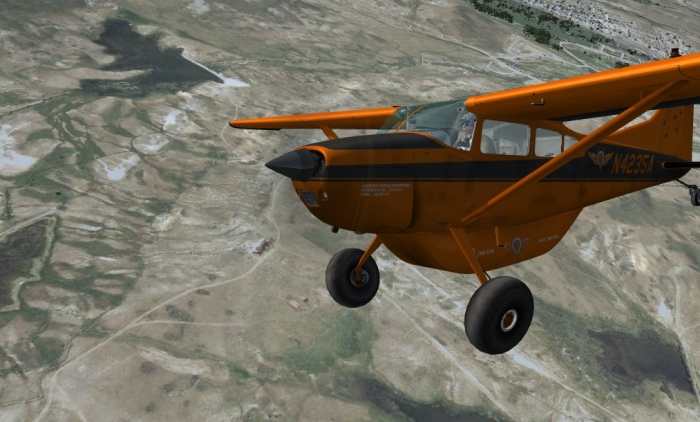
I am the kind of guy who likes to see the ground and sky around me. I know this can be done in spot view, but i also like to be able to do that from within the aircraft. Now FS aircraft tend to either allow this view, or have a texture in the window, which comes in the form of a picture of the inside of the cabin, or maybe a picture of the wings behind you. Now I know some aircraft designers today are just as concerned with making the inside of the plane look real as they are with making the outside look real, and so you can see switches on the ceiling and walls of the cockpit when you look left and right, and maybe a cabin with several rows of seats when looking behind you.
Now I know you can't please everyone, so I would never expect designers to rid their aircraft of cabin view textures, but I would like to know how to edit them out so I can see the ground and sky around me when looking around from within the plane.
I recently installed a Boeing 717 with cabin view textures I could have done without. Interestingly enough, there was also a file for download by the author of the aircraft that rid it of the cabin textures. It was an alternate .mdl file to be placed in the model folder of the aircraft, and sure enough, it took the cabin textures away.
Now I have no idea how to edit a .mdl file, but obviously it is the key to excluding cabin textures. Maybe there is another way, but I don't know. I can easily edit a .cfg file with a test editor and an .air file with a flight dynamics editor, but I don't have a clue how to edit .mdl files, so if anyone can help me, or knows of another way to control cabin textures. please help me.
Thanks, Eric.

Simviation Forums
Flight Simulator and other chat

 It is almost, if not, impossible to edit the *.mdl file of an aircraft. Being a designer there is another file that contains the editable information for a plane. This is not included in the upload.