by jordonj » Thu Jan 06, 2005 9:39 am
It probably has to do with the realism settings...
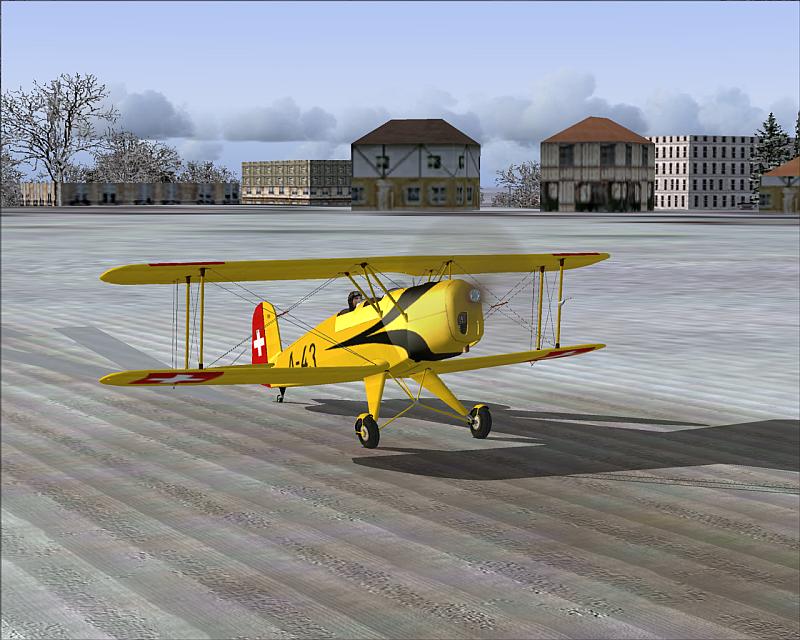
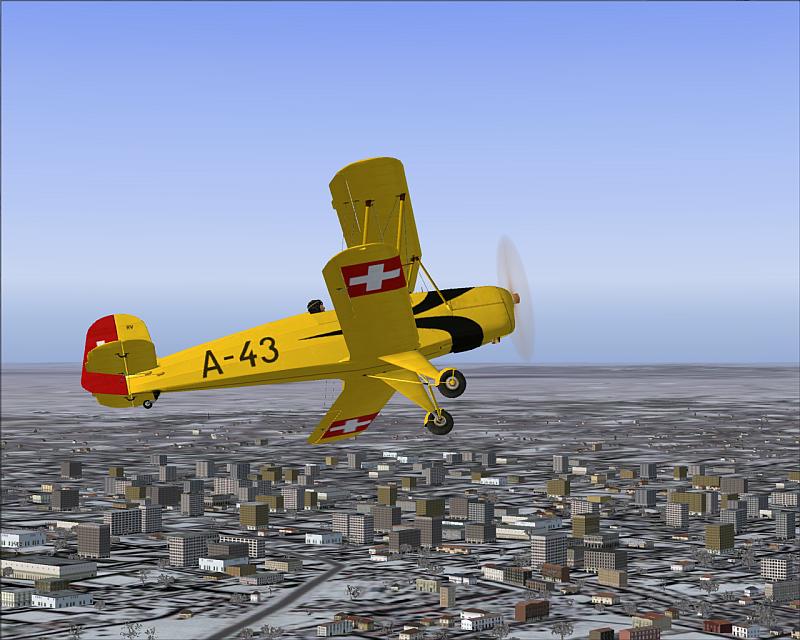
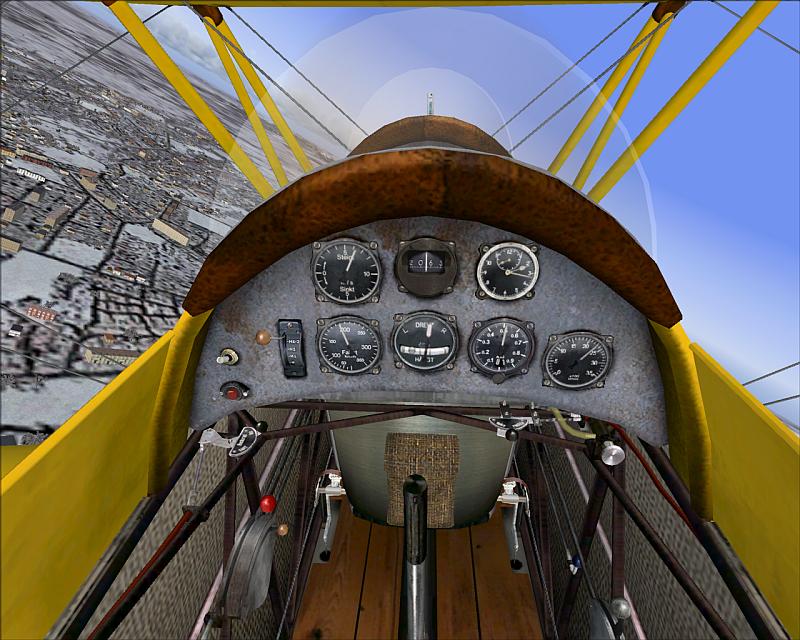
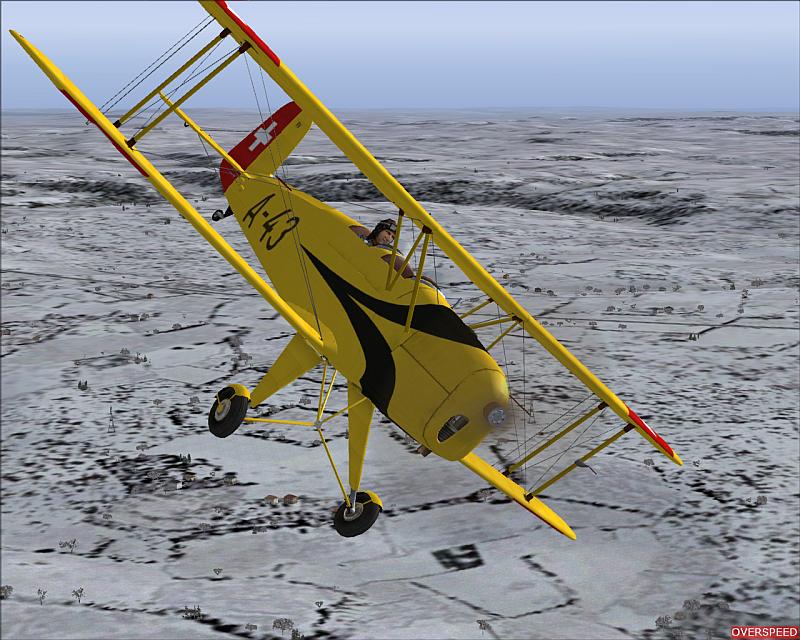
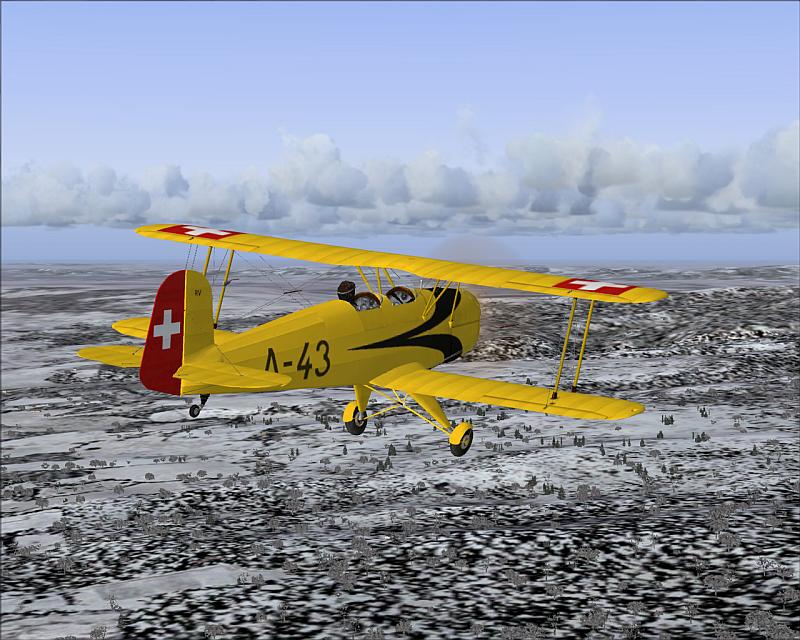
Here's what I exchanged from this one and the Bill Lyon's Tiger Moth
FIRST AND FOREMOST: GO TO FIND THE AIRCRAFT.CFG FOR THE AIRCRAFT YOU WISH TO CHANGE. MAKE A COPY OF IT AND SAVE IT UNDER A DIFFERENT NAME IN THE SAME FOLDER. This is so if your editing doesn't work, you can just rename the aircraft.cfg and it'll be fixed.
Okay, now: open the config file for the aircraft you wish to add different flight dynamics to. Call this Aircraft Z.
Open the config of the other aircraft from which you wish to take the flight dynamics. Call this Aircraft A.
Now to get from A to Z :
In Aircraft A's config, scroll down until you see the section titled:
[WEIGHT_AND_BALANCE]
copy everything below this line until you reach another set of brackets.
Go to Aircraft Z's config. Scroll down until you see the same entry and highlight everything underneath it to the next set of brackets. Paste in the entry you just copied.
Go back to Aircraft A's config. Find the section:
[airplane_geometry]
Follow the same procedure as above for this one.
Start FS and see if it works. If not, revert to the orginal and change JUST the weight_and_balance section.
I also used and re-named the .air files from the Tiger Moth as well
Flies like a dream!
If you don't want to do all that, just turn the realism settings down a bit...they aren't necessarily realistic as I've heard from real pilots.
My first flight in a 172 on August 20, 2004

Doing the right thing is more important than doing the thing right. (P. Drucker)
When all think alike, then no one i