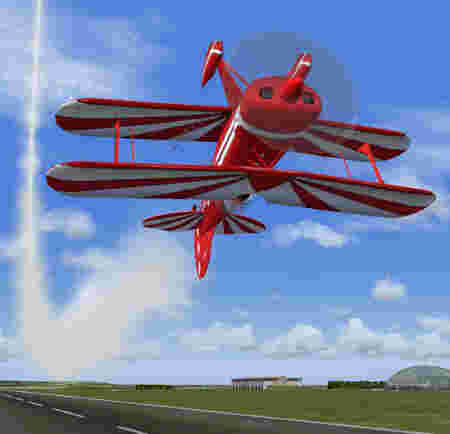
OK, I"ll try and explain screenshot taking without a program a little better, I think I made it a little confusing.
1 First, find an image you want to take a shot of and hit print screen. This image is now saved on your clipboard. If you hit print screen again, you will overwrite that image. So, you can only take
one screenshot at a time.
2 Now, minimize FS (or close FS, whichever you prefer)-minimizing just makes it faster to return to the sim.
3 Open MSPaint or a simular program. Using the tool bar at the top, click "edit" and on the drop down menu click "paste." Your image should now appear.
4 Now save the image using MSPaint.
You can now return to FS and take another screenshot.
The programs that Souichiro mentioned are intended to make this process much easier. I have never used one but they sound like you can simply hit "print screen" whenever you want and all those images are saved.
I hope that is more helpful to you.


 I would appreciate any help in this matter as I am clearly screenshot illiterate. I love learning new things, but dislike being ignorant to what i'm sure is something obvious that i have missed. Thankyou in advance and for making me feel quite at home here since my first post yesterday. Good evening to all.