Page 1 of 2

Advice on pictures most welcome

PostPosted: Sat Oct 31, 2009 1:42 pm
by Flying Trucker
Image
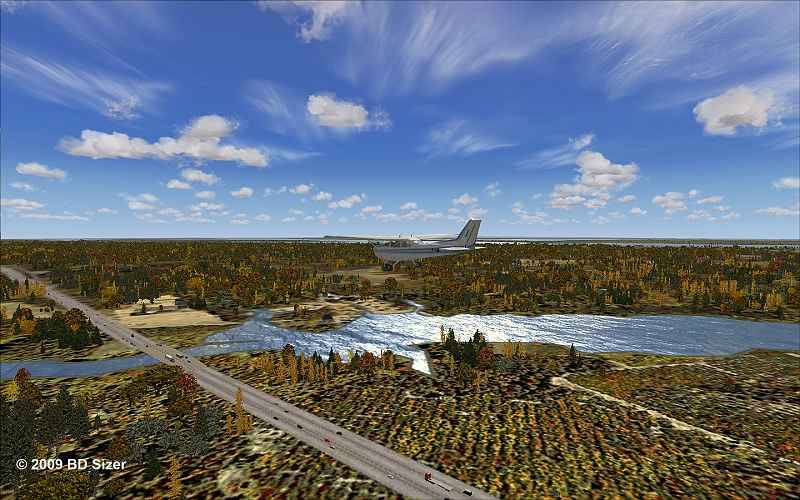
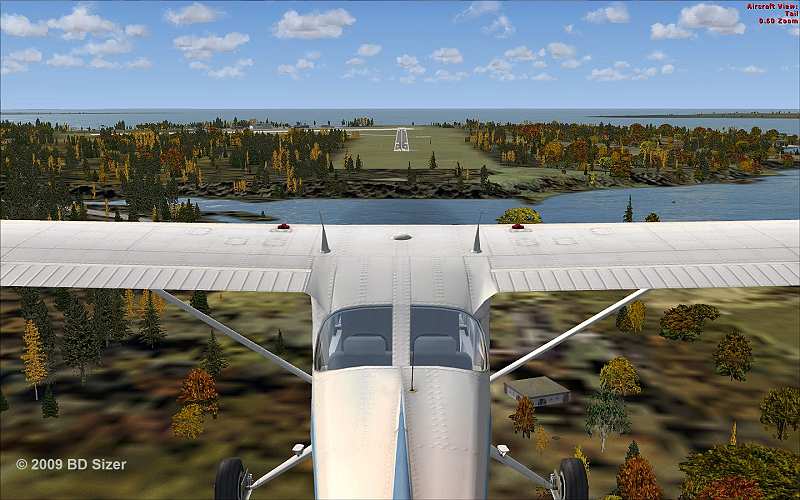
Hyw #401 east of Kingston, Ontario


Image


Image
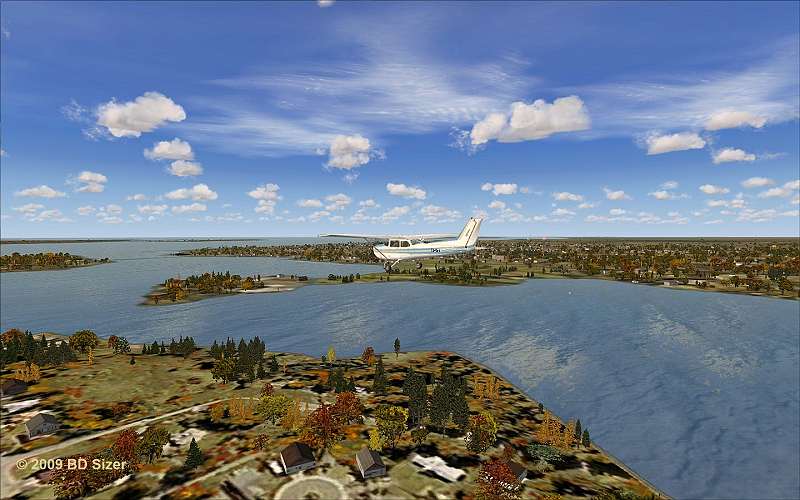
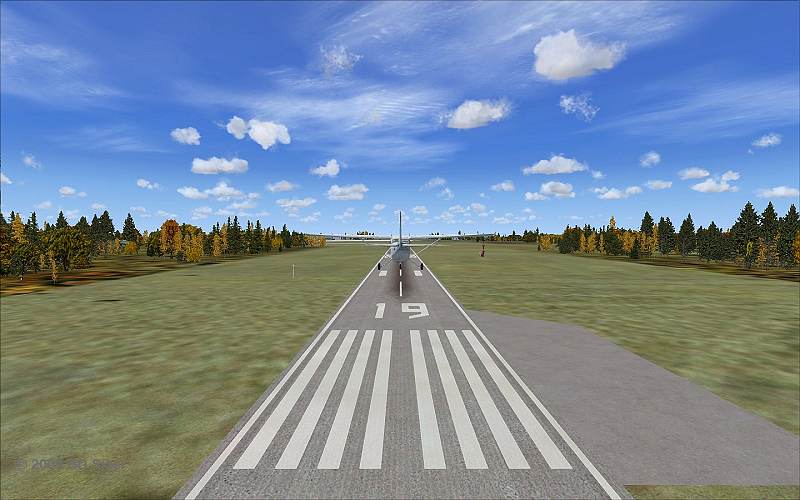
Kingston, Ontario


Image
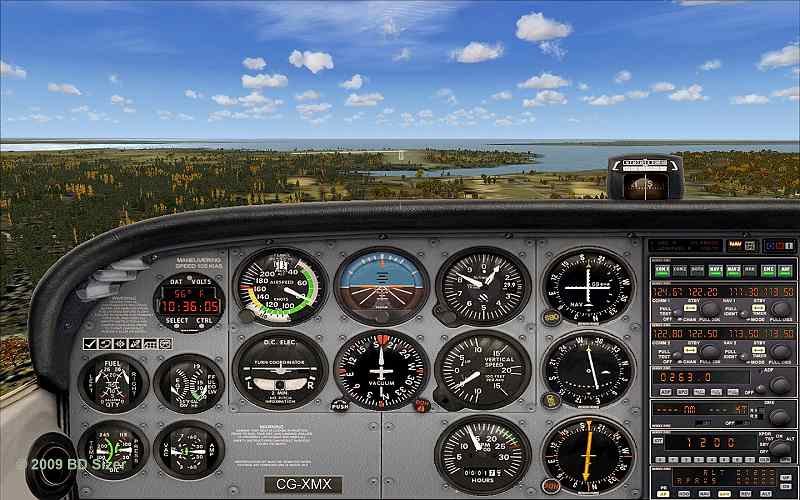
On Glideslope


Image
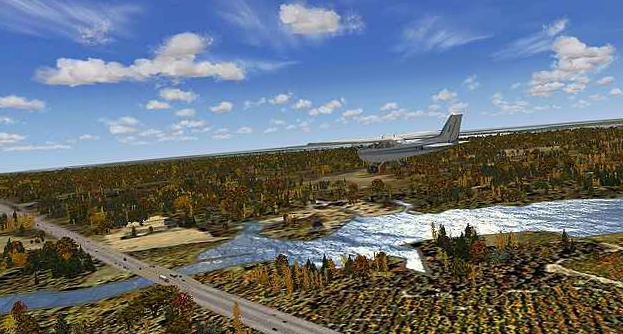
Lots of ponds, rivers, lakes and bays in this area.


Image


Image

Comments most welcome.

Re: Advice on pictures most welcome

PostPosted: Sat Oct 31, 2009 1:45 pm
by Hagar
Hi Doug. Please check your PMs. Rename those images with no spaces in the file names & upload them again.

Re: Advice on pictures most welcome

PostPosted: Sat Oct 31, 2009 2:19 pm
by Flying Trucker
Thanks for all your help again Doug, don't know what I or we here at Simviation would do without you.

Re: Advice on pictures most welcome

PostPosted: Sat Oct 31, 2009 2:37 pm
by Steve M
Kingston is such a scenic area, nice shots Doug! One thing I learned here is to push the p key (pause) for a few moments to make sure the graphics catch up. Hit the p key again to resume, then hit V. Simple, and sometimes it helps.   :)   

Re: Advice on pictures most welcome

PostPosted: Sat Oct 31, 2009 4:17 pm
by JoBee
These are nice shots, good composition.

Do you have any editing software, like Photoshop?

What do you use to convert these to jpeg?

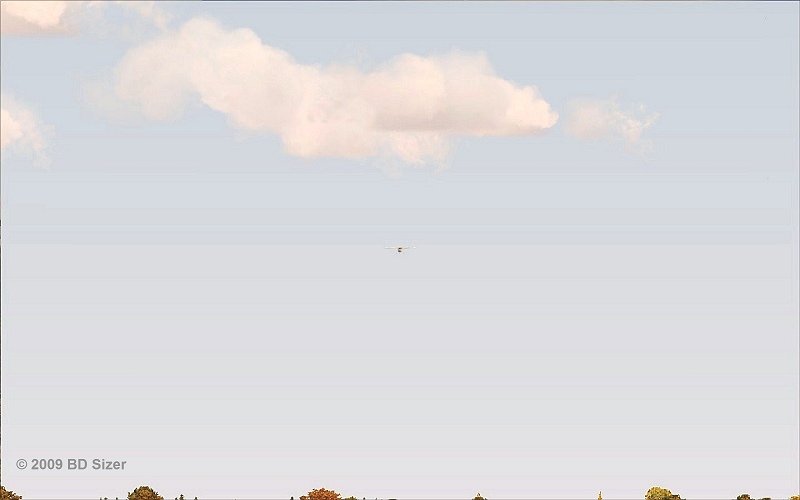
The VC shot and the one below it appear to me to be a little over compressed, causing loss of crispness in the VC and banding in the sky in the shot below it.

If your software allows you any settings for jpeg compression, set it to give you as large a file size as you can to be under forum limits.

This will eliminate some of the compression artifacts.

Don't be afraid to experiment with cropping those shots of your plane that are taken from some distance.

This is known as the rule of thirds. Imagine dividing your shot into 3 equal parts up and across, like a tic-tac-toe game.

Then crop your shot so the item of interest, which might not be your plane, lies on one of the line intersections.

I typically try to sharpen my shots a tad, and add some contrast.

Just remember when editing shots, often less is more.

regards,
Joe

Re: Advice on pictures most welcome

PostPosted: Sat Oct 31, 2009 7:42 pm
by Flying Trucker
Good evening all... :)

Thanks Steve will remember that.

Doug also gave me some tips so wrote those down. ex. no spaces in file name

Thanks Joe for the input.
I have:
Windows Photo Gallery
BD Sizer...thanks to Matt "expat"
Paint which is in my "Accessories"
GrabClipSave

I am running Vista with FSX with lots of memory.

Re: Advice on pictures most welcome

PostPosted: Sat Oct 31, 2009 10:07 pm
by jlab58
hye,when i take a picture i always try to be as close as possible of my subject without cutting too much of the ambiance. if i do some cuttings to take away some ko, i push the subject off the centre, it makes a better composition.

Re: Advice on pictures most welcome

PostPosted: Sun Nov 01, 2009 4:26 am
by Hagar
[quote]I have:
Windows Photo Gallery
BD Sizer...thanks to Matt "expat"
Paint which is in my "Accessories"
GrabClipSave

I am running Vista with FSX with lots of memory.

Re: Advice on pictures most welcome

PostPosted: Sun Nov 01, 2009 8:30 am
by ManuelL
Hi,

It always depends on what effect you want to achieve with the shot. With regards to composition shots are often a bit more dynamic if lines/orientation are not strictly vertical and horizontal but a bit more diagonal. In addition pictures often appear more interesting if the object (aircraft) is not located right in the center of the shot, but a bit off (golden ratio). As an example, I have cropped and rotated your first shot a little (I hope you don't mind).
http://www.simviation.com/yabbuploads/S ... ropped.jpg
The quality decreases a bit with every step, when you edit a jpeg.

When you are in the vc view or the external aircraft view (e.g. wing view) you can also use the following combinations to move around the camera point. This way you can find some interesting angles to view the aircraft.
Shift + Backspace; Shift + Enter: up, down
Strg + Backspace; Strg + Enter: front, back
Strg + Shift + Backspace; Strg + Shift + Enter: left, right

With regards to the picture quality and file size: The more colours your shot has, the bigger the file size. Brought daylight autumn shots like these have a lot of colours and you have to reduce the total size (pixels) of the picture or compress the picture significantly to reduce the filesize below 150kb. This may easily lead to jagged edges - Your shots are really good (nice sharp edges). When you have evening shots with a smaller range of colours, you won't have to reduce the size so much and it will be easier to meet the file size limits.

Kind regards
Manuel

Re: Advice on pictures most welcome

PostPosted: Sun Nov 01, 2009 10:20 am
by Flying Trucker
Okay thanks one and all for the advice and comments and I shall add them to my notes.

I never was interested in taking pictures at all but many folks including some from here at Simviation have me talked into purchasing a camera and taking pictures.

It will be a month or so as we will not invest in a camera until one of our children goes with us.  I know about as much about camera's as I do about these electronic gizmo's. ;D

Again many thanks for the assistance.   :)   ;)

Cheers...Happy Landings...Doug

Re: Advice on pictures most welcome

PostPosted: Sun Nov 01, 2009 10:33 am
by olderndirt
Not sure if anyone mentioned "Paint.Net".  Recommended to me by Bob70 and, for the money (FREE), an excellent program - sort of an economy version of Paintshop.

Re: Advice on pictures most welcome

PostPosted: Sun Nov 01, 2009 10:51 am
by Daube
[quote]Not sure if anyone mentioned "Paint.Net".

Re: Advice on pictures most welcome

PostPosted: Sun Nov 01, 2009 11:05 am
by Flying Trucker
Thanks folks, will take a look.

I need something that will do it all in one program and is simple to use.   :)

Cheers...Happy Landings...Doug

Re: Advice on pictures most welcome

PostPosted: Sun Nov 01, 2009 11:51 am
by Hagar
[quote]Thanks folks, will take a look.

I need something that will do it all in one program and is simple to use.

Re: Advice on pictures most welcome

PostPosted: Mon Nov 02, 2009 5:43 am
by Daube
Ok Flying Trucker, I finally have some time to give my advises for your screenshots, so here it comes ;)

1- In your first shot for example, the plane is not visible enough. I mean, it's ok if the plane is small to show mostly the scenery, but it that case, you should avoid to put the plane in the center of the picture. Use the additionnal views (like wing view etc... use the A key) to get a more interesting view angle that allows the plane to appear off-center. Then use the combo keys to move the camera, like CTRL+ENTER, CTRL+BACKSPACE, CTRL+SHIFT+ENTER, etc... Take your time, you'll need patience :)

2- sceneries with great colors are excellent choices, but be carefull at how you show them. In the first shots, the ground details on the lower part of the screen are not so nice looking. I think this is mostly due to the angle of view. Try to find a more interesting angle, not this 50% sky, 50% ground balance which is a little bit boring ;)

3- Set your weather carefully. I'd recommend you to install the famous HDE cloud textures (and NOT the sky textures included in the package, because they are not compatible). A good choice is usually to choose the "building storms" theme, or "cold fronts". Ensure the visibility is not to the maximum. Something like 50 kms visibility looks much more realistic, and adds a lot of depht impression.

4- Never, NEVER EVER use 2D panels in your screenshots. 2D panels are ugly things from the past :P Switch to the VC, move your eyepoint a little bit around the cockpit to set a more original view angle, it will definitely look cooler ;)

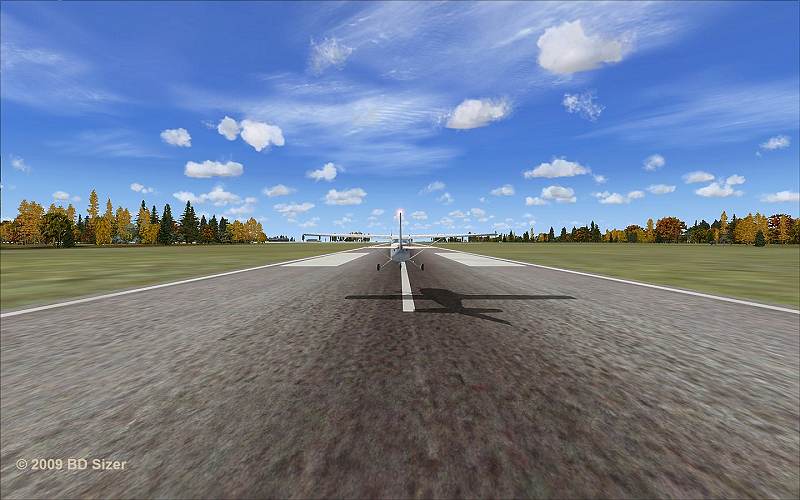
5- when making several screenshots from the same view, try to change the point of view. You have to make some variations to make them more interesting. Your tail view screenshot if very good, but the screenshots afterwards are a little bit boring because of the lack of variations (and the lack of plane/scenery details. PLaying with the angles of view usually help fighting against those flaws.

6- When showing your plane, you have two choice: either you show it with the sky in the background, either with the ground in the background. If you choose the ground, then the plane will be less visible, so you'll have to set your view closer to the aircraft, in order to produce a good contrast between the plane details and the ground details, so that the plane is visible enough.
If you choose the sky instead, then it's more easy, the plane will be visible anyway. Just make sure you're not too far way from it, else the details will not be visible at all. Adjust your camera distance with the key combo CTRL+ '+' and CTRL+ '-' (increase/decrease selection keys, just like for the zoom).


Ok let's say this is a start. I'll ty to provide you mode advises on your next shots. But first, read carefully what is written above, you need more trainning ;)