Ok Flying Trucker, I finally have some time to give my advises for your screenshots, so here it comes

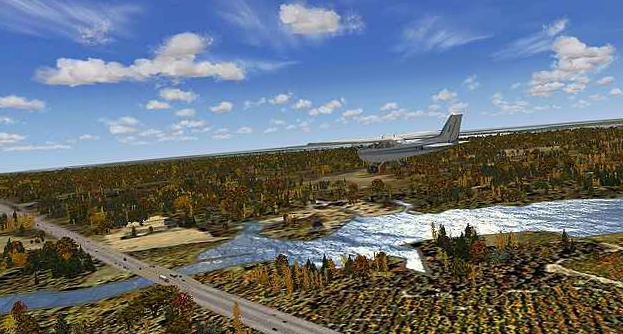
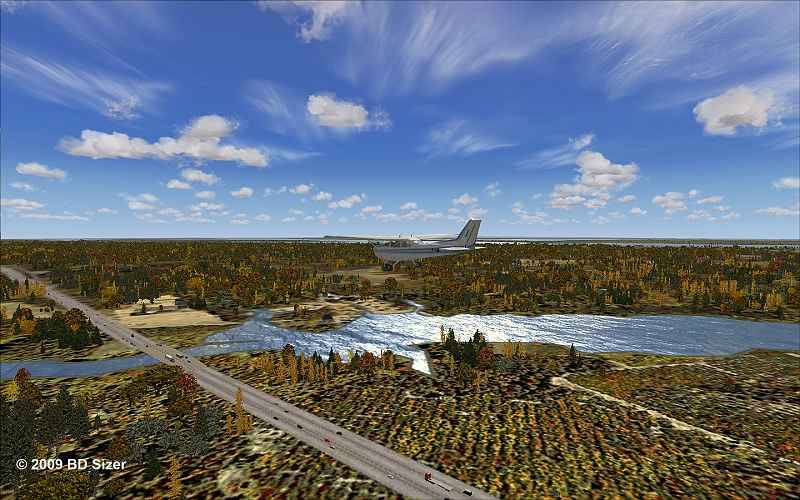
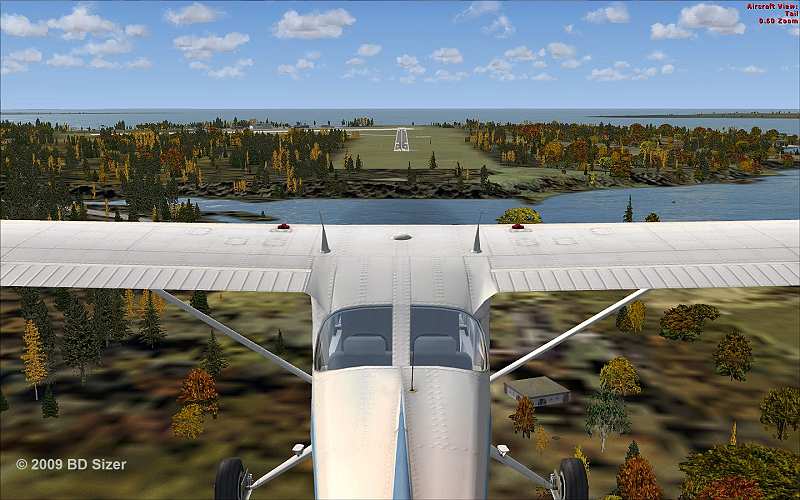
1- In your first shot for example, the plane is not visible enough. I mean, it's ok if the plane is small to show mostly the scenery, but it that case, you should avoid to put the plane in the center of the picture. Use the additionnal views (like wing view etc... use the A key) to get a more interesting view angle that allows the plane to appear off-center. Then use the combo keys to move the camera, like CTRL+ENTER, CTRL+BACKSPACE, CTRL+SHIFT+ENTER, etc... Take your time, you'll need patience

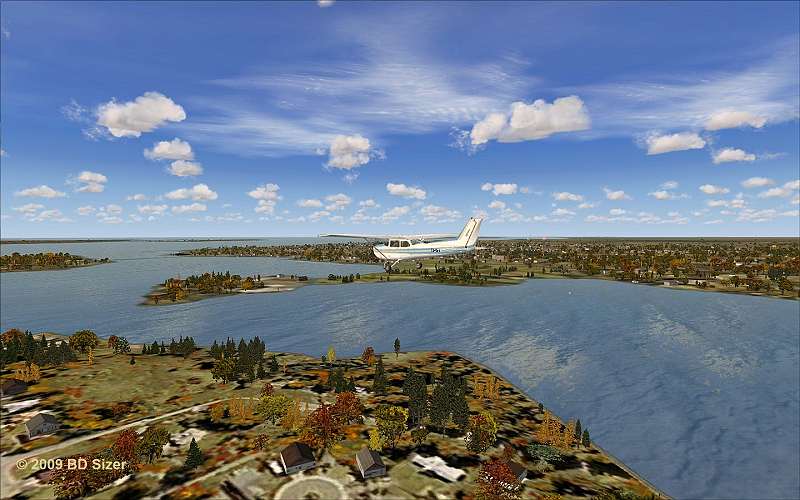
2- sceneries with great colors are excellent choices, but be carefull at how you show them. In the first shots, the ground details on the lower part of the screen are not so nice looking. I think this is mostly due to the angle of view. Try to find a more interesting angle, not this 50% sky, 50% ground balance which is a little bit boring
3- Set your weather carefully. I'd recommend you to install the famous HDE cloud textures (and
NOT the sky textures included in the package, because they are
not compatible). A good choice is usually to choose the "building storms" theme, or "cold fronts". Ensure the visibility is not to the maximum. Something like 50 kms visibility looks much more realistic, and adds a lot of depht impression.
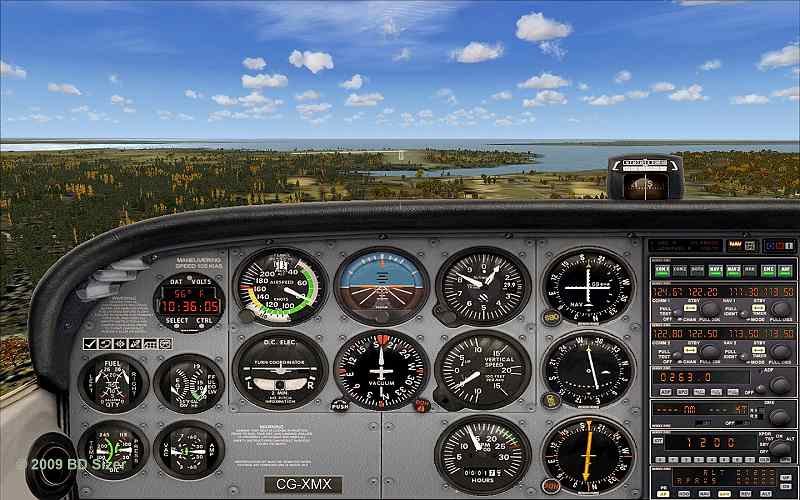
4- Never, NEVER EVER use 2D panels in your screenshots. 2D panels are ugly things from the past

Switch to the VC, move your eyepoint a little bit around the cockpit to set a more original view angle, it will definitely look cooler
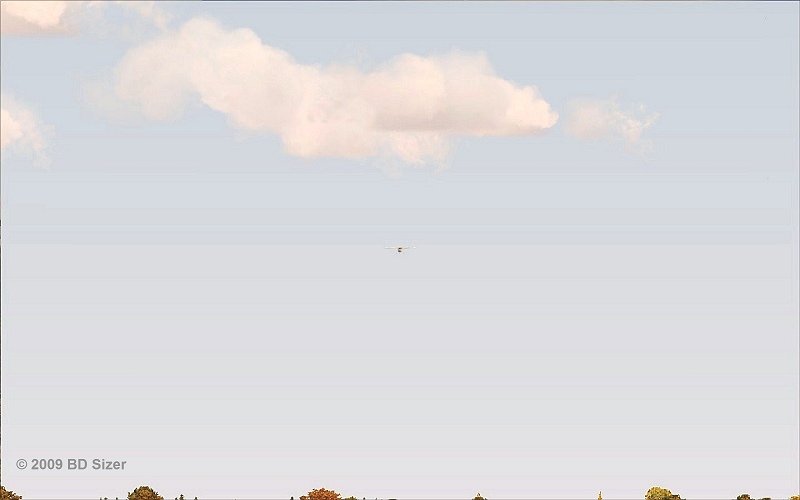
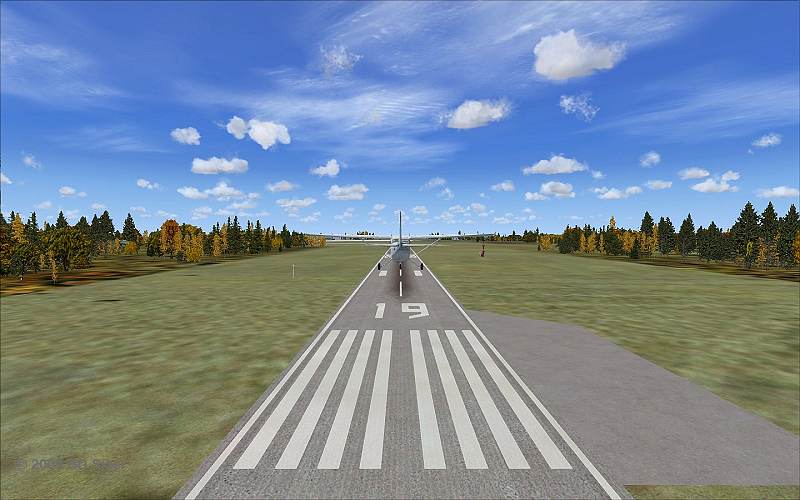
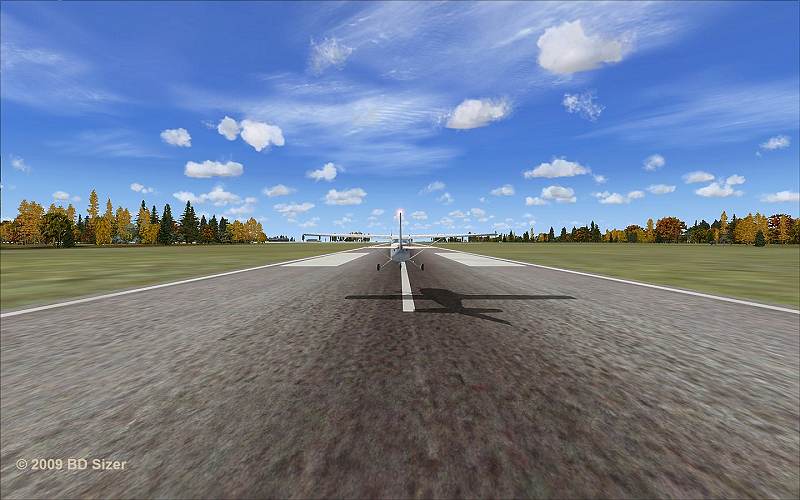
5- when making several screenshots from the same view, try to change the point of view. You have to make some variations to make them more interesting. Your tail view screenshot if very good, but the screenshots afterwards are a little bit boring because of the lack of variations (and the lack of plane/scenery details. PLaying with the angles of view usually help fighting against those flaws.
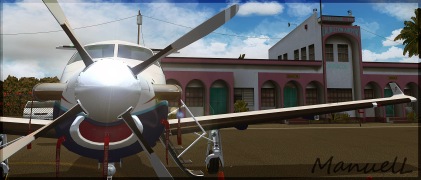
6- When showing your plane, you have two choice: either you show it with the sky in the background, either with the ground in the background. If you choose the ground, then the plane will be less visible, so you'll have to set your view closer to the aircraft, in order to produce a good contrast between the plane details and the ground details, so that the plane is visible enough.
If you choose the sky instead, then it's more easy, the plane will be visible anyway. Just make sure you're not too far way from it, else the details will not be visible at all. Adjust your camera distance with the key combo CTRL+ '+' and CTRL+ '-' (increase/decrease selection keys, just like for the zoom).
Ok let's say this is a start. I'll ty to provide you mode advises on your next shots. But first, read carefully what is written above, you need more trainning

 by Flying Trucker » Sat Oct 31, 2009 1:42 pm