Page 1 of 1

Visiting the outpost ! Part 2: landing and parked

PostPosted: Sun Sep 13, 2009 8:02 am
by Daube
Continued from part 1.

The outpost is on the river-side on the left, with a little wooden part. You can't see it on this shot because it's too small, but it's not far away. Speed reduced, trim full back, full flaps, gently getting closer to the water...
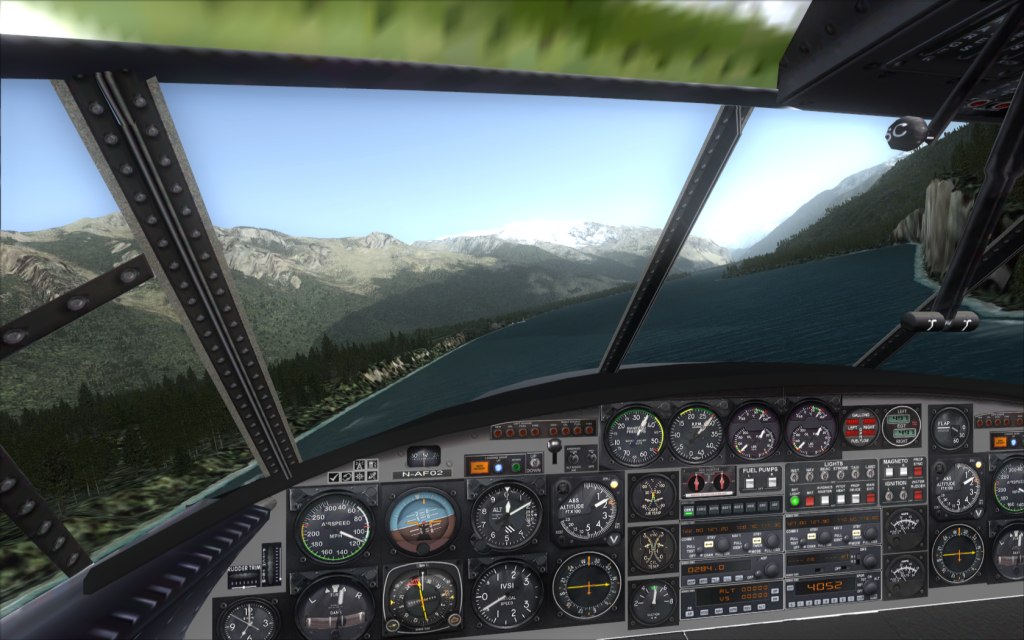
Image


The landing was successfull but I forgot to take shots :P
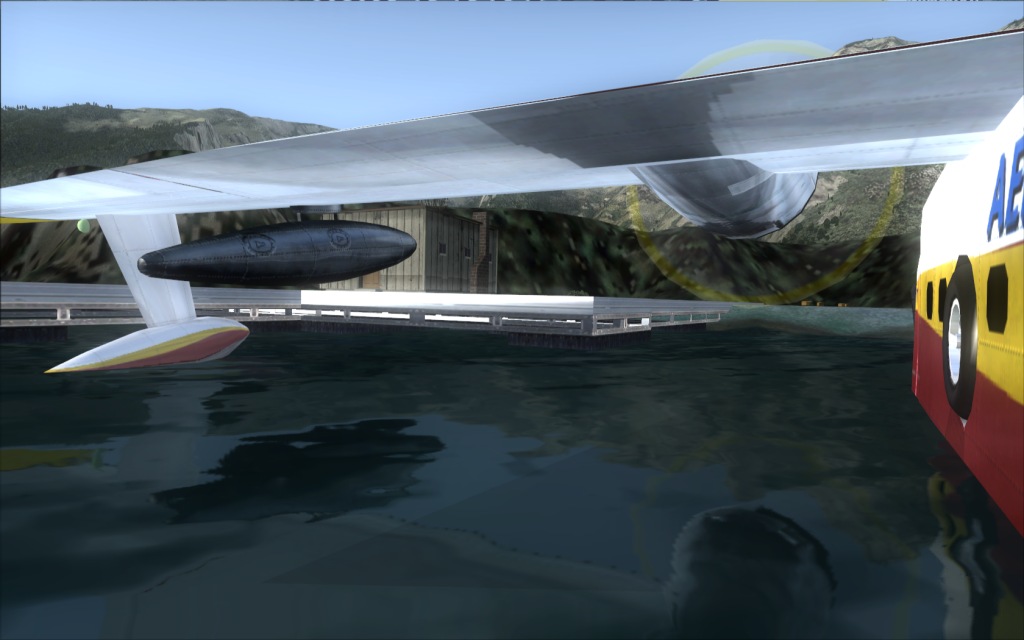
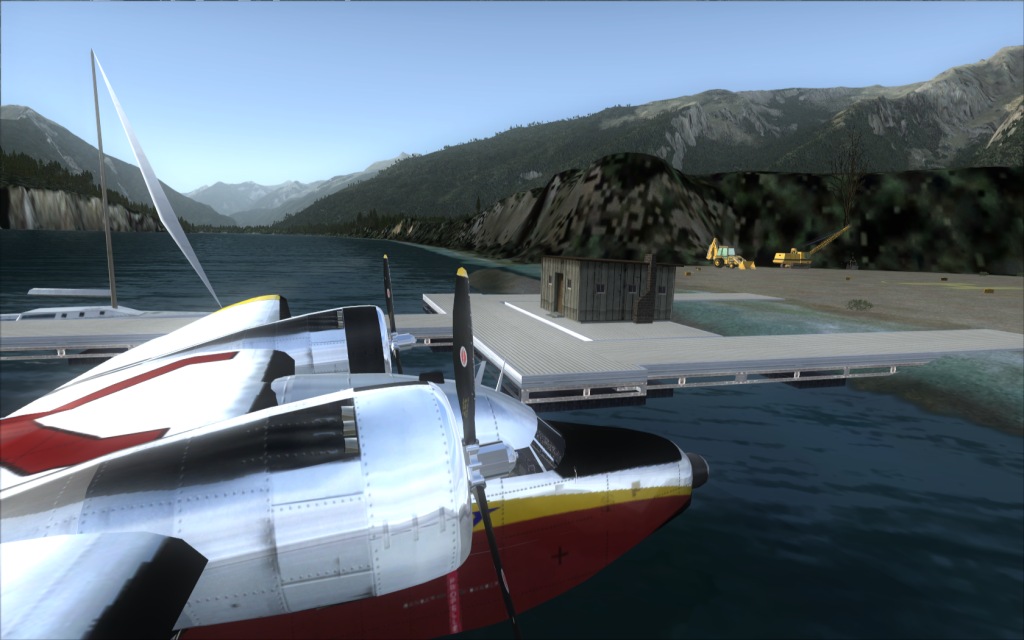
I took some once parked, and played a little bit with the angles of view to enjoy the reflections.
Image

Image

Image

Hope you like. Comments and criticism welcome as usual ;)

Re: Visiting the outpost ! Part 2: landing and parked

PostPosted: Sun Sep 13, 2009 8:58 am
by EJW
Third shot is really good. Great detail!

Re: Visiting the outpost ! Part 2: landing and parked

PostPosted: Sun Sep 13, 2009 10:37 am
by j76ny
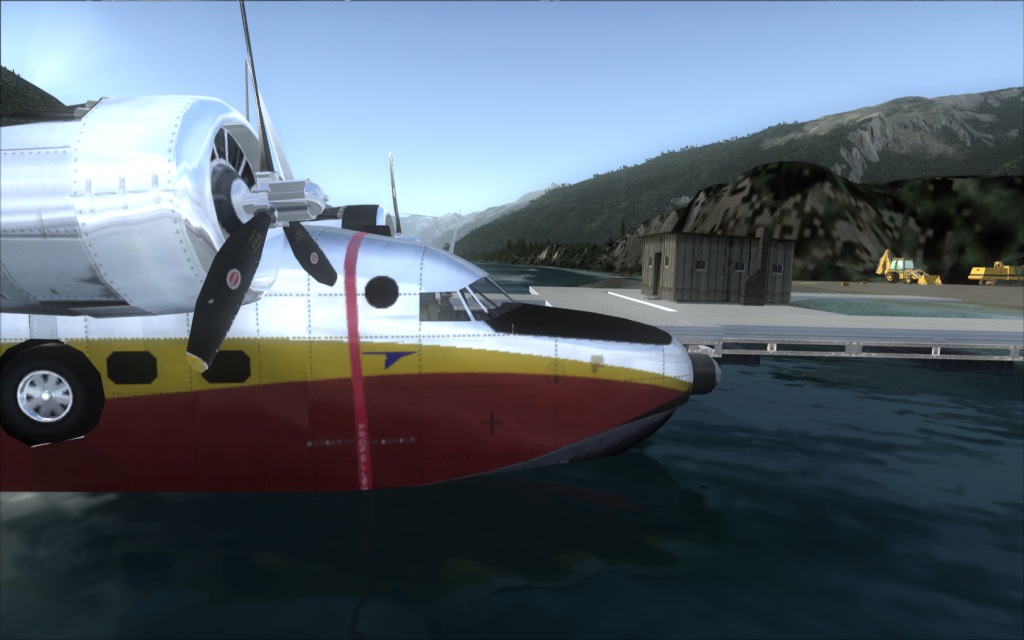
Is that a cloud shadow I see on the far mountains in the first shot?

Re: Visiting the outpost ! Part 2: landing and parked

PostPosted: Sun Sep 13, 2009 10:50 am
by B-Valvs
The second shot is really nice. The angle is great.

8-)

Re: Visiting the outpost ! Part 2: landing and parked

PostPosted: Sun Sep 13, 2009 11:30 am
by patchz
Nice shots. Beautiful bird. :)

Re: Visiting the outpost ! Part 2: landing and parked

PostPosted: Sun Sep 13, 2009 1:44 pm
by Daube
Thank you all for the kind comments on those two topics :)


Is that a cloud shadow I see on the far mountains in the first shot?


No, in fact, it's the shadow of the mountain on the right. It's in the early morning, so the sun is still quite low, and the mountain shadows are still quite long :)

Re: Visiting the outpost ! Part 2: landing and parked

PostPosted: Sun Sep 13, 2009 3:16 pm
by Rich H
Beautiful shots, how do you change the bloom to make it look like this?

Re: Visiting the outpost ! Part 2: landing and parked

PostPosted: Sun Sep 13, 2009 3:30 pm
by Daube
Since I'm in DirectX9 mode (I run WinXP), I can't afford to use the default bloom. (the impact on the FPS is too high in DX9, contrary to DX10).
What you see in my screenshots always come from the freeware alternative bloom modules from Boris Vorontsov.

Re: Visiting the outpost ! Part 2: landing and parked

PostPosted: Sun Sep 13, 2009 3:41 pm
by Rich H
Have you got a link please? I found this site http://boris-vorontsov.narod.ru/download_en.htm
But I can't find anything for FSX.

Re: Visiting the outpost ! Part 2: landing and parked

PostPosted: Mon Sep 14, 2009 4:21 am
by Daube
You must use the module that was made for GTA San Andreas.
I have not tested the recent versions of this module though. I'm still using an older version that cannot be found anymore, because the impact on the FPS was much more limited.
You can find my files (with my current settings I think) in this archive: http://sapdaube.free.fr/fsx/bloom.zip
You just have to drop the two files in the main FSX (or FS9, it works too) folder. Then when you're in the sim, press SHIFT+F12 to activate the effect.

Be carefull, the module doesn't like the high Antialiasing settings. Also, it won't work on weak video cards.

The way it works is just like a real video camera: when the screen is mainly dark (because of the cockpit for example), then the bright parts of the screen will shine more.

Re: Visiting the outpost ! Part 2: landing and parked

PostPosted: Mon Sep 14, 2009 11:08 am
by Rich H
Thanks, is it similar to adaptive lighting? Edit: It is adaptive lighting lol.

Re: Visiting the outpost ! Part 2: landing and parked

PostPosted: Mon Sep 14, 2009 12:27 pm
by Daube
Indeed it is :)
And if I'm not mistaken, I believe the same guy made another module that allows a "Night Vision googles" effect , which is very appreciated by the military FS pilots!

Re: Visiting the outpost ! Part 2: landing and parked

PostPosted: Mon Sep 14, 2009 1:03 pm
by fabiane
Really two nice sets! Well done.

Cheers,
Fabian