Page 1 of 2

New FSXer Screenshots

PostPosted: Sat Sep 12, 2009 4:56 am
by hhomebrewer
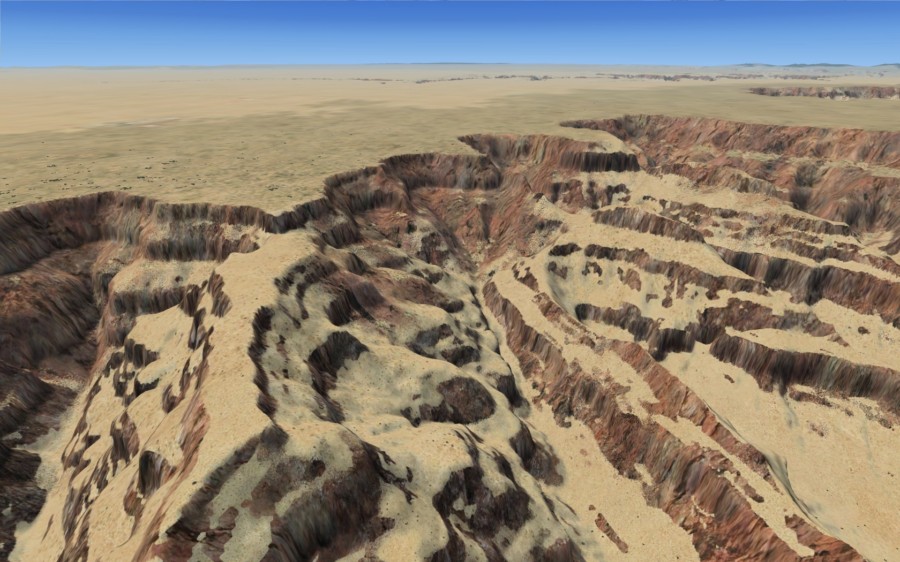
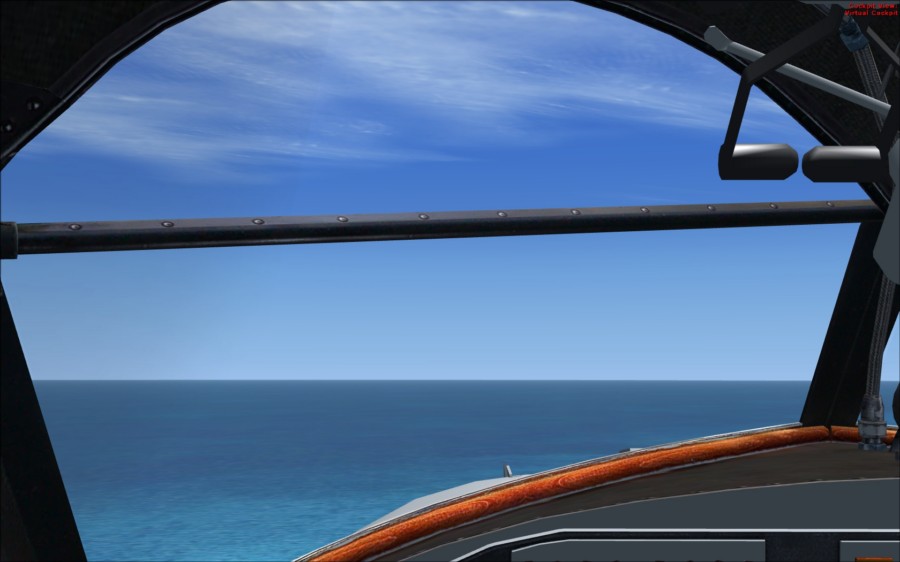
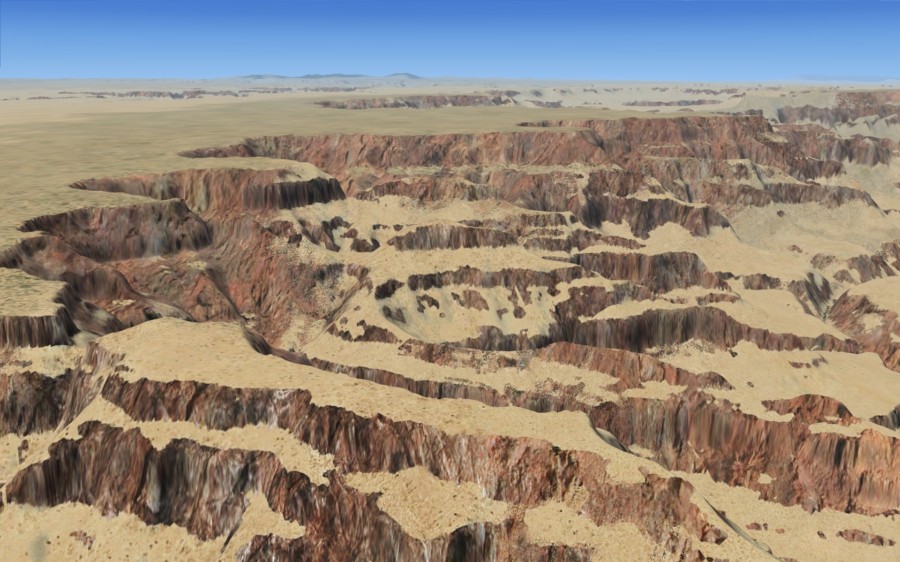
Three screenies of how FSX finally installed after a disappointing first attempt. The water and sky from the Grumman Goose is perfectly acceptable to me. My only gripe is the Grand Canyon appears to have had a major sandstorm blow through the morning these shots were taken. That, and the Baron is missing...
Image

Image

Image

Please tell me what you think so that I can maybe make some adjustment for a better presentation of the image...

Re: New FXSer Screenshots

PostPosted: Sat Sep 12, 2009 7:15 am
by EJW
The first shot is good, but a little bland looking and there is red lettering. The last two shots I really like. Very clear and sharp.

Re: New FXSer Screenshots

PostPosted: Sat Sep 12, 2009 7:50 am
by OVERLORD_CHRIS
Those are great!

Re: New FXSer Screenshots

PostPosted: Sat Sep 12, 2009 9:43 am
by Boikat
My only gripe is the Grand Canyon appears to have had a major sandstorm blow through the morning these shots were taken


There's an awsome Grand Canyon download from OZx

http://aussiex.org/forum/index.php?app= ... howfile=12

Follow the installation instructions, and you will not be disappointed.

Re: New FXSer Screenshots

PostPosted: Sat Sep 12, 2009 1:20 pm
by hhomebrewer
The first shot is good, but a little bland looking and there is red lettering. The last two shots I really like. Very clear and sharp.

I show that one just to show the sky and the water.

Re: New FXSer Screenshots

PostPosted: Sat Sep 12, 2009 1:22 pm
by hhomebrewer
My only gripe is the Grand Canyon appears to have had a major sandstorm blow through the morning these shots were taken


There's an awesome Grand Canyon download from OZx

http://aussiex.org/forum/index.php?app= ... howfile=12

Follow the installation instructions, and you will not be disappointed.

Re: New FXSer Screenshots

PostPosted: Sat Sep 12, 2009 1:32 pm
by Boikat
My only gripe is the Grand Canyon appears to have had a major sandstorm blow through the morning these shots were taken


There's an awesome Grand Canyon download from OZx

http://aussiex.org/forum/index.php?app= ... howfile=12

Follow the installation instructions, and you will not be disappointed.

Re: New FXSer Screenshots

PostPosted: Sat Sep 12, 2009 1:46 pm
by hhomebrewer
[quote]Yup.

Re: New FXSer Screenshots

PostPosted: Sat Sep 12, 2009 1:56 pm
by Boikat
[quote]
[quote]Yup.

Re: New FXSer Screenshots

PostPosted: Sat Sep 12, 2009 2:08 pm
by hhomebrewer
Please let us know how it goes on and if there were any unusual difficulties. Post a shot or two, if you feel so inclined...

Re: New FXSer Screenshots

PostPosted: Sat Sep 12, 2009 2:24 pm
by Boikat
Please let us know how it goes on and if there were any unusual difficulties. Post a shot or two, if you feel so inclined...


Sure thing!  And it's still doing it's thing. :P  If you decide to install Death Valley, i hope you're patient.  It's at 45%, and that's how far it is long after the post where I said I was installing it "now". :P

But the other sceneries don't take as long to install.  This one's going through an auto-installer, which I usually don't like to use.

Re: New FXSer Screenshots

PostPosted: Sat Sep 12, 2009 3:05 pm
by hhomebrewer
Almost an hour and you're only halfway done? Sounds to me like I could start the install and go play nine holes...

Re: New FXSer Screenshots

PostPosted: Sat Sep 12, 2009 3:30 pm
by Boikat
Almost an hour and you're only halfway done? Sounds to me like I could start the install and go play nine holes...


At 99% now.  I think it has something to do with the mesh.

Re: New FSXer Screenshots

PostPosted: Sat Sep 12, 2009 3:42 pm
by Boikat
Well, it said it saved it to "document's\Death_valley.zip, and I see nadda, so I'm reinstalling to a temp folder I made in my DL directory. :P 

I hate auto-installers. :P

Re: New FSXer Screenshots

PostPosted: Sat Sep 12, 2009 3:52 pm
by hhomebrewer
OK, the auto-installer is O-U-T for me. Please keep us posted...