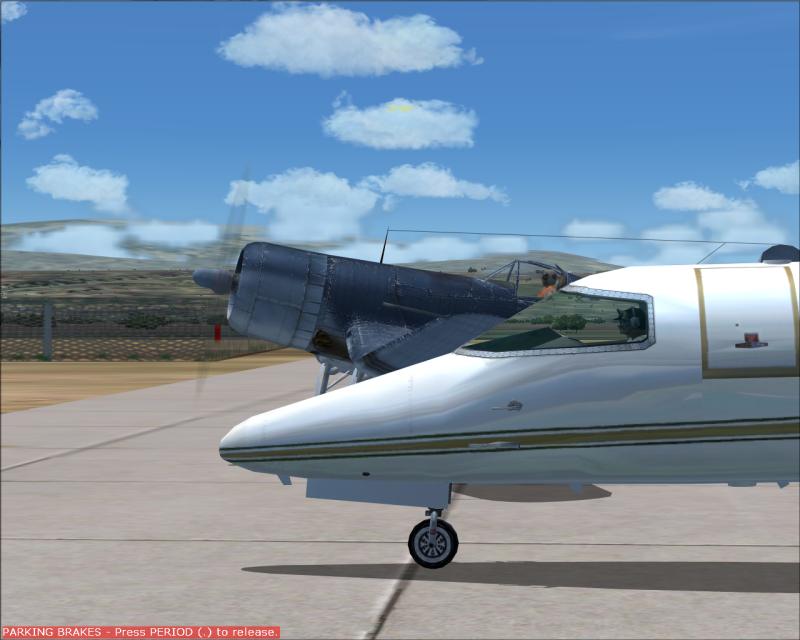
Invisible Corsair
 Posted: Sun May 24, 2009 10:30 am
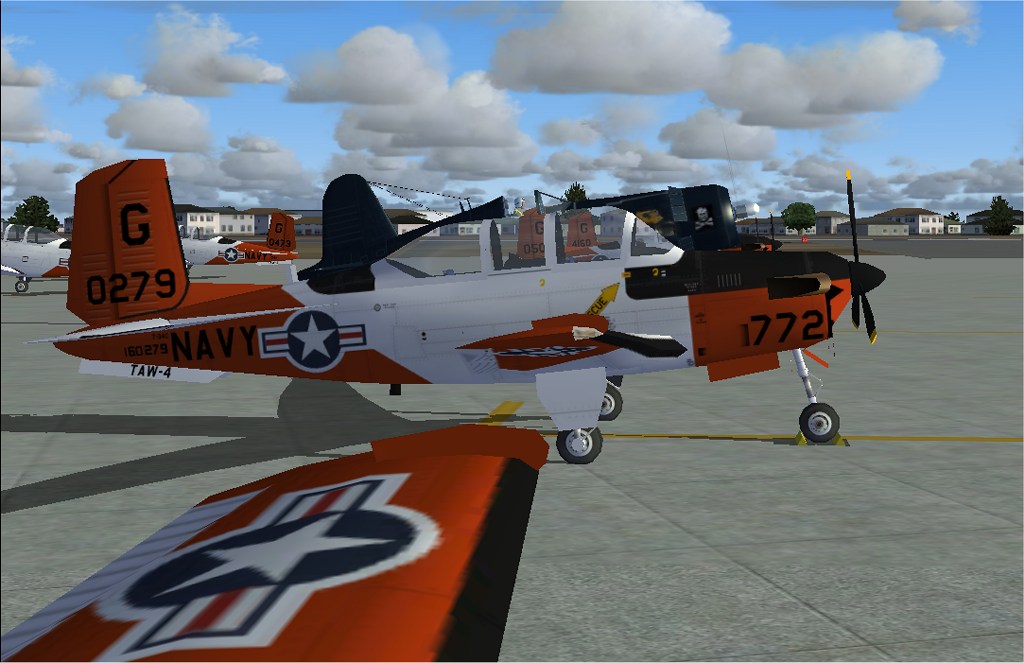
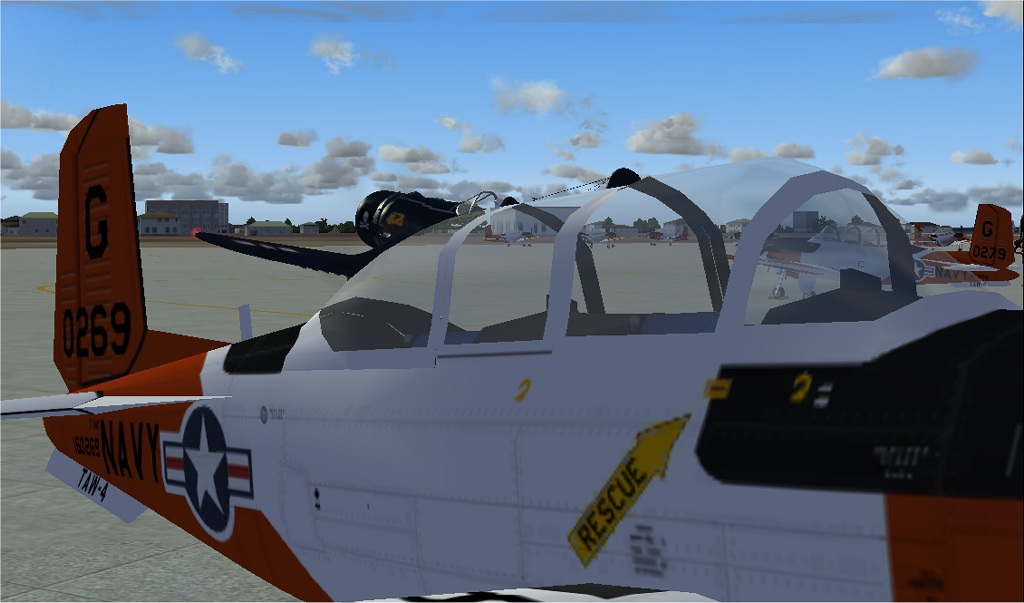
This is just weird. While messing around at Corpus Christi NAS I observed this phenomena. The Corsair becomes invisible when viewing through the canopy of a parked T-34. Can anybody explain this? 
Flight Simulator and other chat
https://forums.simviation.com/phpBB3/
https://forums.simviation.com/phpBB3/viewtopic.php?f=42&t=146653
Posted: Sun May 24, 2009 10:30 amPosted: Sun May 24, 2009 10:36 amPosted: Sun May 24, 2009 10:40 amAre you using FS.X with FS9 aircraft......I'm thinking like when clouds dissappear behind prop due I guess to some different transparency order.......
Just a thought off the top of my head.
Garry
Posted: Sun May 24, 2009 10:42 amAre you using FS.X with FS9 aircraft......I'm thinking like when clouds dissappear behind prop due I guess to some different transparency order.......
Just a thought off the top of my head.
Garry
Posted: Sun May 24, 2009 9:34 pmPosted: Sun May 24, 2009 11:41 pmI've had the same problem whan trying to make props in FSDS. Everything is fine until you look from the front through the prop disk, the part of the plane visible inside the disk is invisible. So I think it's the T-34.
Does the same thing happen to all your planes?
Posted: Mon May 25, 2009 12:06 am Posted: Mon May 25, 2009 12:07 amPosted: Mon May 25, 2009 1:38 amPosted: Mon May 25, 2009 2:35 am
I've had the same problem whan trying to make props in FSDS. Everything is fine until you look from the front through the prop disk, the part of the plane visible inside the disk is invisible. So I think it's the T-34.
Does the same thing happen to all your planes?
Posted: Mon May 25, 2009 1:02 pmPosted: Mon May 25, 2009 8:07 pmPosted: Tue May 26, 2009 12:19 pmPosted: Tue May 26, 2009 1:06 pmPosted: Tue May 26, 2009 1:28 pmYes, you right this is weird ,Although this is original CFS2 brough By Microsoft into Flight Simulator 9 ,so is not big deal its not the T-34 is the Default FS2004 model issue ..But let's face it ,who need to see the Corsair thru other airplane's windows and from the outside.
I can't remember very well ,I install my original FS2004 then I made a CD which install everything ,airplanes and a software freeware (can't remember the name that make it more real lands scapes clouds landiing lights etc, ) all included in a CD I hit replace all the original files .
My point is I can't remember very well if this is the original that comes in the CDs of MSFS9..
I think it is ,but not 100% sure ,I stop using FS9 a while ago ,I only use it for design ,to compare some older models for FSX