Page 1 of 1

My first FS9 pics

PostPosted: Wed Oct 29, 2008 10:16 am
by TRflyman01
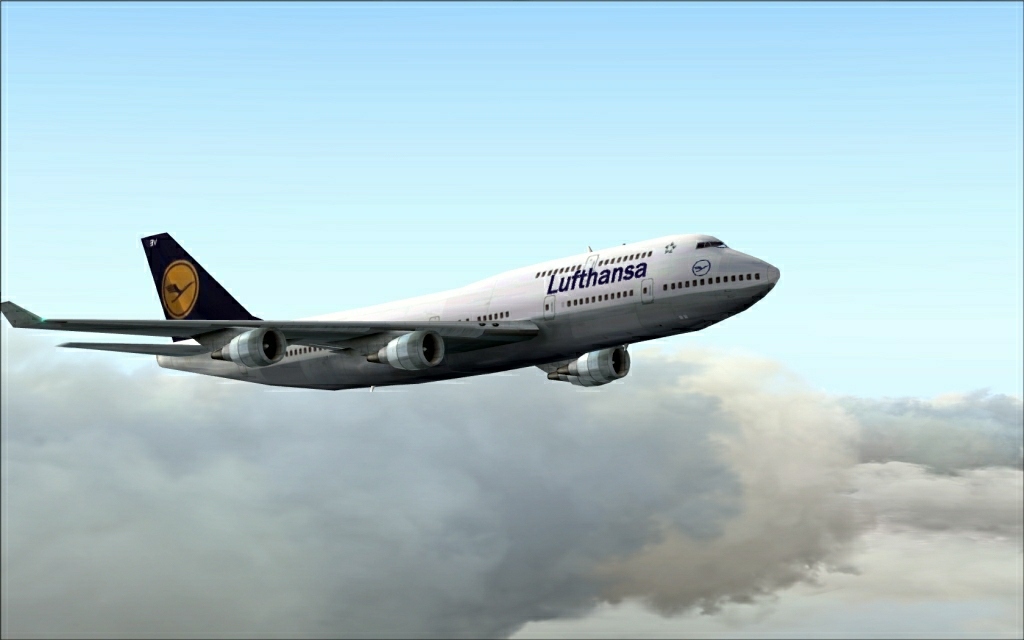
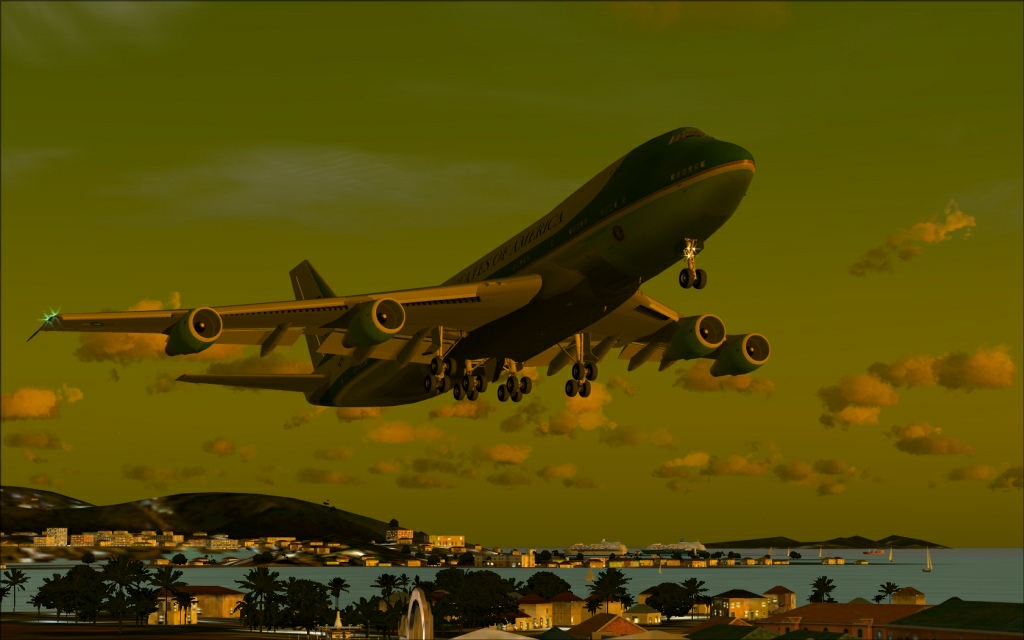
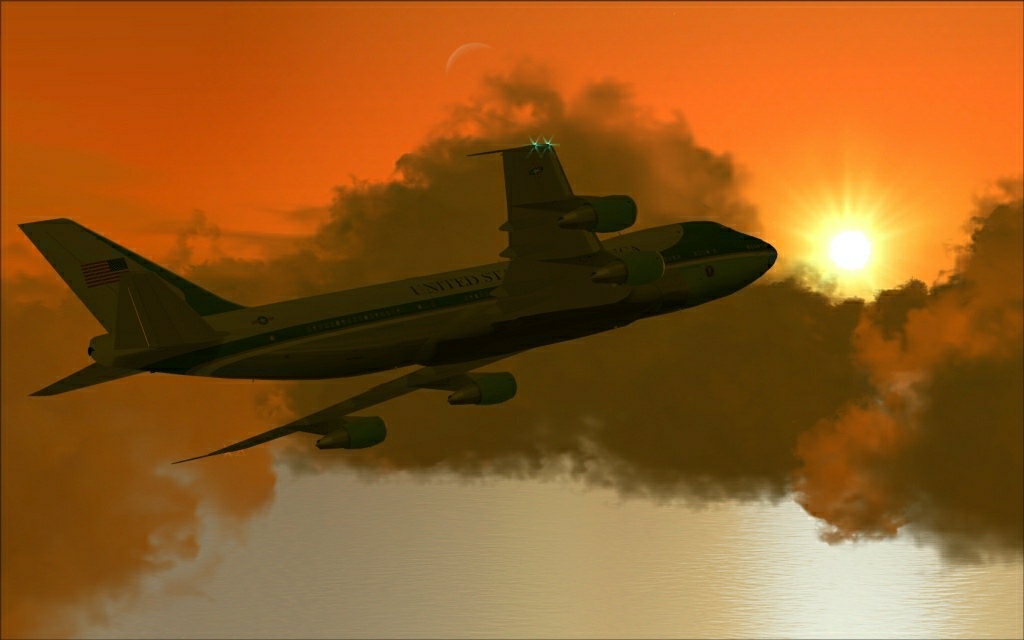
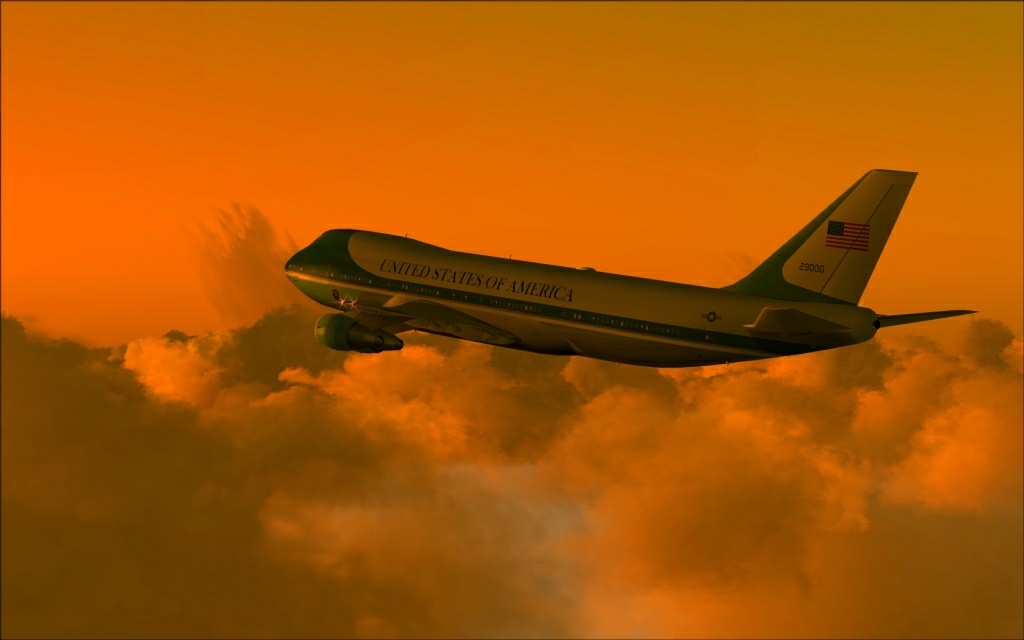
Giving FS9 a try for awhile.

Image

Image

Image

Image

A couple of questions about FS9...
How can I get the distant terrain to look better, it is just a blur?
What is the best water addon that any of you are using?
Greatly appreciate any help,

Re: My first FS9 pics

PostPosted: Wed Oct 29, 2008 11:26 am
by ShaneG_old
Don't those Frames feel good? ;) Looks good too, and I see you already have FSskyworld going. ;)
For the water, and ground in general use Real Enviroment Pro, it's free and covers alot of issues with scenery in FS9 and has the best looking water in my opinion, still not like FSX, but a nice improvement. ;)
For the blurry terrain in the distance I would like to know myself as that is my current pain in the side with it.
Enjoy the smoothness! ;)

Re: My first FS9 pics

PostPosted: Wed Oct 29, 2008 11:30 am
by Daube
For the terrain blurriness, you have to play with the various LOD_RADIUS tweaks in the FS9.cfg. (there 3 or 4 lines to add/change, something like that if I remember well).
For the water, morewatr.zip is a good start :)

Re: My first FS9 pics

PostPosted: Wed Oct 29, 2008 12:06 pm
by ShaneG_old
I forgot all about the tweaks Daube mentioned! ;D Took a while to find them again, boy did it make a difference. Thanks! ;)

Load textures farther away to reduce blurries:
Find these lines in FS9.cfg and change them to read:
TERRAIN_DEFAULT_RADIUS=9.000000
TERRAIN_EXTENDED_RADIUS=9.900000
TERRAIN_EXTENDED_LEVELS=4

Load textures faster
Find and edit:
TEXTURE_BANDWIDTH_MULT=
I use 400. You can try a higher or lower setting to see what gives the best performance on your system. The default setting is very conservative so don't be afraid to try high values. You'll likely get stuttering if you set it too high.

All the usual tweaks I've found are listed in this post:
http://www.flightsimworld.com/forums/in ... opic=28865

I know it's another forum, But they at least mention SimV !! :) ;)

Re: My first FS9 pics

PostPosted: Thu Oct 30, 2008 2:27 pm
by eric59
so nice 747 Boeing
the second is very nice

Re: My first FS9 pics

PostPosted: Thu Oct 30, 2008 5:58 pm
by jankees
giving FS9 a try?

Re: My first FS9 pics

PostPosted: Fri Oct 31, 2008 5:01 am
by TRflyman01
Thanks Shane and daube will try this.

giving FS9 a try?


Yeah, I had not simmed since version 2002 when I bought FSX. I bought FS9 but did not like it that much after flying FSX so I removed and continued on with FSX. So know I am trying yo get FS9 to the quality of the beautiful screens that you all post on here. When I do that I'll reinstall FSX, got a worm that ate my files and had to reformat, and then I'll have my choice of what to fly. ;)

Re: My first FS9 pics

PostPosted: Fri Oct 31, 2008 7:34 am
by SULAIMAN
SENT SOME VERSION FOR ME

Re: My first FS9 pics

PostPosted: Fri Oct 31, 2008 7:50 am
by TRflyman01
Shane, downloaded REP and installed but can't get it to install into FS9. Nothing happens when i click on the install button. It will let me change the options to install but the backup button or install button do not work. Can you just manually move the textures into the proper folder after backing up original ones?

SENT SOME VERSION FOR ME

?????

Re: My first FS9 pics

PostPosted: Fri Oct 31, 2008 8:22 am
by ShaneG_old
Hmm, not sure. :-/ I didn't have any problems with it, but if you know where the files are located I wouldn't see why not. Did it create the backup folder? I will check mine and see what I come up with. ;)

Re: My first FS9 pics

PostPosted: Fri Oct 31, 2008 2:38 pm
by N. Chapman
why are you using that version of AF1? Posky released a special model for it with all the antennae and everything.

Re: My first FS9 pics

PostPosted: Fri Oct 31, 2008 4:14 pm
by ShaneG_old
On the REP: in it's main folder you will find a folder named 'install' which has all the textures, therefore just make a backup of the files to be replaced (pretty much the whole texture folder)  and move the new textures in. ;) Let me know how it goes. :)