E-3
 Posted: Thu Sep 11, 2008 11:54 am
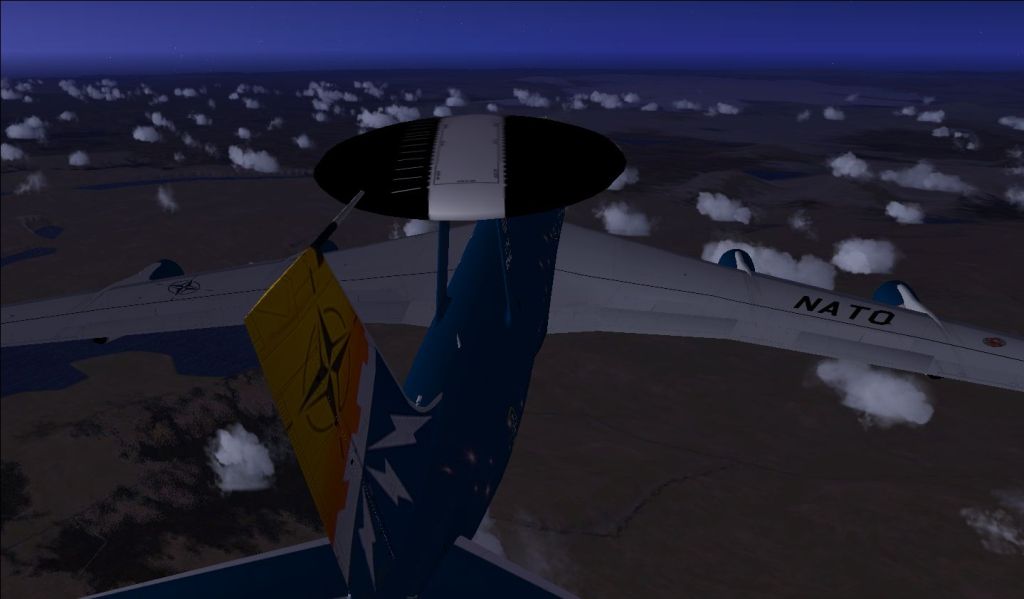
Just patrolling around Iceland in a NATO E-3 Sentry.
The members of NATO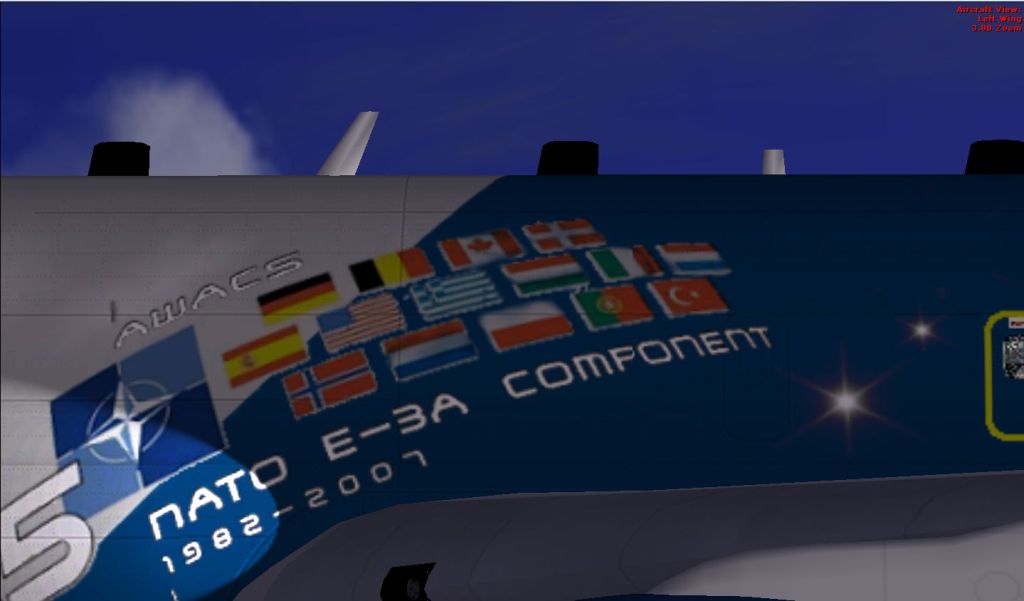
One big radar
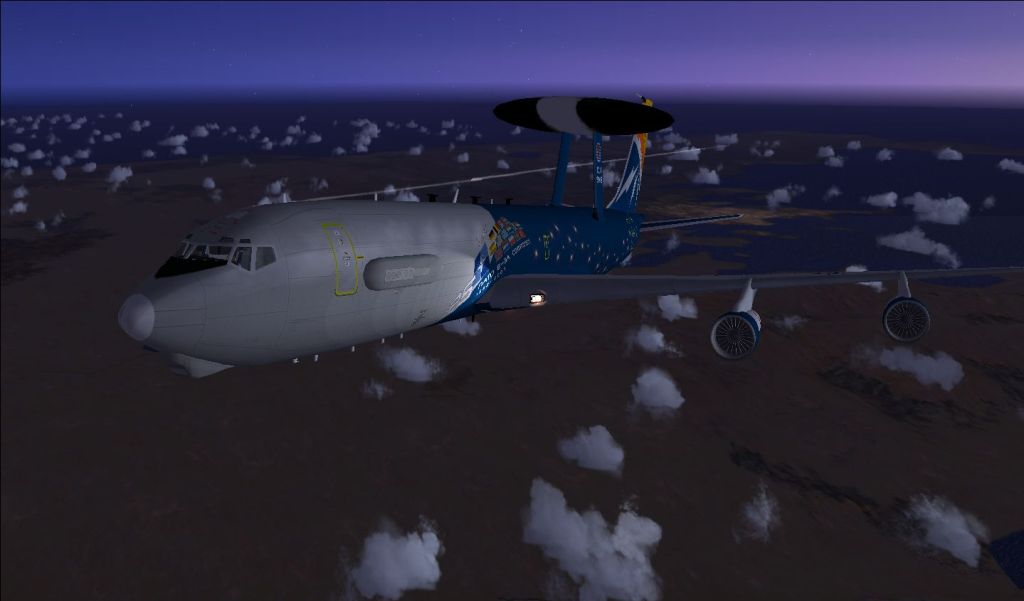
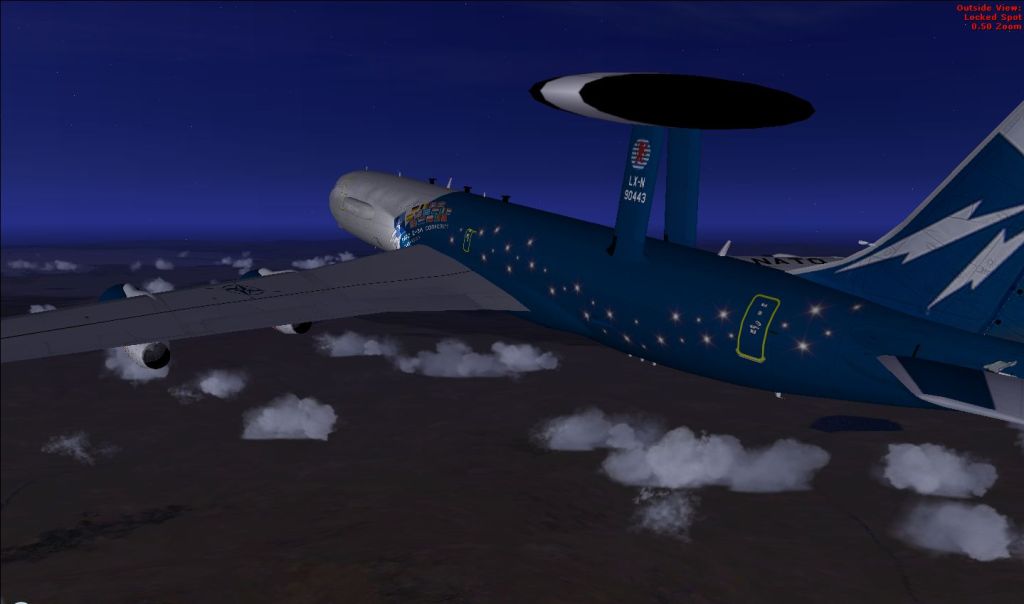
The members of NATO
One big radar
Flight Simulator and other chat
https://forums.simviation.com/phpBB3/
https://forums.simviation.com/phpBB3/viewtopic.php?f=42&t=144996
Posted: Thu Sep 11, 2008 11:54 amPosted: Thu Sep 11, 2008 11:55 am
 Posted: Thu Sep 11, 2008 12:00 pm
I think I'm seeing triple :o
Posted: Thu Sep 11, 2008 12:09 pmPosted: Thu Sep 11, 2008 12:32 pmPosted: Thu Sep 11, 2008 12:36 pmLucky me, I have to scroll to see the entire pic, so I don't see the text at first.
Nice paintjob! Not too impressed by the clouds though.
Posted: Thu Sep 11, 2008 12:43 pmPosted: Thu Sep 11, 2008 12:45 pmLucky me, I have to scroll to see the entire pic, so I don't see the text at first.
.
Posted: Thu Sep 11, 2008 3:13 pmI think I'm seeing triple :o
Not sure what happened there, I'll reupload again.
Should be better now
How should I get rid of the red text?
change this entry in your main cfg
[Main]
HideInfoText=1
DisablePreload=1
User Objects=Airplane, Helicopter
Didn't now if I posted enough to help so hereis more.
InfoStallEnable=True
InfoOverspeedEnable=True
BLOOM_EFFECTS=0
SKINNED_ANIMATIONS=1
TEXTURE_BANDWIDTH_MULT=34
UPPER_FRAMERATE_LIMIT=28
WideViewAspect=True
[Main]
HideInfoText=1
DisablePreload=1
User Objects=Airplane, Helicopter
SimObjectPaths.0=SimObjects\Airplanes
SimObjectPaths.1=SimObjects\Rotorcraft
SimObjectPaths.2=SimObjects\GroundVehicles
SimObjectPaths.3=SimObjects\Boats
SimObjectPaths.4=SimObjects\Animals
SimObjectPaths.5=SimObjects\Misc
Posted: Thu Sep 11, 2008 3:52 pmPosted: Thu Sep 11, 2008 3:57 pmPosted: Fri Sep 12, 2008 12:24 pm