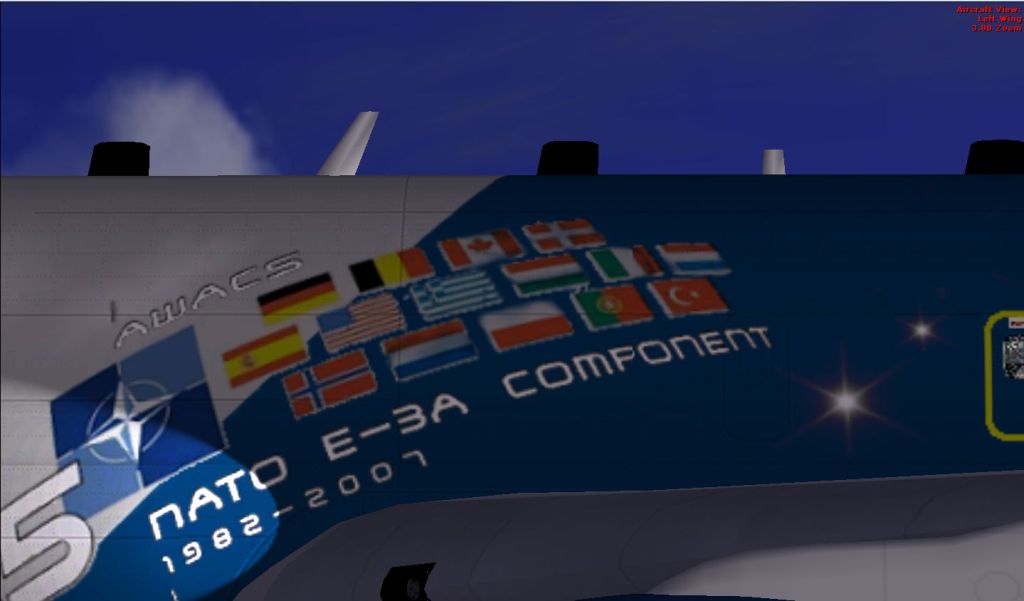
E-3

Flight Simulation Screenshots displaying your Flight Simulation Experience. MSFS, FSX, Prepar3D, XPlane and other Flight Simulators. Focus is your Flight Simulator Experience. Please upload to Simviation (Button at top right)

E-3

Postby Rich H » Thu Sep 11, 2008 11:54 am

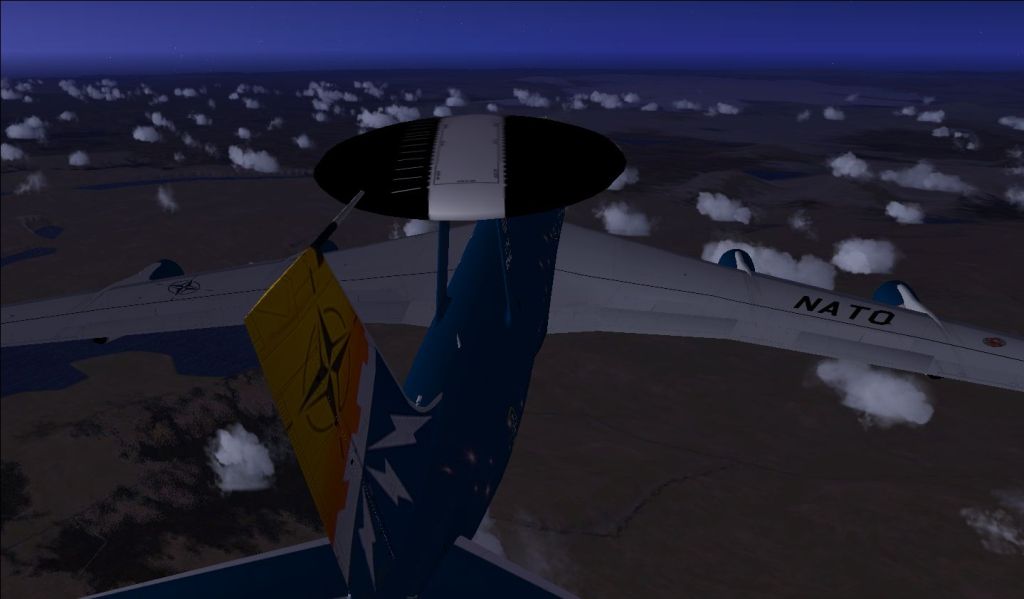
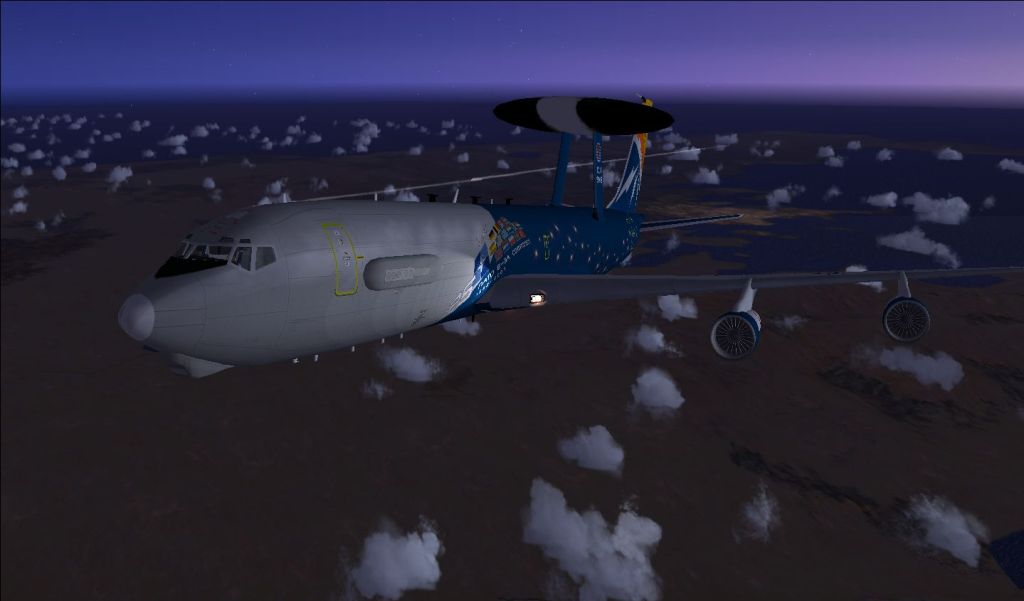
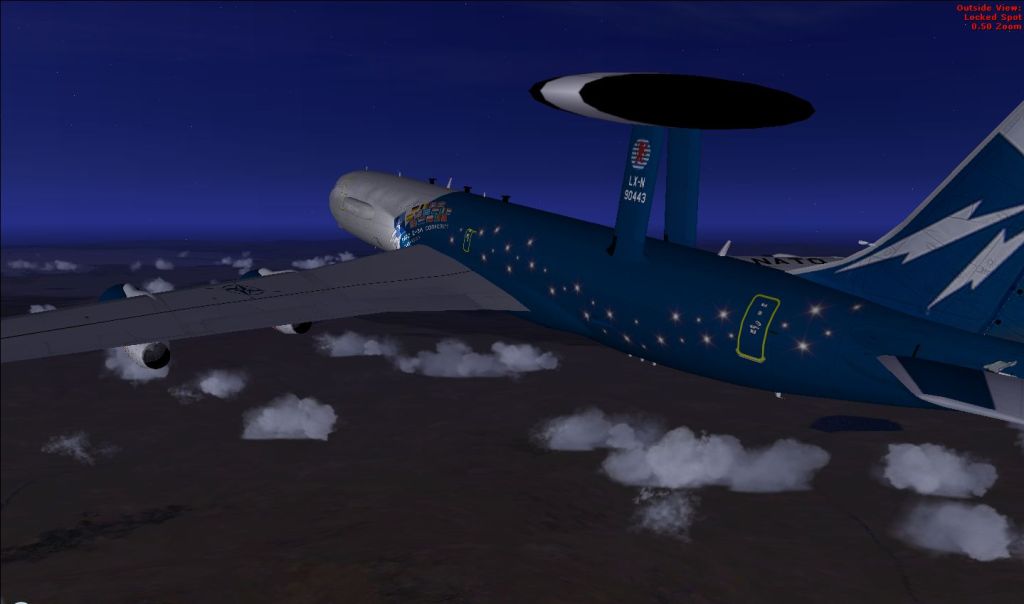
Just patrolling around Iceland in a NATO E-3 Sentry.
The members of NATO Image

One big radar
Image

Image

Image
Last edited by Rich H on Thu Sep 11, 2008 12:05 pm, edited 1 time in total.
Image

"Politics" is made up of two words, "Poli", which is Greek for "many", and "tics", which are blood sucking insects. - Gore Vidal
User avatar
Rich H
Major
Major
 
Posts: 2017
Joined: Mon Jun 02, 2008 11:40 am
Location: Solihull, U.K.

Re: E-3

Postby Anxyous » Thu Sep 11, 2008 11:55 am

I think I'm seeing triple  :o

Little tip, wait a few seconds for the red text to disappear before taking the shot, or crop it out afterwards ;)

I like them :)
Image
User avatar
Anxyous
Major
Major
 
Posts: 2593
Joined: Mon Dec 25, 2006 4:04 pm

Re: E-3

Postby Rich H » Thu Sep 11, 2008 12:00 pm

I think I'm seeing triple  :o

Not sure what happened there, I'll reupload  again.
Should be better now :)
How should I get rid of the red text?
Last edited by Rich H on Thu Sep 11, 2008 12:06 pm, edited 1 time in total.
Image

"Politics" is made up of two words, "Poli", which is Greek for "many", and "tics", which are blood sucking insects. - Gore Vidal
User avatar
Rich H
Major
Major
 
Posts: 2017
Joined: Mon Jun 02, 2008 11:40 am
Location: Solihull, U.K.

Re: E-3

Postby Anxyous » Thu Sep 11, 2008 12:09 pm

When flying and switching views, wait a few seconds, and the red text will disappear :)

I'm looking for a way to not make it appear at all...
Image
User avatar
Anxyous
Major
Major
 
Posts: 2593
Joined: Mon Dec 25, 2006 4:04 pm

Re: E-3

Postby jankees » Thu Sep 11, 2008 12:32 pm

Lucky me, I have to scroll to see the entire pic, so I don't see the text at first.
Nice paintjob! Not too impressed by the clouds though.
Image
jankees
Major
Major
 
Posts: 2799
Joined: Fri Aug 11, 2006 3:19 am
Location: Brussels, Belgium

Re: E-3

Postby Rich H » Thu Sep 11, 2008 12:36 pm

Lucky me, I have to scroll to see the entire pic, so I don't see the text at first.
Nice paintjob! Not too impressed by the clouds though.

Sorry, I don't have the best graphics card, so I have to turn a few things down.
Image

"Politics" is made up of two words, "Poli", which is Greek for "many", and "tics", which are blood sucking insects. - Gore Vidal
User avatar
Rich H
Major
Major
 
Posts: 2017
Joined: Mon Jun 02, 2008 11:40 am
Location: Solihull, U.K.

Re: E-3

Postby TRflyman01 » Thu Sep 11, 2008 12:43 pm
[quote][quote]I think I'm seeing triple
Last edited by TRflyman01 on Thu Sep 11, 2008 12:55 pm, edited 1 time in total.
Image
TRflyman01
Major
Major
 
Posts: 1192
Joined: Tue May 06, 2008 12:42 pm
Location: united states

Re: E-3

Postby Anxyous » Thu Sep 11, 2008 12:45 pm

Lucky me, I have to scroll to see the entire pic, so I don't see the text at first.
.


Ok, I had that one coming  ;D
Image
User avatar
Anxyous
Major
Major
 
Posts: 2593
Joined: Mon Dec 25, 2006 4:04 pm

Re: E-3

Postby Rich H » Thu Sep 11, 2008 3:13 pm

I think I'm seeing triple  :o

Not sure what happened there, I'll reupload  again.
Should be better now :)
How should I get rid of the red text?


change this entry in your main cfg

[Main]
HideInfoText=1
DisablePreload=1
User Objects=Airplane, Helicopter

Didn't now if I posted enough to help so hereis more.

InfoStallEnable=True
InfoOverspeedEnable=True
BLOOM_EFFECTS=0
SKINNED_ANIMATIONS=1
TEXTURE_BANDWIDTH_MULT=34
UPPER_FRAMERATE_LIMIT=28
WideViewAspect=True
[Main]
HideInfoText=1
DisablePreload=1
User Objects=Airplane, Helicopter
SimObjectPaths.0=SimObjects\Airplanes
SimObjectPaths.1=SimObjects\Rotorcraft
SimObjectPaths.2=SimObjects\GroundVehicles
SimObjectPaths.3=SimObjects\Boats
SimObjectPaths.4=SimObjects\Animals
SimObjectPaths.5=SimObjects\Misc

Did a search, but I couldn't find a main.cfg.
Image

"Politics" is made up of two words, "Poli", which is Greek for "many", and "tics", which are blood sucking insects. - Gore Vidal
User avatar
Rich H
Major
Major
 
Posts: 2017
Joined: Mon Jun 02, 2008 11:40 am
Location: Solihull, U.K.

Re: E-3

Postby TRflyman01 » Thu Sep 11, 2008 3:52 pm

If you are using XP have show hidden files checked then:
Open explorer then
Application Data
Microsoft
FSX
highlight FSX then open fsx cfg with notepad and add the line I have highlighted in the same place then save.
If you are using vista I am not sure, havent used it.
Image
TRflyman01
Major
Major
 
Posts: 1192
Joined: Tue May 06, 2008 12:42 pm
Location: united states

Re: E-3

Postby Rich H » Thu Sep 11, 2008 3:57 pm

That's the problem, I'm using Vista.
Image

"Politics" is made up of two words, "Poli", which is Greek for "many", and "tics", which are blood sucking insects. - Gore Vidal
User avatar
Rich H
Major
Major
 
Posts: 2017
Joined: Mon Jun 02, 2008 11:40 am
Location: Solihull, U.K.

Re: E-3

Postby Anxyous » Fri Sep 12, 2008 12:24 pm

Search for the FSX.cfg file, or enable hidden files as well.

The directory for Vista is C:/Users/*your user*/AppData/Roaming/Microsoft/FSX.
Image
User avatar
Anxyous
Major
Major
 
Posts: 2593
Joined: Mon Dec 25, 2006 4:04 pm


Return to Simulation Screenshots Showcase

Who is online

Users browsing this forum: No registered users and 695 guests