Page 1 of 1
Up close and personal.

Posted:
Tue Jul 01, 2008 2:15 amby Flying Mouse
Thanx to Daube I now know how to change the spot plane distance without zooming. I never knew i could do it.
Thanx alot Daube.
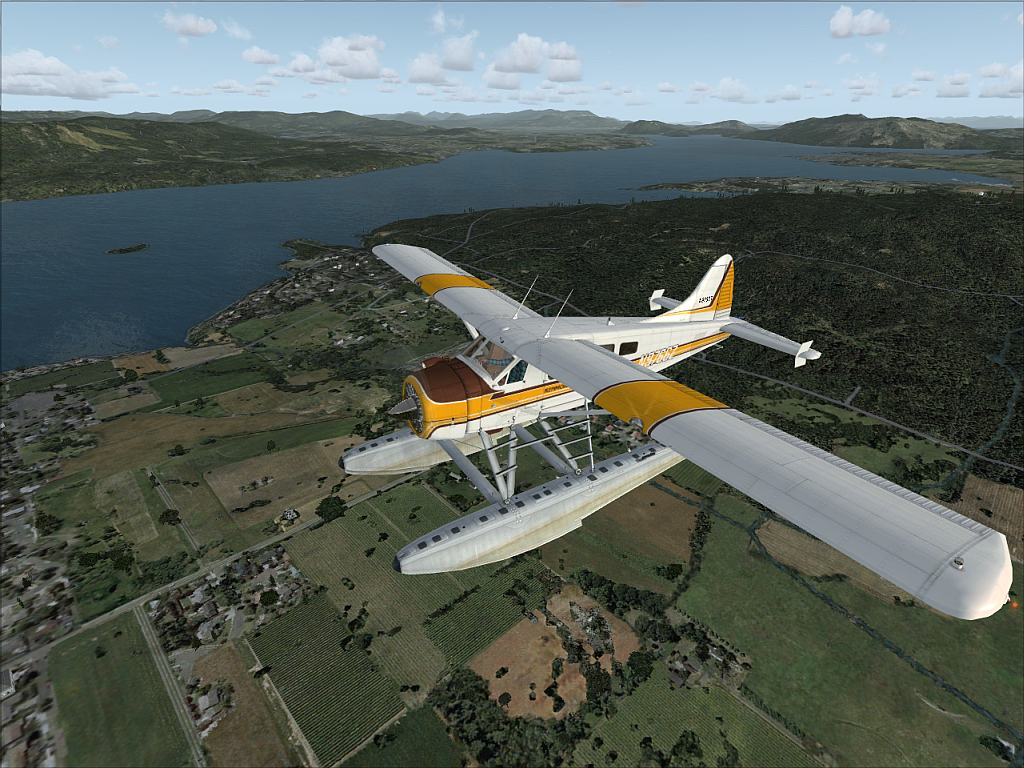
Flying around Victoria.
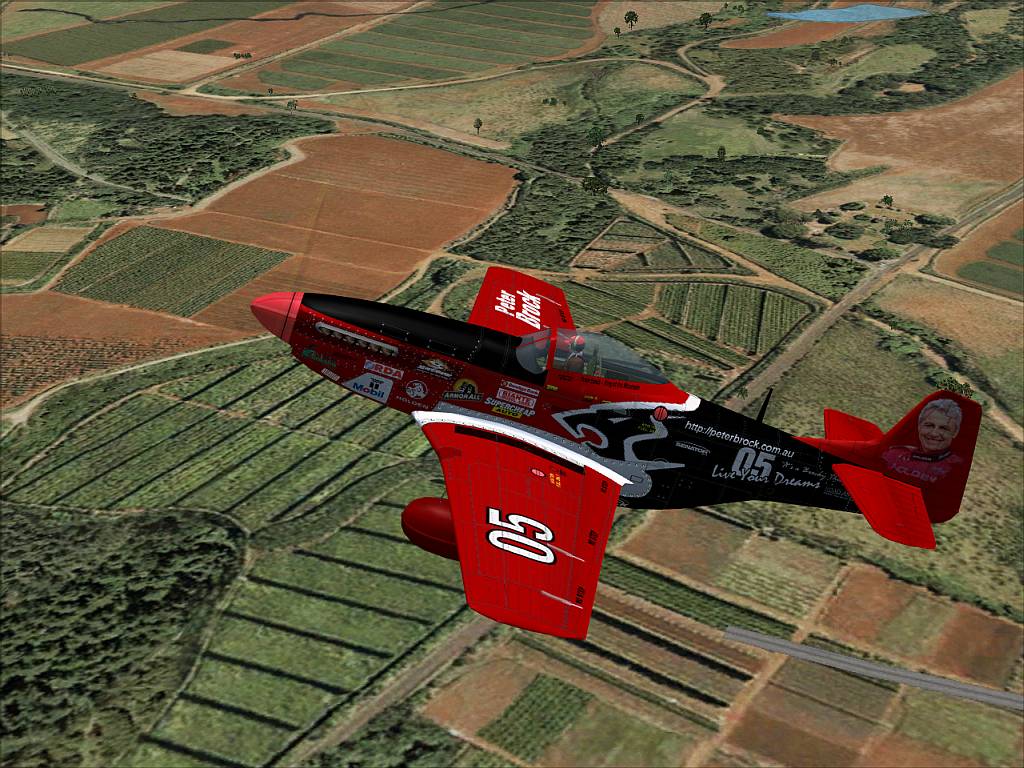
Mussy around Hawaii
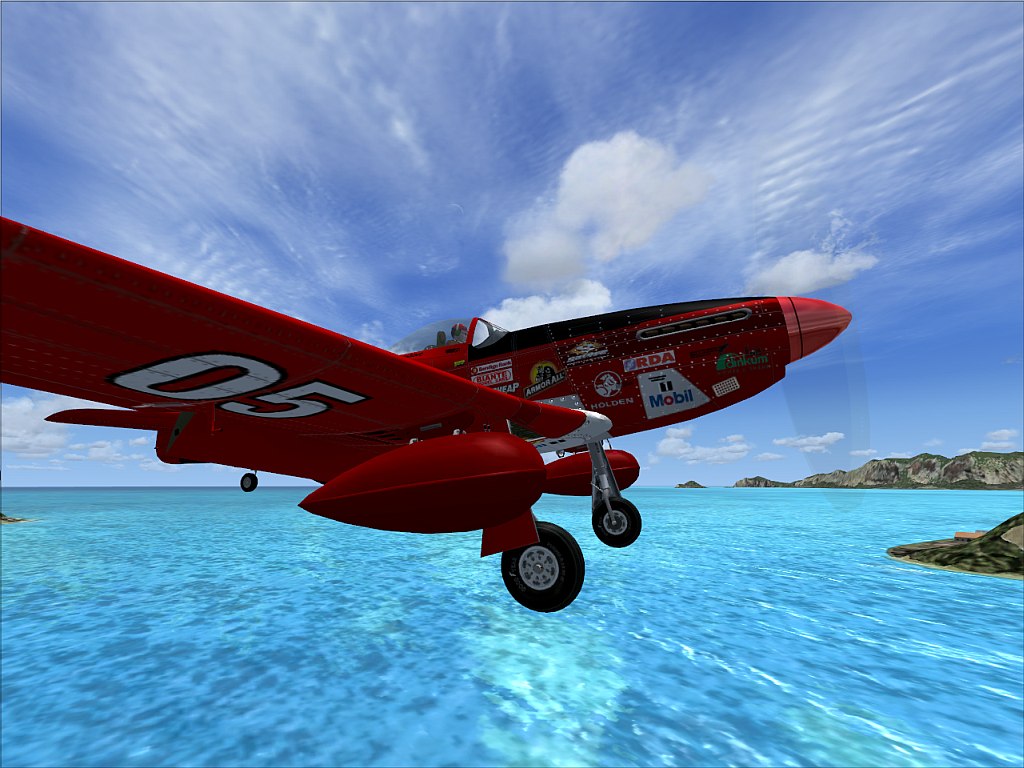
Landing at an airport just east of Honolulu.
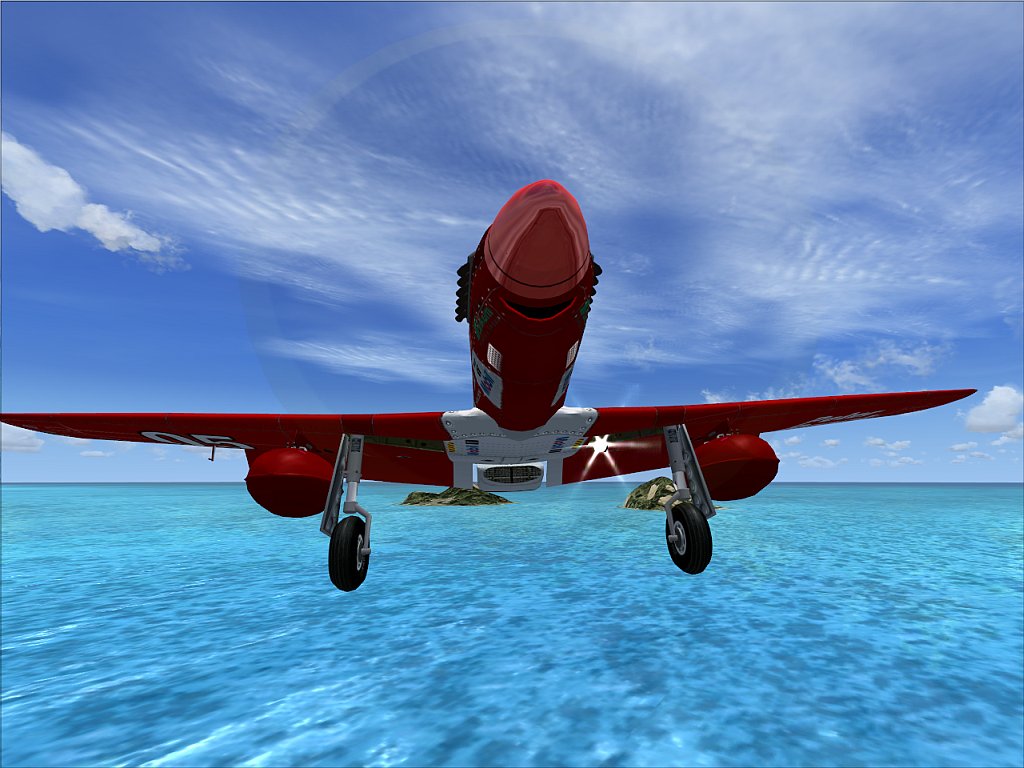
On final, coming right at you.
Thanx for having a look.
Q&C always appreciated.
Once again ty Daube!!!
Re: Up close and personal.
Posted:
Tue Jul 01, 2008 3:59 amby Daube
The first one is really cool !!
Re: Up close and personal.
Posted:
Tue Jul 01, 2008 8:02 amby gtirob01
Great shots! I love the paint on the Mustang! I too recently learned about the "ctrl +/-" thing. Been using it in nearly all my shots now!
Is that the Alpha Mustang? If so.... where can I find that repaint?
Re: Up close and personal.
Posted:
Tue Jul 01, 2008 8:42 amby Flying Mouse
Nope.
It is the Civilian Package in the vintage section if I am not mistaken ;)
Re: Up close and personal.
Posted:
Tue Jul 01, 2008 11:08 amby todayshorse
[quote]The first one is really cool !!
Re: Up close and personal.
Posted:
Tue Jul 01, 2008 1:22 pmby stuart1044
Number one is great

Well done

Re: Up close and personal.
Posted:
Wed Jul 02, 2008 2:05 amby Flying Mouse
Thanx for the comments and tips all ;)
Re: Up close and personal.
Posted:
Wed Jul 02, 2008 5:31 pmby Bob70
[quote]Thanx to Daube I now know how to change the spot plane distance without zooming. I never knew i could do it.
Thanx alot Daube.
quote]
Well would you please tell me how to do it also. I've been trying to find out how to do it since day one. I've tried all the view commands that I can find. Thanks.
Bob
Re: Up close and personal.
Posted:
Thu Jul 03, 2008 4:09 amby Daube
You have to use the commands CTRL+ '+' and CTRL + '-'.
This will increase/decrease the distance between the camera and the plane. You have to maintain those key, because the movement is really slow.