Page 1 of 1

Weekend flights.

PostPosted: Mon Jun 30, 2008 1:46 am
by Flying Mouse
FARB. Airport Richardsbay. Flying around my hometown harbour.
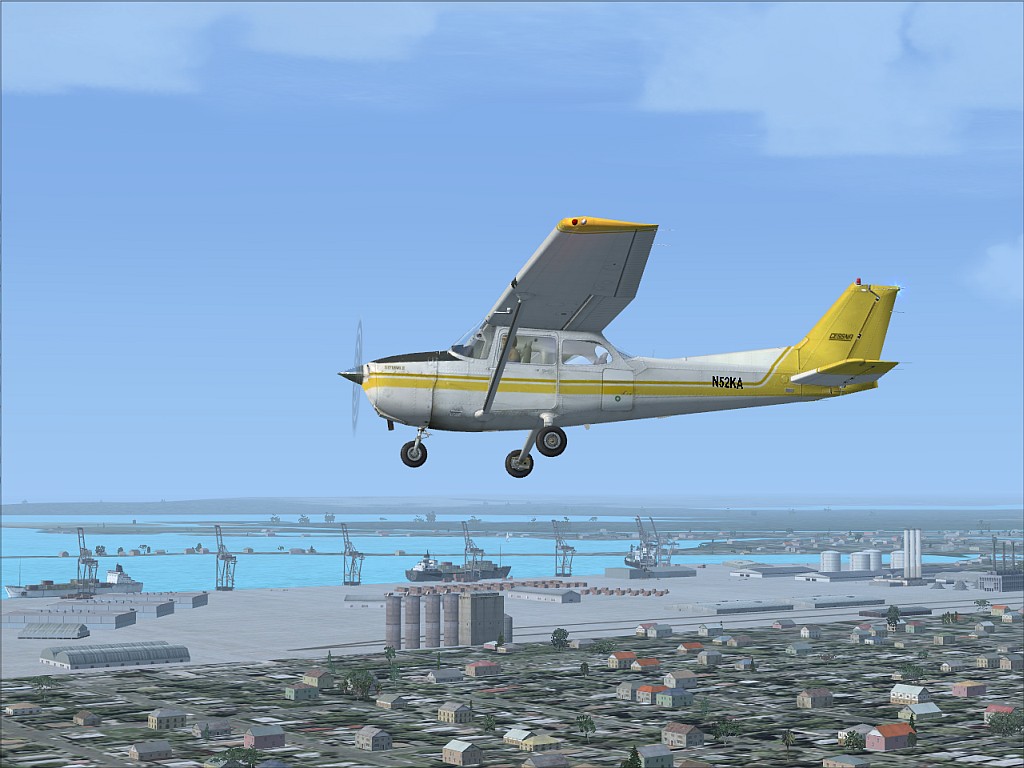
Image

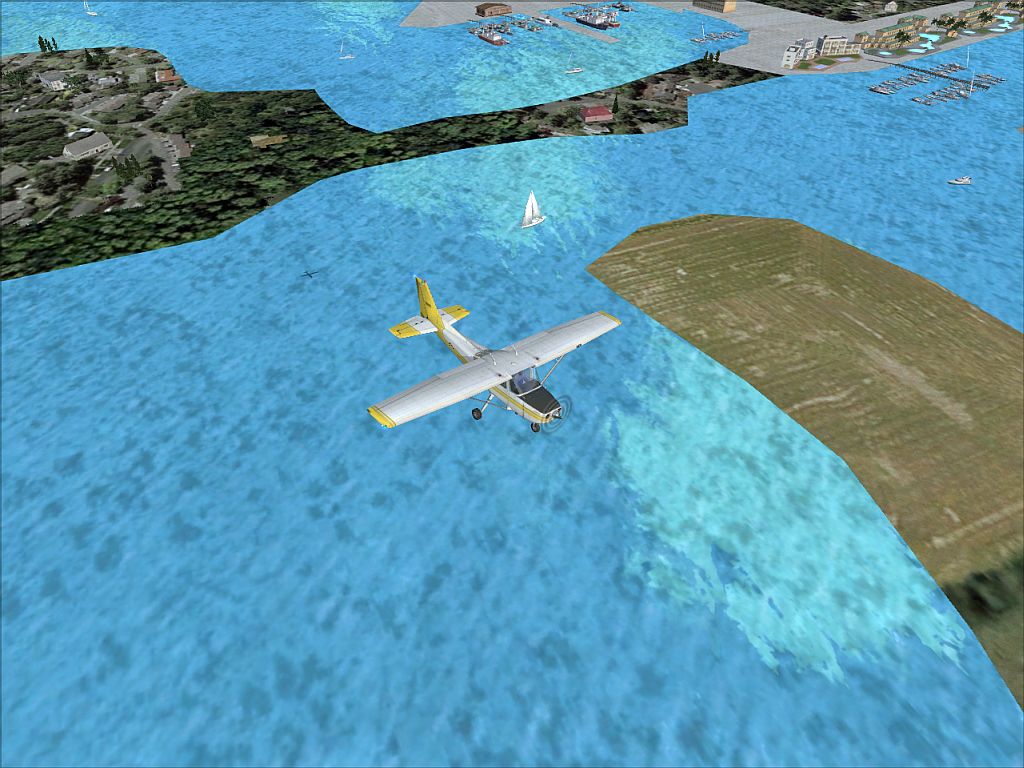
This section is called small craft. Area with some recreational facilities.
Image

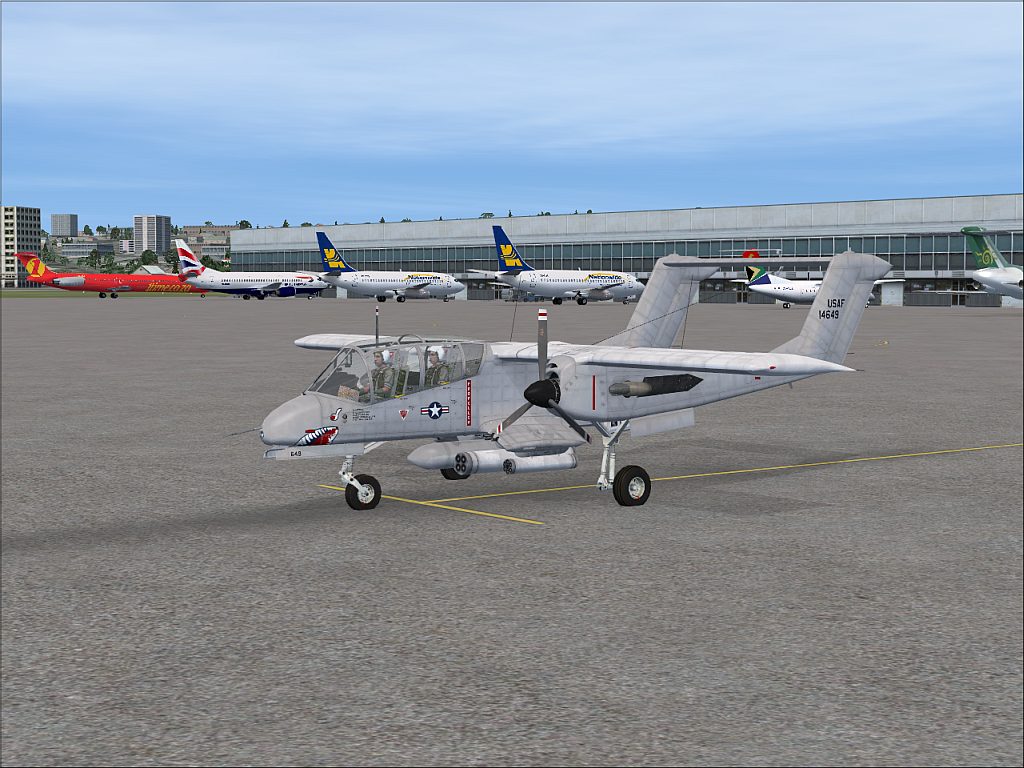
FADN. Durban International. Nice and busy airport.
Image

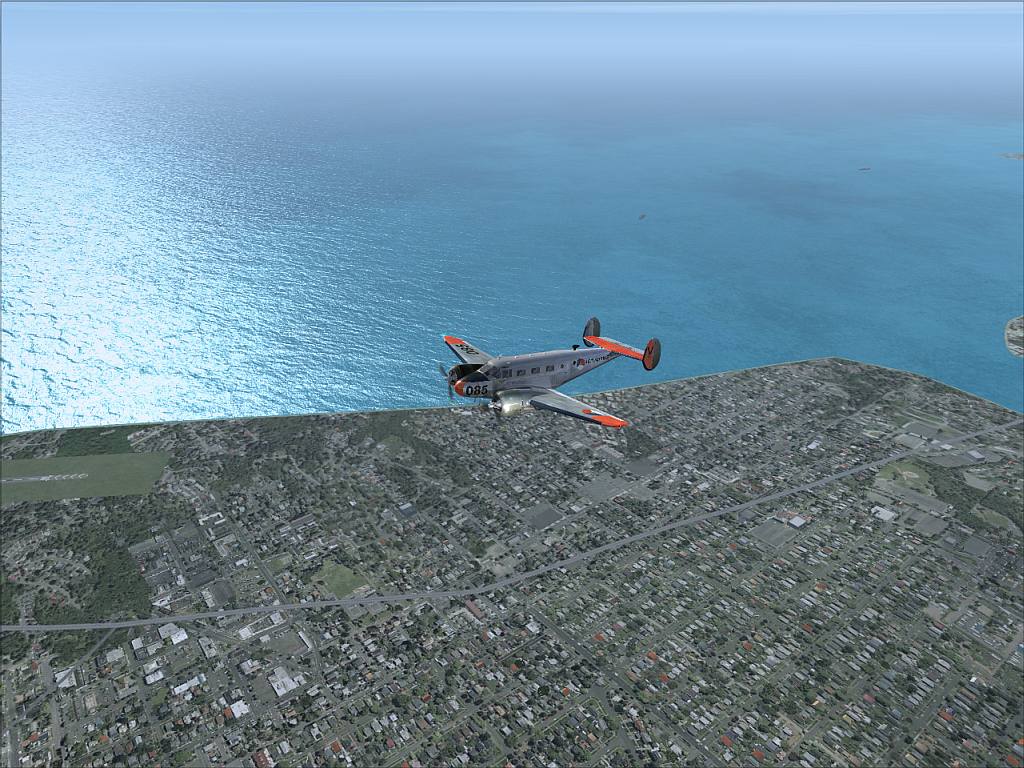
This is still Durban. Northern part. Flying past Virginia airport used by GA.
Image

Thanx for having a look.

Q&C Welcome

Re: Weekend flights.

PostPosted: Mon Jun 30, 2008 4:04 am
by Daube
I love the shot with the Bronco !

I have just two remarks:
- you take the shots far away from the planes, so we can see very few details. Planes like the Bronco or the default 172 are really nicely detailled, so you can afford showing a bit more of them.

- be carefull when choosing the ground scenery you want to show in your shot. The ground in the second shot does not look very nice, don't you think ? The ground in the last shot is much more interesting, as a background.

Re: Weekend flights.

PostPosted: Mon Jun 30, 2008 4:15 am
by Flying Mouse
I love the shot with the Bronco !

I have just two remarks:
- you take the shots far away from the planes, so we can see very few details. Planes like the Bronco or the default 172 are really nicely detailled, so you can afford showing a bit more of them.

- be carefull when choosing the ground scenery you want to show in your shot. The ground in the second shot does not look very nice, don't you think ? The ground in the last shot is much more interesting, as a background.


I value the tips. Thanx alot.

I tend to keep away from massive zoom as for some reason my sim becomes a blob of blur when I zoom. Especially the ground textures.

I don't pause to snap shots, and even if I did the textures don't load properly.

As for the textures in 2, I agree they don't look great as they are default, besides for the harbour area. Guess I just liked the water and the small boats in the upper corner.

:)

Re: Weekend flights.

PostPosted: Mon Jun 30, 2008 4:41 am
by Daube
I know what you mean for the zoom, but I was not refereing to that!
I was refereing to the spot view distance (that you can decrease/increase with CTRL + '-' or '+'. In this way, you can get closer to your plane without having to zoom in. You can even zoom out a little bit, that will provide a better impression of depth and it will also reduce the blurries :)

Re: Weekend flights.

PostPosted: Mon Jun 30, 2008 5:44 am
by Flying Mouse
I know what you mean for the zoom, but I was not refereing to that!
I was refereing to the spot view distance (that you can decrease/increase with CTRL + '-' or '+'. In this way, you can get closer to your plane without having to zoom in. You can even zoom out a little bit, that will provide a better impression of depth and it will also reduce the blurries :)


Did not know I can actually do that.

Thanx a zillion, going to try that out  :)

Much appreciated!!!!!!