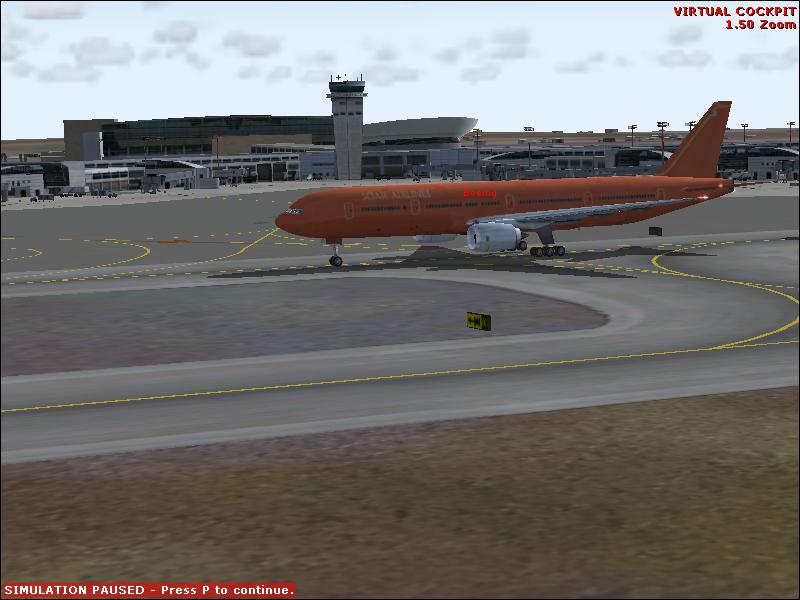
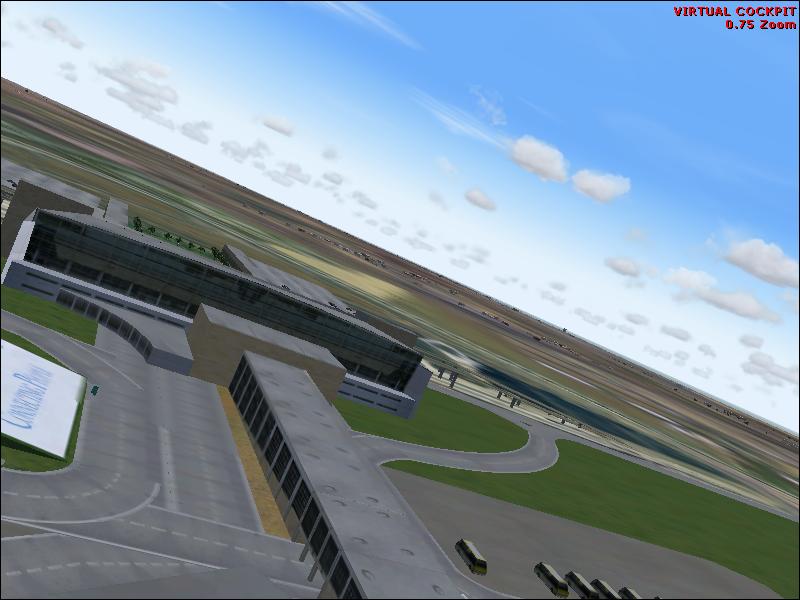
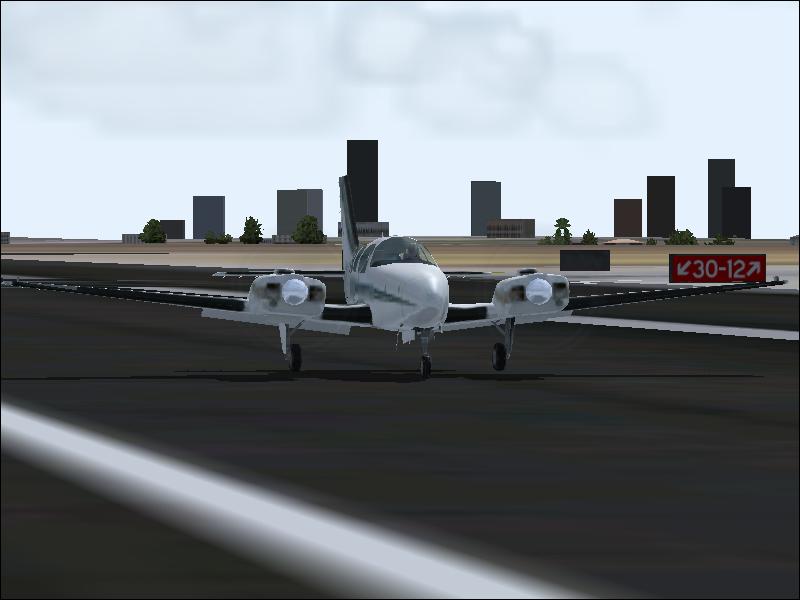
Tel Aviv Ben Gurion Add-On Scenery!!!! ULTRA_HIGH!
 Posted: Fri Jun 20, 2008 7:24 am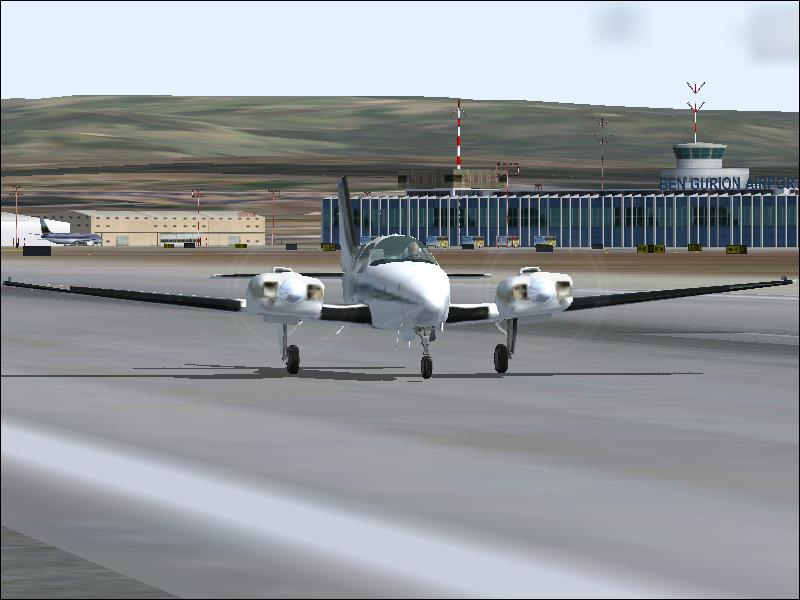
Flight Simulator and other chat
https://forums.simviation.com/phpBB3/
https://forums.simviation.com/phpBB3/viewtopic.php?f=42&t=144457
Posted: Fri Jun 20, 2008 7:24 amPosted: Fri Jun 20, 2008 9:29 amPosted: Fri Jun 20, 2008 10:15 amPosted: Fri Jun 20, 2008 11:11 am Posted: Sun Jun 22, 2008 5:52 amPosted: Mon Jun 23, 2008 1:23 am
Looks more like fs8 as Soar airlines is default in that!
 Posted: Mon Jun 23, 2008 1:29 am
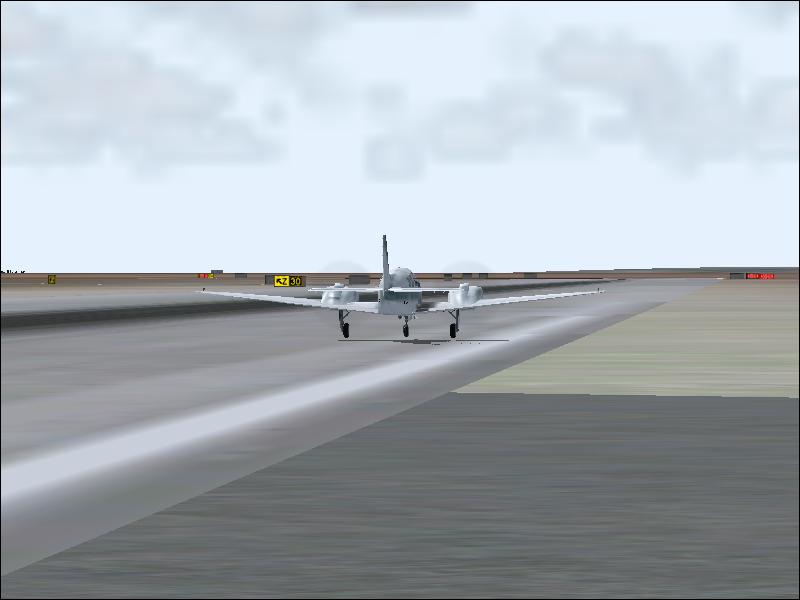
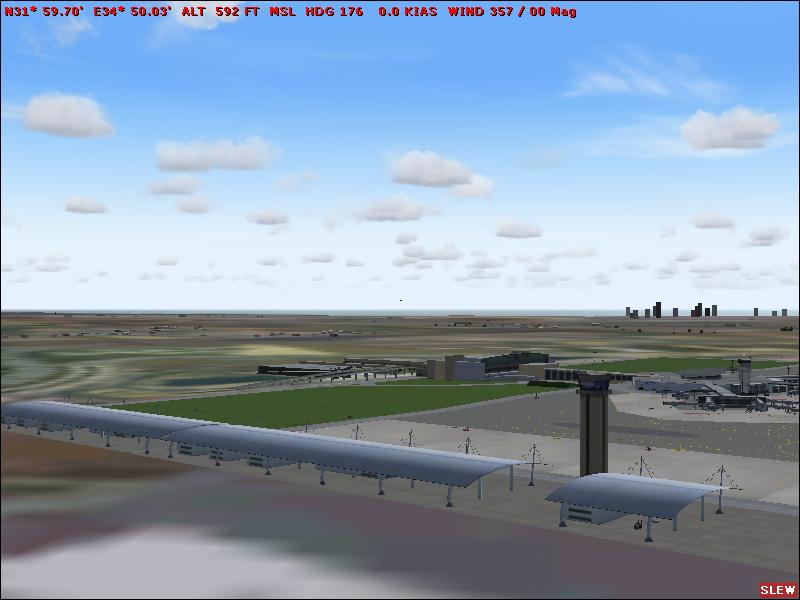
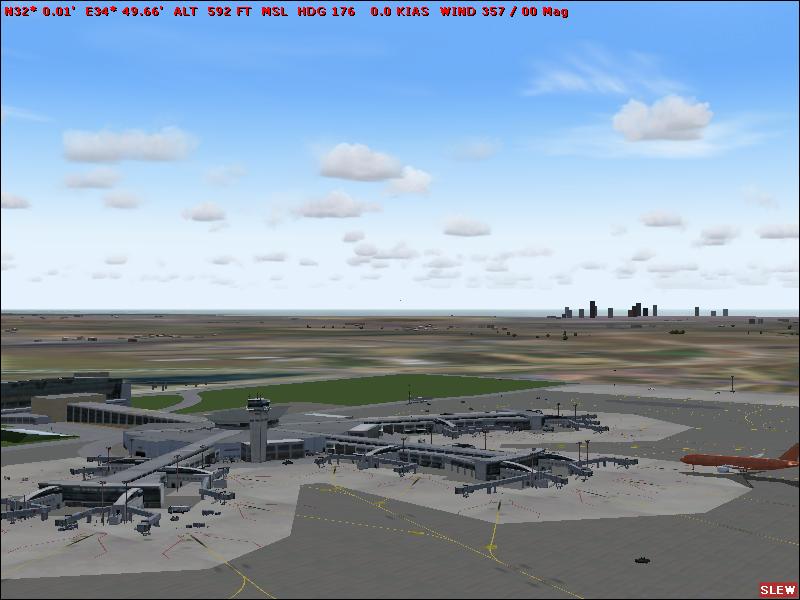
Hmmm. im not quite sure what your trying to show us here - im guessing its the scenery/airport...
Personaly id make my first stop HERE
Even if you cant fly with full settings, you can indeed pause the sim, max out or increase certain settings for your shot, then return to your normal settings for flight.
Also take a look at how you are resizing these images - most are 100kb short for the limit here at SIMV, but your actual size is great! (800x600)
If you are using photoshop, use the 'save for web' function, or have a quick search for both photo.net, and irfanview - both will allow you to resize to your required resolution AND at or near the 150kb limit!
Please dont think im 'having a go' or trying to be 'the expert' because im not! But by using the full amount of kb on offer, and making your sim more detailed will enhance the quality of your shots immensly and then we can fully appreciate what it is your showing us in your shots!!
Posted: Mon Jun 23, 2008 5:14 amLOL?Looks more like fs8 as Soar airlines is default in that!
Check again, FS9 has Soar airlines too
And that is definitely FS9, you can tell by the clouds