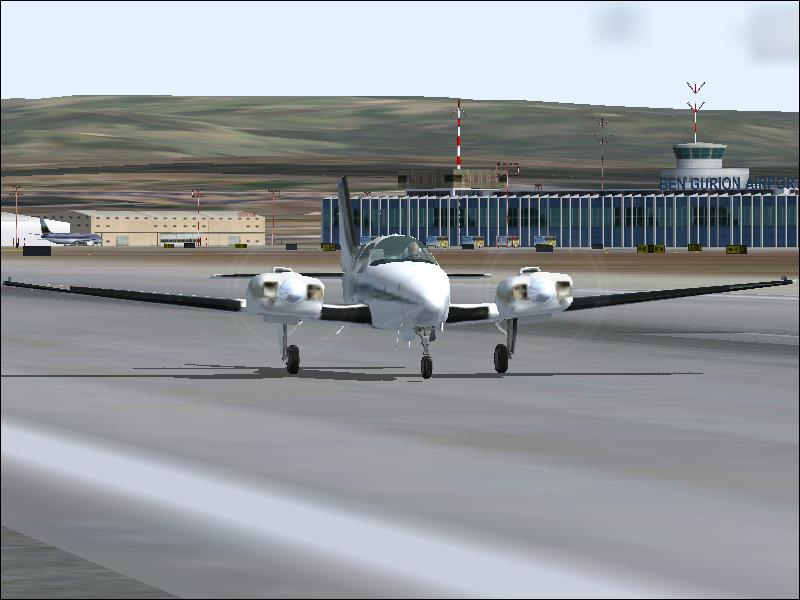
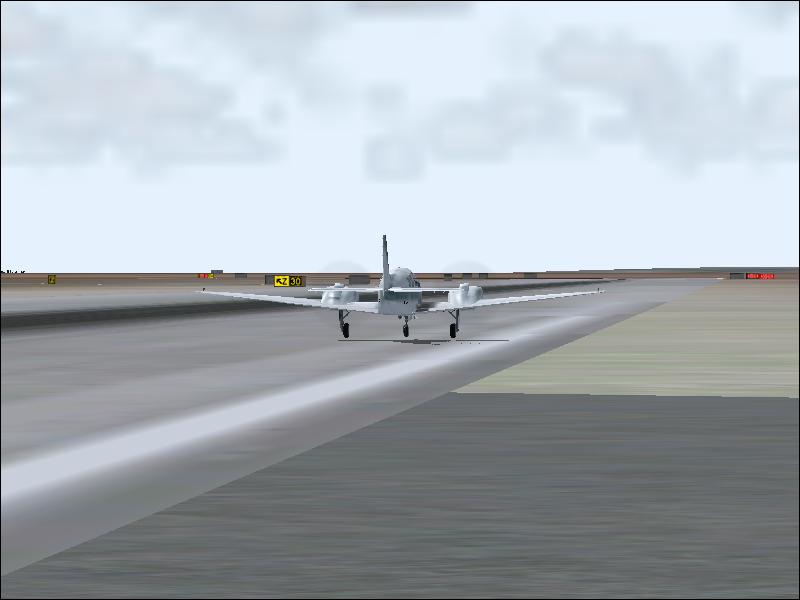
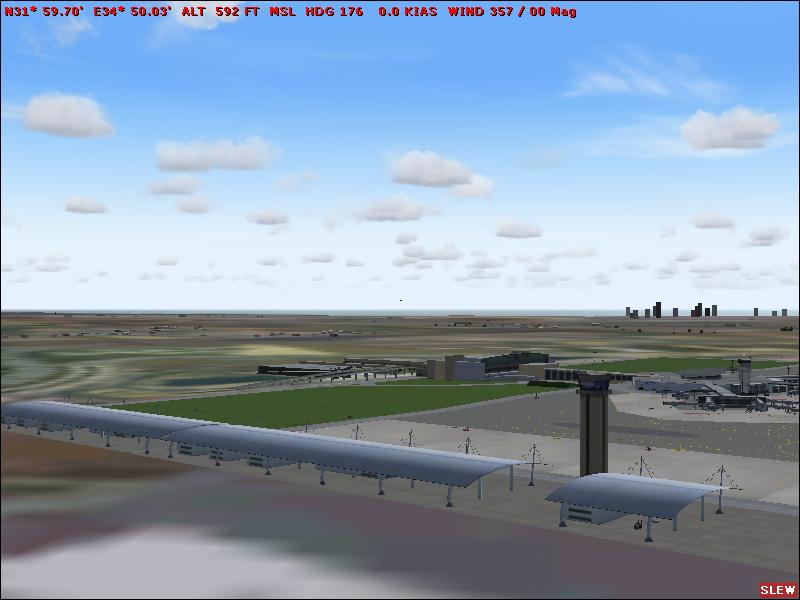
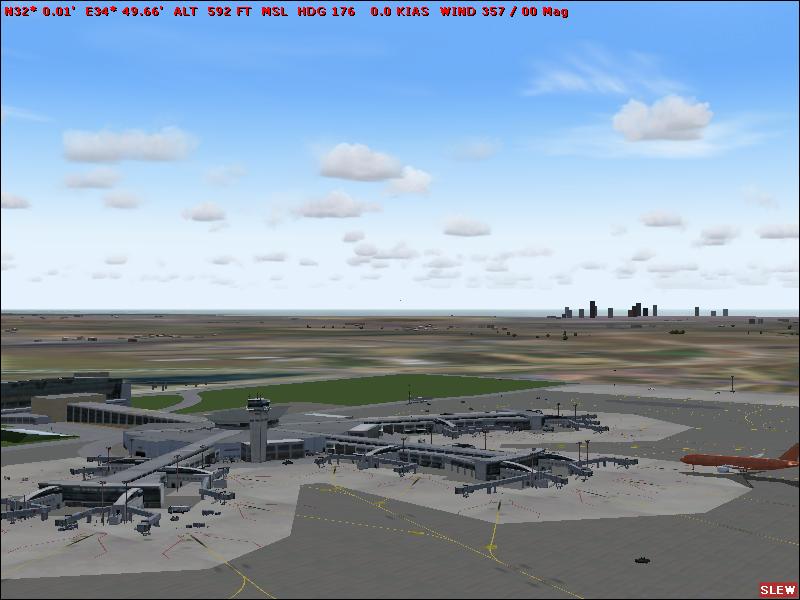
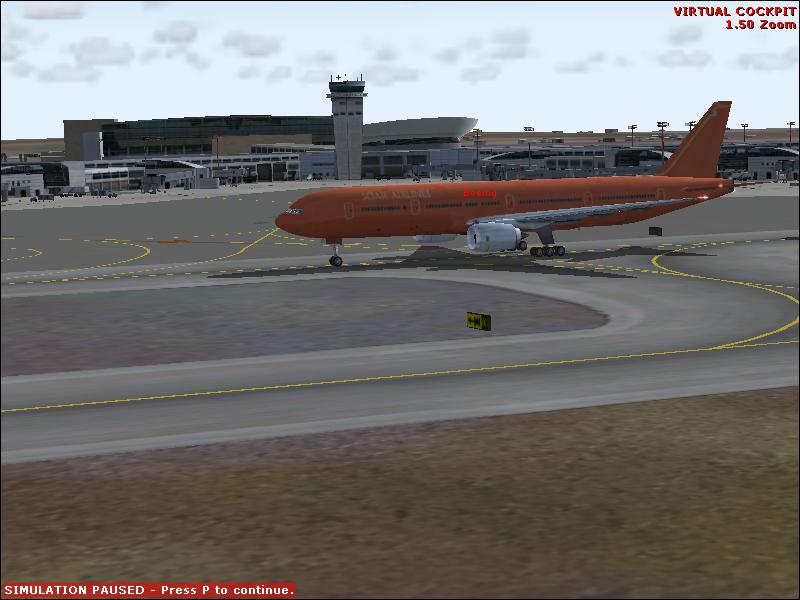
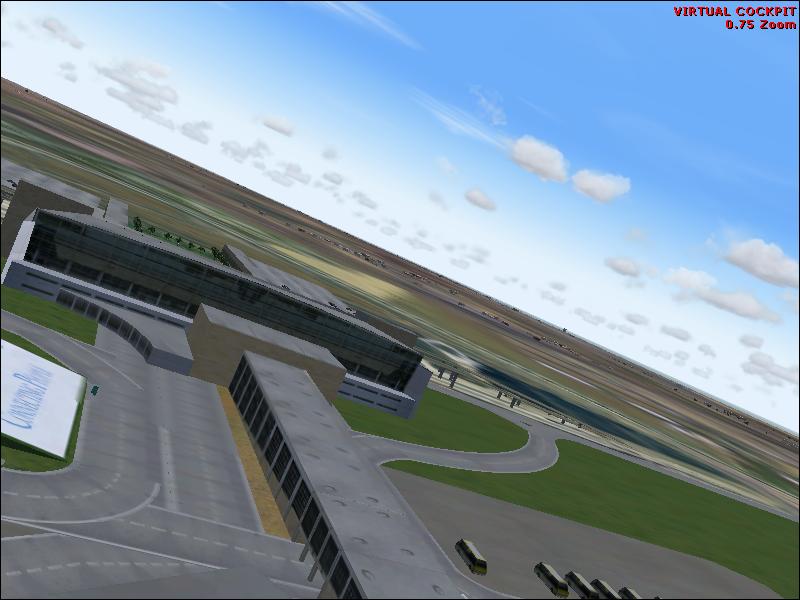
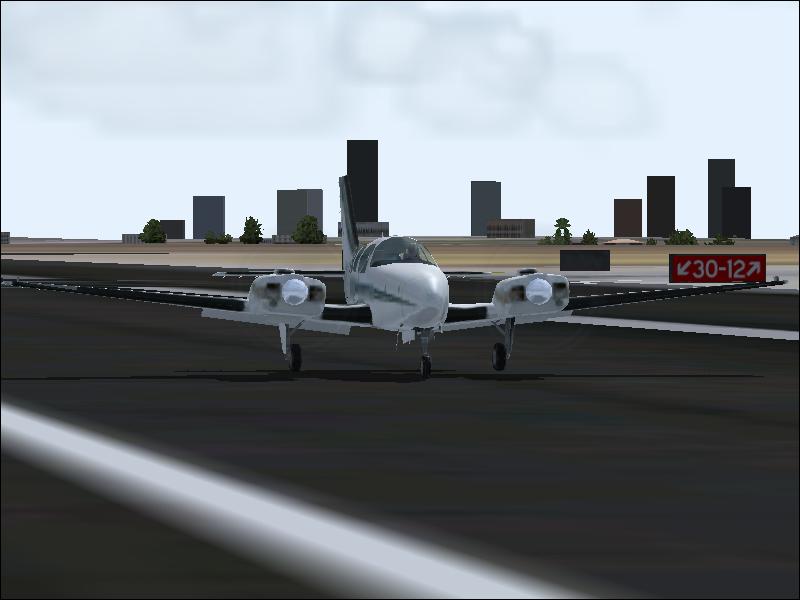

Tel Aviv Ben Gurion Add-On Scenery!!!! ULTRA_HIGH!

Flight Simulation Screenshots displaying your Flight Simulation Experience. MSFS, FSX, Prepar3D, XPlane and other Flight Simulators. Focus is your Flight Simulator Experience. Please upload to Simviation (Button at top right)

Tel Aviv Ben Gurion Add-On Scenery!!!! ULTRA_HIGH!

Postby fsxelal » Fri Jun 20, 2008 7:24 am

Image

Image

Image

Image


Image


Image

Image
fsxelal
Ground hog
Ground hog
 
Posts: 2
Joined: Mon Jun 09, 2008 2:35 pm

Re: Tel Aviv Ben Gurion Add-On Scenery!!!! ULTRA_HIGH!

Postby awj112 » Fri Jun 20, 2008 9:29 am

FSX or 2004?
awj112
Ground hog
Ground hog
 
Posts: 27
Joined: Sun Oct 21, 2007 10:26 pm

Re: Tel Aviv Ben Gurion Add-On Scenery!!!! ULTRA_HIGH!

Postby Sakura » Fri Jun 20, 2008 10:15 am

Looks like FS9, but the settings are so low...
Image
User avatar
Sakura
Captain
Captain
 
Posts: 559
Joined: Sat Jul 15, 2006 5:25 am
Location: UK

Re: Tel Aviv Ben Gurion Add-On Scenery!!!! ULTRA_HIGH!

Postby todayshorse » Fri Jun 20, 2008 11:11 am

Hmmm. im not quite sure what your trying to show us here - im guessing its the scenery/airport...

Personaly id make my first stop HERE

Even if you cant fly with full settings, you can indeed pause the sim, max out or increase certain settings for your shot, then return to your normal settings for flight.

Also take a look at how you are resizing these images - most are 100kb short for the limit here at SIMV, but your actual size is great! (800x600)

If you are using photoshop, use the 'save for web' function, or have a quick search for both photo.net, and irfanview - both will allow you to resize to your required resolution AND at or near the 150kb limit!

Please dont think im 'having a go' or trying to be 'the expert' because im not! But by using the full amount of kb on offer, and making your sim more detailed will enhance the quality of your shots immensly and then we can fully appreciate what it is your showing us in your shots!! ;)
Image
User avatar
todayshorse
Major
Major
 
Posts: 2808
Joined: Fri Mar 28, 2008 5:10 pm
Location: England

Re: Tel Aviv Ben Gurion Add-On Scenery!!!! ULTRA_HIGH!

Postby stuart1044 » Sun Jun 22, 2008 5:52 am
Looks more like fs8 as Soar airlines is default in that!

My advice is the same as THorse, visit the tutorial libraries! ;)
[center][url=http://www.simviation.com/cgi-bin/yabb2/YaBB.pl?board=studiov]
Image[/url]
Intel Core 2 Duo E6750 @ 2.66ghz, 2gb DDR2 800mhz, Nvidia GeForce 6600GT 256mb, Western Digital
User avatar
stuart1044
Major
Major
 
Posts: 1497
Joined: Tue Mar 14, 2006 5:50 am
Location: Manchester, UK

Re: Tel Aviv Ben Gurion Add-On Scenery!!!! ULTRA_HIGH!

Postby Ashar » Mon Jun 23, 2008 1:23 am

LOL?

Looks more like fs8 as Soar airlines is default in that!


Check again, FS9 has Soar airlines too :P

And that is definitely FS9, you can tell by the clouds ;)
Last edited by Ashar on Mon Jun 23, 2008 1:24 am, edited 1 time in total.
Blabbing Away at SimV Since June 8, 2004
Ashar
Major
Major
 
Posts: 4041
Joined: Wed Mar 14, 2007 4:13 am
Location: Ottawa, Ontario

Re: Tel Aviv Ben Gurion Add-On Scenery!!!! ULTRA_HIGH!

Postby a1 » Mon Jun 23, 2008 1:29 am

Hmmm. im not quite sure what your trying to show us here - im guessing its the scenery/airport...

Personaly id make my first stop HERE

Even if you cant fly with full settings, you can indeed pause the sim, max out or increase certain settings for your shot, then return to your normal settings for flight.

Also take a look at how you are resizing these images - most are 100kb short for the limit here at SIMV, but your actual size is great! (800x600)

If you are using photoshop, use the 'save for web' function, or have a quick search for both photo.net, and irfanview - both will allow you to resize to your required resolution AND at or near the 150kb limit!

Please dont think im 'having a go' or trying to be 'the expert' because im not! But by using the full amount of kb on offer, and making your sim more detailed will enhance the quality of your shots immensly and then we can fully appreciate what it is your showing us in your shots!! ;)



What he said. Need to look at AA and your slider settings for the sim too. ;)
Image
790i : QX9650 : 4Gb DDR3 : GeForce 8800 GTX : 1 WD Raptor : 1 WD VelociRaptor 150
User avatar
a1
Lieutenant Colonel
Lieutenant Colonel
 
Posts: 7608
Joined: Thu Jan 04, 2007 9:16 pm

Re: Tel Aviv Ben Gurion Add-On Scenery!!!! ULTRA_HIGH!

Postby stuart1044 » Mon Jun 23, 2008 5:14 am

LOL?

Looks more like fs8 as Soar airlines is default in that!


Check again, FS9 has Soar airlines too :P

And that is definitely FS9, you can tell by the clouds ;)


Really, never seen one, but all default AI is removed now ;)
[center][url=http://www.simviation.com/cgi-bin/yabb2/YaBB.pl?board=studiov]
Image[/url]
Intel Core 2 Duo E6750 @ 2.66ghz, 2gb DDR2 800mhz, Nvidia GeForce 6600GT 256mb, Western Digital
User avatar
stuart1044
Major
Major
 
Posts: 1497
Joined: Tue Mar 14, 2006 5:50 am
Location: Manchester, UK


Return to Simulation Screenshots Showcase

Who is online

Users browsing this forum: No registered users and 576 guests