Page 1 of 1

DC-7???

PostPosted: Tue May 13, 2008 3:47 pm
by theduke
Image


Image


Image

Re: DC-7???

PostPosted: Wed May 14, 2008 4:28 am
by Mitch.
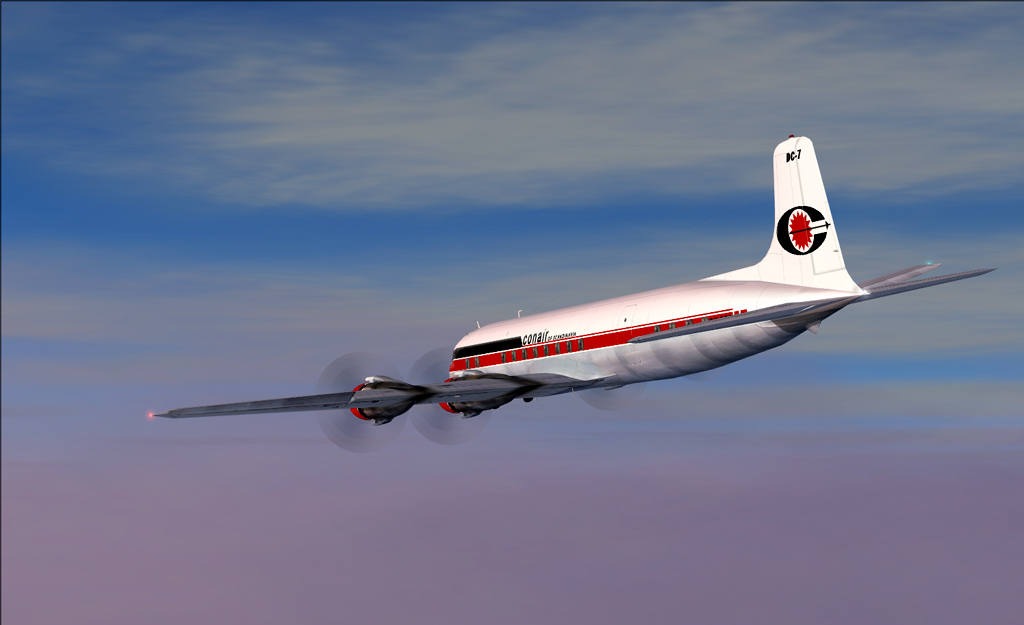
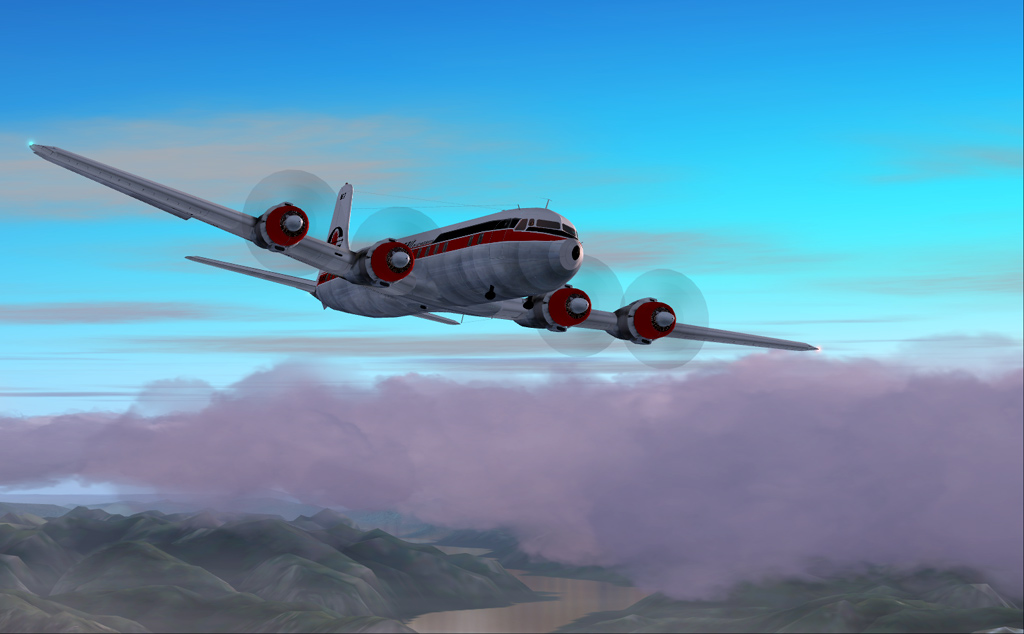
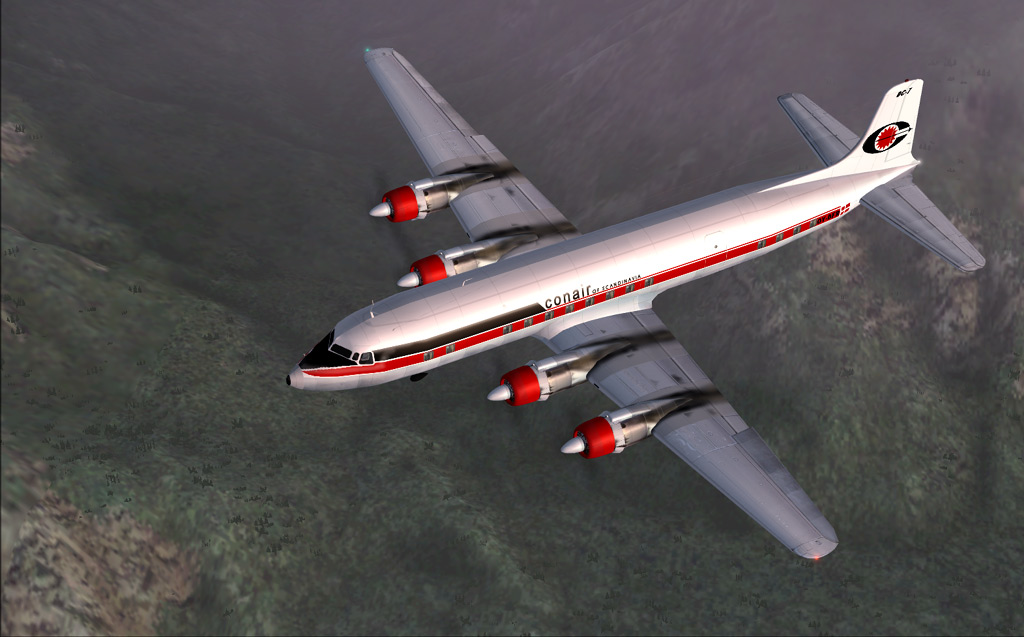
They're all nice with interesting sky colours. :)

However, in #3, you could've waited a bit longer for the textures to load on the right hand side of the shot. See how some of the ground textures are blurry. ;)

Re: DC-7???

PostPosted: Wed May 14, 2008 6:38 am
by theduke
They're all nice with interesting sky colours. :)

However, in #3, you could've waited a bit longer for the textures to load on the right hand side of the shot. See how some of the ground textures are blurry. ;)

Believe me, it was loaded all it was going to load.. FS9 is like that for me. It will load up right under the aircraft but distant stuff. That is about it. I have walked away and left it for an hour and it doesn't load.

Re: DC-7???

PostPosted: Wed May 14, 2008 7:03 am
by haroldkip
Very cool bird Duke ... I like this one.

left it for an hour and it doesn't load

Try this: (courtesy of Mees' Wingtip in the Tutorial Library) press ALT to bring up the menu bar and go to OPTIONS - CONTROLS - ASSIGNMENTS and find the command 'Refresh Scenery'. I've assigned CTRL+R to that so if I'm in flight and my scenery doesn't look the way I want it to be, then I press CTRL+R and it reloads my scenery. Usually this will give good results.

The 'Refresh Scenery' command will reload all the textures of your environment and giving you a nice and detailed flying area again.

Hope this helps ...

Re: DC-7???

PostPosted: Wed May 14, 2008 3:25 pm
by theduke
Thanks Harold, I will give that a shot.