Page 1 of 1

This weeks randoms

PostPosted: Sat May 10, 2008 10:08 pm
by gtirob01
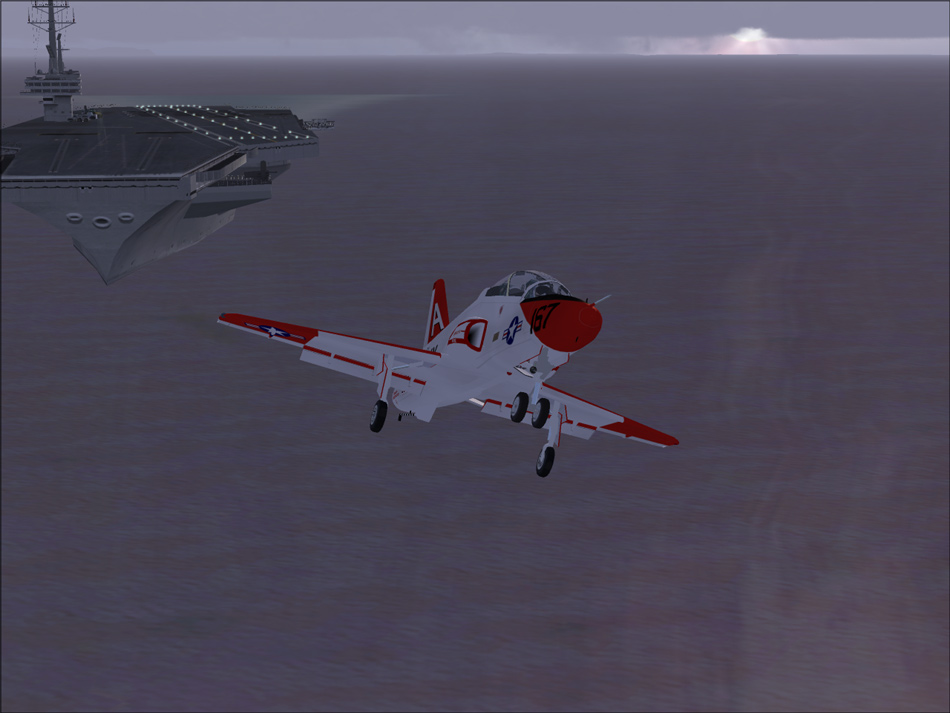
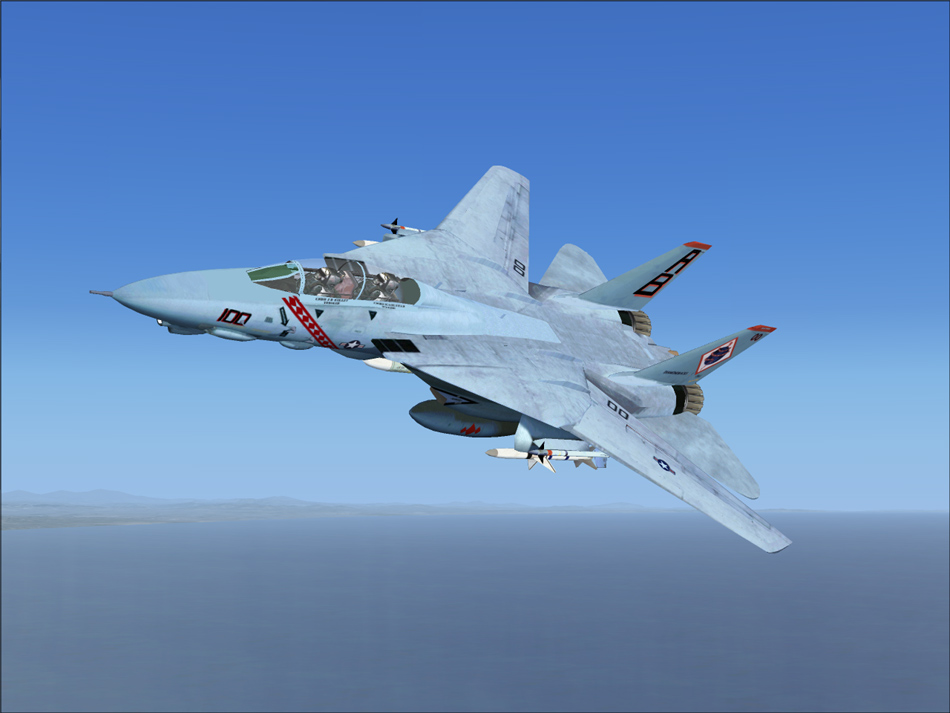
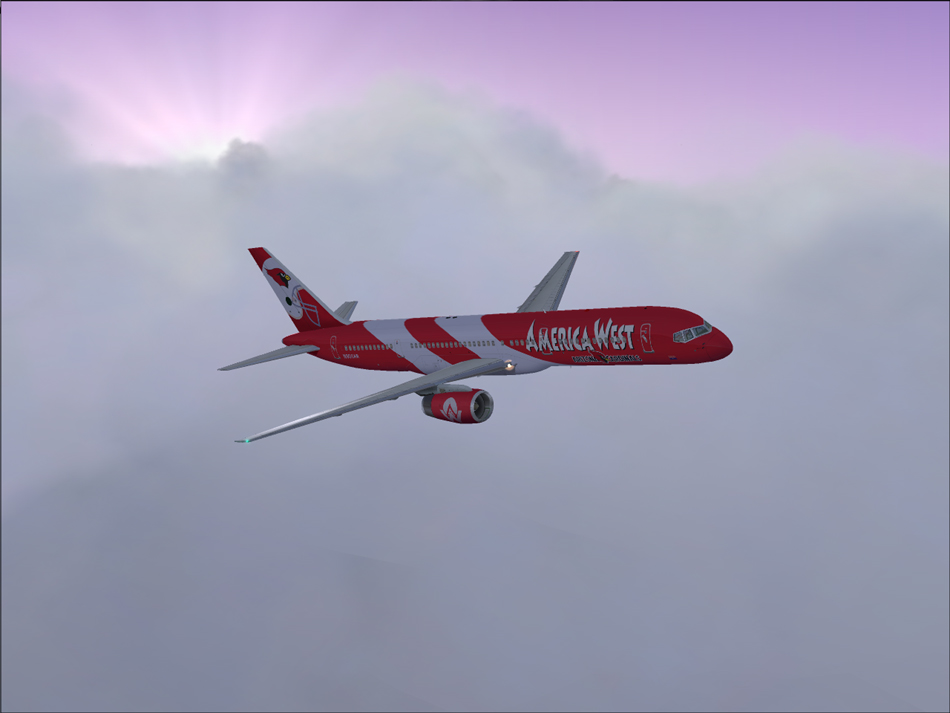
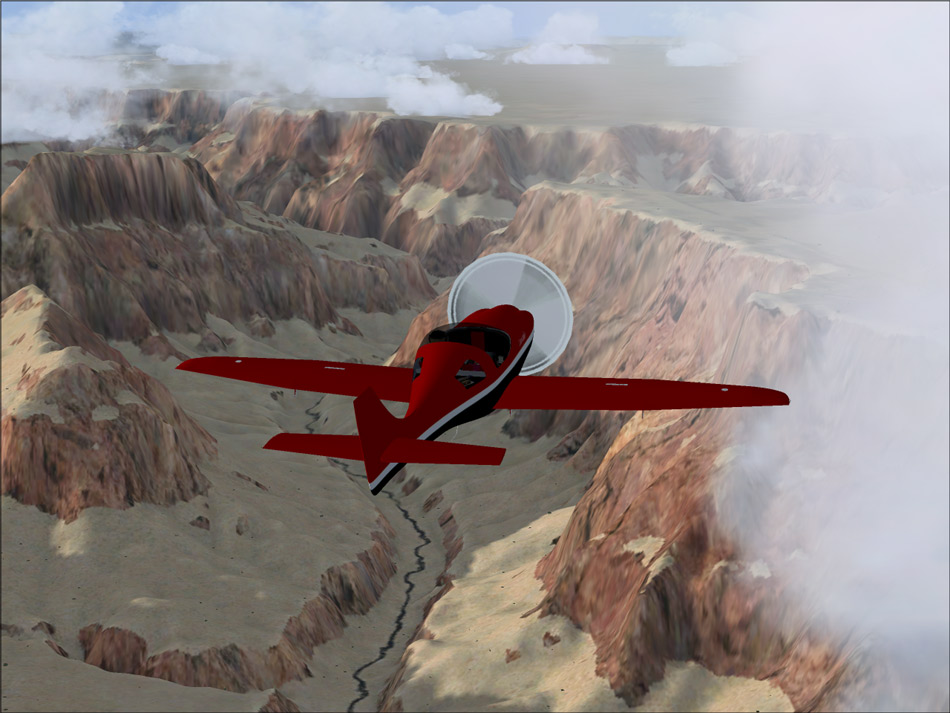
These were shots taken while either testing for various contests, or looking for that "one" to enter. C&C is appreciated.
Image

Image

Image

Image

Re: This weeks randoms

PostPosted: Sun May 11, 2008 6:15 pm
by haroldkip
Nice! I can see where you got your inspiration to fuse the 757 and the Canyon.

Re: This weeks randoms

PostPosted: Mon May 12, 2008 2:54 pm
by gtirob01
Nice! I can see where you got your inspiration to fuse the 757 and the Canyon.


Yup! I had the idea when I first found the 757's livery. So I set out to find some freeware scenery of the grand canyon. Then did some test shots.

Re: This weeks randoms

PostPosted: Mon May 12, 2008 3:22 pm
by todayshorse
Wicked F-14 - now thats a proper Navy Jet!

Re: This weeks randoms

PostPosted: Mon May 12, 2008 11:52 pm
by homebrewer
Nice Tomcat. Is it free? If it is, I want it...

Re: This weeks randoms

PostPosted: Tue May 13, 2008 3:53 am
by Daube
Nice Tomcat. Is it free? If it is, I want it...

This is the freeware Tomcat from Dino Cattaneo, available here at simviation in the FS2004 military section. It's one of the most famous FS9 freewares.

Re: This weeks randoms

PostPosted: Tue May 13, 2008 3:54 am
by Daube
gtirob01, the propeller texture of the red plane should be edited to make it transparent. You can use DXTBMP for that, it's quite easy. ;)

Re: This weeks randoms

PostPosted: Tue May 13, 2008 8:18 am
by gtirob01
gtirob01, the propeller texture of the red plane should be edited to make it transparent. You can use DXTBMP for that, it's quite easy. ;)


Yea, that does bug me, but I have no idea how to fix it! haha. I guess I understand how its done, just have yet to try it.

The F-14, it is just fantastic! My favorite plane of all. Tho I run FSX, this is the 2004 version and it works just fine. But I am still looking for a clean version (no weapons, drop tanks) to play with.

Re: This weeks randoms

PostPosted: Wed May 14, 2008 9:17 am
by Daube
Basically, the simplest thing you can try is the following:
- download and install DXTBMP
- make a full copy of the texture folder of that plane, just to keep the original version (not necessary if you still have the archive of the plane, of course)
- launch DXTBMP, and open the file that contains the texture of the propeller
- in the menu, find the item "invert Alpha Channel"
- save the file
- see what happens in FS.