Page 1 of 1
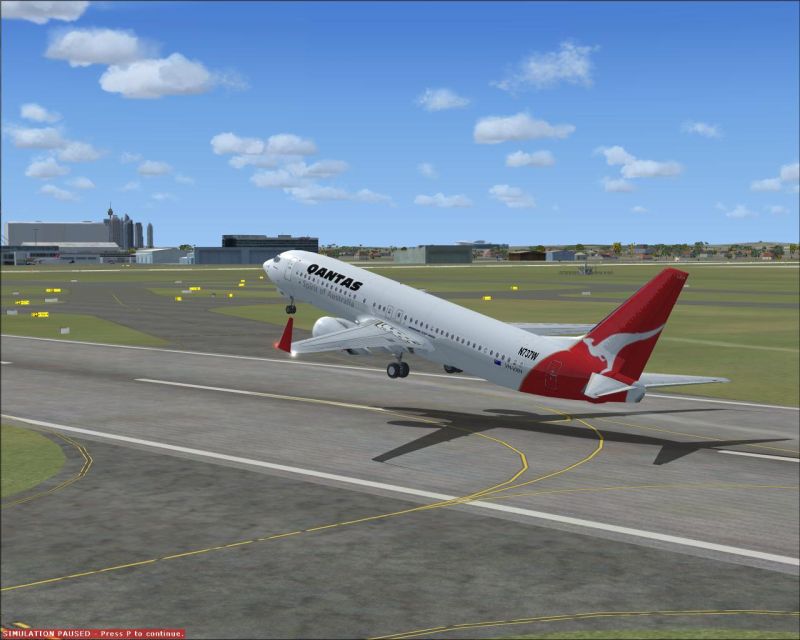
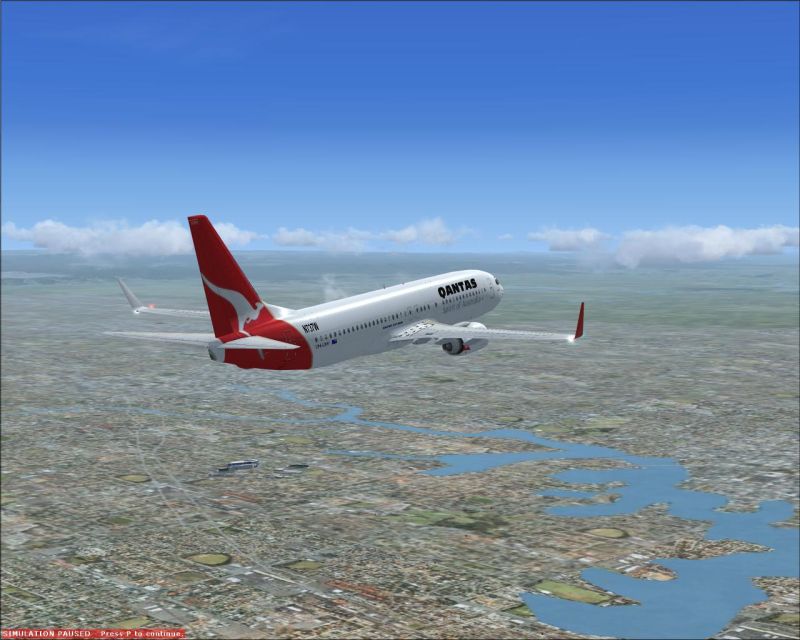
Improved graphics

Posted:
Sat May 03, 2008 8:32 pmby pear40
Re: Improved graphics
Posted:
Sat May 03, 2008 9:32 pmby gtirob01
Definitely improved alot! I like the shots. Now just gotta get that paused message outta there!
Ill see if I can find it, but I found a way to completely get rid of those on screen messages.
Re: Improved graphics
Posted:
Sun May 04, 2008 2:18 amby Meck
Wow, I wish I could turn my first screenshot-graphic-settings up to what you have :'(
You must have been able to fly at +40fps on your first shots?!
Re: Improved graphics
Posted:
Sun May 04, 2008 4:51 amby todayshorse
Remember though, for screenshot purposes, once you have paused you can up everything to the max, take the shot, then revert back to your original settings!
Massive improvement on your last submission though! Top stuff!

Re: Improved graphics
Posted:
Sun May 04, 2008 9:24 amby pear40
[quote]Wow, I wish I could turn my first screenshot-graphic-settings up to what you have
Re: Improved graphics
Posted:
Sun May 04, 2008 5:17 pmby haroldkip
Aye ... definitely an improvement. I find them to be really nice quality!
Now you should learn about compression because the images still look a little fuzzy to me.
Which program do you use to edit your images?
Re: Improved graphics
Posted:
Sun May 04, 2008 5:58 pmby pear40
I used Irfanview.
Re: Improved graphics
Posted:
Sun May 04, 2008 6:31 pmby haroldkip
Irfanview is not too bad, but I don't use it. I know there is a slider with which you can set image quality when saving but I can't give you a pointer to where it is exactly ...
Guys, can someone who's using Irfanview help me out here?
Thnx!
Re: Improved graphics
Posted:
Mon May 05, 2008 1:14 amby Flying Mouse
Irfanview is not too bad, but I don't use it. I know there is a slider with which you can set image quality when saving but I can't give you a pointer to where it is exactly ...
Guys, can someone who's using Irfanview help me out here?
Thnx!
Upon saving an additional lil screen pop's up that allows you to select the quality at which the file should be saved. My version of Irfanview assuming there is no different versions.

Re: Improved graphics
Posted:
Mon May 05, 2008 4:29 amby todayshorse
Thats correct. But you have to save, check the size of the save, resave, check the size and so on till you get it at or near 150k
Paint.net will let you do similar but tell you what the size will be before you save. Occasionaly its 20-30k out though no matter what.
Re: Improved graphics
Posted:
Mon May 05, 2008 8:41 amby haroldkip
But you have to save, check the size of the save, resave, check the size and so on till you get it at or near 150k
Sh*t that is a lot of work


Re: Improved graphics
Posted:
Mon May 05, 2008 9:37 amby todayshorse
Well it seems so, unless im doing it wrong? Seems the only way to me. Irfanview i only use to finalise shot size from PS, and ill use it if paint.net cant get me as near to 150k as possible.
Although as im leaning towards 800x400 the 150 limit doesnt seem as critical as for much larger sizes.
Well i dont think it does anyway testing out paint.nets results on various sizes and the effect getting down to 150 or below has on them