Page 1 of 1
More fsx screens on new system

Posted:
Sat Dec 08, 2007 10:56 amby dean_8486
Here are a few more shots on my new pc

what do you think?
Flying over the carribean
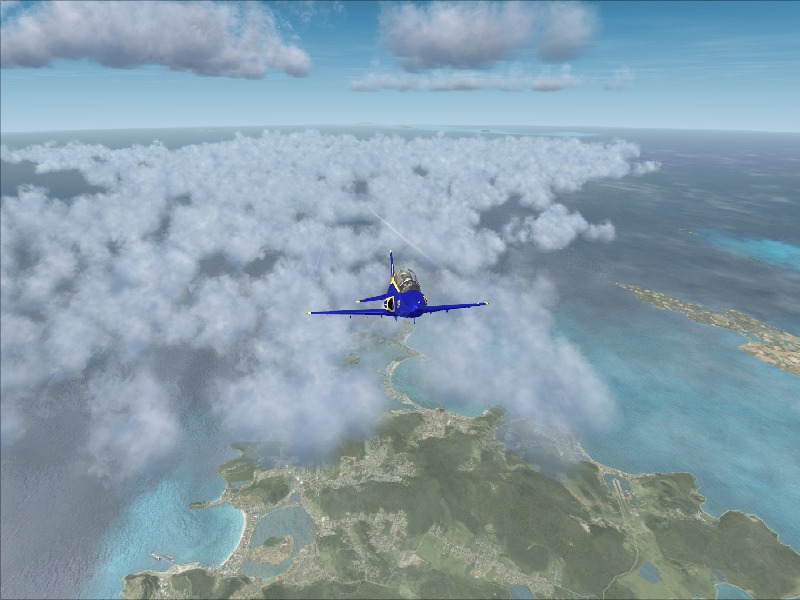
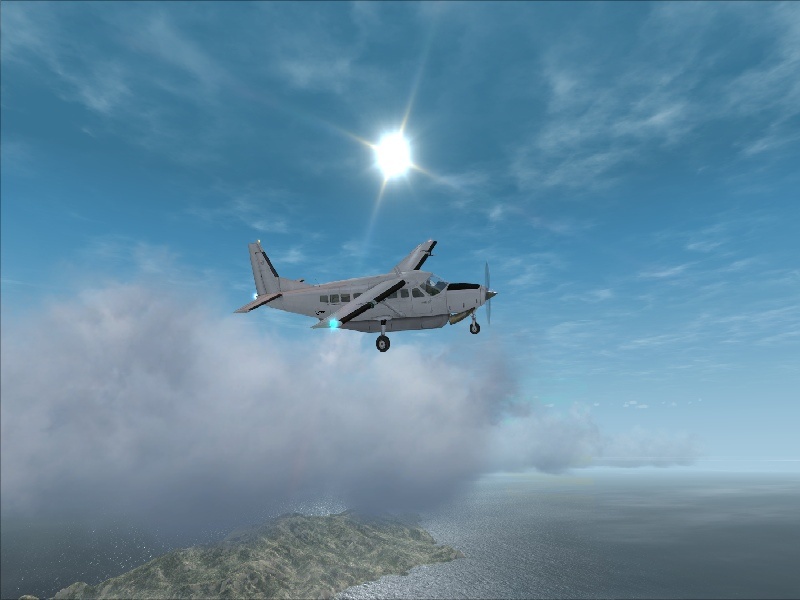
Takeoff in Austrian mountains
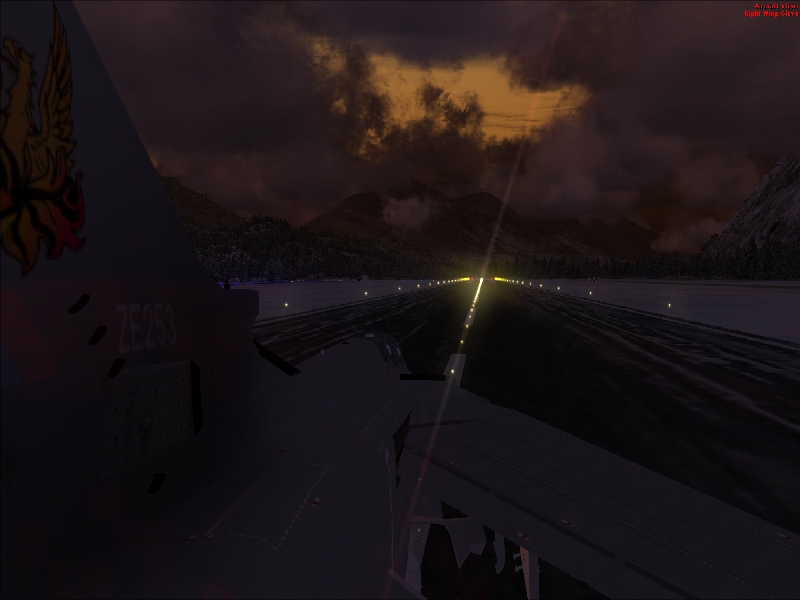
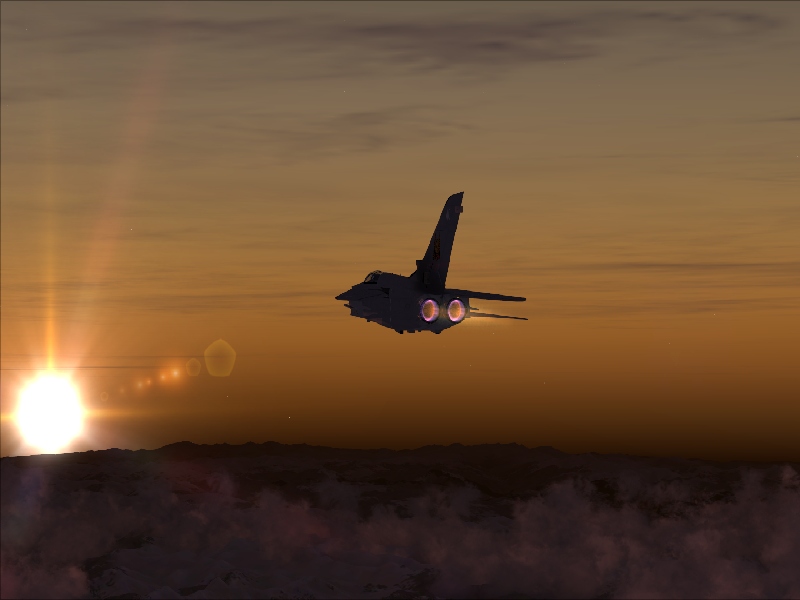
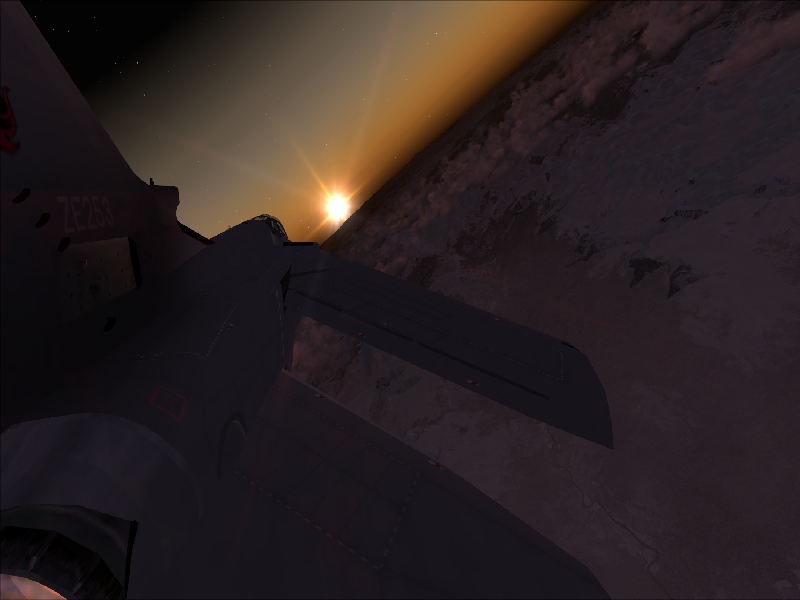
Thats the lot!!! for now

Re: More fsx screens on new system
Posted:
Sat Dec 08, 2007 8:20 pmby BoeingNerd
cool
Re: More fsx screens on new system
Posted:
Sat Dec 08, 2007 9:10 pmby Wii
Nice sun/lens flare. I love the angle on the last one.
Re: More fsx screens on new system
Posted:
Sun Dec 09, 2007 3:06 pmby BAW0343
do you have a widescreen monitor? The shots look compressed on the horizontal axis.
Re: More fsx screens on new system
Posted:
Sun Dec 09, 2007 3:32 pmby dean_8486
yes, why is there anything i can do to change this?
Re: More fsx screens on new system
Posted:
Sun Dec 09, 2007 3:59 pmby Wii
yes, why is there anything i can do to change this?
Well, you can take the game out of full screen and resize the window, or, use correct zoom, cut, crop, resize etc until you have what you want. I have a 22" monitor but I don't have a problem with compression too much.
Re: More fsx screens on new system
Posted:
Mon Dec 10, 2007 5:48 pmby GunnerMan
Easy fix is when you resize make sure the box "Maintain aspect ratio" or "Contrain proportions" box is checked. Then resize the Width to 800 and it will pick the correct hight size so it dosen't looks fat or skinny per se.

Re: More fsx screens on new system
Posted:
Mon Dec 10, 2007 7:04 pmby Alphajet_Enthusiast
Judging from the water, you're not using your machine to the fullest in other areas.
Have you turned on AS/AA on the videocard?
Otherwise, nice angles on those shots. Hope to see more. :)
Re: More fsx screens on new system
Posted:
Wed Dec 12, 2007 10:25 amby SubZer0
Go to the FSX.cfg file and open it with notepad. On the line that says "WideAspectRatio=False" or something like that (I just usually do CTRL + F and type in "wide" to find it), change False to True. Also make sure you're using your monitor's highest available resolution, or its native resolution.
Re: More fsx screens on new system
Posted:
Wed Dec 12, 2007 11:20 amby BFMF
Are you using some sort of environment upgrade addon?
Re: More fsx screens on new system
Posted:
Wed Dec 12, 2007 5:50 pmby dean_8486
yeh using active sky x and xgraphics both work together, realy saw an improvment in graphics textures etc. any other good applications like this what is the best one?
Re: More fsx screens on new system
Posted:
Wed Dec 12, 2007 5:52 pmby Ashar
If you're using Payware in those screenshots, best post them in the Payware Screenshots board