Bob
Bob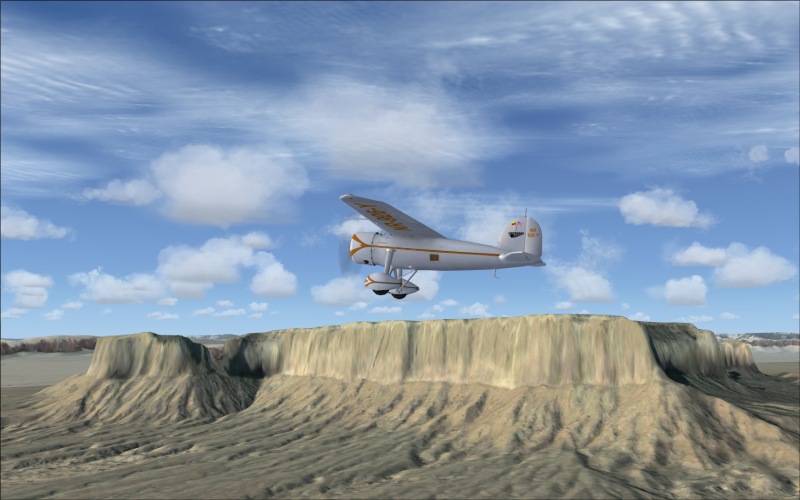
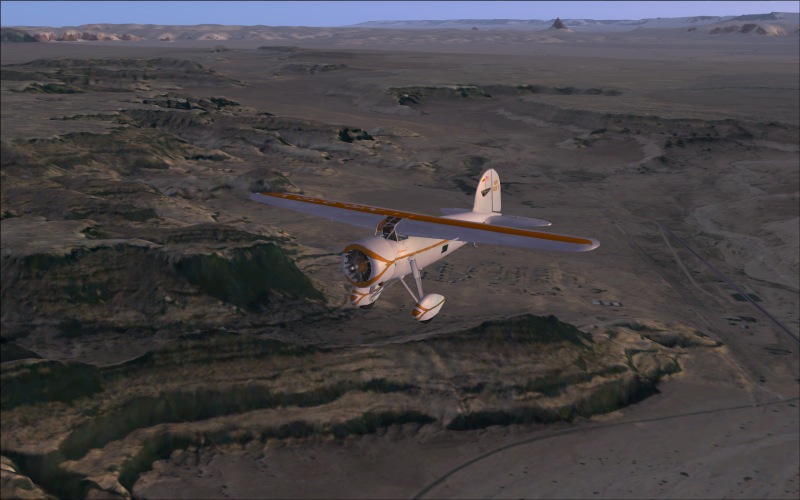

Flight Simulator and other chat
 by Bob70 » Thu Nov 08, 2007 6:25 pm
Bob


by Ashar » Thu Nov 08, 2007 8:15 pm


by DomSQ » Thu Nov 08, 2007 8:39 pm


by Bob70 » Thu Nov 08, 2007 8:54 pm
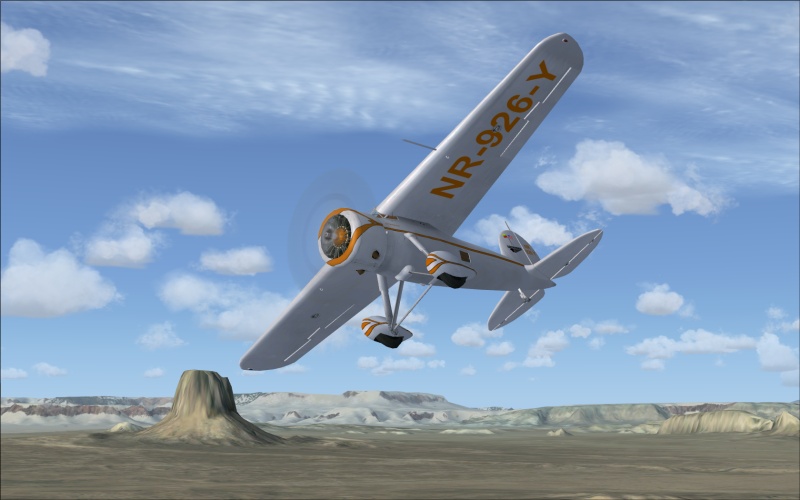
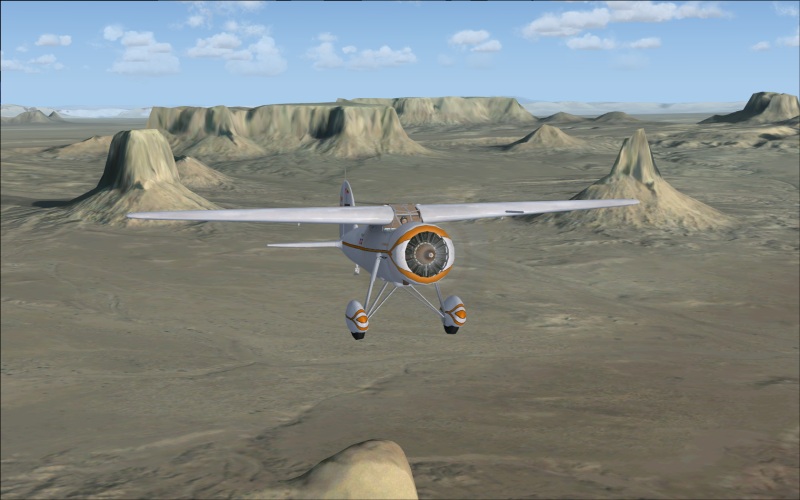
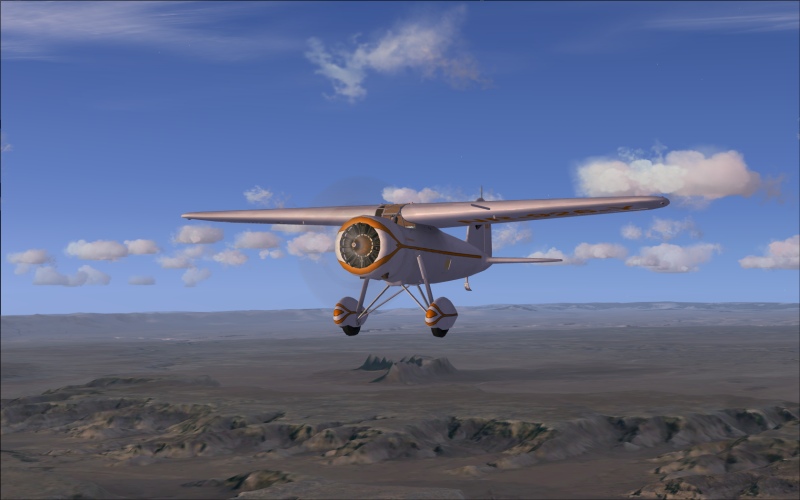
Great Shot's Bob! really loving them,If possible could you please tell me what scenery/mesh you downloaded as I would love to have that in my sim.
Thanks very much.
Bobby guesswho531 » Thu Nov 08, 2007 10:56 pm



by DomSQ » Sat Nov 10, 2007 4:15 pm
by Bob70 » Sat Nov 10, 2007 5:15 pm
Thanks Bob for the link,will that scenery work in FS2004 too?
Bobby fabiane » Sun Nov 11, 2007 4:47 pm
by fsdreamscapes » Mon Nov 12, 2007 5:29 am
Return to Simulation Screenshots Showcase
Users browsing this forum: No registered users and 290 guests