


Flight Simulator and other chat
 by PD87 » Mon Sep 03, 2007 6:30 am


by Xyn_Air » Mon Sep 03, 2007 7:09 am

by an-225 » Mon Sep 03, 2007 7:10 am
by PD87 » Mon Sep 03, 2007 7:13 am
 8-)
8-)
by Stubbedtoe18 » Mon Sep 03, 2007 9:58 am
by Dan Morera » Mon Sep 03, 2007 10:15 am


by Xyn_Air » Mon Sep 03, 2007 10:25 am
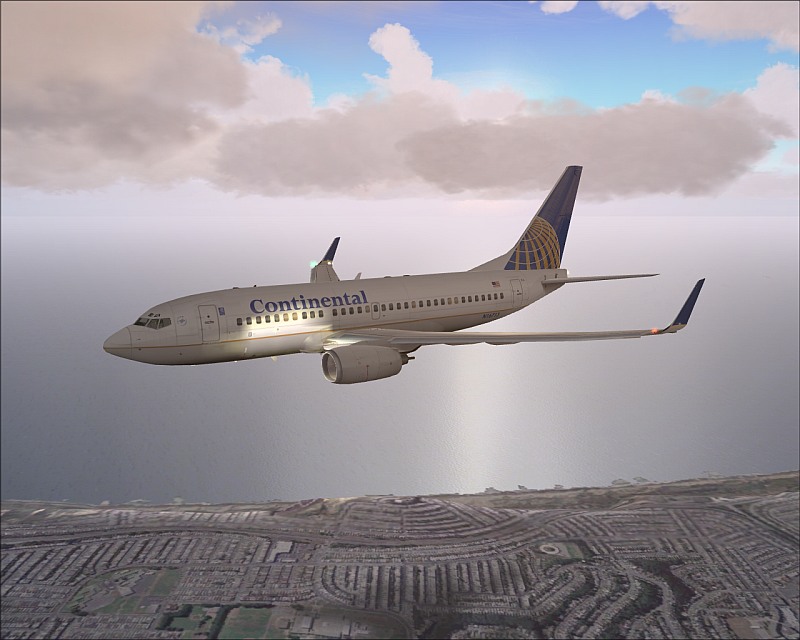
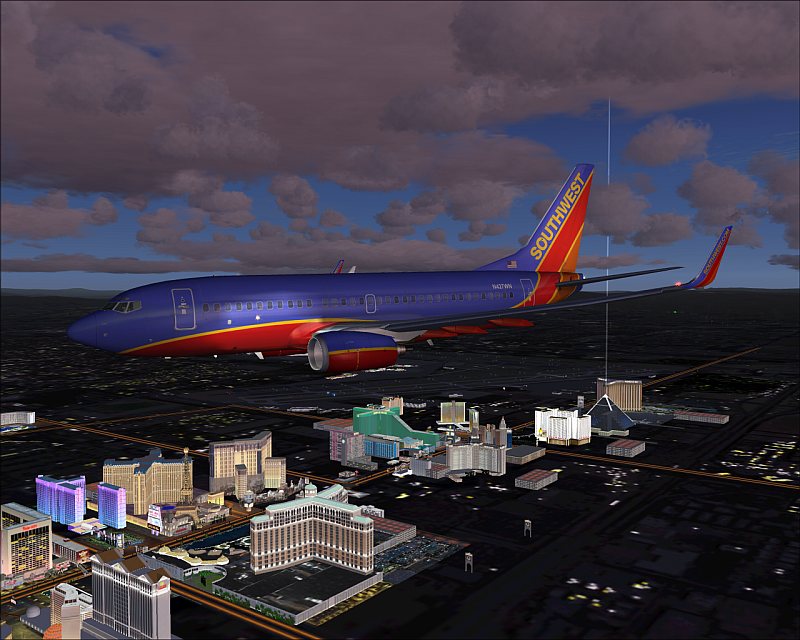
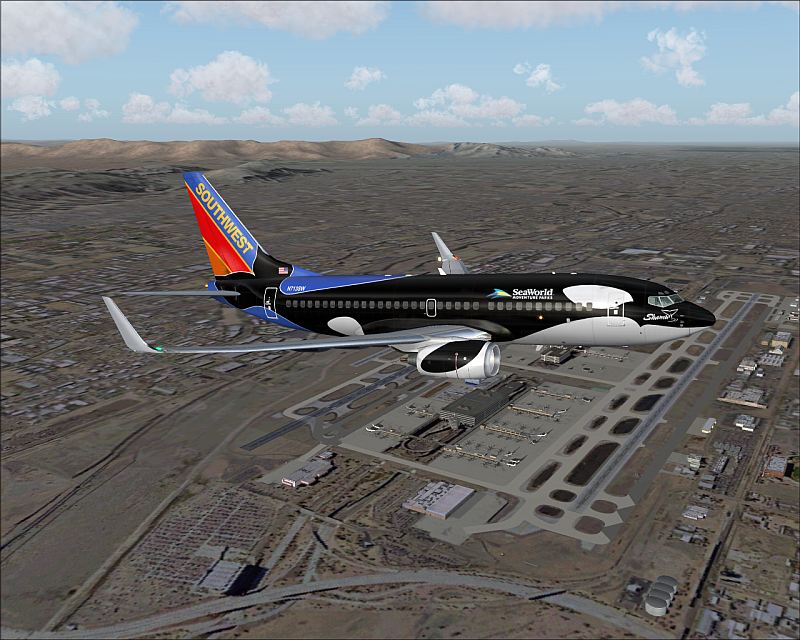
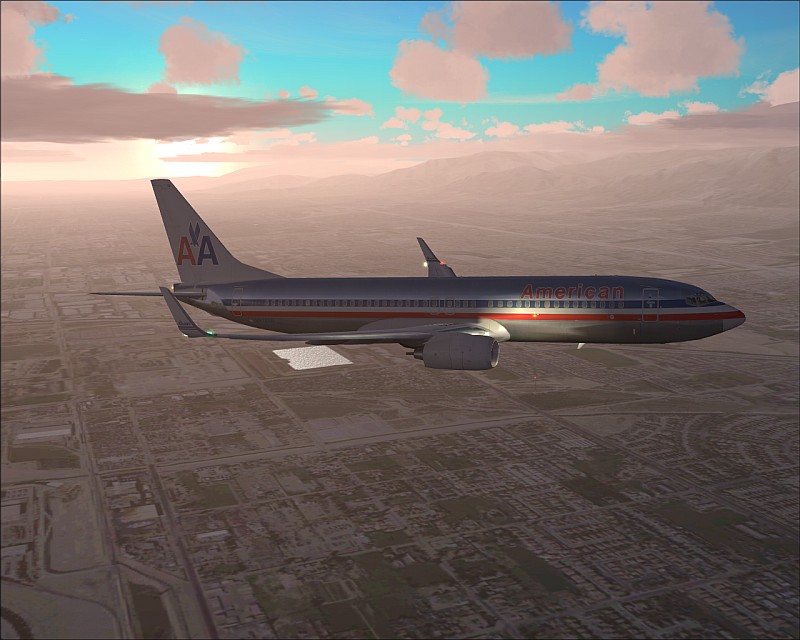
Hey Darrin, that is FS9!
by PD87 » Mon Sep 03, 2007 12:03 pm
by MOUSY » Mon Sep 03, 2007 2:09 pm

by DaveT » Mon Sep 03, 2007 2:18 pm

by a1 » Mon Sep 03, 2007 2:30 pm



by Crussell » Mon Sep 03, 2007 2:56 pm
by Xyn_Air » Mon Sep 03, 2007 4:32 pm
POSKY's 737 fleet get on my nerves, you can't put textures into one Aircraft, they have to be seperate :'(
Good shots.
by bok269 » Mon Sep 03, 2007 9:10 pm
by Conan Edogawa » Tue Sep 04, 2007 10:19 am


Return to Simulation Screenshots Showcase
Users browsing this forum: No registered users and 368 guests