Online with Nj hops, everyone was heading from Juneau Intl (PAJN) to Hanks Trading Post
Shortly after takeoff I decided to explore and headed straight for some Mountains and big clouds.
Enjoy:
Sun beginning to set.

Out of the window, Entering big cloud.
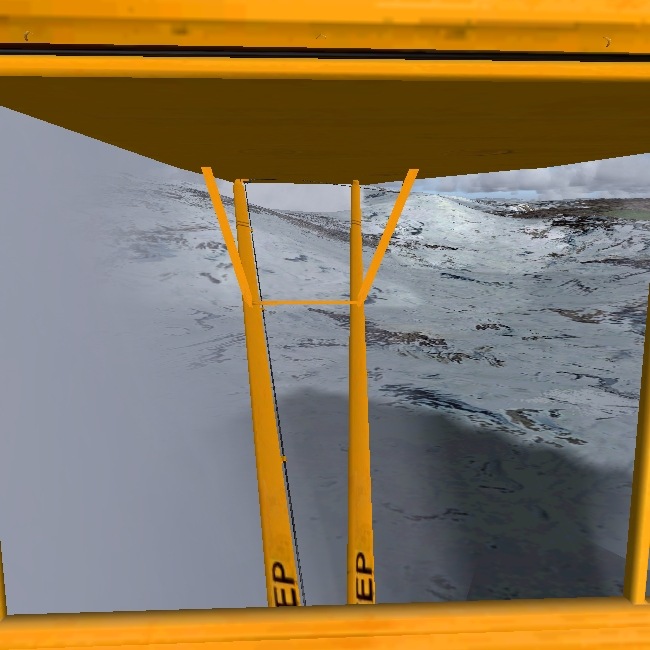
Light on one side of me, darker on the other.
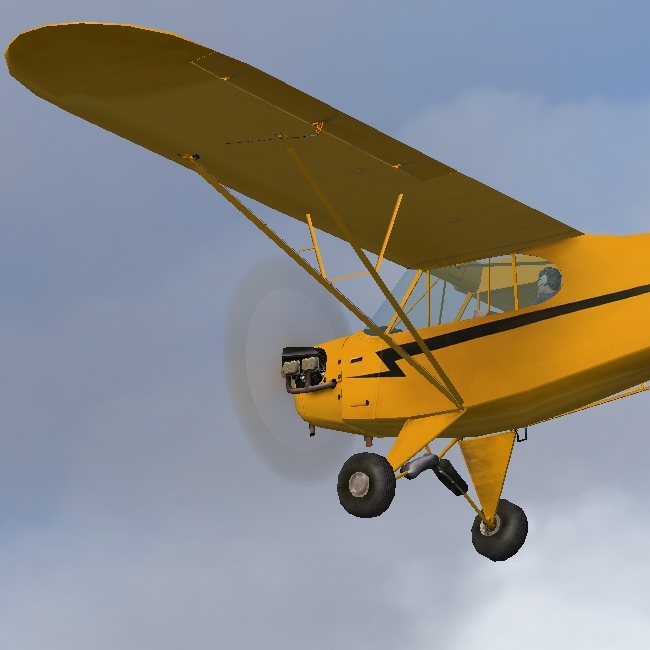
Okay, getting dark, time to set up camp
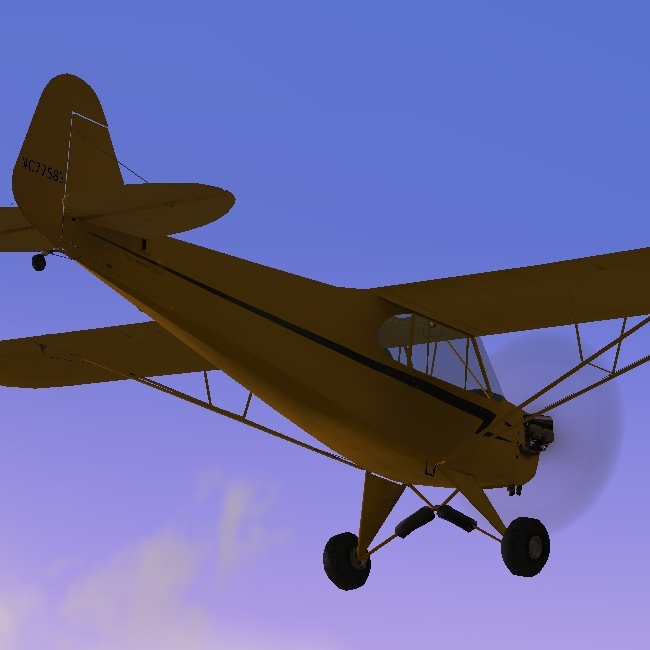
Takeing off is going to be a problem.
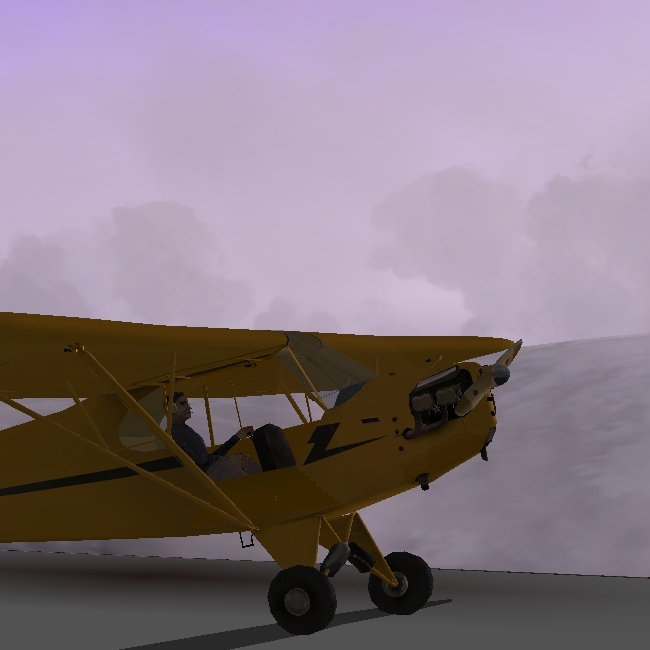
Out of the window, Entering big cloud.
Light on one side of me, darker on the other.
Okay, getting dark, time to set up camp
Takeing off is going to be a problem.
Hopefully, this won't be purged, the pictures looked better in Paint.NET ;)
C&C please.

 That will make all the difference.