Gippsland GA-8 Airvan & My First Screenshots
 Posted: Sun Aug 19, 2007 7:11 pm
These are my first Flight Simulator screenshots. Pictures come first, and a rambling explanation follows.
Now for the boring blah, blah, blah part:
I used FS2004 for the simulator software. Even though I have FSX, I have to turn many of the settings down so low that I cannot get the same performance as in FS2004. The potential for more is there in FSX, but it will have to wait for a better system.
I flew the Gippsland GA-8 Airvan (you can find it on this page: http://www.simviation.com/fs2004props152.htm). After downloading and installing the GA-8, I went to the Gippsland home page (http://www.gippsaero.com) to do a quick comparison between the real thing and the add-on model. I would humbly suggest the add-on model compares quite favorably to the real aircraft.
The flight was out of Glacier Park Int'l in Kalispell, Montana (KGPI). I set the weather to building storm fronts in a hope that the various clouds would make the setting a bit more visually interesting.
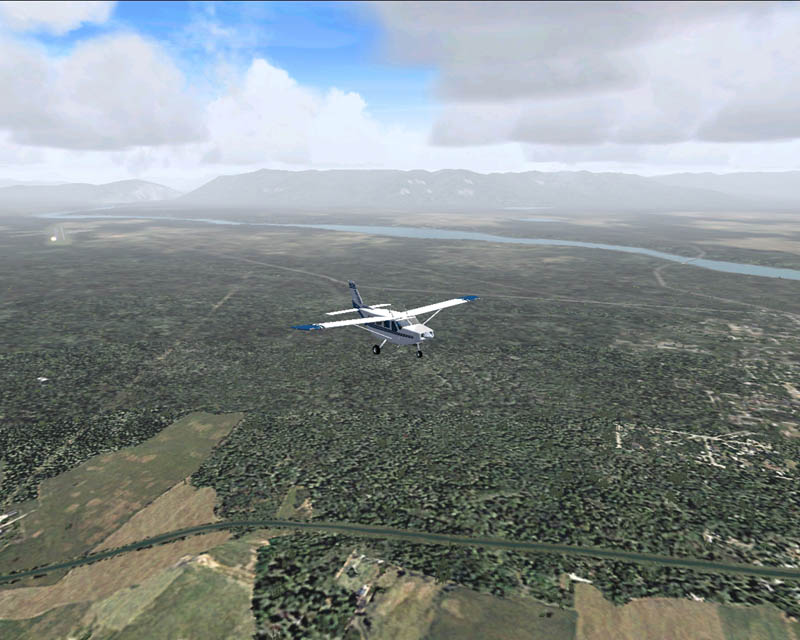
Overall, there is nothing spectacular about the shots. My main intention was to get practice in taking screenshots from FS2004 and posting them here on SimV. I think my favorite is the third shot (FS9_GA8_0007_e-simv.jpg). This is the shot that to me bears closest resemblance to what I might expect to see in real life, though there are still some deficiencies.
Comments, criticism, and advice are welcome.
~Darrin
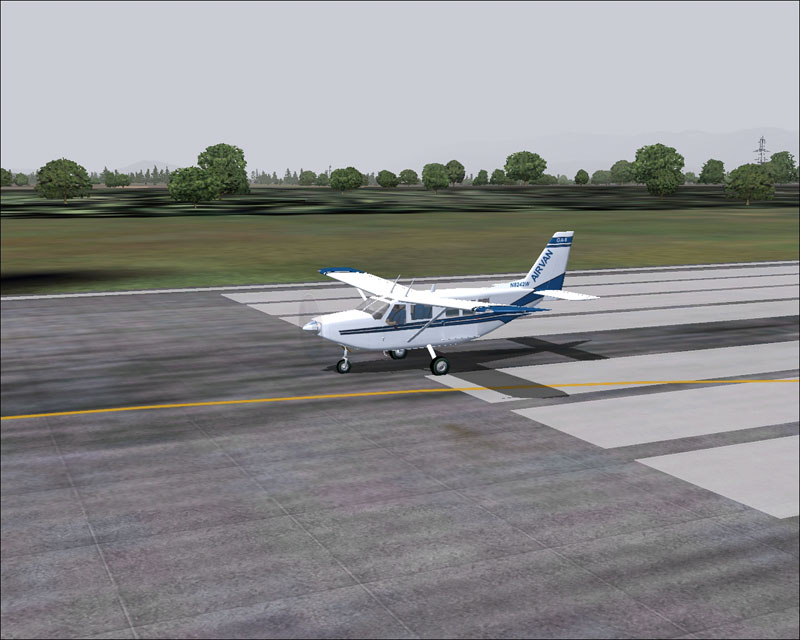
Just the GA-8 sitting on the runway getting ready for take-off. This shot is just to give a specifc visual of the aircraft.
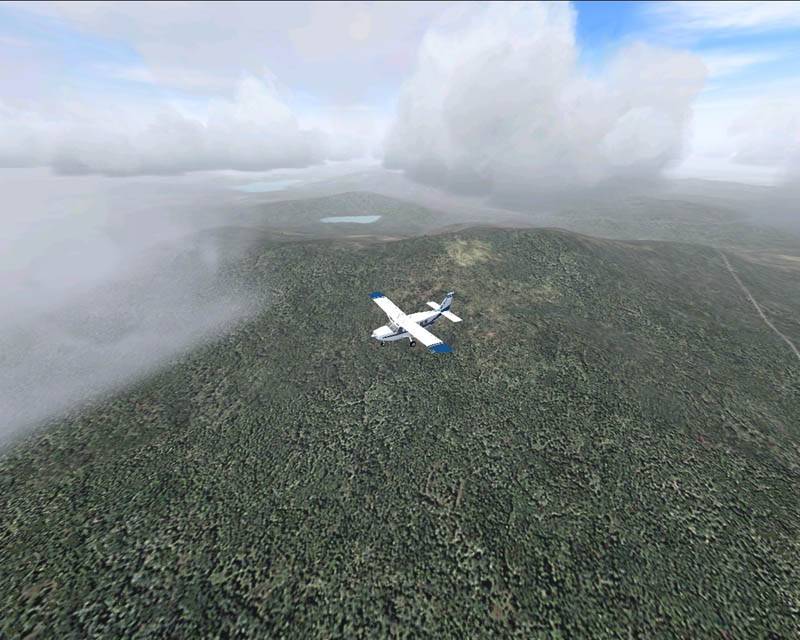
Sometime after takeoff and climbing up through the clouds.
Still climbing, you can see the airport off to the left side of the picture (can just barely make out the VASI lights).
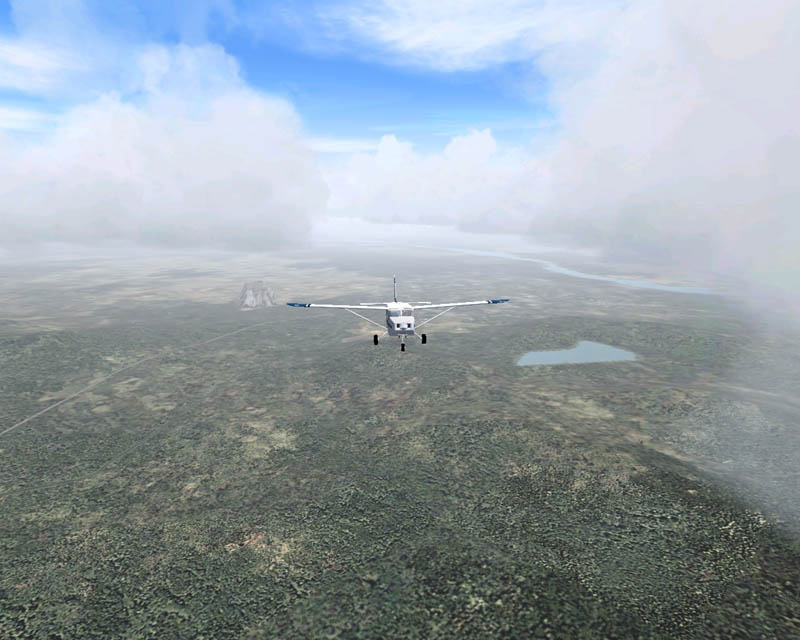
Here I am passing through the middle of the cloud layer.
Last shot, passing through an open patch between the clouds.
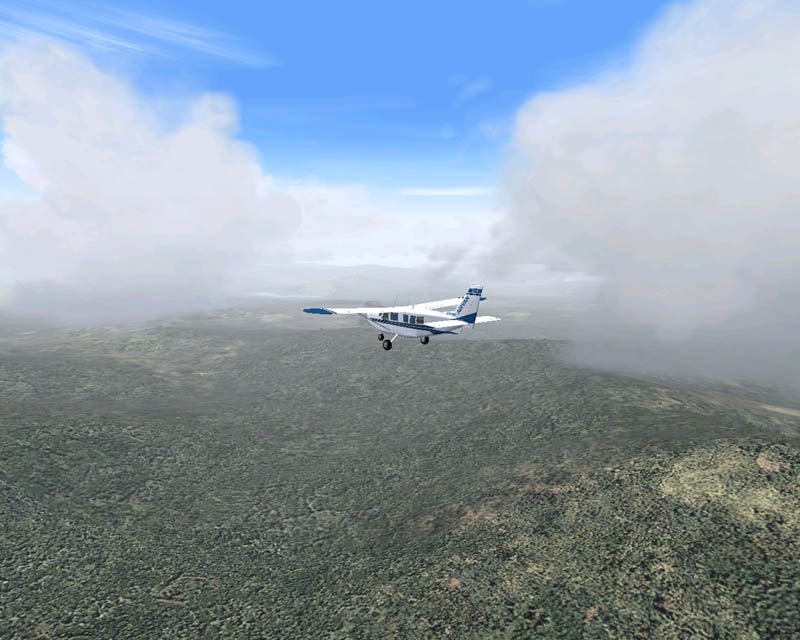
Sometime after takeoff and climbing up through the clouds.
Still climbing, you can see the airport off to the left side of the picture (can just barely make out the VASI lights).
Here I am passing through the middle of the cloud layer.
Last shot, passing through an open patch between the clouds.
Now for the boring blah, blah, blah part:
I used FS2004 for the simulator software. Even though I have FSX, I have to turn many of the settings down so low that I cannot get the same performance as in FS2004. The potential for more is there in FSX, but it will have to wait for a better system.
I flew the Gippsland GA-8 Airvan (you can find it on this page: http://www.simviation.com/fs2004props152.htm). After downloading and installing the GA-8, I went to the Gippsland home page (http://www.gippsaero.com) to do a quick comparison between the real thing and the add-on model. I would humbly suggest the add-on model compares quite favorably to the real aircraft.
The flight was out of Glacier Park Int'l in Kalispell, Montana (KGPI). I set the weather to building storm fronts in a hope that the various clouds would make the setting a bit more visually interesting.
Overall, there is nothing spectacular about the shots. My main intention was to get practice in taking screenshots from FS2004 and posting them here on SimV. I think my favorite is the third shot (FS9_GA8_0007_e-simv.jpg). This is the shot that to me bears closest resemblance to what I might expect to see in real life, though there are still some deficiencies.
Comments, criticism, and advice are welcome.
~Darrin

 Try and aim for a zoom distance like you have on the runway, and use the plane to put a little "oomph" into the shot, like having it do something besides fly straight and level all the time. And I'd suggest picking up Irfanview
 ) flying skills.