My 1st try

Posted:
Sat Aug 11, 2007 5:06 pmby Luse
Re: My 1st try
Posted:
Sat Aug 11, 2007 5:27 pmby PD87
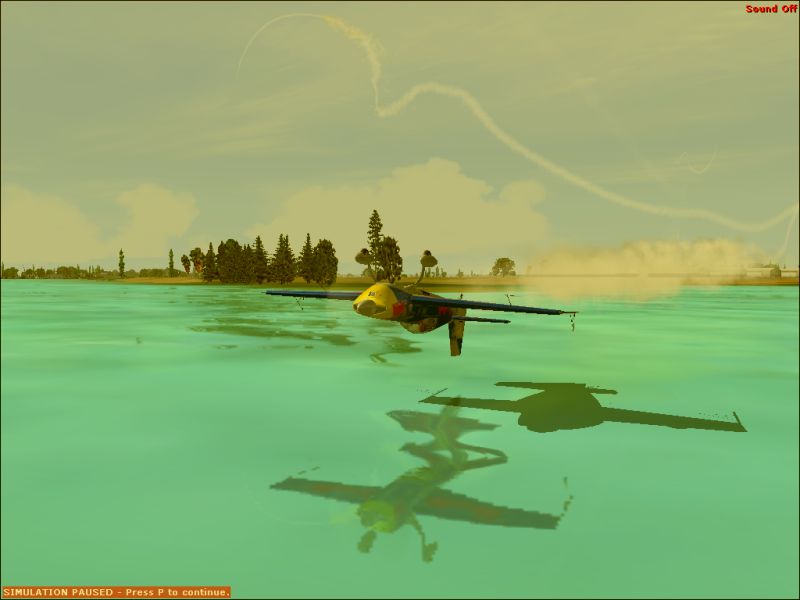
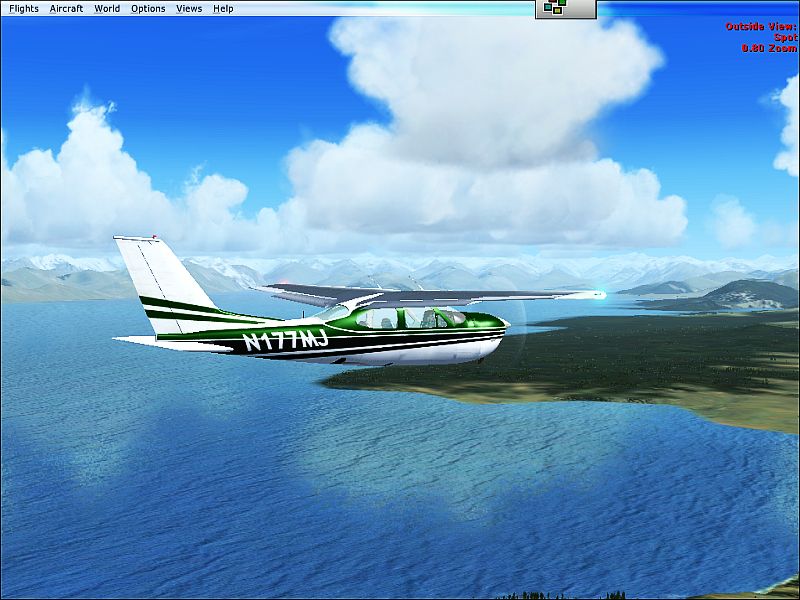
Shot#2 is excellent, minus the toolbar. Glad to see you regained control in shot#1

Re: My 1st try
Posted:
Sat Aug 11, 2007 5:45 pmby Canuck.
AHHHHHHHHHHH......you need to turn Anti Alising on!.....it will get rid of the jaggies!
Re: My 1st try
Posted:
Sat Aug 11, 2007 5:47 pmby ThomasKaira
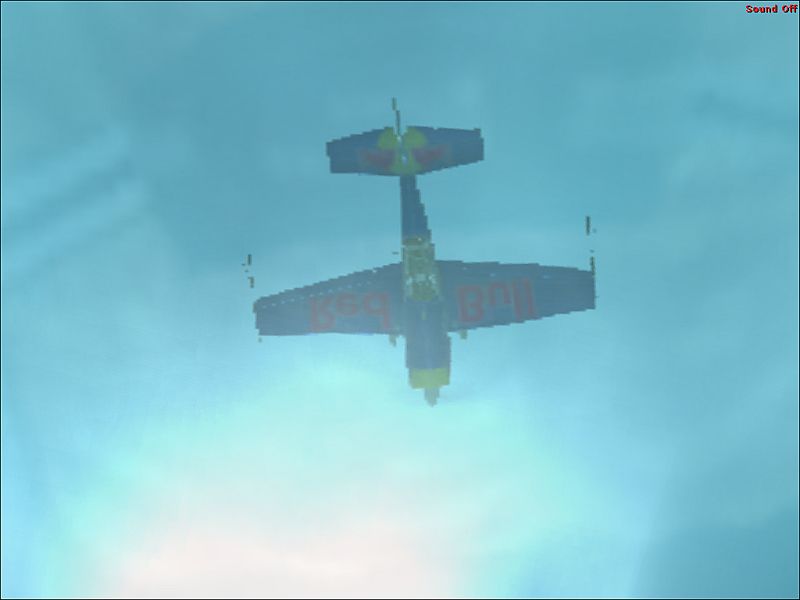
Interesting coloring in #1 and #3. #2 gives an excellent view of some pretty nice scenery, and I'm liking it. Now, there are two things very wrong with the photos, though, and they are common beginner problems, so don't feel bad.
The first is: Jaggies. These are quite unsightly, as it makess the plane look very polygonal, and are not good to have in a screenshot at all.
The second is: Overcompression. The photos are quite overcompressed, as well. You have a 100kb limit to each image, and a 500kb limit to a post. Use as much of it as you can.
Other then that, you are off to a good start.
Oh yes, and get rid of the menu bars and onscreen text when taking screens. I, too, like to pause my sim when taking shots, but I always wait until the "simulation paused" sign disappears before snapping the shot.
You've got the brains, now you need to get the pizazz.
Re: My 1st try
Posted:
Sat Aug 11, 2007 6:42 pmby mpicco
Yeah agree with Ranger there, you got the touch but still need to fix couple of things, he mentioned two of them, the third one is getting rid of all the text/toolbars/interference as possible. I belive even this is the "non-edit" section of the forums, it is allowed some editing to remove the red text. And the toolbar can be hidden with an option in your preferences
Good shots, hope to see your next set with these improvements in them ! ^^
Re: My 1st try
Posted:
Sat Aug 11, 2007 7:36 pmby Luse
Lol thank you all and in shot #1 I did that for 4 miles ;D and then ran out of fuel
Thanx again-Alex
Re: My 1st try
Posted:
Sat Aug 11, 2007 7:38 pmby Luse
Oh and how do i un-Compress them
Re: My 1st try
Posted:
Sat Aug 11, 2007 7:51 pmby ThomasKaira
Get the program Irfanview
http://www.irfanview.com and you can choose the quality you wish to save the pictures at. General preference for me is 800 by 600 saved as a JPEG at 80% to 85% quality.
Don't delay, it's free.
Re: My 1st try
Posted:
Sun Aug 12, 2007 11:43 amby haroldkip
Ozzy Jr. eh? Not too bad for some first timers ...