More of mine.
 Posted: Wed Jul 25, 2007 11:48 am
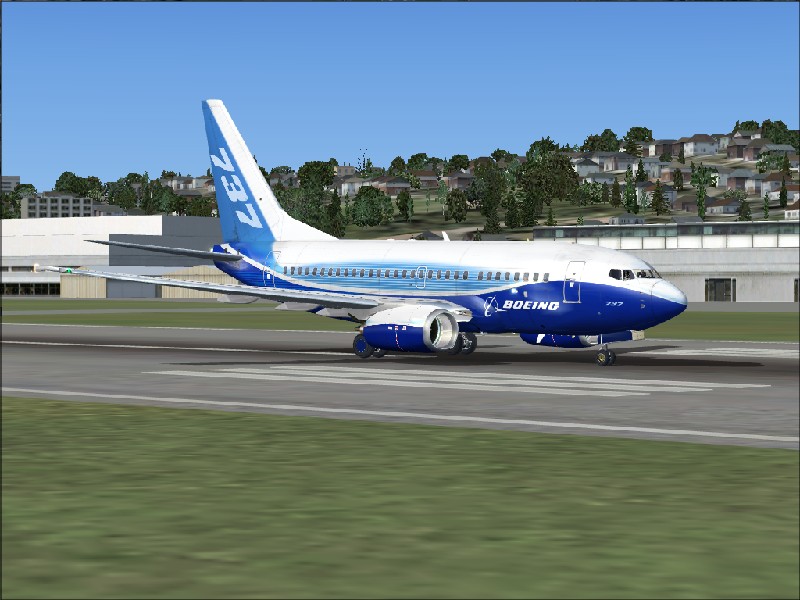
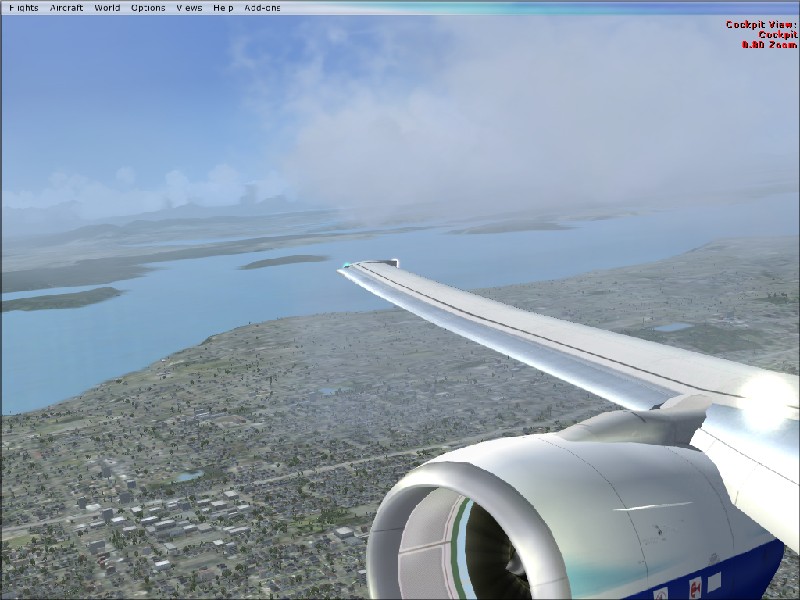
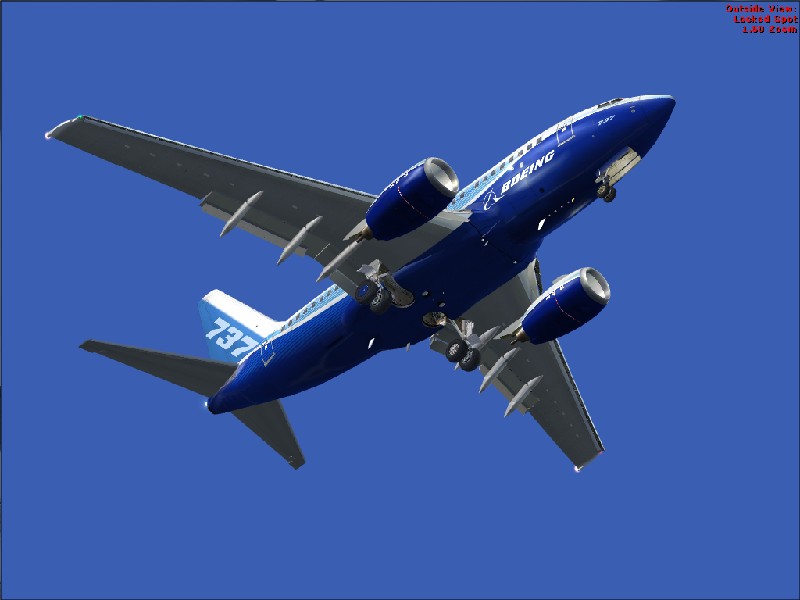
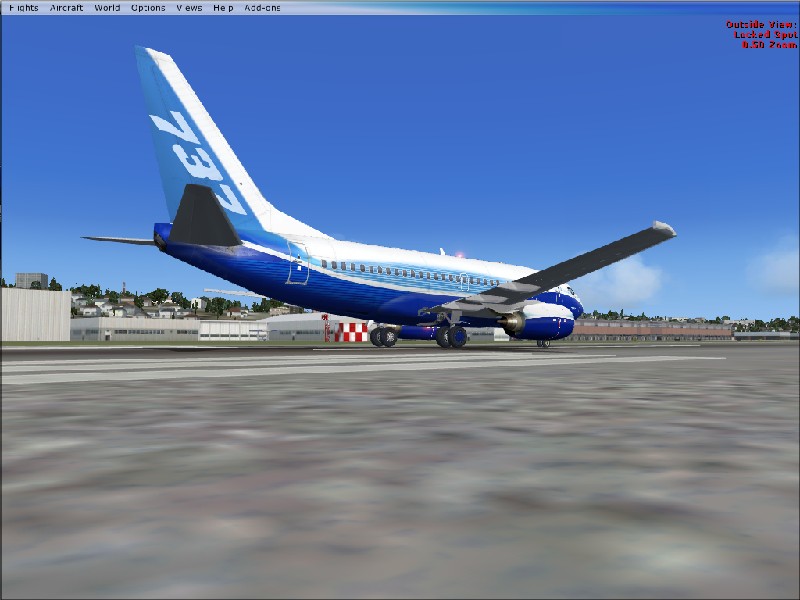
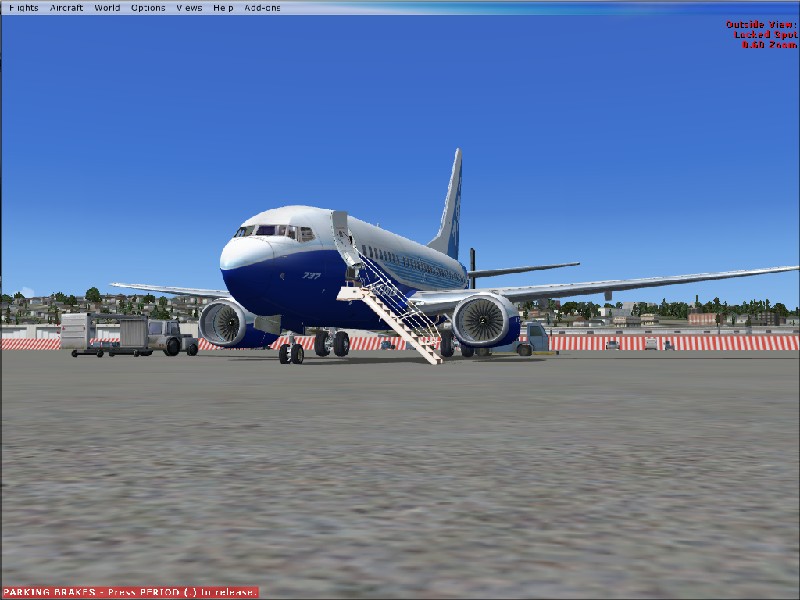
Here are some more of my pictures. This time in FSX
Flight Simulator and other chat
https://forums.simviation.com/phpBB3/
https://forums.simviation.com/phpBB3/viewtopic.php?f=42&t=141608
Posted: Wed Jul 25, 2007 11:48 amPosted: Wed Jul 25, 2007 12:08 pm
 Posted: Wed Jul 25, 2007 12:13 pmPosted: Wed Jul 25, 2007 12:42 pm
 Posted: Wed Jul 25, 2007 1:16 pm
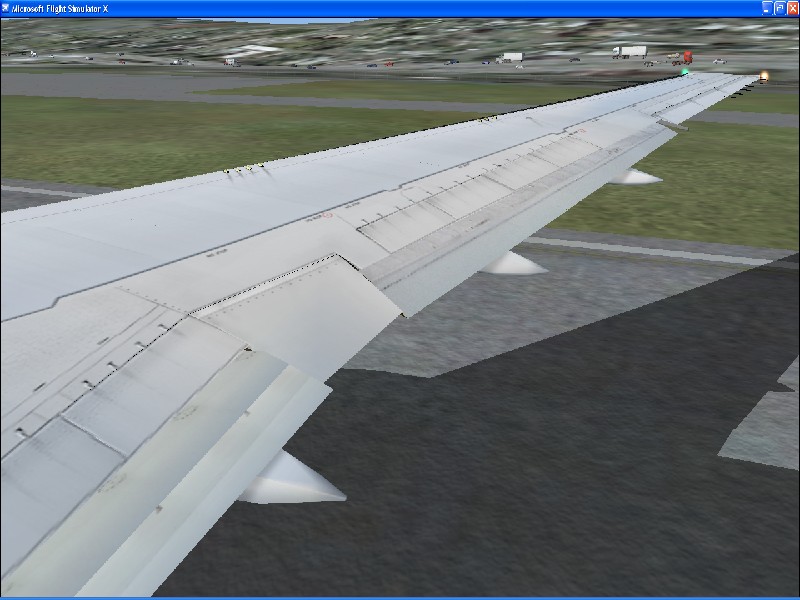
Turn on the AA (Anti Analize) in FS and on your graphics card.
 Posted: Wed Jul 25, 2007 2:10 pm
Turn on the AA (Anti Analize) in FS and on your graphics card.
It stands for Anti Aliasing
.mic
Posted: Wed Jul 25, 2007 2:25 pmPosted: Wed Jul 25, 2007 2:36 pmOnly turn it on in the sim if your Graphics Card can't support it (which i believe it can). That only serves to murder your frames.
In your graphics settings in the NVidia Control Panel look for Performance and Quality Settings. You should see a bar for AA. Set it to suitably. (Most people say 4xS or 8xS is enough)
Posted: Wed Jul 25, 2007 3:06 pm Posted: Wed Jul 25, 2007 6:13 pm
Anti Analize
 Posted: Wed Jul 25, 2007 7:08 pmPosted: Thu Jul 26, 2007 2:38 amPosted: Thu Jul 26, 2007 4:12 amPosted: Thu Jul 26, 2007 4:55 amPosted: Thu Jul 26, 2007 9:55 am