continental 737-700
 Posted: Tue Jul 03, 2007 4:42 pm
hopefully these shots will be better than my last.. 
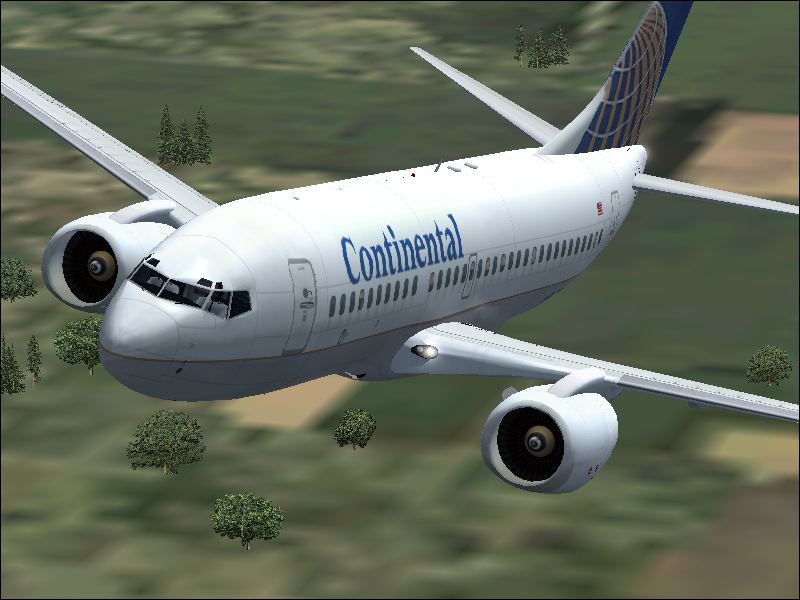
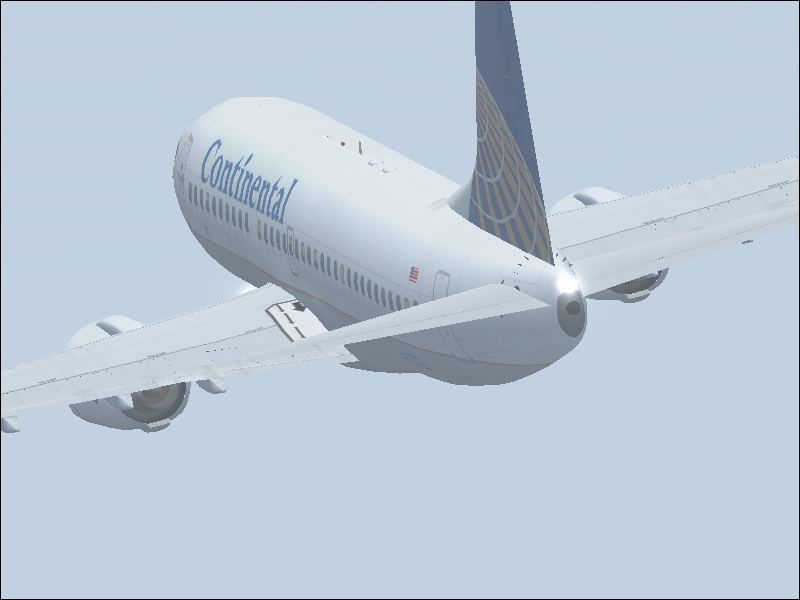
tell me what u think and how i can improve please..
ben
tell me what u think and how i can improve please..
ben
Flight Simulator and other chat
https://forums.simviation.com/phpBB3/
https://forums.simviation.com/phpBB3/viewtopic.php?f=42&t=141385
Posted: Tue Jul 03, 2007 4:42 pmPosted: Tue Jul 03, 2007 5:06 pmPosted: Tue Jul 03, 2007 6:30 pmPosted: Wed Jul 04, 2007 1:30 amPosted: Wed Jul 04, 2007 9:45 am Posted: Wed Jul 04, 2007 10:02 am
A sound bit of advice I see repeatedly posted around these forums is to pause, position your shot, then turn up all the settings... because fps doesn't matter in screenshots. When you've taken the shot, turn your settings back down to what they were originally, then carry on flying!
Hope this helps!
Posted: Wed Jul 04, 2007 3:37 pmthats also quite time consuming
 Posted: Wed Jul 04, 2007 3:48 pm
A sound bit of advice I see repeatedly posted around these forums is to pause, position your shot, then turn up all the settings... because fps doesn't matter in screenshots. When you've taken the shot, turn your settings back down to what they were originally, then carry on flying!
Hope this helps!
thats also quite time consuming.