Page 1 of 1

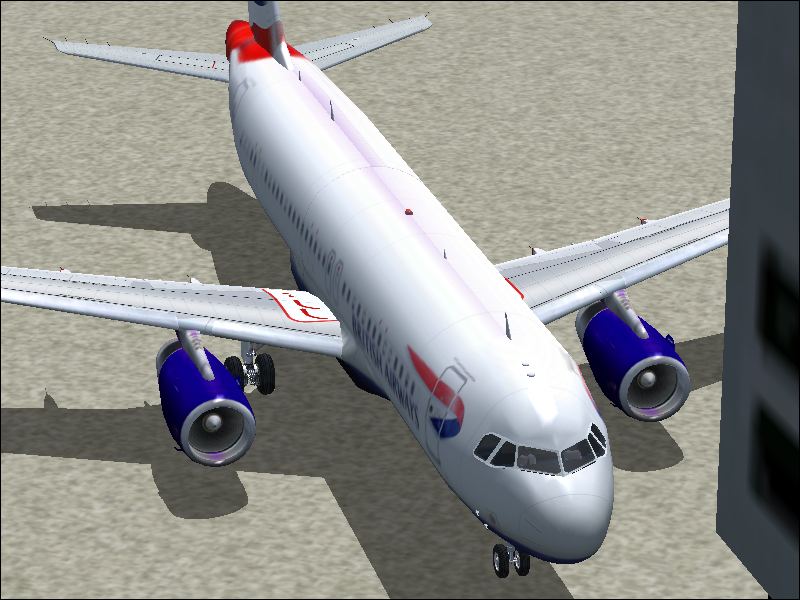
just realized how to turn AA on..

PostPosted: Tue Jul 03, 2007 2:33 pm
by Ben R
wohoooo!


Image

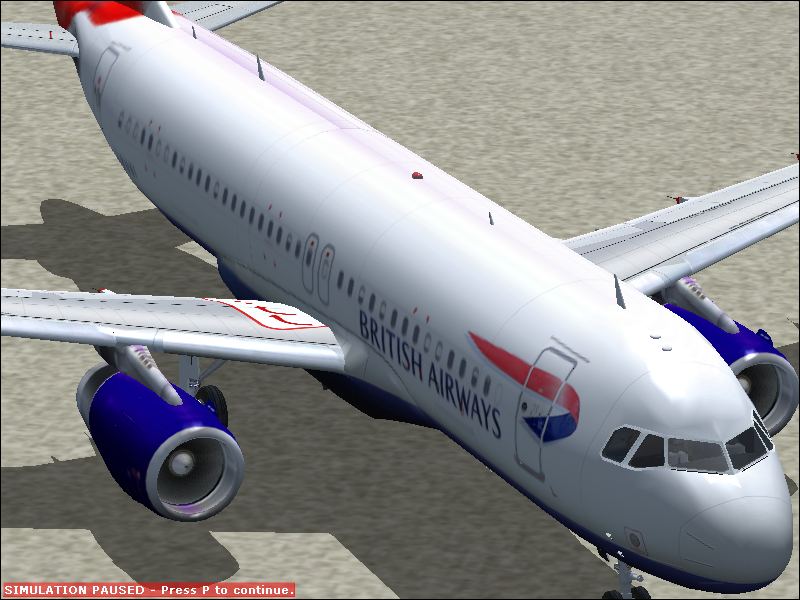
Image

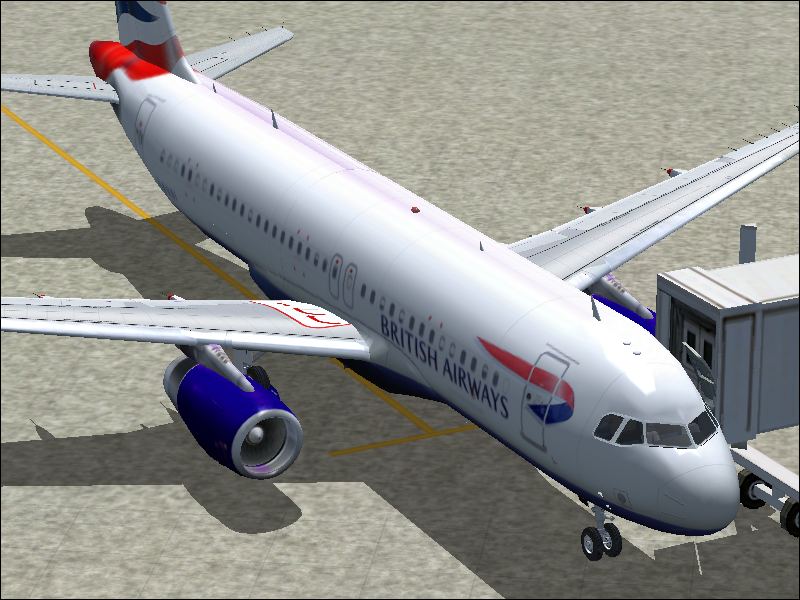
Image

tell me what u think please..

ben

Re: just realized how to turn AA on..

PostPosted: Tue Jul 03, 2007 2:37 pm
by Mike..
Although they are still there, you've made a tremendous improvment! If you have AA turned on on your card turn it off on FS9. Let your video card do the work ( A wise man once told me). As you can see it's already a far cry from where you started! Keep up the good work ;)

Mike

Re: just realized how to turn AA on..

PostPosted: Tue Jul 03, 2007 2:43 pm
by Ben R
thanks man =P appreciate the compliment. =)

Re: just realized how to turn AA on..

PostPosted: Tue Jul 03, 2007 4:59 pm
by aussiewannabe
thanks man =P appreciate the compliment. =)


Much better!

Here's a tip: When you have the pause blinking on the bottom of the screen, watch it as it clicks on and off, When it disappears, press "V" quickly. You may end up doing it a few times and get the same shot, but you won't see the text on the bottom of your shot.

Keep up the good work.

Re: just realized how to turn AA on..

PostPosted: Wed Jul 04, 2007 1:06 am
by an-225
aussiewannabe...not everyone has FSX.

Re: just realized how to turn AA on..

PostPosted: Wed Jul 04, 2007 1:28 am
by Ben R
thanks aussiewannabe, i dnt have FSX as my disk drive doesnt run DVDS! :'(

thanks again!

Re: just realized how to turn AA on..

PostPosted: Wed Jul 04, 2007 9:30 am
by spitfire boy
You can also just press 'print screen' when the pause logo isn't there... it takes a screenshot which you can then paste into the image programme of your choice. I and many others use Irfanview, and I also have a programme called rapidshot.

Re: just realized how to turn AA on..

PostPosted: Wed Jul 04, 2007 3:38 pm
by haroldkip
Aye ... much better. Keep 'em coming!