FSX
 Posted: Sun Jun 10, 2007 11:13 am
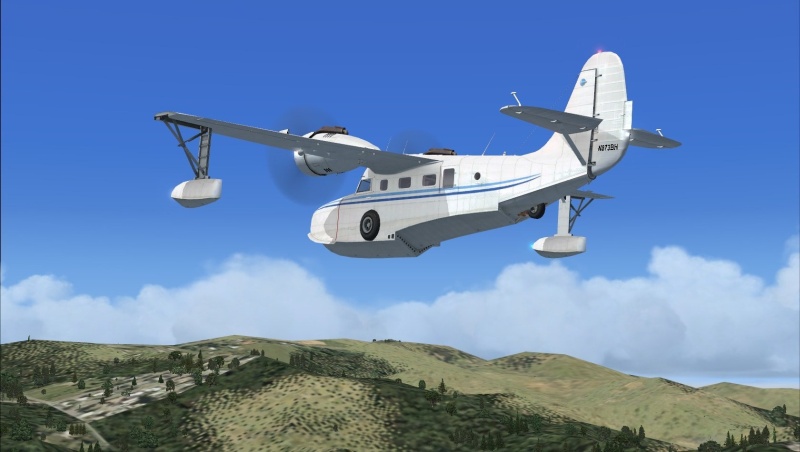
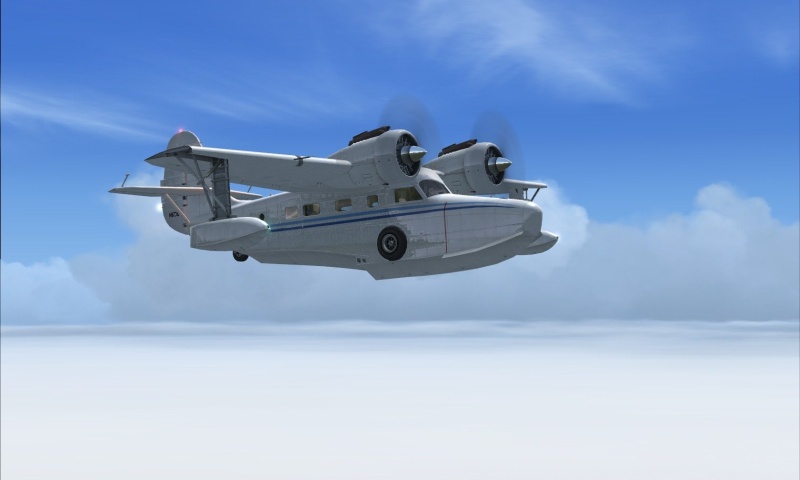
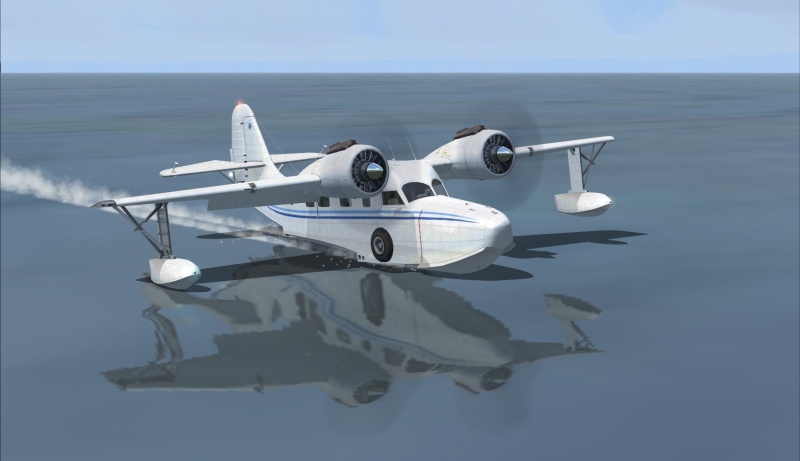
Here they are, my first screenshots on my new laptop! They are utter crap, but I had 30 FPS the whole time

Flight Simulator and other chat
https://forums.simviation.com/phpBB3/
https://forums.simviation.com/phpBB3/viewtopic.php?f=42&t=141190
Posted: Sun Jun 10, 2007 11:13 amPosted: Sun Jun 10, 2007 11:36 amPosted: Sun Jun 10, 2007 11:55 am So smooth game play i say.Posted: Sun Jun 10, 2007 12:29 pm
 Posted: Mon Jun 11, 2007 12:04 am
 Posted: Mon Jun 11, 2007 3:21 amPosted: Mon Jun 11, 2007 7:56 am
silly question, but does fps affect the quality of a screenie? I would think it would, but when things make sense to me, that means I am wrong usually...
Posted: Mon Jun 11, 2007 2:25 pmsilly question, but does fps affect the quality of a screenie? I would think it would, but when things make sense to me, that means I am wrong usually...
Well the simple answer - no. You could turn up your settings to max, be getting 1FPS and you'll still get the same quality of screenshot as you would if you had the same settings at 50FPS. After all, a screenshot is just one frame, so you can stick the settings as high as you like.
Of course, the more you alter the settings, the more the FPS will change. So in theory, lower FPS = better screenshot, higher FPS = worse screenshot.
Posted: Tue Jun 12, 2007 6:27 amBjorn, I lowered to 24 (when it runs above 20 I feel like it's smoother) and did some tweaks and pushed up the autogen. Flew around a bit, will post the screens soon, but I was getting between 10 to 24 frames near downtown Seattle with LOTS of clouds.