Page 1 of 1

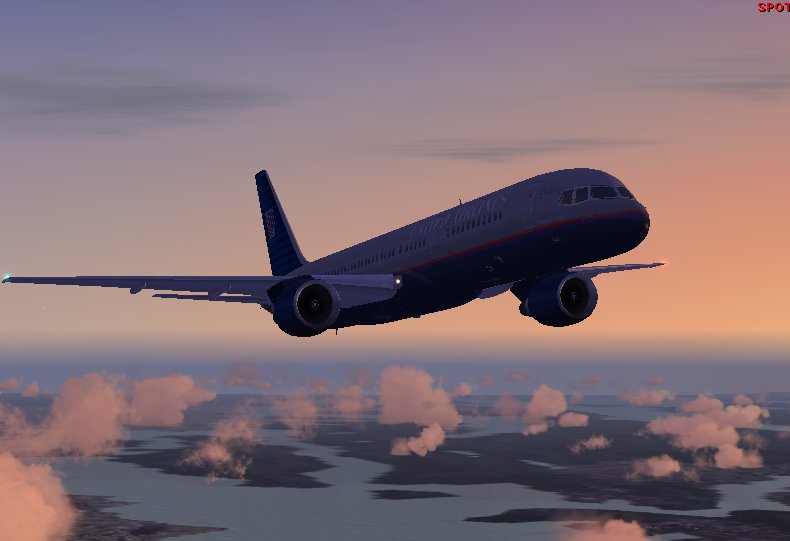
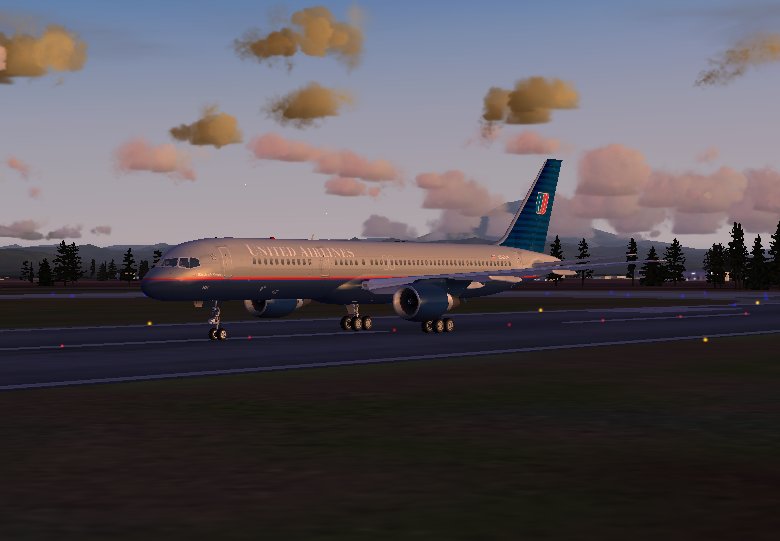
Beoing 757 and one F-16

PostPosted: Mon Feb 26, 2007 9:06 pm
by a1
Here is the 757.
Image

Image


And here is the F-16
[img]http://www.simviation.com/yabbuploads/f16moon[2.jpg[/img]

Please comment

Re: Beoing 757 and one F-16

PostPosted: Mon Feb 26, 2007 9:07 pm
by a1
I know about my AA.

Re: Beoing 757 and one F-16

PostPosted: Mon Feb 26, 2007 9:32 pm
by Alonso
Nice ones :)

Your specs look more than good for adding AA :o

Re: Beoing 757 and one F-16

PostPosted: Tue Feb 27, 2007 6:11 am
by Ravang
Love the F-16, hey its a Shaw AFB F-16 thats right by my house, the largest fighter wing on the east coast. :D

Re: Beoing 757 and one F-16

PostPosted: Tue Feb 27, 2007 7:09 am
by NDSP
a1, also what might help is to go to your desktop and right click. Then go to proprities.

From there go to settings, then find 'Screen Resolution'. Whenever you run FS9, make sure that Screen Resolution is all the way up. Thats why my shots dont have the same edges.

Nick

Re: Beoing 757 and one F-16

PostPosted: Tue Feb 27, 2007 7:33 am
by Hagar
a1, also what might help is to go to your desktop and right click. Then go to proprities.

From there go to settings, then find 'Screen Resolution'. Whenever you run FS9, make sure that Screen Resolution is all the way up. Thats why my shots dont have the same edges.

Nick

The desktop resolution might affect the way you see screenshots on your system but it should make no difference to the appearance of FS - unless you run it in Windows mode. Full screen mode uses Direct3D which has separate display settings. Please don't forget that we all see images differently depending on our hardware & video card settings and even the monitor we're using.

PS. As I recently discovered since updating mine, LCD monitors generally display much brighter & clearer than the old CRT. I can now spot faults I would have previously missed.

Re: Beoing 757 and one F-16

PostPosted: Tue Feb 27, 2007 3:06 pm
by NDSP
a1, also what might help is to go to your desktop and right click. Then go to proprities.

From there go to settings, then find 'Screen Resolution'. Whenever you run FS9, make sure that Screen Resolution is all the way up. Thats why my shots dont have the same edges.

Nick

The desktop resolution might affect the way you see screenshots on your system but it should make no difference to the appearance of FS - unless you run it in Windows mode. Full screen mode uses Direct3D which has separate display settings. Please don't forget that we all see images differently depending on our hardware & video card settings and even the monitor we're using.

PS. As I recently discovered since updating mine, LCD monitors generally display much brighter & clearer than the old CRT. I can now spot faults I would have previously missed.


It made my pictures a lot clearer when I did that :-/

Im not sure, but a lot of the problems with that screenshot, I had, but when I did what I said all of those problems when away.

Nick