Page 1 of 1
A Few City Randoms [Revised]

Posted:
Thu Feb 22, 2007 8:46 amby NDSP
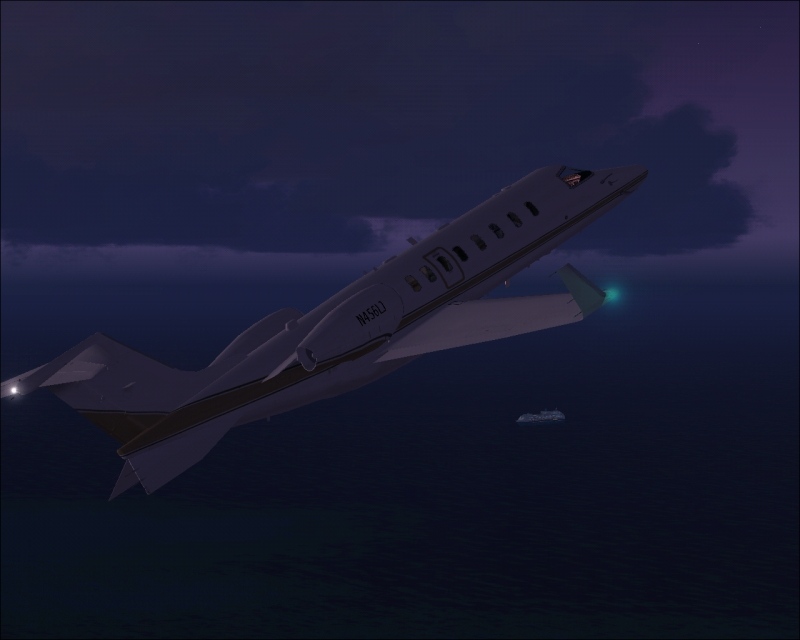
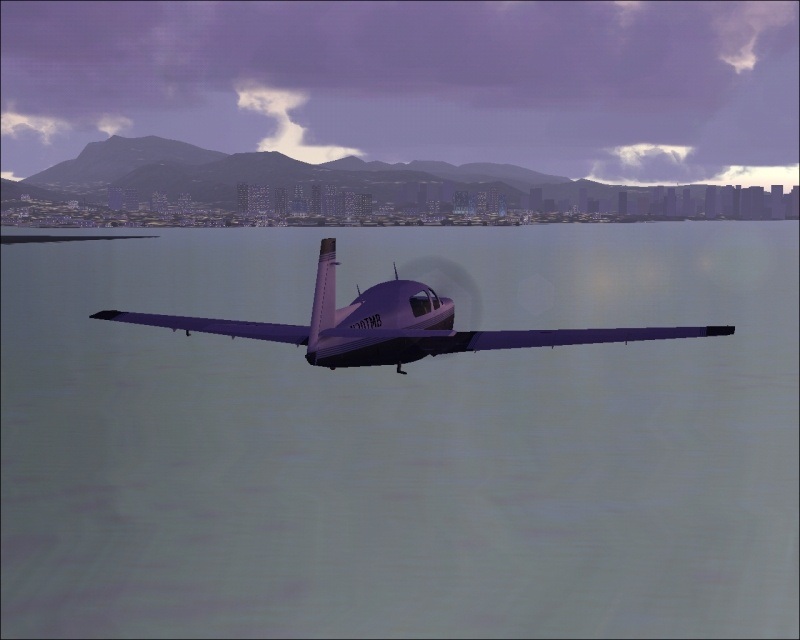
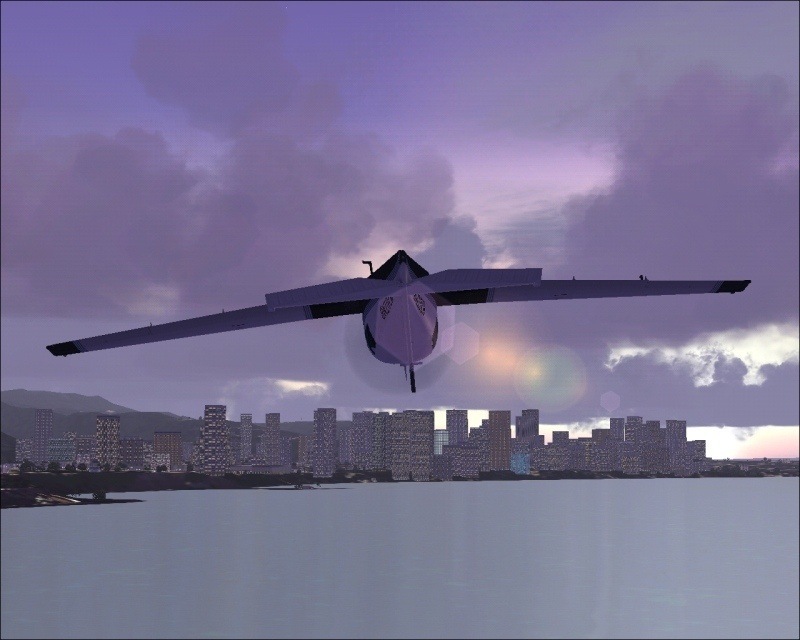
Ok, everything is sorted, so I revised them to look the way they should.
All comments are welcomed
Nick
Re: A few City Randoms
Posted:
Thu Feb 22, 2007 8:49 amby FSGT Gabe
Looks much better than some of yours...good job.
Re: A few City Randoms
Posted:
Thu Feb 22, 2007 8:53 amby NDSP
[quote]Looks much better than some of yours...good job.
Re: A few City Randoms
Posted:
Thu Feb 22, 2007 8:55 amby Hagar
[quote]They all were much better when they were at full size, but I had to take it down a lotta Pixels to get them to upload size. #1 was the only one I was lucky with and coulda been uploaded at 600 pix. Im still looking for a way to get all of the pictures to come out like 1, but havent found it. If anyone knows how I can make all the pictures 600 pixels and be under 10200 bytes, than thankyou
Nick
Re: A few City Randoms
Posted:
Thu Feb 22, 2007 9:03 amby alrot
I was about to say , Use IrfanView too, but you know? when I had my old video card that was worthless , If only if you don't get a satisfactory result with it ,try what I did , Use Microsoft Paint ,yeah the one brough it by Xp , save the images as jpg,(In case you forgot) Ctrl+W gives you the size to reduce, and Ctrl+U gives you the size (By Pixel of course)I gave me good results in compressing ,while infanview didn't work good at all..
Cheers
Re: A few City Randoms
Posted:
Thu Feb 22, 2007 9:06 amby NDSP
[quote][quote]They all were much better when they were at full size, but I had to take it down a lotta Pixels to get them to upload size. #1 was the only one I was lucky with and coulda been uploaded at 600 pix. Im still looking for a way to get all of the pictures to come out like 1, but havent found it. If anyone knows how I can make all the pictures 600 pixels and be under 10200 bytes, than thankyou
Nick
Re: A few City Randoms
Posted:
Thu Feb 22, 2007 9:10 amby NDSP
I was about to say , Use IrfanView too, but you know? when I had my old video card that was worthless , If only if you don't get a satisfactory result with it ,try what I did , Use Microsoft Paint ,yeah the one brough it by Xp , save the images as jpg,(In case you forgot) Ctrl+W gives you the size to reduce, and Ctrl+U gives you the size (By Pixel of course)I gave me good results in compressing ,while infanview didn't work good at all..
Cheers
Im gonna try both ways, but alrot, If I hit Ctrl + U nothing comes up
Nick
Re: A few City Randoms
Posted:
Thu Feb 22, 2007 9:22 amby NDSP
I modifyed them, using Alrots way. Looks a lot the same
Re: A few City Randoms
Posted:
Thu Feb 22, 2007 9:26 amby NDSP
Hagars way works fine too though
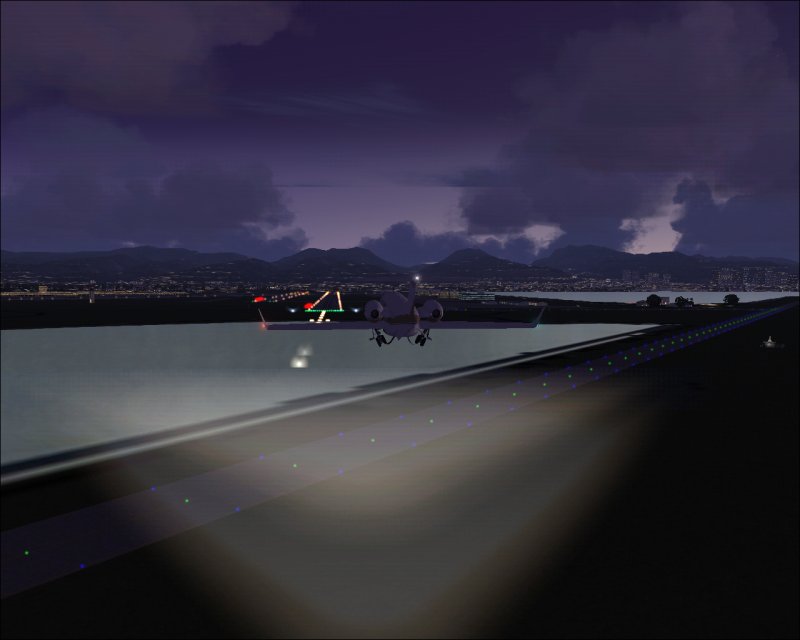
I think ill go with Hagars
Nick 8-)
Re: A few City Randoms
Posted:
Thu Feb 22, 2007 9:30 amby Hagar
[quote]Hagars way works fine too though
I think ill go with Hagars
Nick
Re: A few City Randoms
Posted:
Thu Feb 22, 2007 11:15 amby NDSP
[quote][quote]Hagars way works fine too though
I think ill go with Hagars
Nick