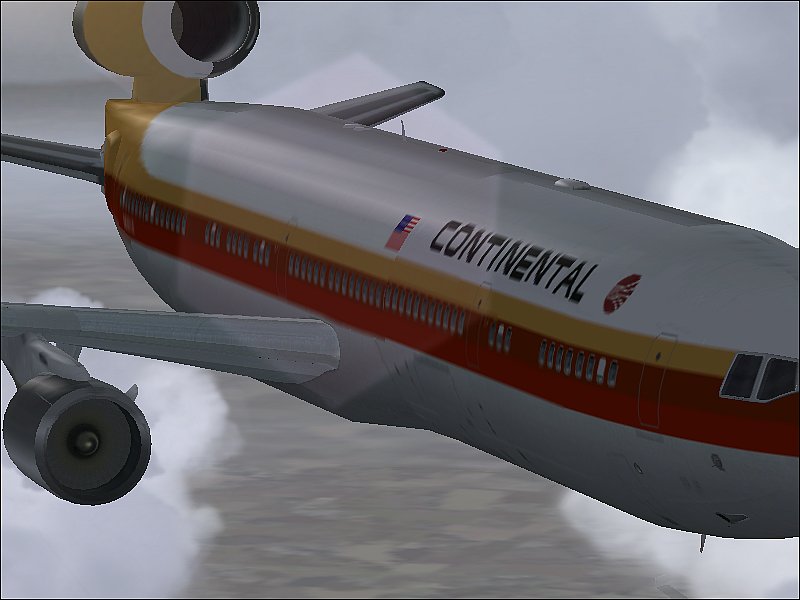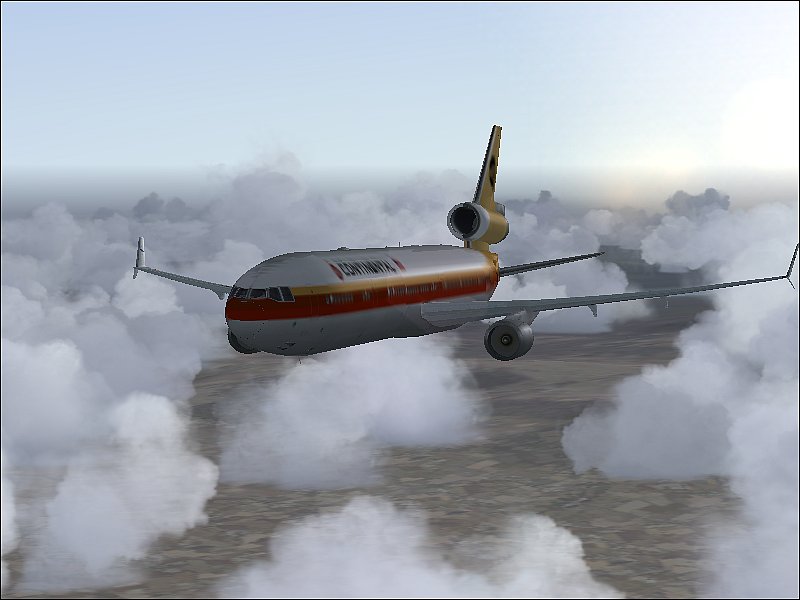
MD-11 in a long flight

Flight Simulation Screenshots displaying your Flight Simulation Experience. MSFS, FSX, Prepar3D, XPlane and other Flight Simulators. Focus is your Flight Simulator Experience. Please upload to Simviation (Button at top right)

MD-11 in a long flight

Postby a1 » Mon Jan 15, 2007 2:07 pm

At alt of 12000
Image

Pilot checks the throttle
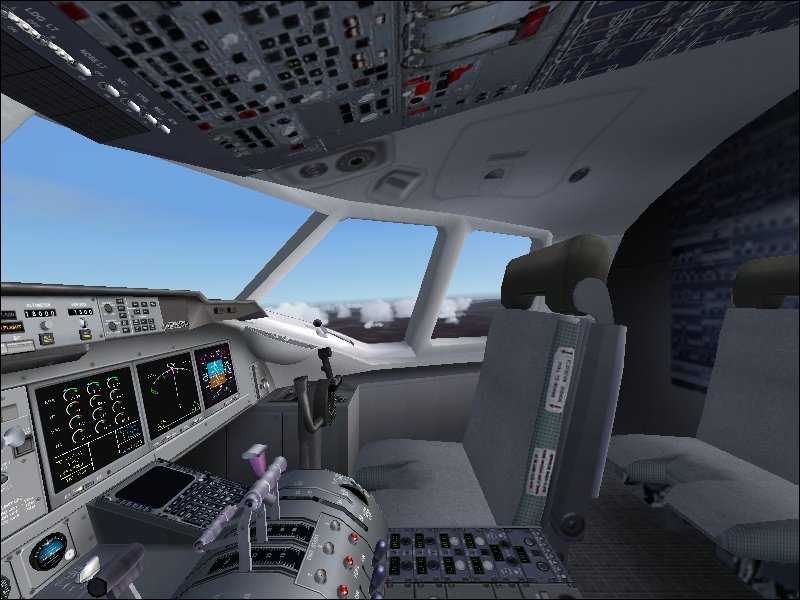
Image

Image
Image
790i : QX9650 : 4Gb DDR3 : GeForce 8800 GTX : 1 WD Raptor : 1 WD VelociRaptor 150
User avatar
a1
Lieutenant Colonel
Lieutenant Colonel
 
Posts: 7608
Joined: Thu Jan 04, 2007 9:16 pm

Re: MD-11 in a long flight

Postby flyboy 28 » Mon Jan 15, 2007 2:22 pm

Nice, though I don't think Continental ever owned MD-11s? At least not in the "Meatball" scheme.
User avatar
flyboy 28
Colonel
Colonel
 
Posts: 10266
Joined: Thu Jun 12, 2003 4:01 pm
Location: Jacksonville, FL

Re: MD-11 in a long flight

Postby Travis » Mon Jan 15, 2007 2:24 pm

With your setup, you could be getting much better shots than you are now.  It may be how and what you're compressing them with, but I also think your sliders aren't set high enough for your machine.

In FS, fly over a fairly well-populated area (like any city in California, US) and press Ctrl+Z twice.  It should display your framerate in the upper-left corner in red.  If the framerate is higher than 25, move things like the weather sliders and others up until the framerates drop below 25.  The reason for this is the human eye can't differentiate between framerates of 25 and framerates of 30 or 40.  You tell a little, but it isn't something that will affect your flying.
Image
User avatar
Travis
Major
Major
 
Posts: 4381
Joined: Thu Feb 06, 2003 3:17 am
Location: KAUS - 30 MI NW

Re: MD-11 in a long flight

Postby Jakemaster » Mon Jan 15, 2007 2:53 pm

Nice, though I don't think Continental ever owned MD-11s? At least not in the "Meatball" scheme.


Maybe not, but they had DC-10s in the Meatball scheme  http://www.airliners.net/open.file/1161324/M/

They even had an Airbus at one point in the Meatball scheme!
Jakemaster
 

Re: MD-11 in a long flight

Postby an-225 » Mon Jan 15, 2007 7:00 pm

a1 I'm sorry, but you really need to turn on that anti aliasing... And as Locke said you have the potential to turn some sliders up... for now... the plane just looks 2D...  :-/
an-225
 

Re: MD-11 in a long flight

Postby a1 » Mon Jan 15, 2007 7:15 pm

the sliders are up and anti aliasing is on. i don't think i have a video card.
Image
790i : QX9650 : 4Gb DDR3 : GeForce 8800 GTX : 1 WD Raptor : 1 WD VelociRaptor 150
User avatar
a1
Lieutenant Colonel
Lieutenant Colonel
 
Posts: 7608
Joined: Thu Jan 04, 2007 9:16 pm

Re: MD-11 in a long flight

Postby an-225 » Mon Jan 15, 2007 7:18 pm

You don't have a video card?!!? OK. There is one time in every persons life. Where they should spoil themselves. Get something like an Nvidia 6800 or above. ;)
an-225


Return to Simulation Screenshots Showcase

Who is online

Users browsing this forum: No registered users and 605 guests