Page 1 of 1

Just a few quickies

PostPosted: Mon Nov 13, 2006 11:45 pm
by NicksFXHouse
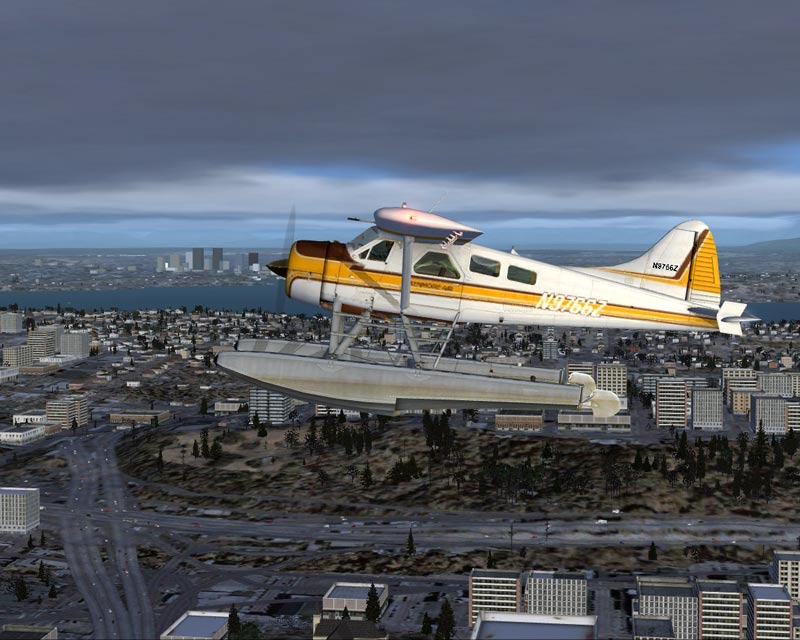
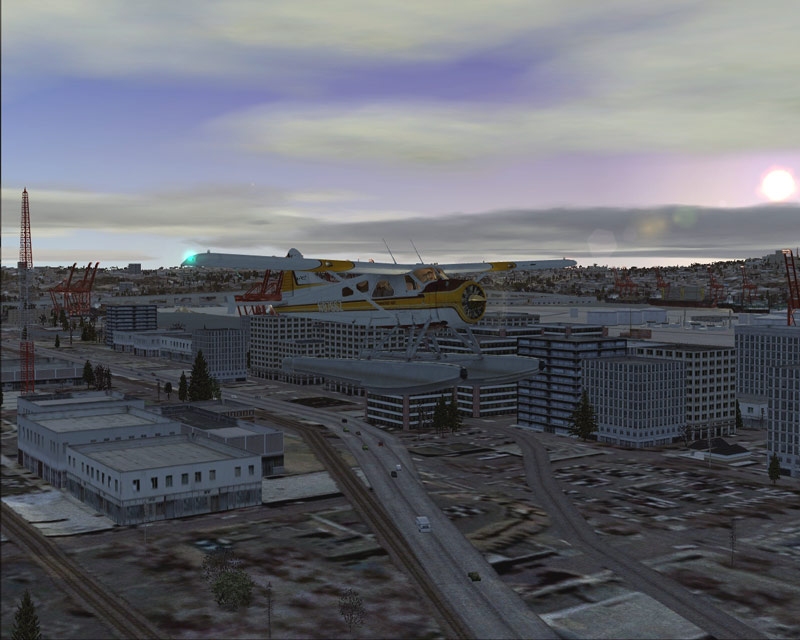
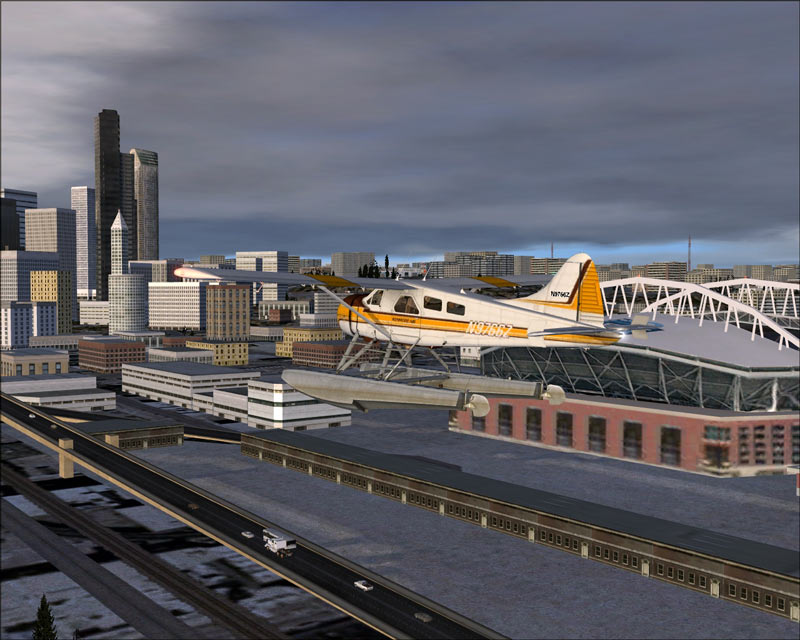
I was cleaning out a picture directory and came across these from some time ago... I figured I would post them before I emptied the trash.
Image


Image


Image

Re: Just a few quickies

PostPosted: Mon Nov 13, 2006 11:59 pm
by maulepilot117
dern man...those look good ;D  i especially like the autogen and cars...really completes the pic

Re: Just a few quickies

PostPosted: Tue Nov 14, 2006 12:38 am
by Daube
Last one is really cool, I don't really enjoy the colors of the two first shots.

Re: Just a few quickies

PostPosted: Tue Nov 14, 2006 11:28 am
by NicksFXHouse
Last one is really cool, I don't really enjoy the colors of the two first shots.


Me either... That is one of the items I am looking forward to about DX10. I believe it will get rid of the almost cartoon like colors under certain light conditions. FS9 tends to look like a camera picture where FSX tends to have a more of a 'painting' look.

I do believe the plan with the current texture design and layout was in prep for a DX10 LOD overwrite which is one of the reasons the lesser hardware has difficulties. Since DX10 increases the level of detail by allowing a significant jump in the amount of information that can be processed on the same core size, the current number of textures and texture sizes falls in line with that.

Re: Just a few quickies

PostPosted: Tue Nov 14, 2006 11:58 am
by anarki
Nice shots!

Lou

Re: Just a few quickies

PostPosted: Tue Nov 14, 2006 9:38 pm
by Daube


Me either... That is one of the items I am looking forward to about DX10. I believe it will get rid of the almost cartoon like colors under certain light conditions. FS9 tends to look like a camera picture where FSX tends to have a more of a 'painting' look.

I do believe the plan with the current texture design and layout was in prep for a DX10 LOD overwrite which is one of the reasons the lesser hardware has difficulties. Since DX10 increases the level of detail by allowing a significant jump in the amount of information that can be processed on the same core size, the current number of textures and texture sizes falls in line with that.


For the "cartoonish" colors, I guess that just like FS9, some addon makers, like FS SkyWorld for example (hey guys you're GREAT !)

Re: Just a few quickies

PostPosted: Tue Nov 14, 2006 9:40 pm
by Daube
By the way Nick N, I see you can play with the self shadowing as well as the road traffic. Do you always use them, or was it just for making screenshots ?

Re: Just a few quickies

PostPosted: Wed Nov 15, 2006 2:38 am
by NicksFXHouse
By the way Nick N, I see you can play with the self shadowing as well as the road traffic. Do you always use them, or was it just for making screenshots ?


Yes sir.. I do use them in both flight and screens however I also trim the settings based on the area sometimes. I would back off for an area like NYC. Seattle is not that bad.

I think in the shots above I had shadows disabled but I may be mistaken.. those were taken about 2-3 months ago and at sundown so the lower street areas were already shaded.. which is another touch about FSX I noticed.. In FS9 the shadows are very defined and it is easy to see them move when the sun goes down but in FSX they are gradual to the change. The city sits on a hill so it does get dark at ground level around the docks and behind Seattle in real life well before the sun goes down.

In many respects FSX has a superior lighting system but for some reason the textures tend to be a bit cartoonish depending on the time of day.


this one was recent and I know I had them enabled however in this snag for some reason they did not show very well. The sky and cloud cover works light much better too which is probably why the shadows do not appear as defined.

Image

The road vehicles become dense as I approach a large city... even with the slider set to 20-25 as I fly into a city area I see the traffic increase which I thought was a nice touch. The same is true for the boats however they need a slightly higher setting to see a defined increase as compared to the road vehicles.

View angle will have a huge affect on the load, just like FS9. In the shot above, had I rotated a bit more to the southwest and had the major city buildings in the shot, the frames would have been around 18-20, but still smooth which is whats important. I get stutters like everyone else.. perhaps not as bad but none the less, they are there and will be there as long as I want to see the eye candy until I replace my entire system.

Re: Just a few quickies

PostPosted: Wed Nov 15, 2006 6:41 am
by pepper_airborne
Lightning in last shot is best, but i also think that FS calculates the lightning on each object individual, wich is logical since it would take a very good NASA computer and a lot of headaches to be able to create some sort of real time global lightning, imagine a bounce and AA with that and you got IRLL.