Page 1 of 1

Spent some time...

PostPosted: Sun Aug 13, 2006 5:01 pm
by gottoflynow
...Soaking up good framerates in FS9 today.
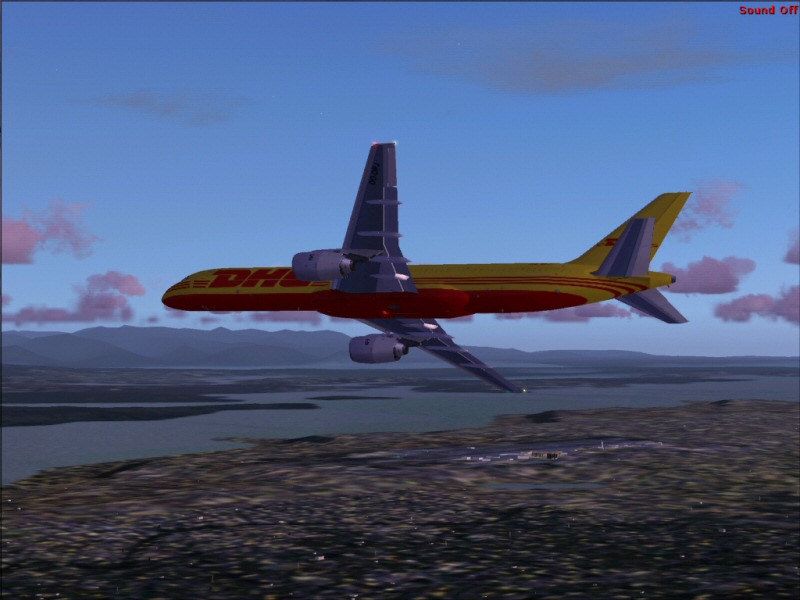
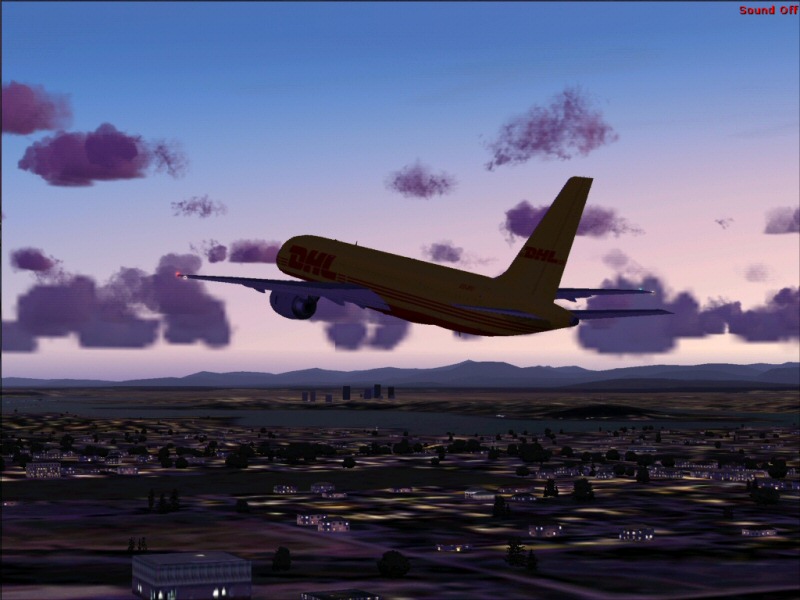
Took my Posky 752 in DHL colors for a spin...kinda fun.

Climbing out.
Image

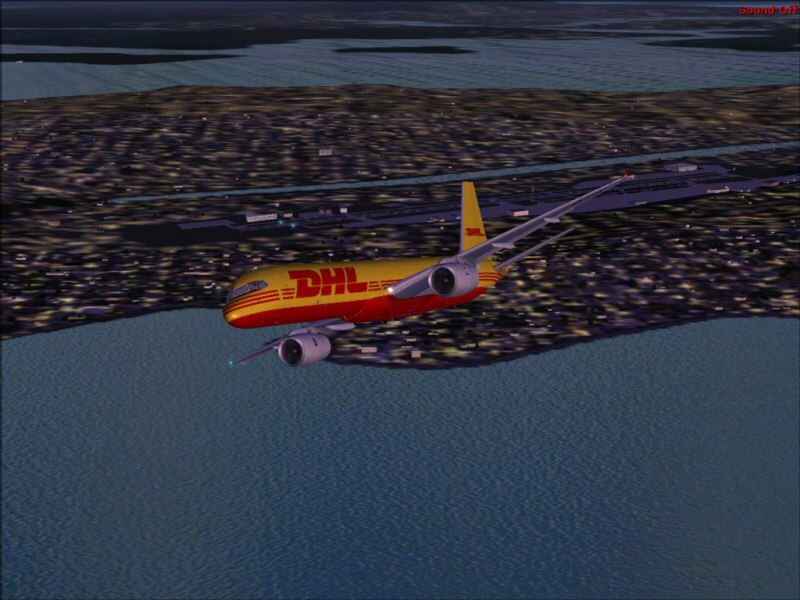
These water Textures look better than the FSX ones on my rig.
Image

Base.
Image

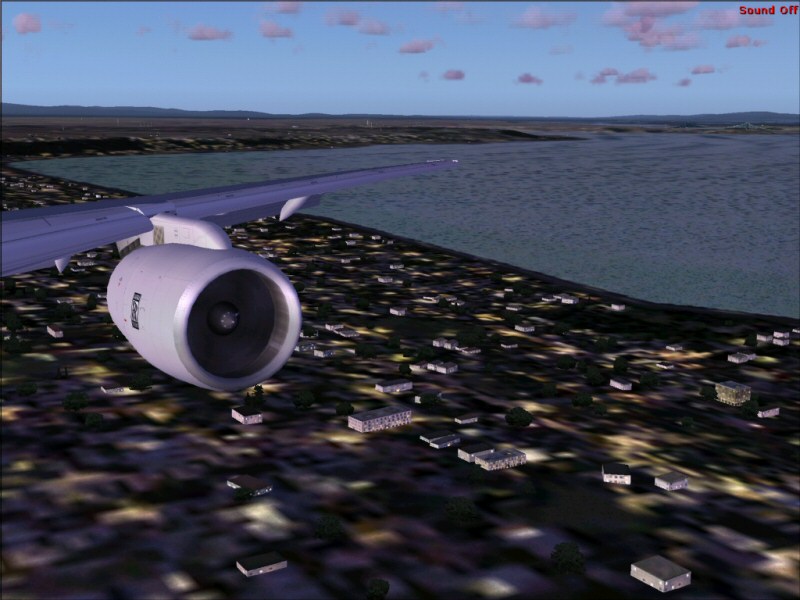
Final approach from wingview.
Image

Hope you enjoyed...leave a comment!

-gottoflynow

Re: Spent some time...

PostPosted: Mon Aug 14, 2006 12:35 pm
by haroldkip
Nice shots but if I may give you a tip; position the camera on the plane as you like it and before you take the shot go grab a cup of coffee or go out for a smoke or something like that. Just leave your PC to render the ground textures ...

This way you'll get a much more defined background in these shots!

Atleast ... that's what I always do. I always have blurries and doing the above gets me better a backdrop in my shots.

Hope this helps ;)

P.S. post a few shots if you feel like it ...

Re: Spent some time...

PostPosted: Mon Aug 14, 2006 1:21 pm
by MOUSY
...before you take the shot go grab a cup of coffee or go out for a smoke or something like that. Just leave your PC to render the ground textures ...

Or use the Refresh Scenery command in FS. It can be set to a key combo in the options, like Ctrl+F5. Usually results in much more detail in the are closest to the plane, and reducing detail going out. Works like a charm. ;)

Re: Spent some time...

PostPosted: Mon Aug 14, 2006 2:35 pm
by haroldkip
Or use the Refresh Scenery command in FS. It can be set to a key combo in the options, like Ctrl+F5. Usually results in much more detail in the are closest to the plane, and reducing detail going out. Works like a charm. ;)

Does that work for the textures to then? I never got it to work ... or are my textures already that good ??? ;D

Re: Spent some time...

PostPosted: Wed Aug 16, 2006 12:49 am
by MOUSY
Yes it does. If your textures don't improve anymore then there already fully loaded... Lucky you... ;D