Page 1 of 1

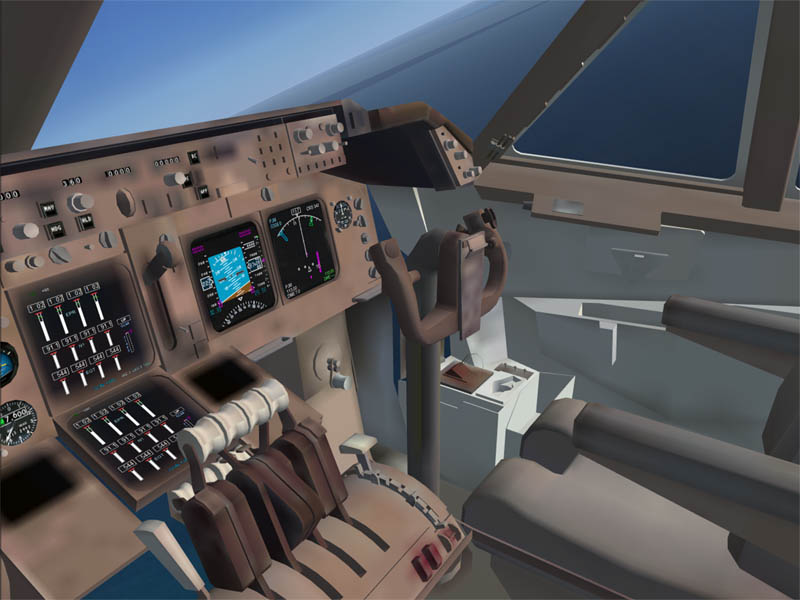
Flying the 747 out of Princess Juliana (FSX)

PostPosted: Fri Aug 11, 2006 12:39 pm
by RollerBall
Had to be the first  ;)

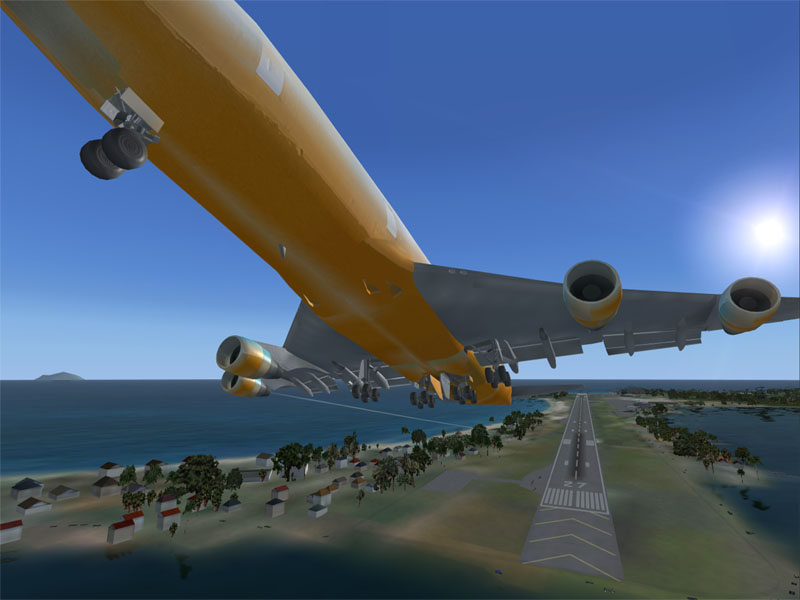
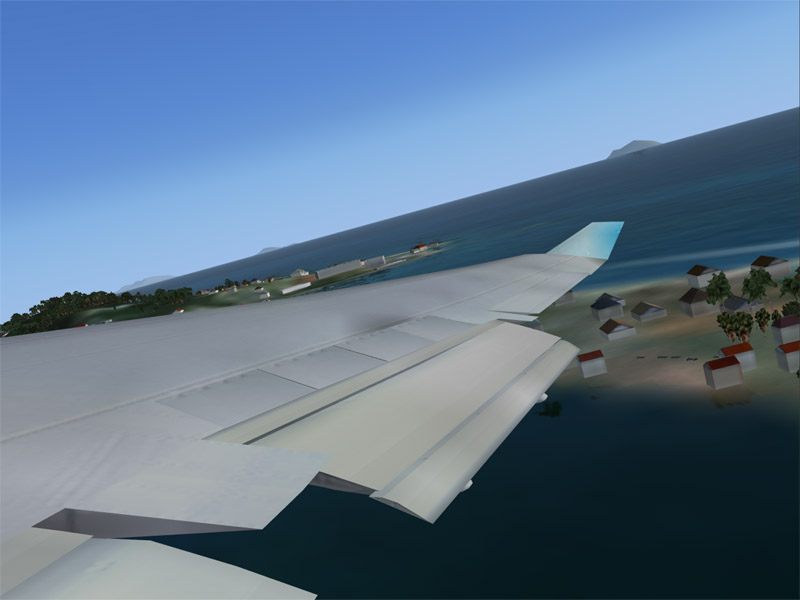
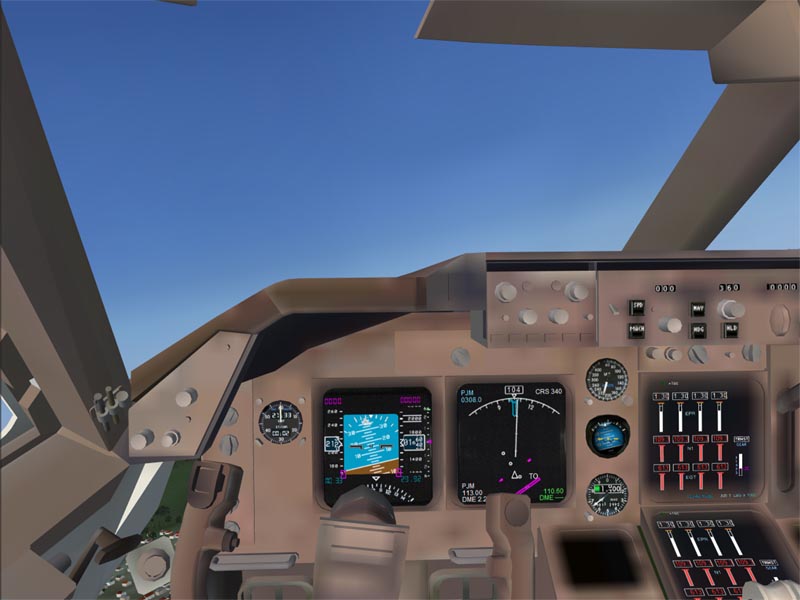
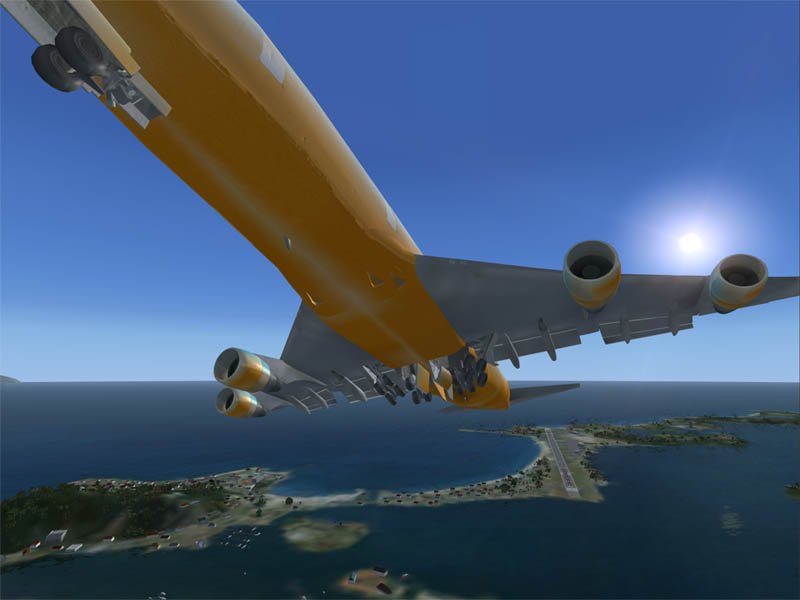
Textures are lousy. Probably my card I'd say, but at the moment I dunno.

Take a look at that wing view - it comes as default

Image

Image

Image

Image

Image

Image

To get this, I just dropped the default 747 panel and the edfault 737 sound in from FS2004 - then it all came alive!

I'd say any of the FS2002 default aircraft will go in - all you need is a thumbnail.jpg in the texture folder that's 256x128 px in RGB 8 bit and you'll get it in the demo menu too.

Re: Flying the 747 out of Princess Juliana (FSX)

PostPosted: Fri Aug 11, 2006 12:59 pm
by airsoftman687
wait howd u get that in there?

Re: Flying the 747 out of Princess Juliana (FSX)

PostPosted: Fri Aug 11, 2006 1:05 pm
by RollerBall
wait howd u get that in there?


To get this, I just dropped the default 747 panel and the default 737 sound in from FS2004 - then it all came alive!

I'd say any of the FS2002 default aircraft will go in - all you need is a thumbnail.jpg in the texture folder that's 256x128 px in RGB 8 bit and you'll get it in the demo menu too.


Look in the FSX demo folder and there's a folder called sim objects. The aircraft folder is in there. Then just do what I say above.

And folks, the fsx.cfg file is in the same place as for fs9 - but there are quite a few changes.

Also air files are MUCH much simpler. Looks as though planes just become AI when you drop in a folder called aisound. No messing about with type=0 and type=2

Re: Flying the 747 out of Princess Juliana (FSX)

PostPosted: Fri Aug 11, 2006 1:50 pm
by ashaman
Nice... is that the new version of FS98? ;D

Re: Flying the 747 out of Princess Juliana (FSX)

PostPosted: Fri Aug 11, 2006 1:59 pm
by RollerBall
Nice... is that the new version of FS98? ;D


Yeah - the new FS98 with VCs. It's called FSXCVIII  :)

Re: Flying the 747 out of Princess Juliana (FSX)

PostPosted: Fri Aug 11, 2006 8:49 pm
by MOUSY
Rollerball. Are you sure that the Global Max Texture Size setting (I'm assuming it's a similar name to that in FS9, havent checked closely) is set to High or Very High? 'Cause that looks like the explanation to me, not your Vid Card.

EDIT: Ok Roller it is your Card. I experienced the same problem even with max global texture size. That usually solved the problem in FS9. Just one more dissapointment for us lower-end folk.