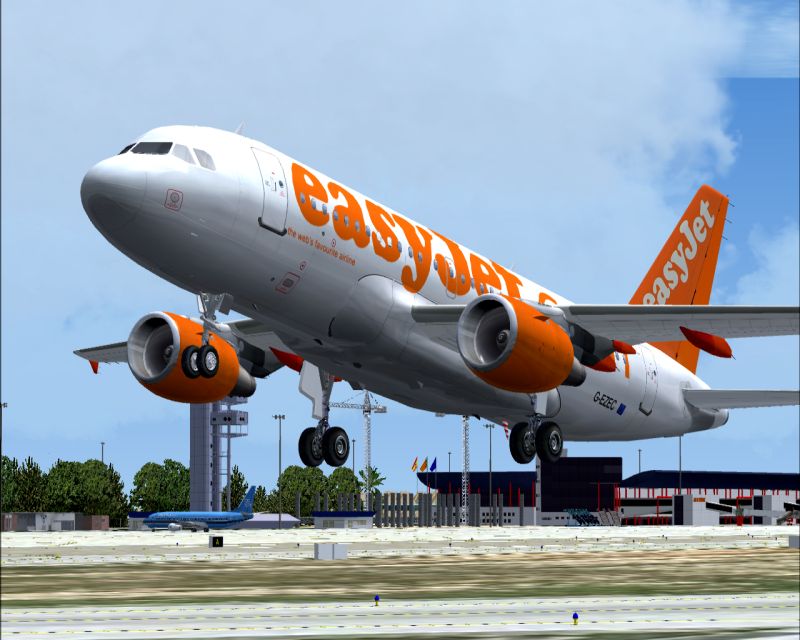
Flight Simulation Screenshots displaying your Flight Simulation Experience. MSFS, FSX, Prepar3D, XPlane and other Flight Simulators. Focus is your Flight Simulator Experience. Please upload to Simviation (Button at top right)
 by waspiflab » Sat Mar 04, 2006 7:37 am
-
waspiflab
-
by waspiflab » Sat Mar 04, 2006 7:41 am
Thats all my pics cleaned out and deleted time to start a fresh.
-
waspiflab
-
by Fitter » Sat Mar 04, 2006 8:21 am
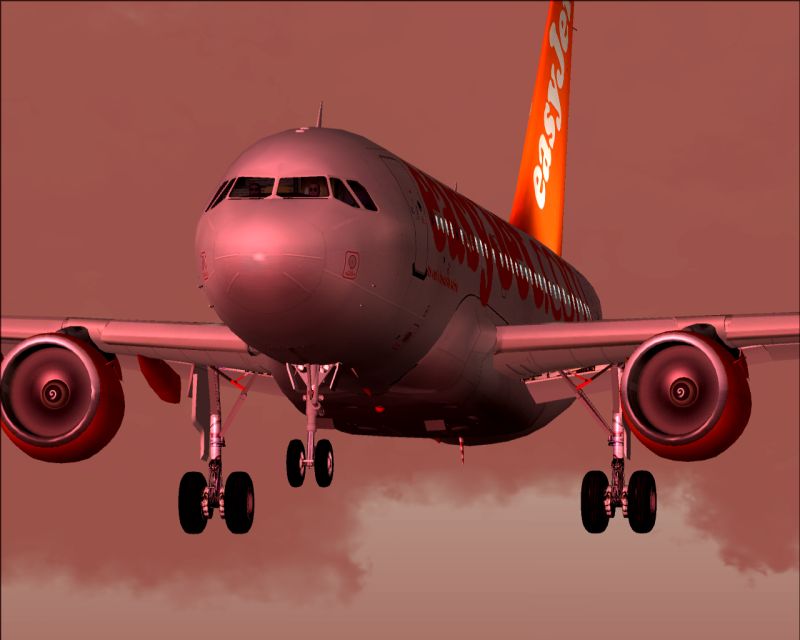
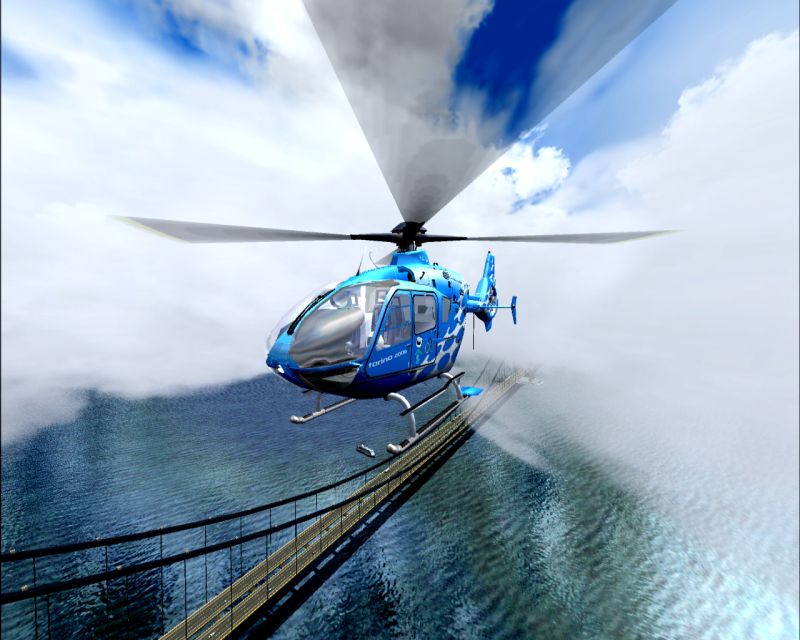
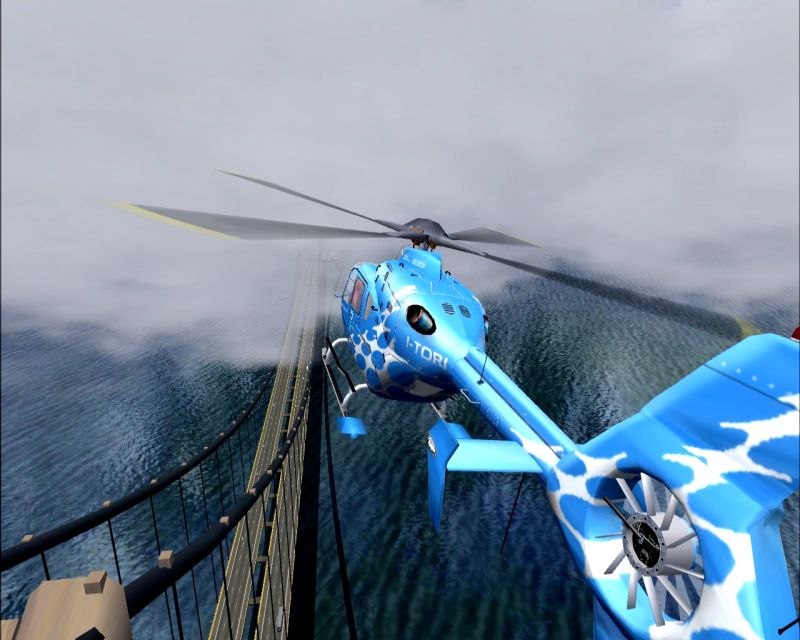
Are nice but too much streched

...nice shots though
Why your colors looks so diferent in contrast? How can you do that without edit your images...Don't you agree with me that your colors looks diferent from the rest of the gang ???
-
Fitter
- Major

-
- Posts: 4204
- Joined: Sat Nov 29, 2003 3:15 pm
- Location: Earth
by robtor1 » Sat Mar 04, 2006 8:51 am
Nice ones!
-
robtor1
- 2nd Lieutenant

-
- Posts: 135
- Joined: Thu Dec 15, 2005 8:41 pm
- Location: Roanoke, VA
by Cobra » Sat Mar 04, 2006 9:05 am
Second last looks amazing! Sorry but i gotta ask, what water??!
JAA/FAA PPL + Night Rating!
Quad Core 6600 2.4GHz ~ nVidia 8800GTX ~ 4GB DDR2 RAM 800MHz ~ Sound Blaster X-Fi 7.1 ~ Samsung Pebble 20" ~ Logitech 5.1 Surround Sound
[center][img]http://www.simvi
-
Cobra
- Major
-
- Posts: 1751
- Joined: Sun Jan 01, 2006 5:16 pm
- Location: Bournemouth, England
-
by waspiflab » Sat Mar 04, 2006 10:02 am
I use my nvidia color correction settings.
I like the deeper color rather than the misty grey.
I DO NOT EDIT.
Last edited by waspiflab on Sat Mar 04, 2006 10:03 am, edited 1 time in total.
-
waspiflab
-
Return to Simulation Screenshots Showcase
Who is online
Users browsing this forum: No registered users and 251 guests


 Bar by Mees