Page 1 of 1
GV

Posted:
Tue Aug 09, 2005 12:59 pmby flyboy 28
Re: GV
Posted:
Wed Aug 10, 2005 3:59 amby ATI_7500
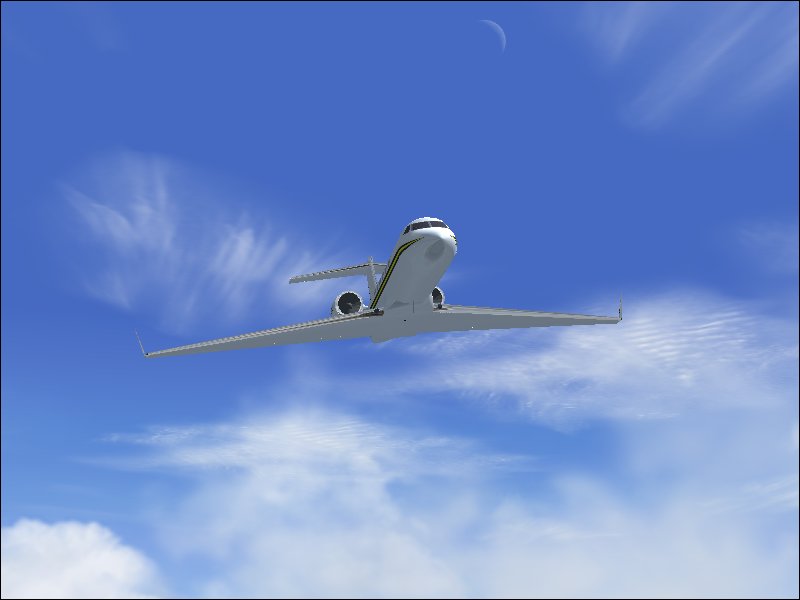
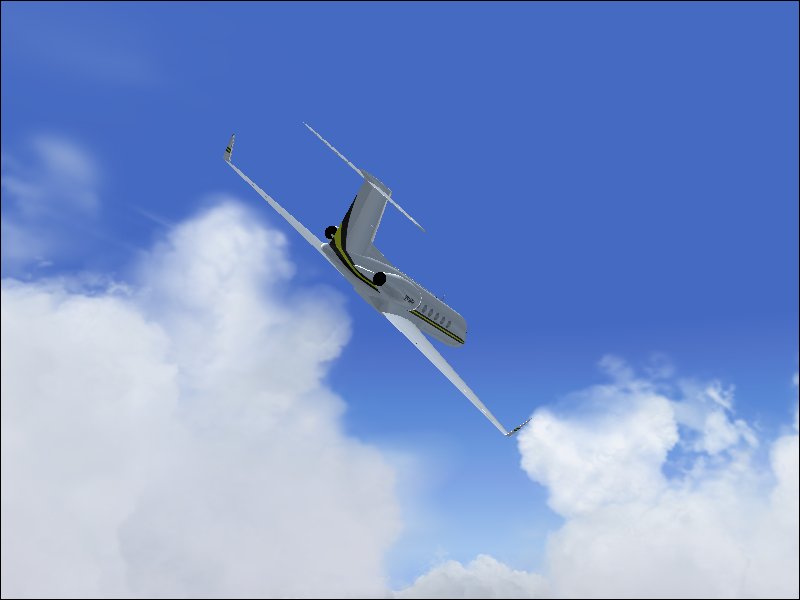
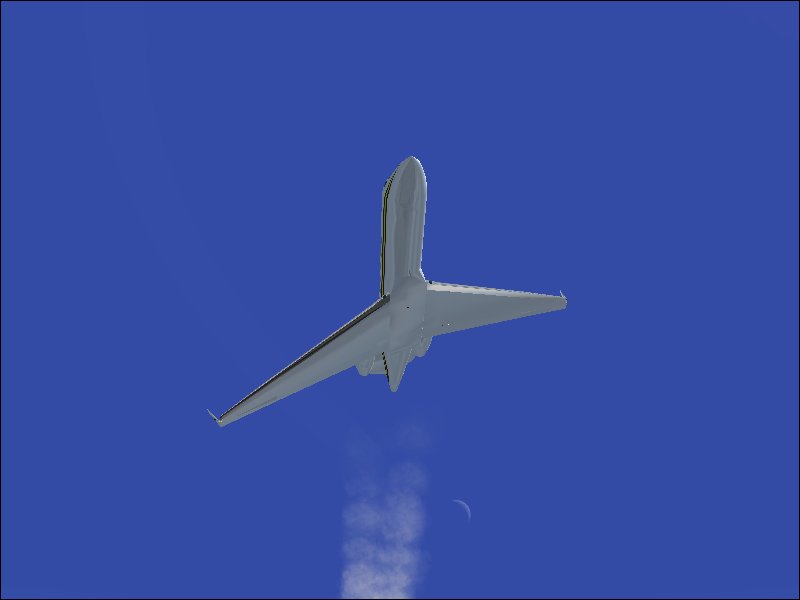
Those pics could use a bit of Anti-Aliasing, methinks.
Neat angles 'though.
Re: GV
Posted:
Wed Aug 10, 2005 4:29 amby Hai Perso Coyone?
Those pics could use a bit of Anti-Aliasing, methinks.
+1 and beautiful angles!!
Re: GV
Posted:
Wed Aug 10, 2005 10:34 amby flyboy 28
Ooops! That's what I forgot! I just reinstalled FS. Clumsy me.

Re: GV
Posted:
Wed Aug 10, 2005 10:51 amby SkyNoz
How do you take anti-allising off by the way

, Cool shot's Rimshot.
Re: GV
Posted:
Wed Aug 10, 2005 12:11 pmby flyboy 28
Go to settings/display settings/hardware and there should be a little check box.
Re: GV
Posted:
Wed Aug 10, 2005 2:00 pmby SkyNoz
Re: GV
Posted:
Wed Aug 10, 2005 2:25 pmby ATI_7500
Richt Click on Windows Desktop -> Properties -> Tab 'Settings' -> 'Advanced'
And then look for the Anti-Aliasing settings of your vid card.
Re: GV
Posted:
Wed Aug 10, 2005 8:05 pmby Clipper
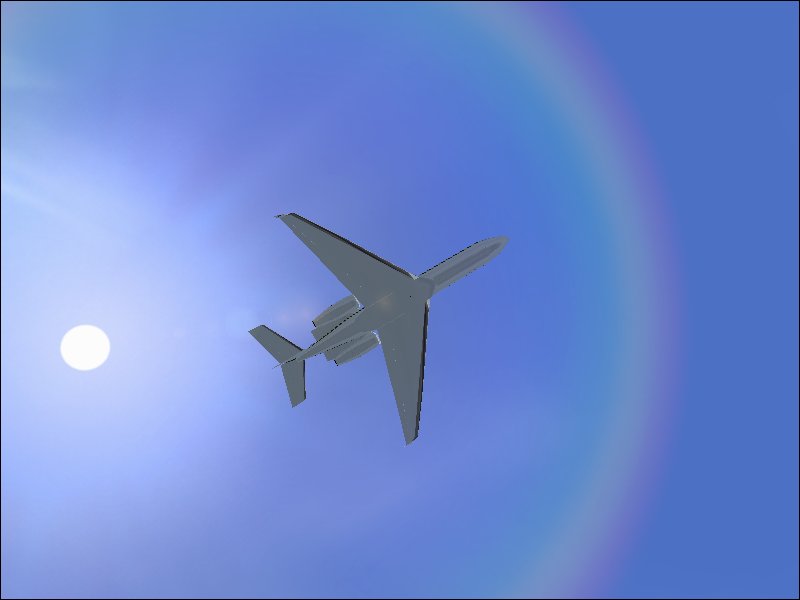
Rimshot, I've never seen a rainbow like the one in the first pic. Opens up a whole new set of possibilities. Did you do anything in particular to create it?
Re: GV
Posted:
Wed Aug 10, 2005 8:07 pmby Clipper
Rimshot, I've never seen a rainbow like the one in the first pic. Opens up a whole new set of possibilities. Did you do anything in particular to create it?
Re: GV
Posted:
Thu Aug 11, 2005 5:34 amby ATI_7500
Rimshot, I've never seen a rainbow like the one in the first pic. Opens up a whole new set of possibilities. Did you do anything in particular to create it?
Seems to be a lens flare.
Re: GV
Posted:
Thu Aug 11, 2005 9:10 amby flyboy 28
I picked it up over at Avsim. Search for "rainbow" and it should come up.
You need to have "Lens Flare" checked in the display settings for it to work though.