Spotting at a busy CDG.
 Posted: Thu Jun 09, 2005 7:27 pm
With some spare time I decided to go spotting while im here at CDG.
Continental 777-200 bound for Houston. That terminal is busy at the moment. Lots of flights soon to depart.
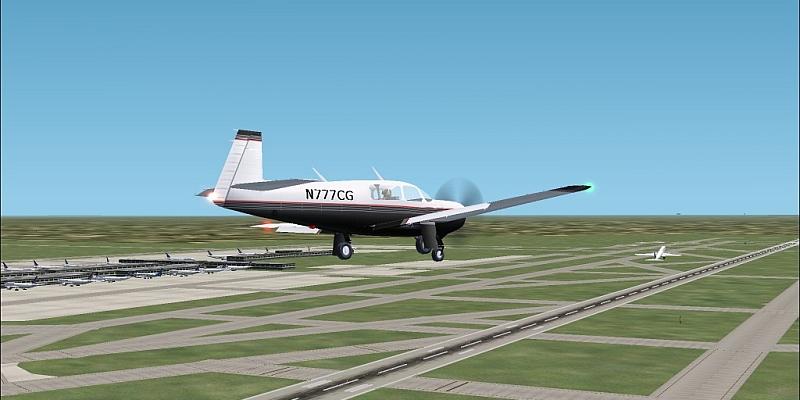
United 777-200 off to Washington.
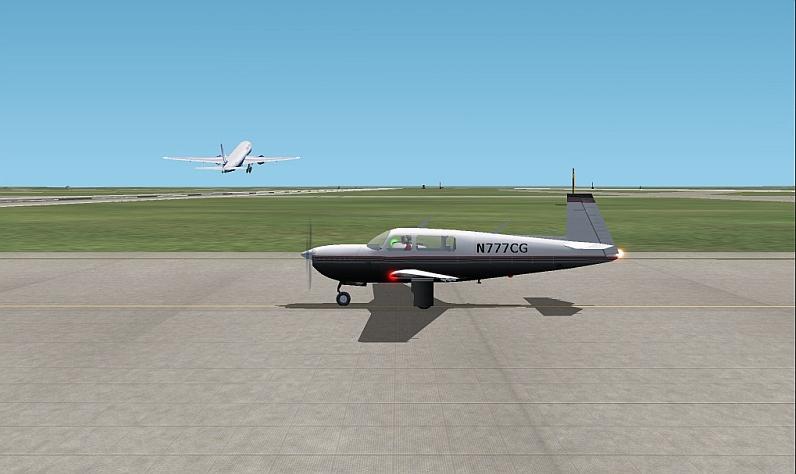
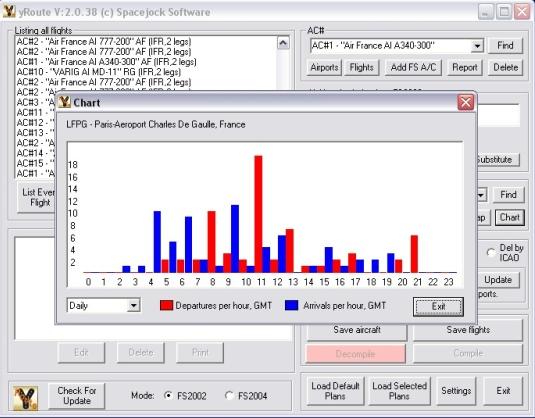
Rush hour...At 13:15 many flights pushed back for departure. This shot was taken somewhere towards the middle of the group. This ones off to Athens. Terminal may be a little more open now but over on 9R there is several flights landing. Would not want to be up in the tower during this time
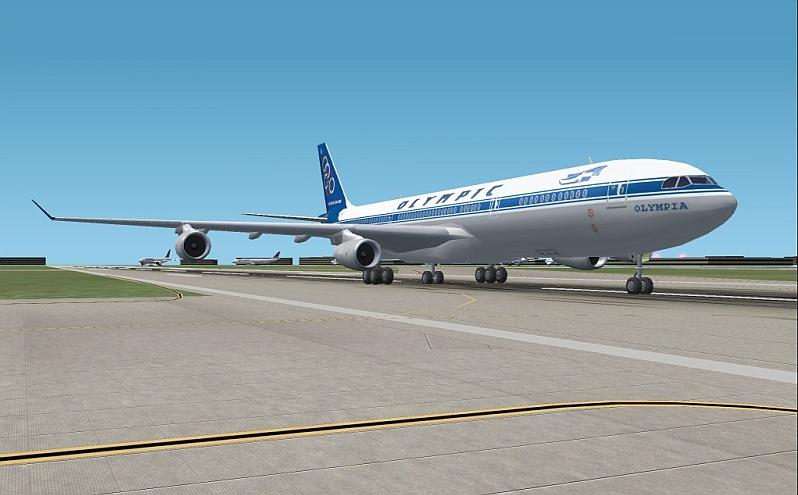
Finally things begin to slow some. Northwest A330-300 to Detroit.
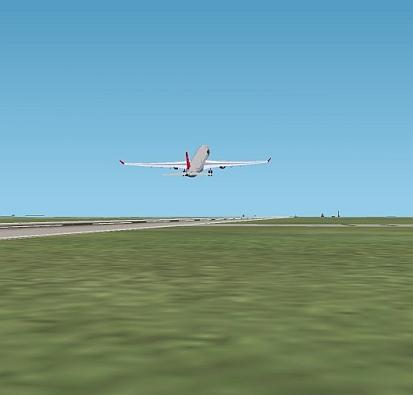
And last but not least Lufthansa 737-300 to Frankfurt. Many more shots were taken but dont want to post them all
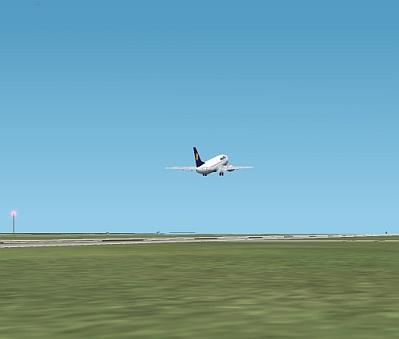
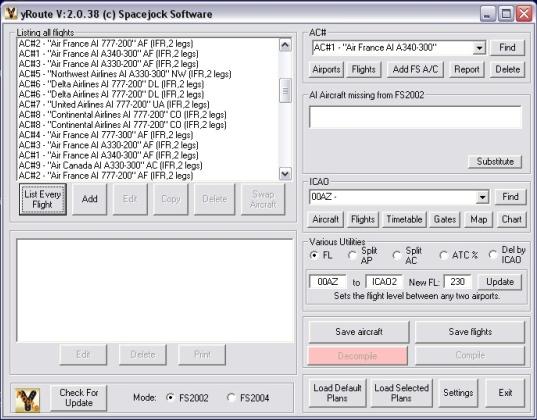
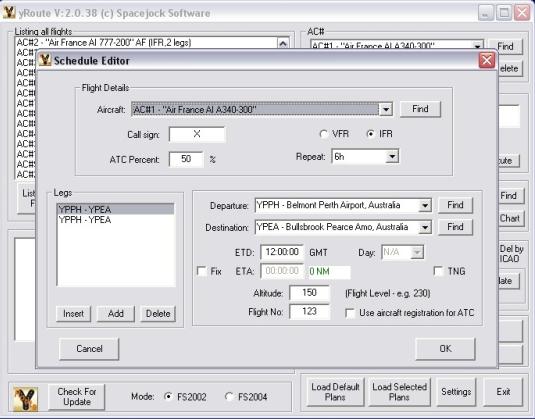
Over the past week I have collected all the flight times and such for most daily heavy flights. All flights are on real time. Each route was programed in seperately using Yroute. Will be adding many more...including all of the smaller jets and such to the list. But untill i get a different computer this is all that is going to be programed. Major fps killer at the moment. Nice to see it busy though
Continental 777-200 bound for Houston. That terminal is busy at the moment. Lots of flights soon to depart.
United 777-200 off to Washington.
Rush hour...At 13:15 many flights pushed back for departure. This shot was taken somewhere towards the middle of the group. This ones off to Athens. Terminal may be a little more open now but over on 9R there is several flights landing. Would not want to be up in the tower during this time
Finally things begin to slow some. Northwest A330-300 to Detroit.
And last but not least Lufthansa 737-300 to Frankfurt. Many more shots were taken but dont want to post them all
Over the past week I have collected all the flight times and such for most daily heavy flights. All flights are on real time. Each route was programed in seperately using Yroute. Will be adding many more...including all of the smaller jets and such to the list. But untill i get a different computer this is all that is going to be programed. Major fps killer at the moment. Nice to see it busy though
 But every flight that is there is arriving and departing as they are right now in real life. So CDG atc must have a lot of fun around 13:00 to 14:00