Graphics problem.

Flight Simulation Screenshots displaying your Flight Simulation Experience. MSFS, FSX, Prepar3D, XPlane and other Flight Simulators. Focus is your Flight Simulator Experience. Please upload to Simviation (Button at top right)

Graphics problem.

Postby Triple_7 » Tue Feb 22, 2005 5:52 pm

Ever sence i upgraded to windows xp the settings for my graphics card have dissapeared... I have tried reinstalling drivers and all but so far no luck.  I know its active just......

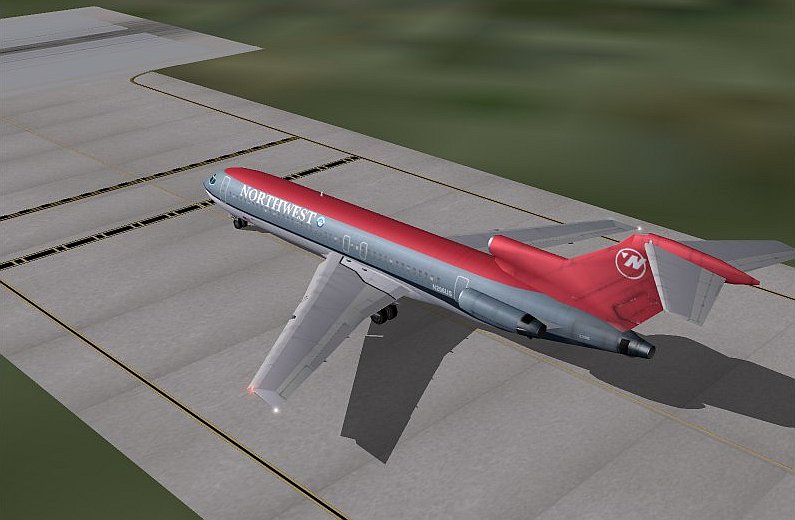
This nice crisp quality is what i used to get...;D
Image
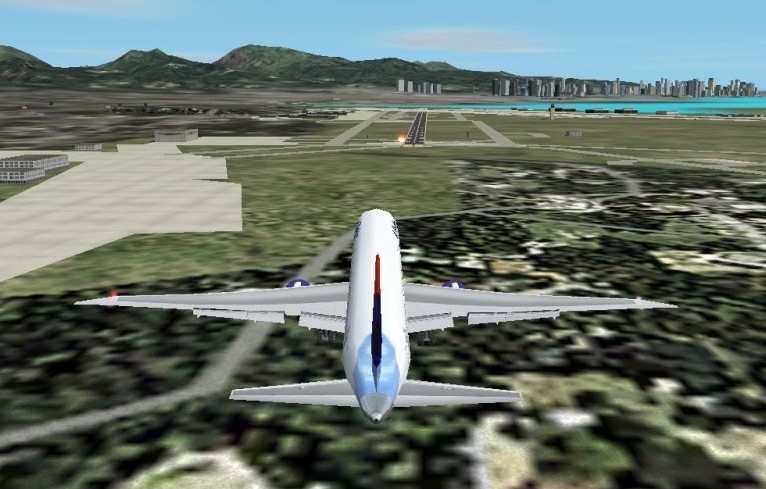
This is what i get now...Nice and jagged...:'(
Image

There used to be a special little popup list on the bottom corner where i could change my AA settings and such...Its gone and no matter what i do i can not seem to access those settings.  Ive been all over the computers files and control panel looking for them and no luck....Any ideas as to where they could be  ???

Triple_7
 

Re: Graphics problem.

Postby 4_Series_Scania » Tue Feb 22, 2005 5:58 pm

Right click on your desktop, select Properties, then, click on Settings, followed by advanced. Then, click on "GeForce FX5200", subsequently click Tools, then finally, you'll see an option to enable taskbar Icon or something similar.

You'll now be able to restore your lost settings.

If the above dosent give you the option of selecting "GeForce FX5200" then chances are your graphics drivers need re-installing.

http://downloads.guru3d.com/download.php?id=10

Here, you'll find the latest Nvidia drivers.

Hope this helps.
Posting drivel here since Jan 31st, 2002. - That long!
"He who laughs last, thinks slowest."
User avatar
4_Series_Scania
Major
Major
 
Posts: 3194
Joined: Thu Jan 31, 2002 4:34 pm
Location: Newport Shropshire U.K.

Re: Graphics problem.

Postby jordonj » Tue Feb 22, 2005 5:58 pm

Hmm...maybe a system restore?
My first flight in a 172 on August 20, 2004
Image

Doing the right thing is more important than doing the thing right. (P. Drucker)

When all think alike, then no one i
User avatar
jordonj
Lieutenant Colonel
Lieutenant Colonel
 
Posts: 5314
Joined: Mon Jun 14, 2004 11:40 pm
Location: Michigan

Re: Graphics problem.

Postby beaky » Tue Feb 22, 2005 6:03 pm

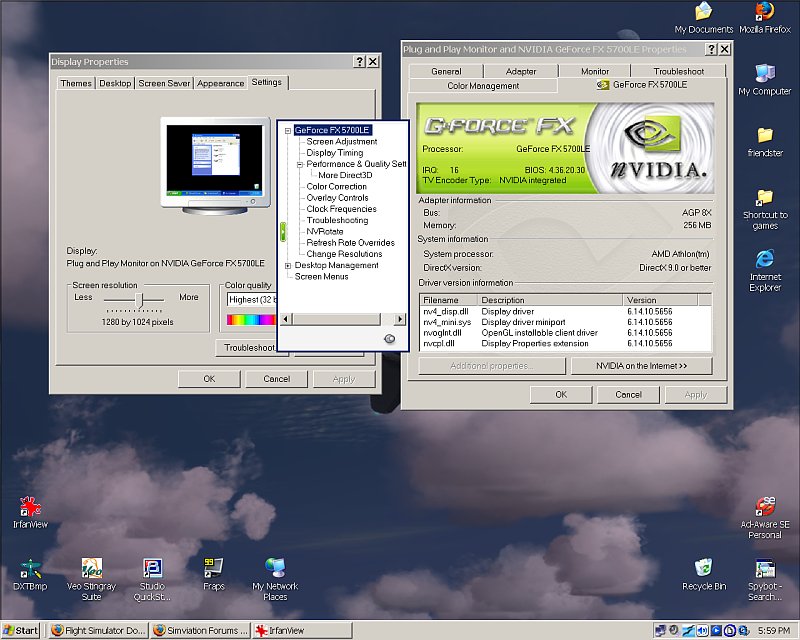
I am running XP, and here's where my nVidia utilities ended up...
Image
Right-click the desktop, Properties, etc., etc.
Hope that helps...
And yes, if not, take jordanj's advice (I guess).
Last edited by beaky on Tue Feb 22, 2005 6:03 pm, edited 1 time in total.
Image
User avatar
beaky
Global Moderator
Global Moderator
 
Posts: 12877
Joined: Thu Dec 16, 2004 8:00 am
Location: Shenandoah, PA USA

Re: Graphics problem.

Postby Triple_7 » Tue Feb 22, 2005 6:12 pm

Now that would be the box i used to get.  Now i get nothing like it.  Ive reinstalled, updated, and more and so far no luck.  I tried the right clicking way as well...Nothing.  Going to try some more ideas ive had.  Hopefully something will come by soon :-X
Triple_7
 

Re: Graphics problem.

Postby Liam » Tue Feb 22, 2005 6:14 pm

Nvidia > Performance & quality > AA settings Max not App controlled?
Intel Pentium 4 3.0GHz Northwood (With HT) Cooled by Zalman CNPS9500 LED - 2 x 512MB DDR RAM (PC3200) - 120 GB HDD - 128MB Nvidia GeForce FX5700 - Bluestorm 500w PSU

Hopefully soon with RAID 0! :D
User avatar
Liam
2nd Lieutenant
2nd Lieutenant
 
Posts: 284
Joined: Thu May 15, 2003 4:59 pm
Location: Wimbledon, London, England

Re: Graphics problem.

Postby jordonj » Tue Feb 22, 2005 6:50 pm

Just asking...you did try completely uninstalling the card (via device manager) then reinstalling, and updating..

Try overwriting newer files if you get the message...
My first flight in a 172 on August 20, 2004
Image

Doing the right thing is more important than doing the thing right. (P. Drucker)

When all think alike, then no one i
User avatar
jordonj
Lieutenant Colonel
Lieutenant Colonel
 
Posts: 5314
Joined: Mon Jun 14, 2004 11:40 pm
Location: Michigan

Re: Graphics problem.

Postby Triple_7 » Tue Feb 22, 2005 6:57 pm

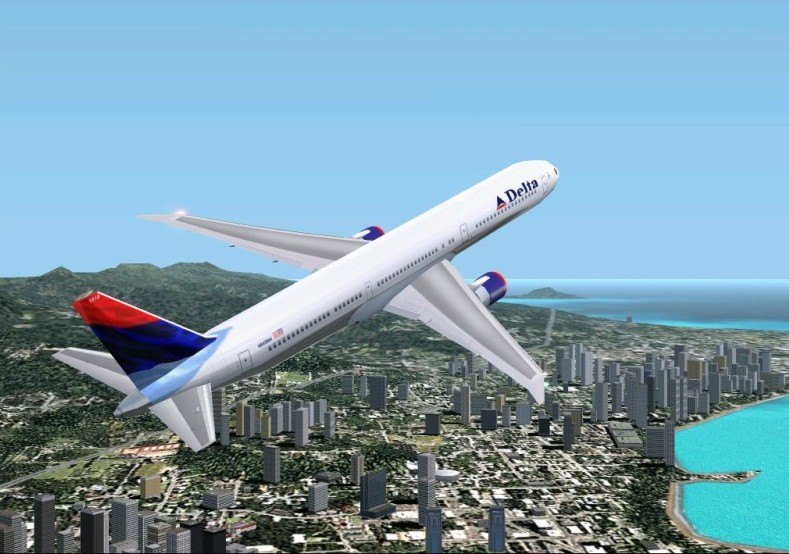
Well...popped in the disk and reinstalled the old drivers...And wouldnt ya know it...That nice little box is back.  As well as the one in the taskbar ;D  Soon as i updated...Lost it all...So im leaving it at the origional drivers and no more upgrades:P

Everything back in order now.........;D  Only the ocasional mild jag on the tip of a wing but nothing like before:)
Image    
Triple_7
 

Re: Graphics problem.

Postby jordonj » Tue Feb 22, 2005 7:17 pm

I have noticed that problem with Raedon Drivers as well from time to time...

By the way, do you know you can roll back drivers in Device manager too?
My first flight in a 172 on August 20, 2004
Image

Doing the right thing is more important than doing the thing right. (P. Drucker)

When all think alike, then no one i
User avatar
jordonj
Lieutenant Colonel
Lieutenant Colonel
 
Posts: 5314
Joined: Mon Jun 14, 2004 11:40 pm
Location: Michigan

Re: Graphics problem.

Postby chomp_rock » Tue Feb 22, 2005 7:19 pm

It really didn't look that bad before, if there is anything I could do without in FS it would be antiailiasing.
AMD Athlon 64 3700+
GeForce FX5200 256Mb
1GB DDR400 DC
Seagate 500Gb SATA-300 HDD
Windows XP Professional X64 Edition


That's right, I'm now using an AMD! I decided to give them another try and they
User avatar
chomp_rock
Major
Major
 
Posts: 2411
Joined: Wed Jul 10, 2002 2:23 pm


Return to Simulation Screenshots Showcase

Who is online

Users browsing this forum: No registered users and 270 guests