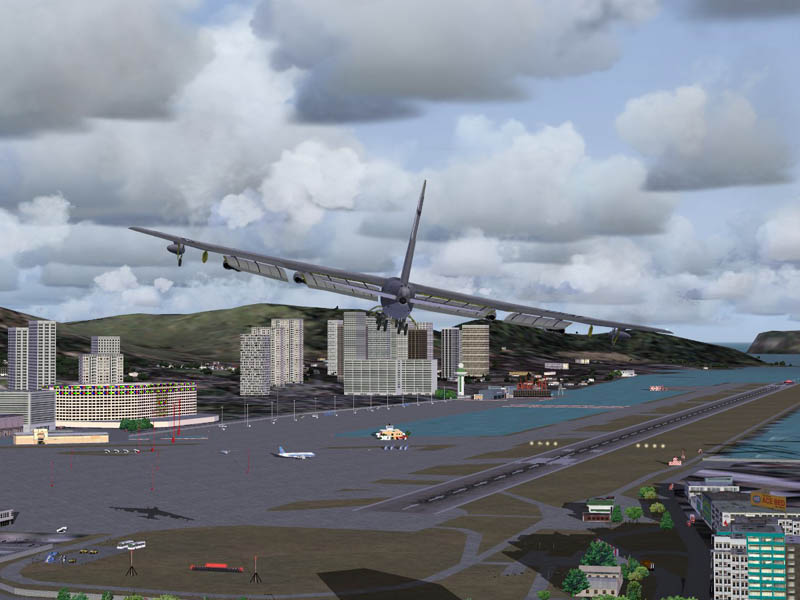
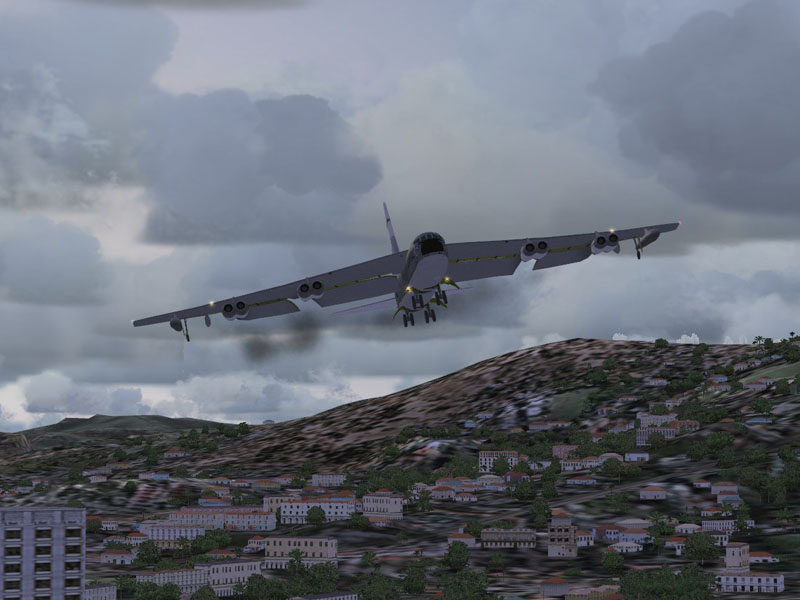
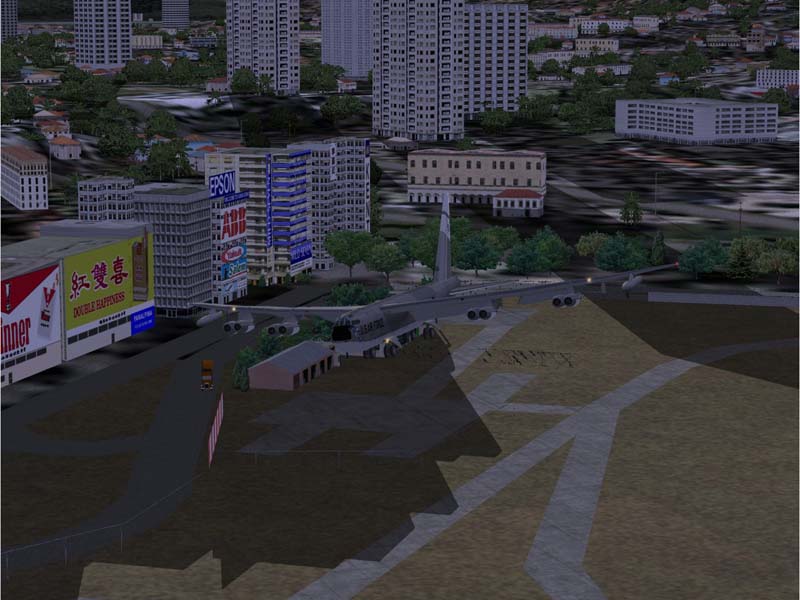
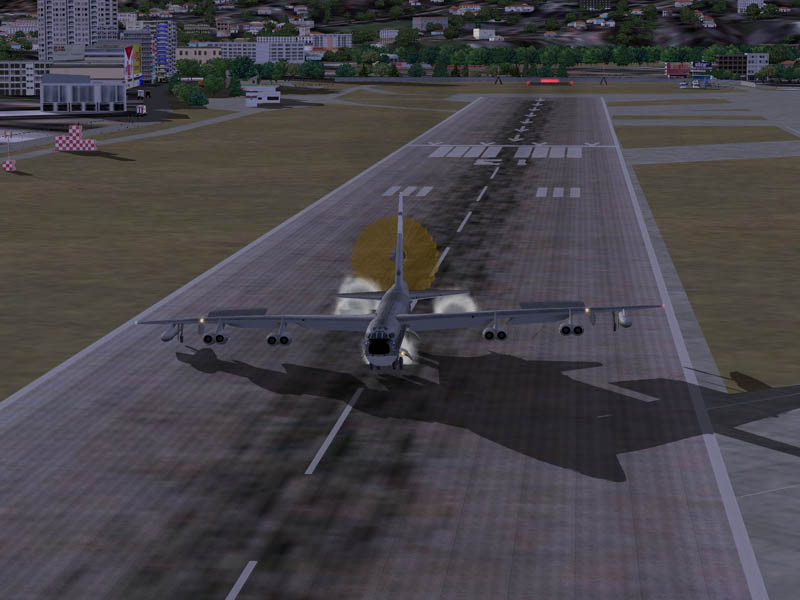
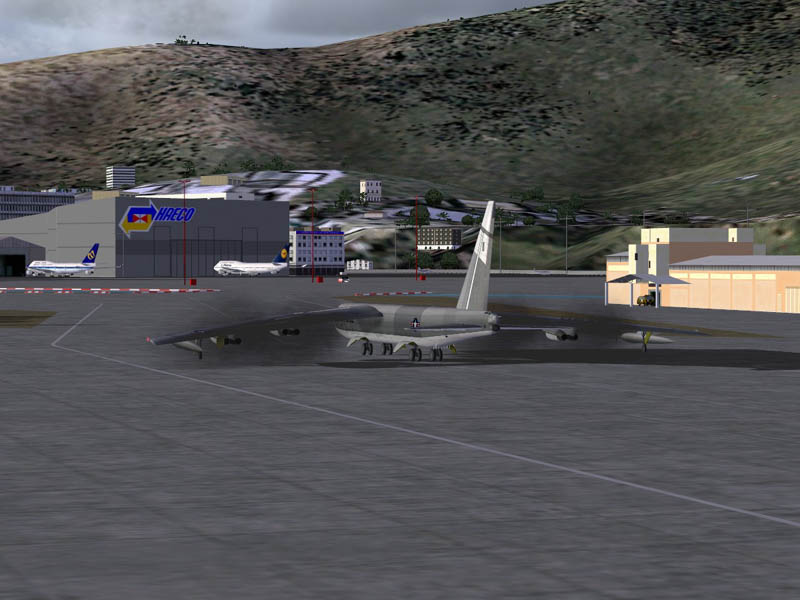
What were you following this B52 in??

Ah..I wasn't. I was safely on the ground next to the runway in my Bell.
Here's how you do it.
You must be in cockpit mode in any aircraft on the ground or flying. Hit Ctrl-Q and a small window opens. Then keep hitting Ctrl-W and you will cycle through all the active AI in your area starting and ending with your own aircraft.
When you get to the one you want to watch hit W and the small window becomes the main window (that's why it's a good idea to be safely on the ground ;) )
The chosen plane is then in spot view and you can take screenies from all angles to your heart's content.
When finished you can just hit Ctrl-Q to close the second window although I've found that sometimes it screws up. Best to reverse the process and hit W then Ctrl-Q.
Easy when you know how ain't it :)
BTW - about these shots. Just so you understand, MS solved the problem of making AI land when there is high ground on the approach (at Kai Tak, it's Lion Rock which is why there was no direct approach to Rwy13) by just making the planes fly THROUGH the mountain or hill. Very realistic. As far as I know, although the facilty has been available for programming approaches since the XML SDK came out, this is the first and only time I've seen anyone actually succeed. It's very complicated.
I spotted the thread on the scenery forum of another site months ago got the file from the gent concerned and have been using it for a while now. But have only just got around to watching the results in detail. I think it's very impressive.
I was gonna put up some shots of my AI Concorde landing. It did, but was a bit scrappy and ended up on the taxiway because it couldn't quite hack the turn.
Mind you, it was better than a PAI Air Canada 747. That came in far too high, hit the runway much too hard and....disappeared