Page 1 of 1
Buecker Jungmann

Posted:
Wed Jan 05, 2005 4:16 pmby Omag 2.0
Gutentag!
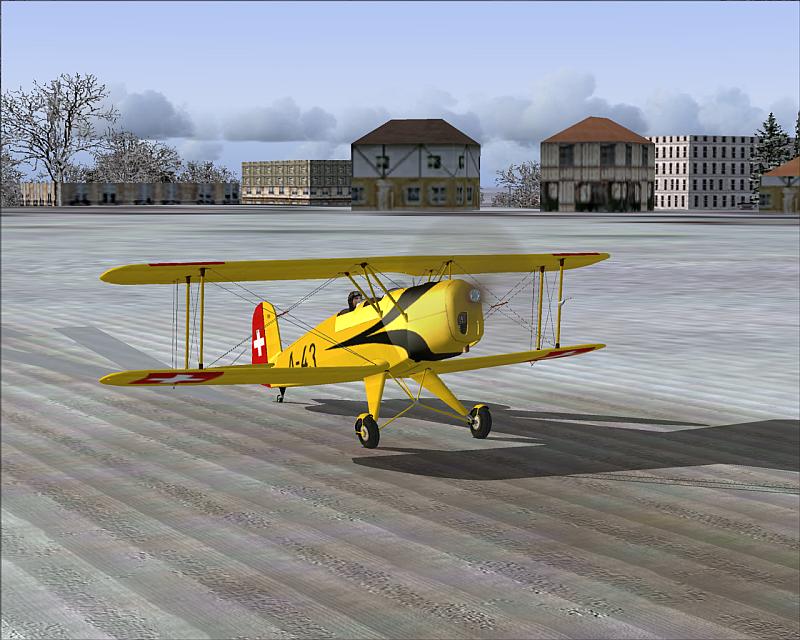
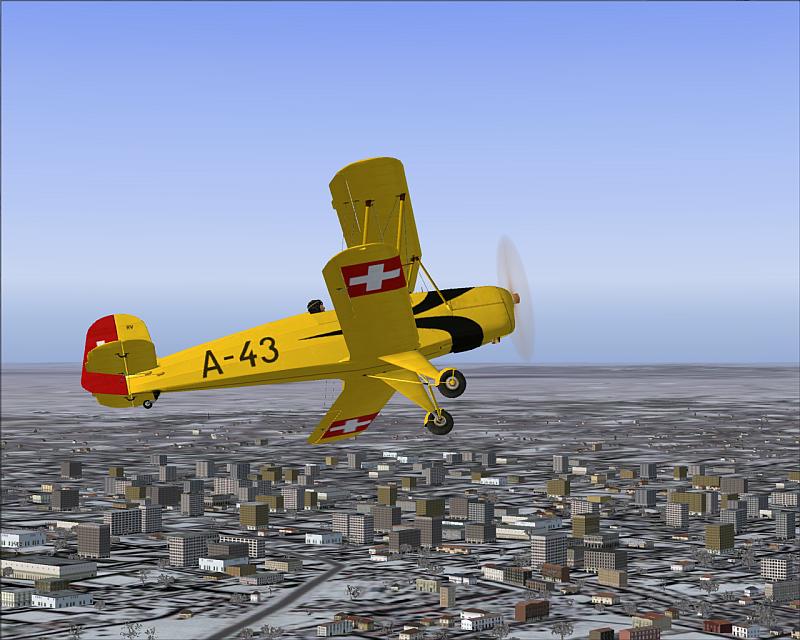
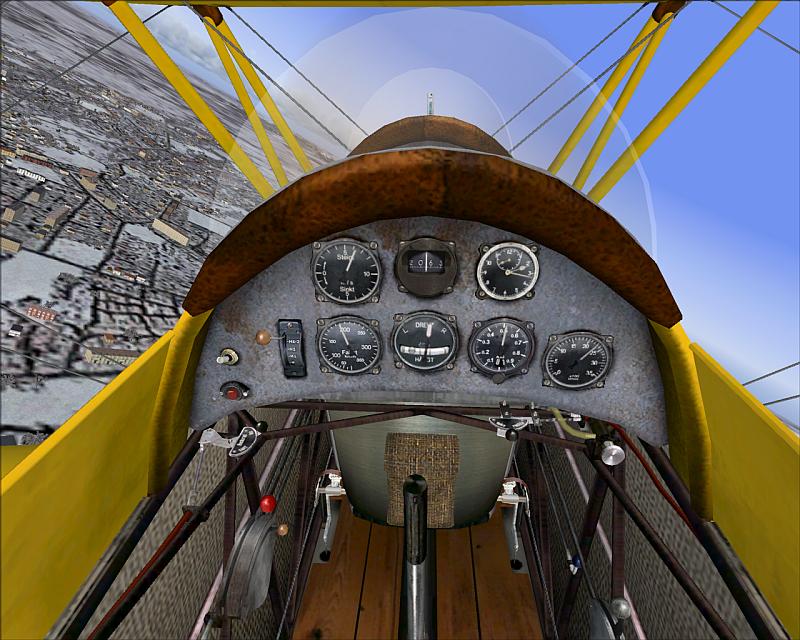
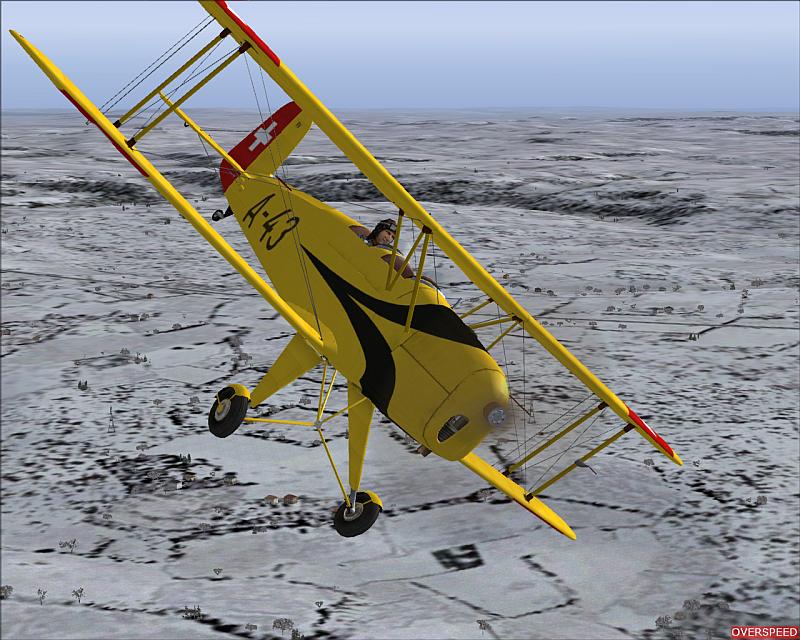
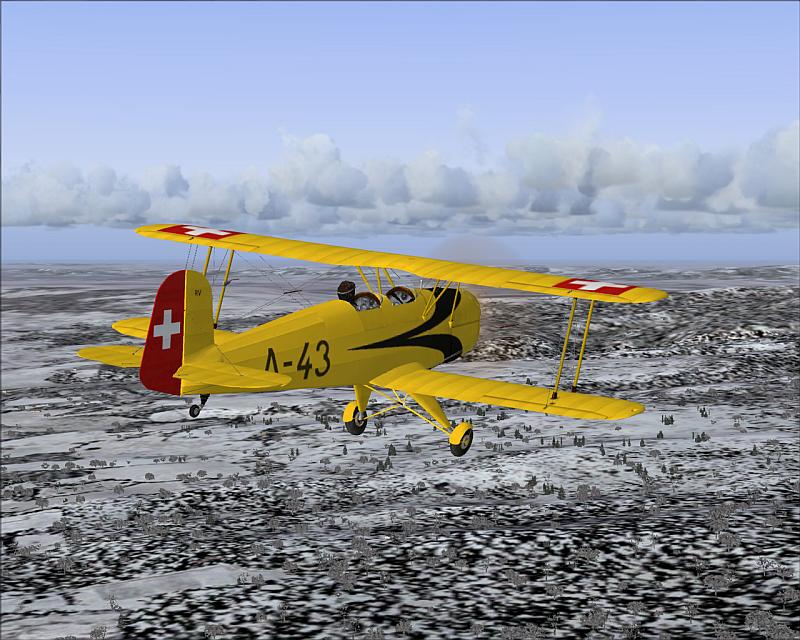
Like German planes? Vintage ones? Then you've got to try this one: The Buecker Jungmann 131-B 105 PS
Get it here:
http://junkers-52.de/buecker_131.htmI took it for a spin over Haxterberg - Germany... Chilly....
I know Hagar and Fozzer will love it! Not to mention ATI! ( Yes VC!)
Re: Buecker Jungmann
Posted:
Wed Jan 05, 2005 6:20 pmby alan_harmi
Lovely shots...and beautiful plane. I likes

Re: Buecker Jungmann
Posted:
Wed Jan 05, 2005 6:41 pmby jordonj
I've had that for some time and have discovered that it Ground-Loops horribly (I have all my realism sliders to the right).
I exchanged some of the aircraft.cfg and the air file and and copied parts from the Lyon's Tiger Moth. The result was much more flyable...
Nice shots. I'll be watching to see what that guy does next!
Re: Buecker Jungmann
Posted:
Wed Jan 05, 2005 7:46 pmby ATI_7500
Kris,this baby has been posted already...three times! And I've already got it,too.

Re: Buecker Jungmann
Posted:
Wed Jan 05, 2005 10:46 pmby jordonj
At's okay! I never get tired of seeing it!
Re: Buecker Jungmann
Posted:
Thu Jan 06, 2005 3:54 amby lemoncat
superb shots and plane...love it

Re: Buecker Jungmann
Posted:
Thu Jan 06, 2005 5:56 amby Omag 2.0
Kris,this baby has been posted already...three times! And I've already got it,too.
* Omag kick's himself in the head * Pay attention in the future Omag!
Re: Buecker Jungmann
Posted:
Thu Jan 06, 2005 8:10 amby chomp_rock
Love the plane, hate the FDs, who would release a plane that you can't even take off with

Re: Buecker Jungmann
Posted:
Thu Jan 06, 2005 9:39 amby jordonj
It probably has to do with the realism settings...
Here's what I exchanged from this one and the Bill Lyon's Tiger Moth
FIRST AND FOREMOST: GO TO FIND THE AIRCRAFT.CFG FOR THE AIRCRAFT YOU WISH TO CHANGE. MAKE A COPY OF IT AND SAVE IT UNDER A DIFFERENT NAME IN THE SAME FOLDER. This is so if your editing doesn't work, you can just rename the aircraft.cfg and it'll be fixed.
Okay, now: open the config file for the aircraft you wish to add different flight dynamics to. Call this Aircraft Z.
Open the config of the other aircraft from which you wish to take the flight dynamics. Call this Aircraft A.
Now to get from A to Z :
In Aircraft A's config, scroll down until you see the section titled:
[WEIGHT_AND_BALANCE]
copy everything below this line until you reach another set of brackets.
Go to Aircraft Z's config. Scroll down until you see the same entry and highlight everything underneath it to the next set of brackets. Paste in the entry you just copied.
Go back to Aircraft A's config. Find the section:
[airplane_geometry]
Follow the same procedure as above for this one.
Start FS and see if it works. If not, revert to the orginal and change JUST the weight_and_balance section.
I also used and re-named the .air files from the Tiger Moth as well
Flies like a dream!
If you don't want to do all that, just turn the realism settings down a bit...they aren't necessarily realistic as I've heard from real pilots.
Re: Buecker Jungmann
Posted:
Thu Jan 06, 2005 12:39 pmby Omag 2.0
Wow, extensive tutorial JordonJ! Much appreciated!