Page 1 of 1

help

PostPosted: Mon Sep 06, 2004 10:55 pm
by coolamon
bloody hell i dont know how to get a picture on here  >:(help me

Re: help

PostPosted: Mon Sep 06, 2004 11:21 pm
by jordonj
If you're able to take a screenshot, then you're 2/3 of the way there...are you able to do so?

Re: help

PostPosted: Tue Sep 07, 2004 2:33 am
by coolamon
yes i have got pictures but i cant get them on here i have done everything that it said 2 help plz :):)

Re: help

PostPosted: Tue Sep 07, 2004 7:59 am
by Fighting_Falcon
Just hang on my friend, these guys here will get you going in no time. I've only been a member for a couple of days and i already have posted one picture, not the most beautiful picture but i did manage to get it on this forum with help from these people here. Just keep trying !!

Re: help

PostPosted: Tue Sep 07, 2004 8:30 am
by coolamon
Who?!?!?!!

Re: help

PostPosted: Tue Sep 07, 2004 8:44 am
by jordonj
Okay, take the link that appears after you get to the page that reads upload successful  (I am assuming you got that far).  Cut and paste the link that appears:


http://www.simviation.com/yabbuploads/

alt+tab over to the window where you're trying to post the image, then type {img}{/img}.

Paste the http://www.simviation.com/yabbuploads/ between the {img}{/img} tags (I have to substitute the [] brackets with {} or you won't be able to see the code, defeating the purpose of this post...

Example (with {} substituted for [])

{img}http://www.simviation.com/yabbuploads/{img}

Now all that's missing is the name of your file...I use explorer, and copy the name by hitting F2 over the highlighted file and then hit ctrl+c.  I also pick complicated names so that they are less likely to be overwritten by subsequent uploads...

For example lets say I wanted to show a picture called 5ThrwOffYksjj.jpg

I would paste it here...

{img}http://www.simviation.com/yabbuploads/5ThrwOffYksjj.jpg{img}

Annd changing the {} to [] (removing the bold tags as well) we get:

Image

Remeber that the name has to be exactly the same as it is on your hard drive (it's case-sensitive too).

You can also look at the code by hitting the quote tag in the forum, that will also show you the correct code syntax...

Happy posting ;)

Re: help

PostPosted: Tue Sep 07, 2004 8:50 am
by coolamon
Thanks now let me try it lol

Re: help

PostPosted: Tue Sep 07, 2004 9:04 am
by coolamon
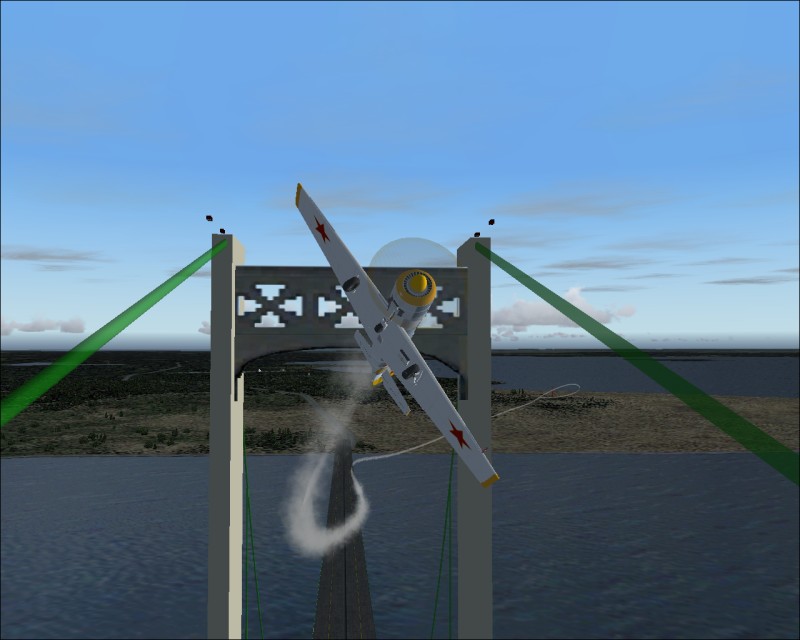
[img]http://www.simviation.com/yabbuploads/radicoo.jpg
[/img]   Is this how??

Re: help

PostPosted: Tue Sep 07, 2004 9:05 am
by Fly2e
Coolaman, did you look at the Post on the top of the page that says

Info About This Forum & How to Post An Image

Try printing it out, that will make it easy!

Dave  8)

Re: help

PostPosted: Tue Sep 07, 2004 9:22 am
by coolamon
yes i have lol im just dumb

Re: help

PostPosted: Tue Sep 07, 2004 9:24 am
by coolamon
what is cursor?

Re: help

PostPosted: Tue Sep 07, 2004 9:24 am
by coolamon
what is cursor?

Re: help

PostPosted: Tue Sep 07, 2004 9:32 am
by jordonj
[quote][img]http://www.simviation.com/yabbuploads/radicoo.jpg
[/img]

Re: help

PostPosted: Tue Sep 07, 2004 9:38 am
by coolamon
:):) thx alot  8) :D :D :D :D :-*

Re: help

PostPosted: Tue Sep 07, 2004 9:58 am
by jordonj
Also, I think you had a space beteen the file and the [/img] tag.